
Scan to PDF・Document Scanner

Digitize documents, extract text with OCR, and add digital signatures in seconds. Secure, offline storage designed for professionals who value privacy and peak productivity.
Publisher
Category
BusinessDownloads
153K+User Rating
Total Ratings
800Locales
13Discover the interface used by 153K+ users.
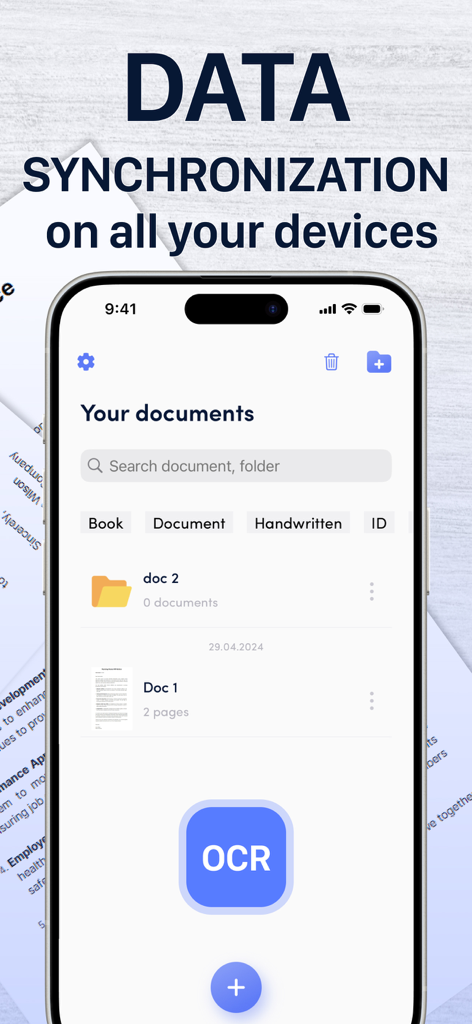
The tools that make this app stand out, trusted by 153K+ users.
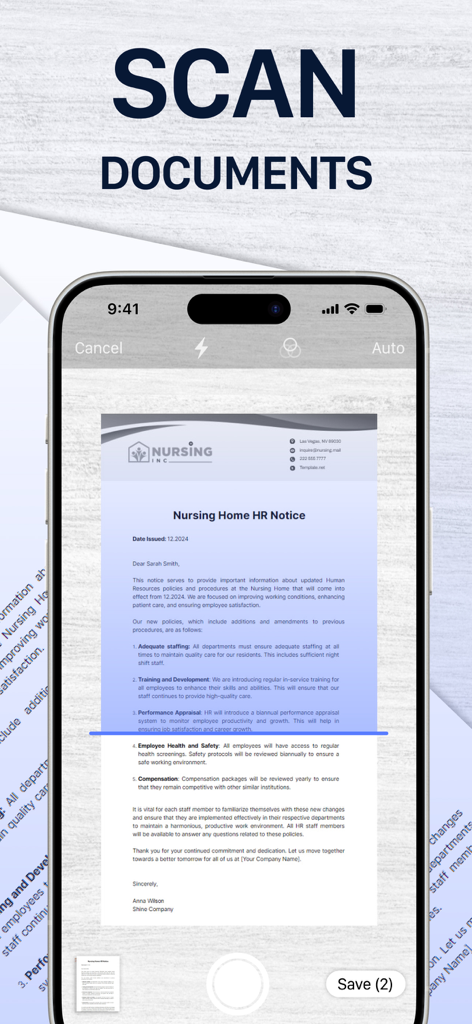
Automatically detect borders and enhance quality with smart filters to ensure your documents look professional every time.
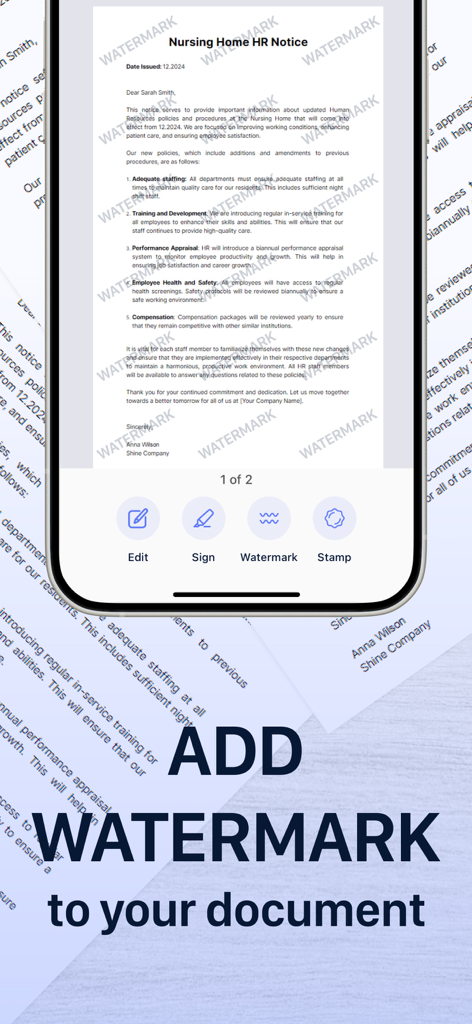
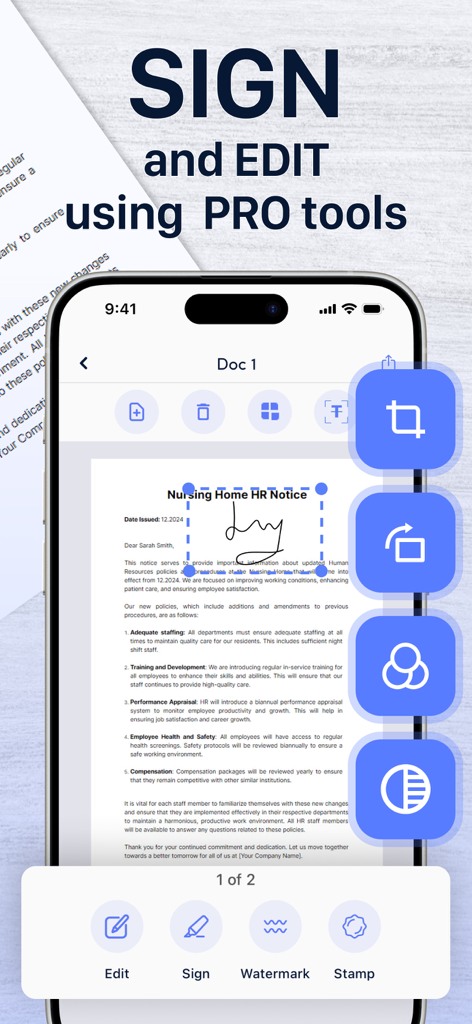
Sign contracts and add custom watermarks in seconds. Close deals faster without ever needing a printer or desktop software.
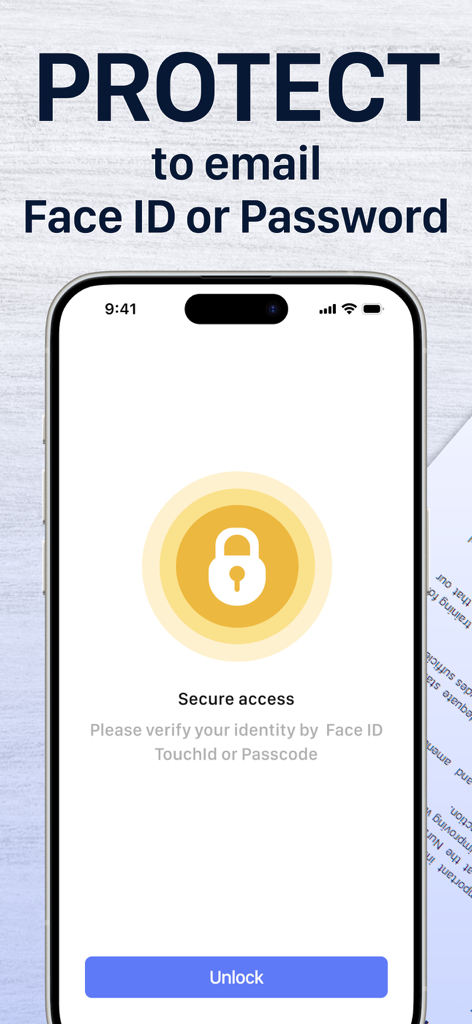
Your sensitive data stays yours. All scans are stored locally on your device, ensuring total privacy and access even without internet.
Everything you need to know about Scan to PDF・Document Scanner.
Description
Latest Version
1.1.21
Size
74.8 MB
First Released
Jan 27, 2023
Join over 153,000 professionals who turn their phone into a secure, all-in-one mobile office. Scan, sign, and share documents with ease—anytime, anywhere.
Everything you need to know about Scan to PDF・Document Scanner
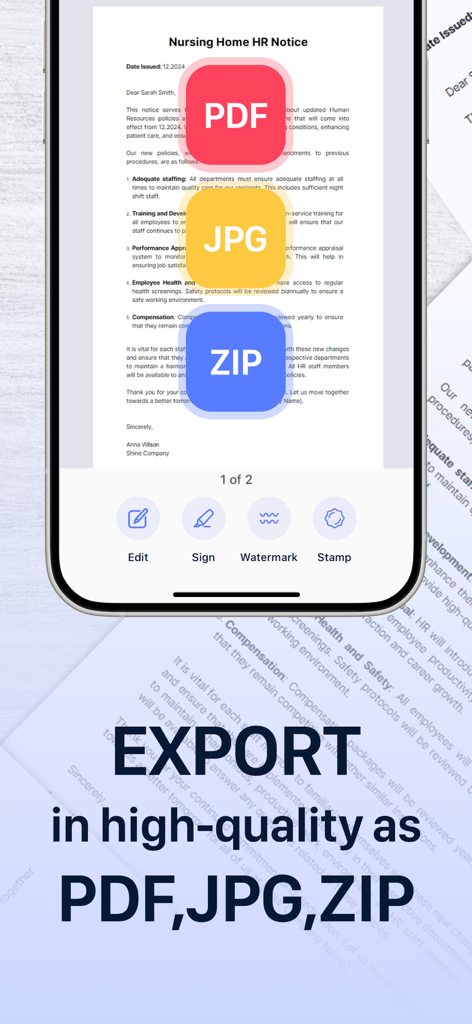
The Scan to PDF・Document Scanner app converts your phone into a PDF scanner and document manager. It supports scanning and editing documents in PDF, JPEG, and ZIP formats.
Yes, the Scan to PDF・Document Scanner app works offline. All scanned files are stored locally on your device, ensuring accessibility without an internet connection.
The Scan to PDF・Document Scanner app targets students, educators, and small business professionals like managers, lawyers, and realtors for their document management needs.
The Scan to PDF・Document Scanner app features automatic document border detection, multi-page scanning, filter application, and image cropping for refining borders.
Yes, the Scan to PDF・Document Scanner app provides robust editing tools. Users can crop, rotate, apply filters, adjust contrast, merge, tag, sign, and apply watermarks.
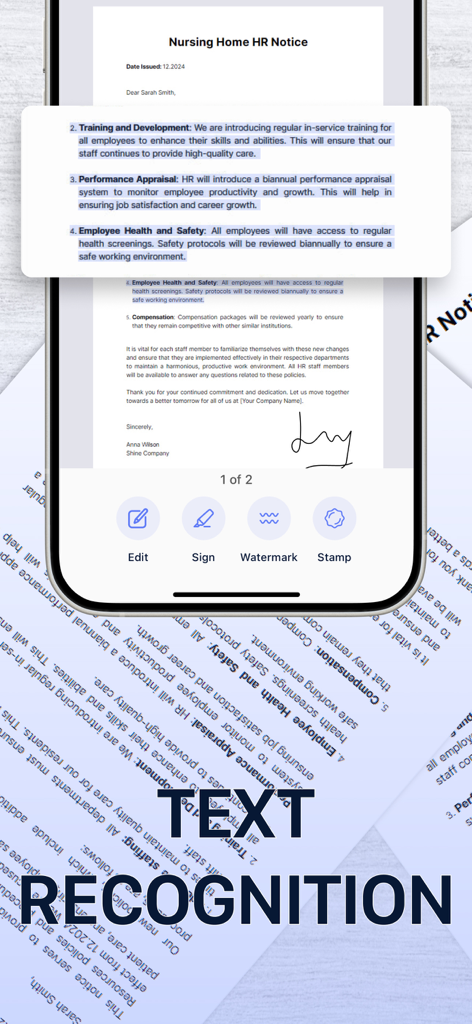
Yes, the Scan to PDF・Document Scanner app includes OCR (Optical Character Recognition) functionality. This feature allows users to recognize and copy text directly from their scanned documents.
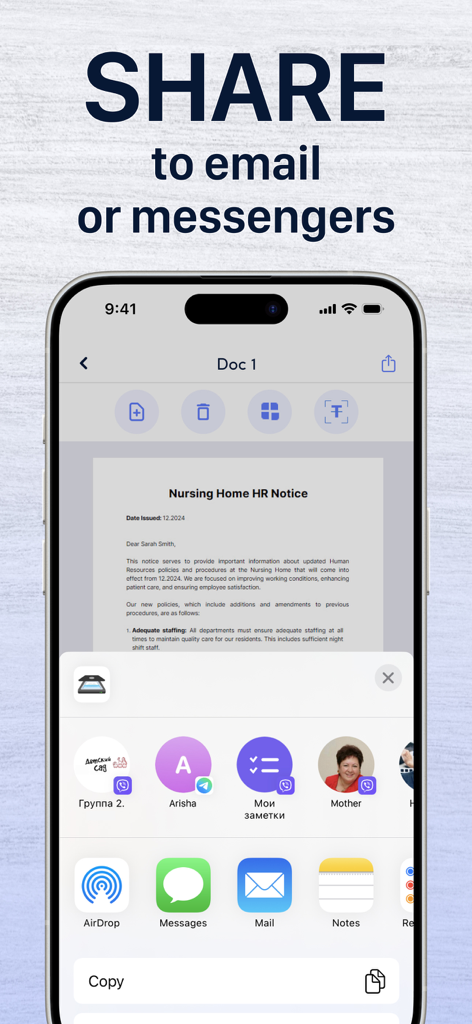
The Scan to PDF・Document Scanner app allows sharing documents by saving them to your gallery or exporting them in PDF, JPG, or ZIP formats. You can also export directly to messengers or email.
The Scan to PDF・Document Scanner app allows you to add custom watermarks to your documents. You can create a watermark and adjust its fill, color, and transparency directly within the editor.
Yes, the Scan to PDF・Document Scanner app provides security features. Users can protect documents with Face ID, TouchID, or a Passcode for secure access.
Yes, Scan to PDF・Document Scanner supports data synchronization across all your devices, ensuring your documents are accessible from anywhere.
Apps with similar features and user experience

Balzo srl

NEXT K.U.M. LTD

INTSIG Information Co., Ltd

Adobe Inc.

KINGSOFT OFFICE SOFTWARE CORPORATION LIMITED

ILOVEPDF S.L.

The Grizzly Labs

Microsoft Corporation

INDY MOBILE APP COMPANY LIMITED
App information, icons, screenshots, and descriptions displayed on this page are sourced from the Apple App Store and are the property of their respective developers. Download estimates and rankings are based on MWM's proprietary models and may not reflect actual figures. This page is provided for informational and analytical purposes only.
Believe this page infringes your intellectual property? File a dispute