SCANNER - PDF Document Scan

SCANNER - PDF Document Scan


Download on App Store
Logo of SCANNER - PDF Document Scan

SCANNER - PDF Document Scan: Your Professional Mobile Office

The all-in-one tool for hybrid professionals to scan, sign, and convert documents with OCR precision. Secure your sensitive data with FaceID and sync across devices instantly.

Publisher

Zafar Ullah

Category

Business

Downloads

2M+

User Rating

4.4/5

Total Ratings

30K+

Locales

11

Your Mobile Office, Visualized

Discover the interface used by 2M+ users.
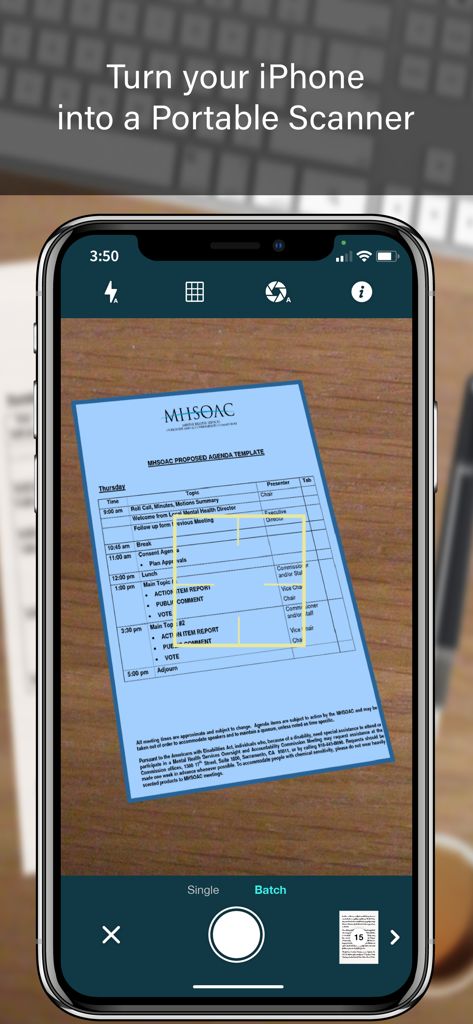
iPhone screen displaying the SCANNER app interface capturing a document with automatic edge detection and batch scan mode

iPhone screen displaying the SCANNER app interface capturing a document with automatic edge detection and batch scan mode

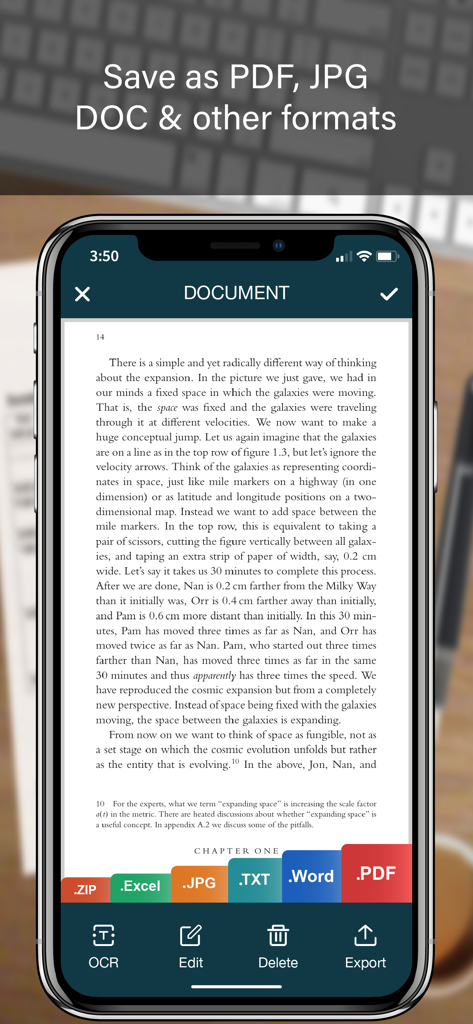
Mobile scanner app interface showing a document with export options for PDF JPG Word and Excel

Mobile scanner app interface showing a document with export options for PDF JPG Word and Excel

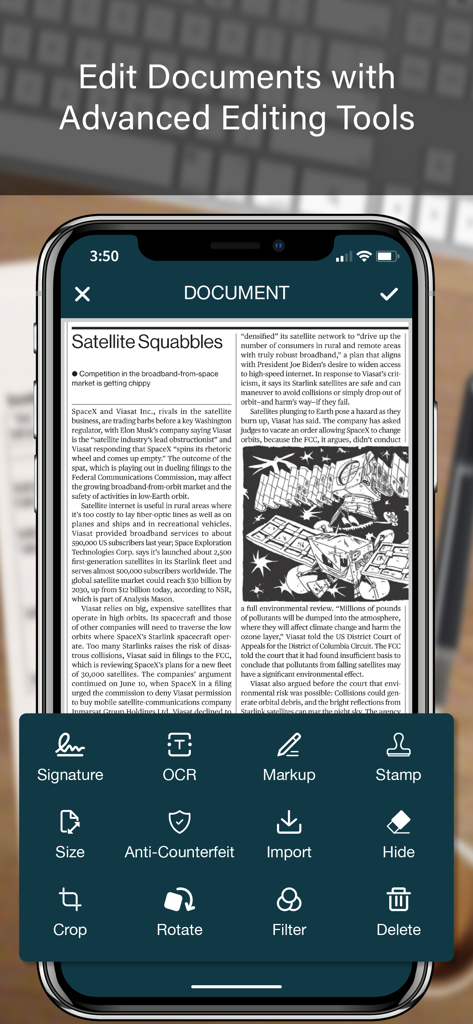
Interface of the SCANNER app showing advanced document editing tools including OCR, digital signature, and markup.

Interface of the SCANNER app showing advanced document editing tools including OCR, digital signature, and markup.

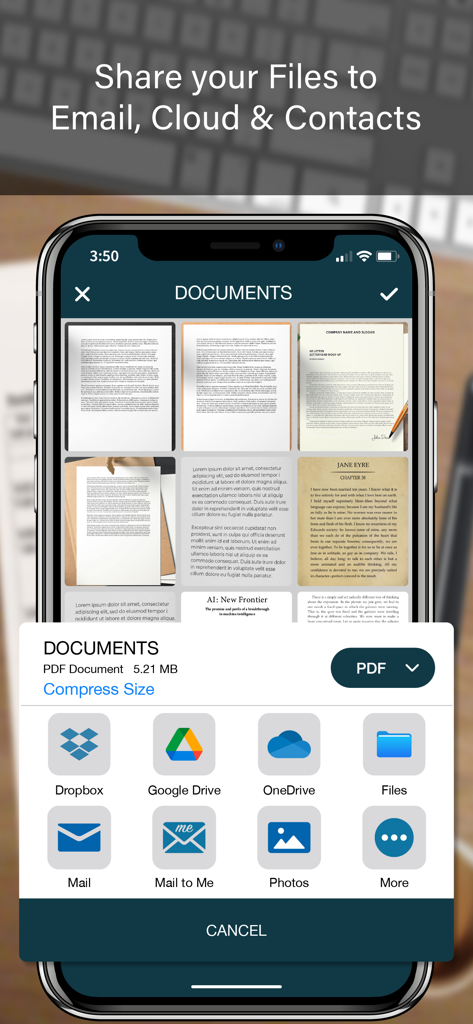
A mobile interface showing document sharing options for a PDF scanner app including cloud storage and email

A mobile interface showing document sharing options for a PDF scanner app including cloud storage and email

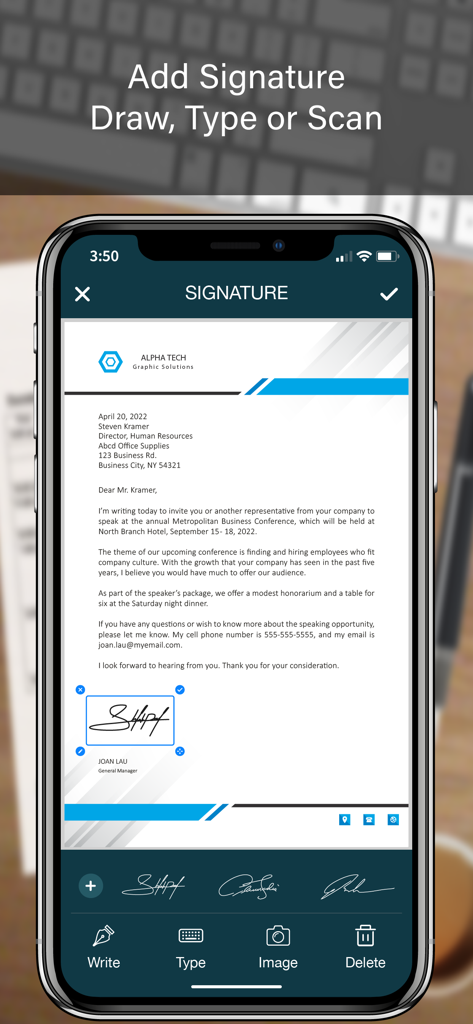
Mobile app interface showing how to add a digital signature to a business document

Mobile app interface showing how to add a digital signature to a business document

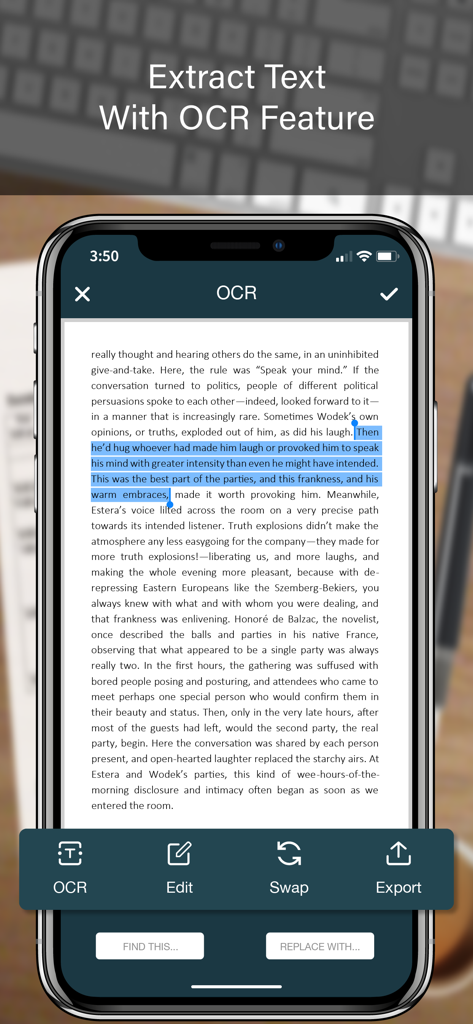
Mobile app screen showing OCR text extraction from a scanned document

Mobile app screen showing OCR text extraction from a scanned document

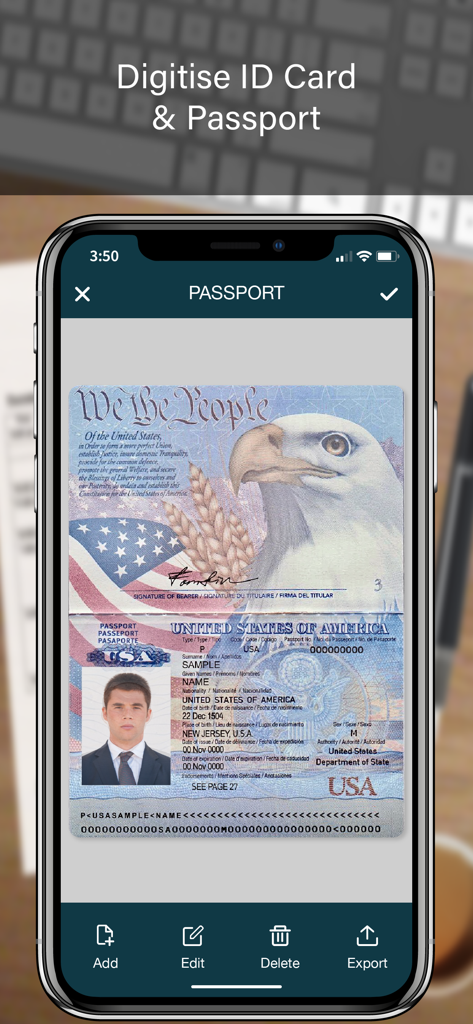
A mobile app screen showing a scanned US passport for digital document storage

A mobile app screen showing a scanned US passport for digital document storage

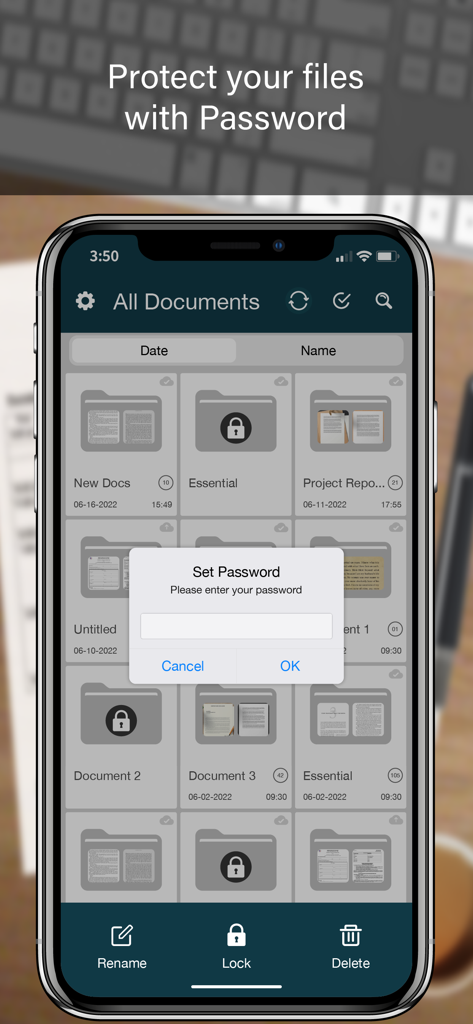
A smartphone screen showing a document scanner app with a password lock prompt over a list of folders

A smartphone screen showing a document scanner app with a password lock prompt over a list of folders

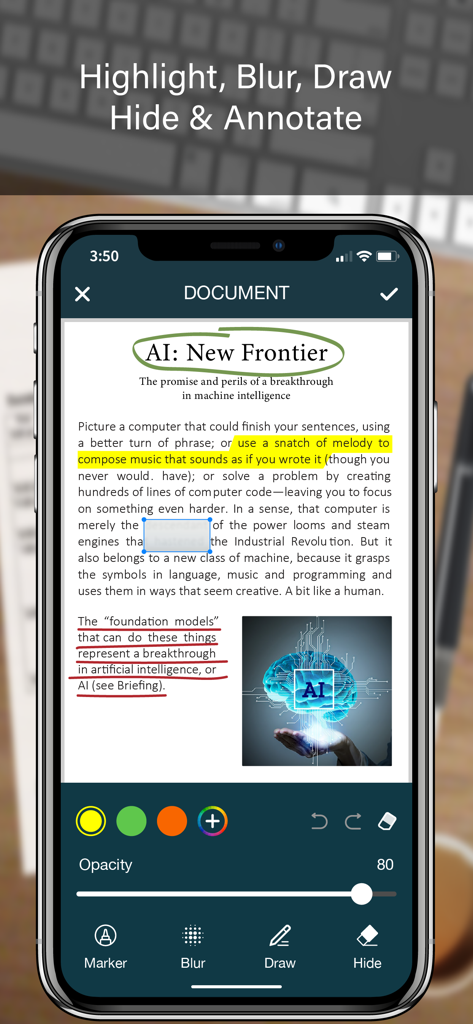
iPhone screen displaying document annotation features like highlighting blurring and drawing on a scanned PDF document

iPhone screen displaying document annotation features like highlighting blurring and drawing on a scanned PDF document

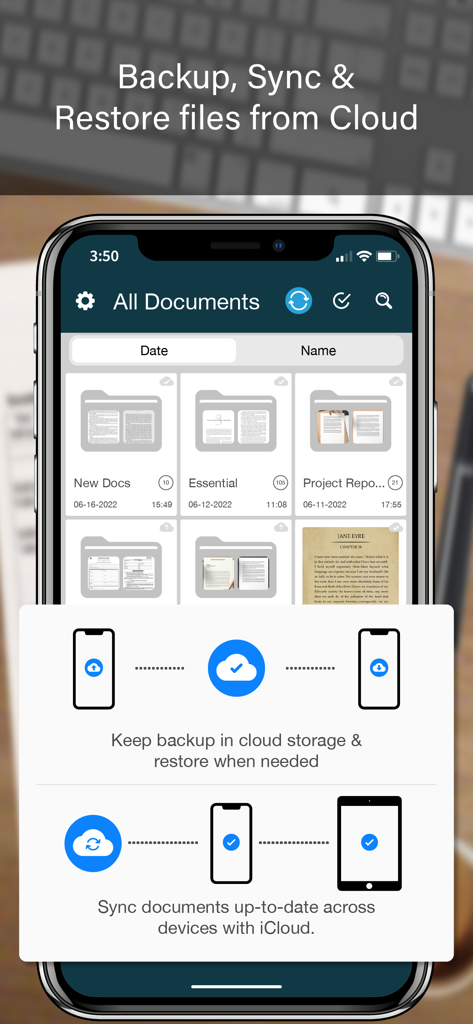
The SCANNER app interface showing document organization and cloud backup features on an iPhone

The SCANNER app interface showing document organization and cloud backup features on an iPhone

Everything Your Mobile Office Needs

The tools that make this app stand out, trusted by 2M+ users.

πŸ–‹οΈ

Sign & Seal Instantly

Finalize contracts on the go with digital signatures and official stamps that maintain professional integrity wherever you are.

πŸ“Š

Smart OCR & Data Extraction

Skip manual typing by converting paper receipts and tables into editable Excel, Word, and Text files with high-accuracy recognition.

πŸ›‘οΈ

Secure Document Vault

Protect sensitive client data with Face ID folder locks and anti-counterfeit watermarks for professional-grade security.

About the app

Everything you need to know about SCANNER - PDF Document Scan.

Description

SCANNER is the easiest & simple app to use, which will turn your iPhone into a portable mobile scanner. Use SCANNER to scan receipts, notes, invoices, whiteboard discussions, business cards, certificates, photo & just anything you want. Easily scan, save and share any document in PDF, DOC, EXCEL, TEXT, ZIP & JPEG format. ** Key Feature ** ============== ADVANCED & HIGHLY OPTIMIZED SCANNER : - Scan to create high quality PDF, DOC, EXCEL, TEXT, ZIP & JPEG file. - Auto edge detection for easy, fast and accurate scanning. - Batch Scan feature to scan multiple documents simultaneously. - Control flash and capture mode very easily. - Turn camera grid on/off based on needs. - Auto enhancement make the graphics & text look more clear & sharper. - Automatic noise removing, color correction & perspective correction. EXTRACT TEXT FROM IMAGE (OCR) : - Extract text from image & Turn your images into text file. - Best OCR performance to get most accurate text output from the image. - Search & replace specific text or phrase in OCR. BACKUP & SYNC: - Create backup of documents and restore it when needed. - Sync data with iCloud to keep it up-to-date. - Sync data across multiple devices. ADD DIGITAL SIGNATURE : - Sign in your documents just right in the app. - Add signature by drawing and typing. - Extract signature from image by scanning. - Adjust the size, color & rotation of your signature easily. CONVERTER : - Convert your files into PDF, DOC, EXCEL, TEXT, ZIP & JPEG format. - Compress and control file size very easily. FOLDER LOCK : - Keep you documents safe with folder lock. - Use Pin Code, Face ID & Touch ID to lock and unlock folder. FILE MANAGER : - Full featured file manager with custom folder creation. - Organize documents by copying and moving from one folder to another. - Edit, Sort, Rename & Delete your folder. DOCUMENT EDITOR : - Smart polygonal cropping with auto edge detection feature. - Professional filters to turn image into document. - Draw, mark and annotate document with markup. - Change document dimension into different paper sizes (Such as: A3, A4, A5, Letter, Legal). - Import image from camera and gallery to add on documents. - Hide unwanted/confidential parts of the document with color and blur effects. - Use stamp & seal to make official document. - Add anti-counterfeit watermark. - File rotation feature. SHARING : - 3rd Party Cloud Storage Service : Dropbox, OneDrive, Google Drive & Email. - Airdrop sharing to share your files to any cloud or social media you want. - Easily Print out your files with any WiFi printer. - Save scans to camera roll. Premium Subscription: - With premium subscription, you have access to all features. - Premium subscription is billed monthly or annually at the rate corresponding to the selected plan. - Payment will be charged to iTunes Account at confirmation of purchase. - Subscription automatically renews unless auto-renew is turned off at least 24-hours before the end of the current period. - Account will be charged for renewal within 24-hours prior to the end of the current period, and identify the cost of the renewal. - Subscriptions may be managed by the user and auto-renewal may be turned off by going to the user's Account Settings after purchase. - Any unused portion of a free trial period, if offered, will be forfeited when the user purchases a subscription to that publication, where applicable. Privacy Policy https://zalgotech.com/privacy-policy/ Terms of Use https://zalgotech.com/terms-of-use/ Feel free to contact us: info@zalgotech.com, your feedback and suggestions are important to us!

Latest Version

2.9

Size

67.5 MB

First Released

Jan 9, 2017

Transform Your iPhone into a Professional Mobile Office

Join 2M+ professionals who scan, sign, and secure documents on the go. Experience the efficiency of a desktop scanner in the palm of your hand.

Download on App Store

App information, icons, screenshots, and descriptions displayed on this page are sourced from the Apple App Store and are the property of their respective developers. Download estimates and rankings are based on MWM's proprietary models and may not reflect actual figures. This page is provided for informational and analytical purposes only.

Believe this page infringes your intellectual property? File a dispute