
This page is not an official page of the app or its developer, but an independent editorial publication created for informational and commentary purposes. Unless expressly stated otherwise, neither the app nor its developer is affiliated with, endorsed by, sponsored by, authorized by, or otherwise officially connected with MWM, Apple, Google Play, the app publisher, or the app's developer, and nothing on this page implies that the app was developed using MWM's services. Any trademarks, logos, screenshots, and other content remain the property of their respective owners.


Schichter - Shift calendar
The all-in-one shift planner for healthcare, logistics, and essential workers. Sync your hours, track vacations, and see your schedule at a glance on your iPhone and Apple Watch.
Downloads
28K+User Rating
Total Ratings
1K+Publisher
Category
ProductivityLocales
4Latest Version
2.0.9Size
12.8 MBFirst Released
Mar 19, 2019Master Your Work-Life Balance
Designed for the modern shift worker, Schichter transforms complex schedules into a clear, manageable plan that follows you everywhere.
Your Schedule at a Glance
Check your next shift in seconds with high-performance iOS widgets and dedicated Apple Watch support—perfect for busy professionals on the move.
Seamless Calendar Integration
Keep your personal and professional life in sync by automatically pushing your work rotations to your iOS calendar and sharing schedules with family.
The following screenshots and description are sourced directly from the app's official store listing and are the property of the app developer.
App Store
Screenshots
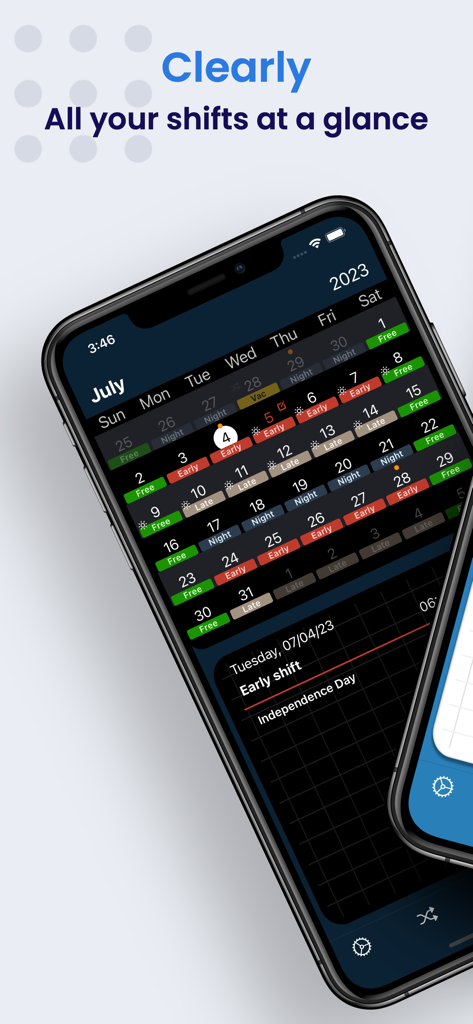
Monthly shift calendar overview in Schichter app on iPhone featuring color-coded work shifts and dark mode interface.
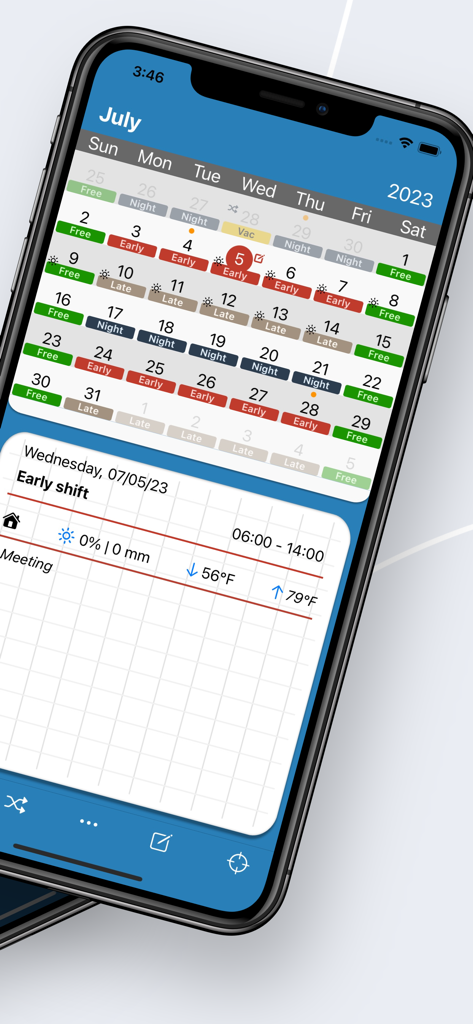
Monthly shift calendar with color coded work shifts and weather forecast on iPhone
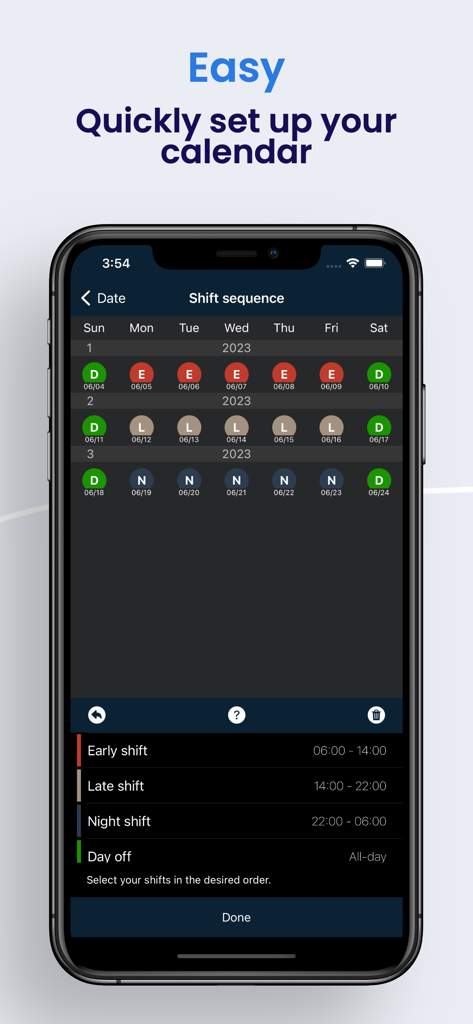
Interface for configuring work shift sequences using color coded schedule icons
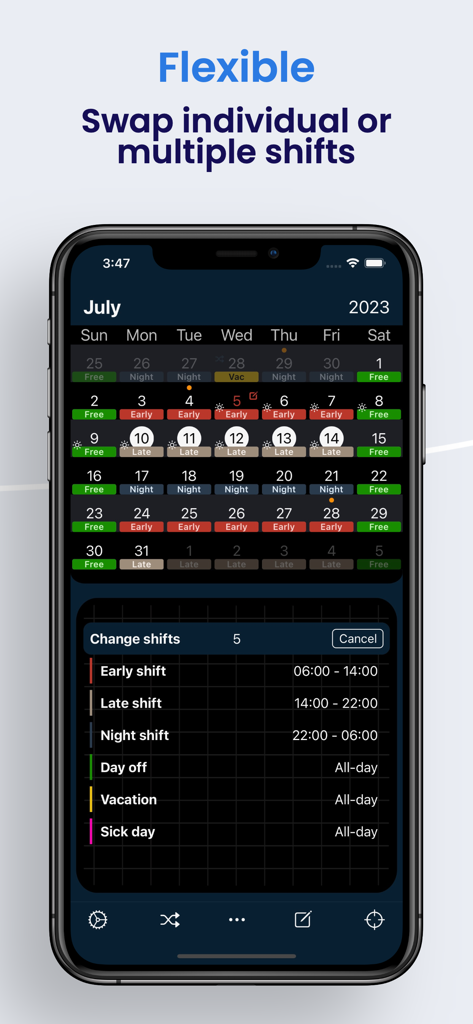
A mobile app screen showing a color-coded monthly shift calendar with a menu to swap and change work shifts.
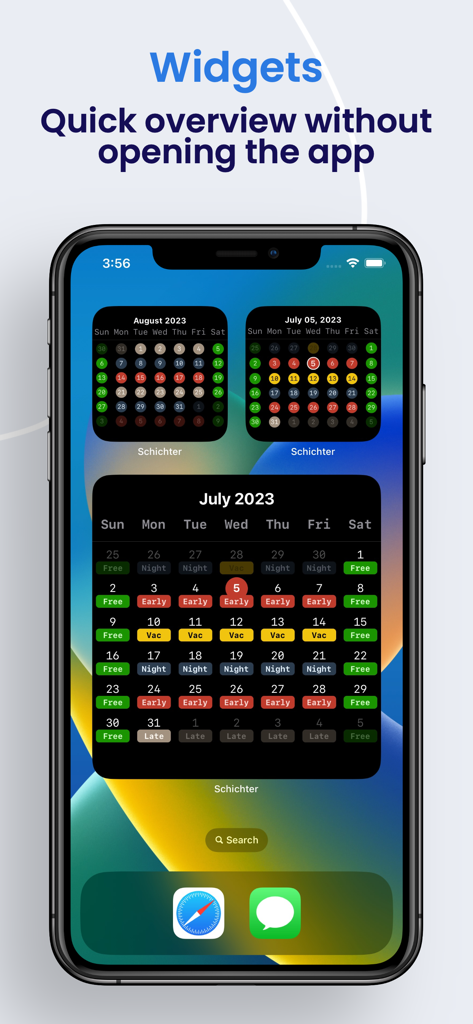
Schichter shift calendar widgets on an iPhone home screen
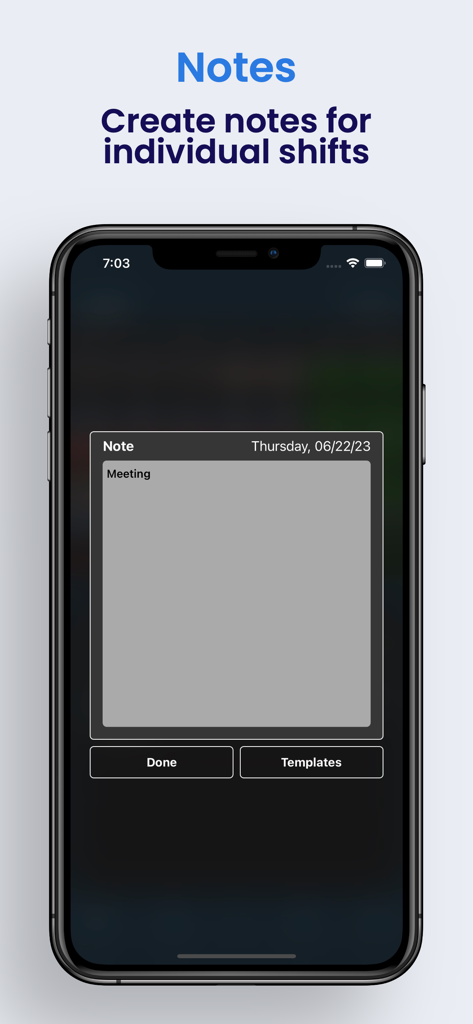
A screenshot showing the feature to create individual notes for shifts in the Schichter app
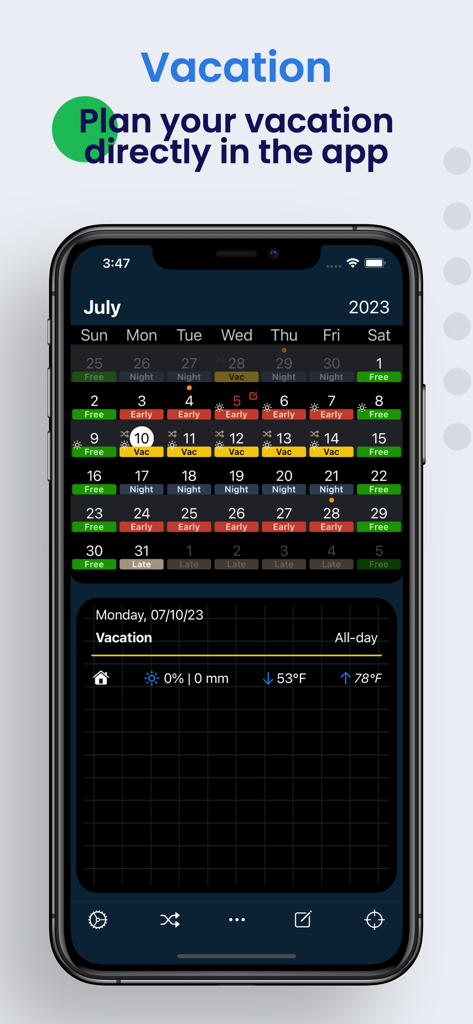
Schichter mobile app screen showing a color coded shift calendar for July with highlighted vacation days and weather information.
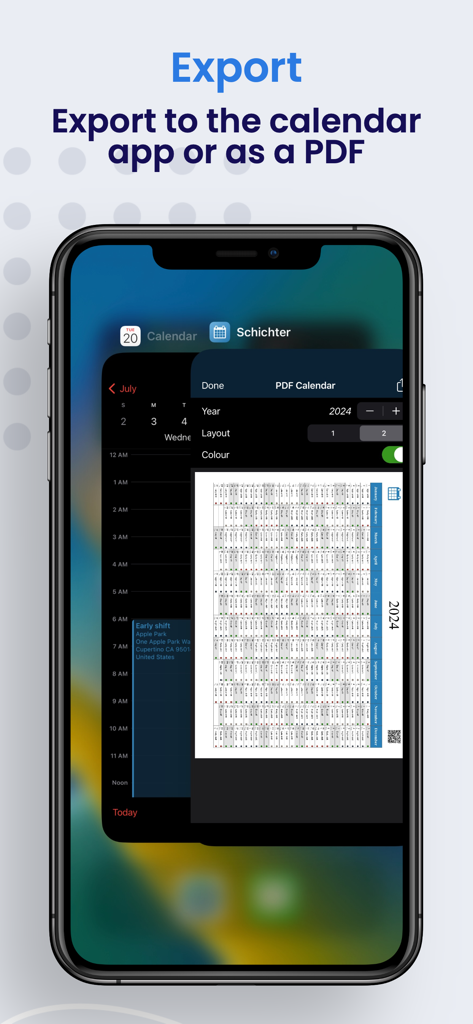
iPhone screen showing shift schedule export options to PDF and the iOS calendar app
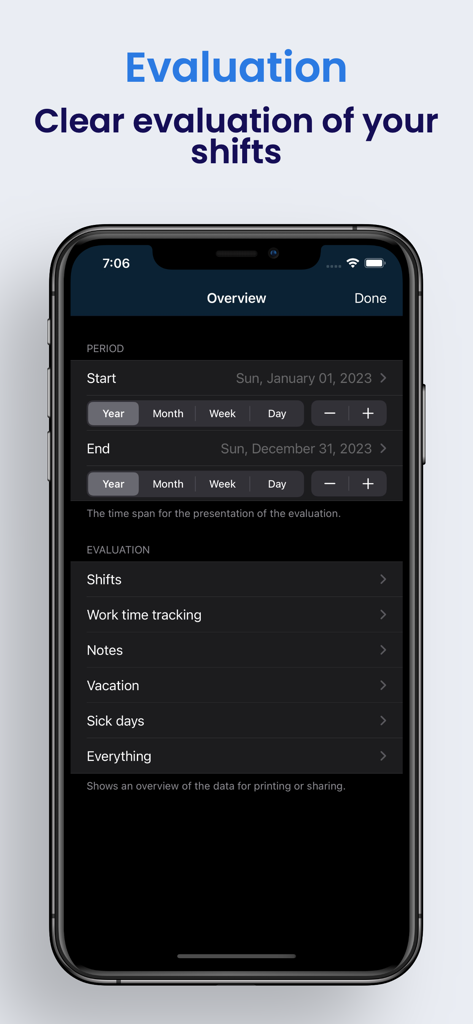
Evaluation overview screen for tracking work shifts and vacation days.
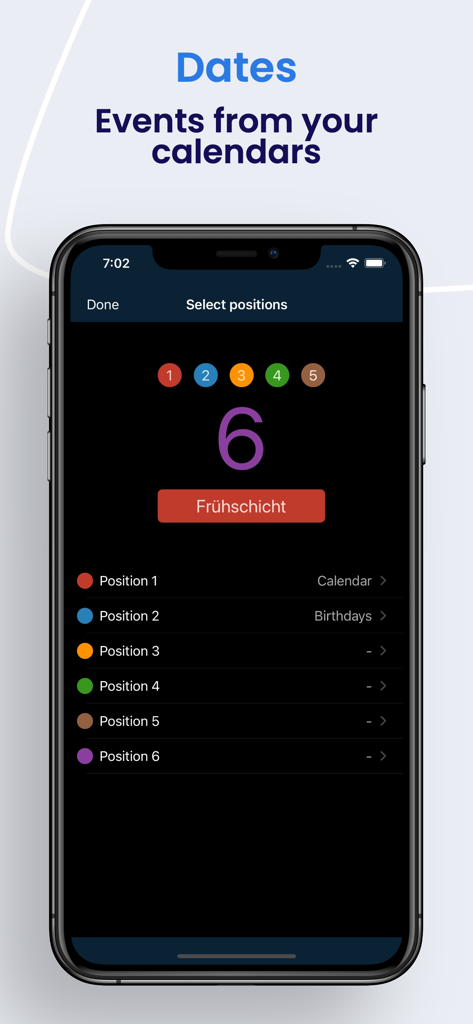
Schichter app screen for syncing calendar events and assigning color coded positions.
Description
Download
More Like This
Top-ranked apps in the same category

ChatGPT
OpenAI OpCo, LLC

Google Gemini
Google LLC

Grok
X.AI Corporation

Gmail - Email by Google
Google LLC

千问 - 阿里最强大模型官方AI助手
Shanghai Zhixin Puhui Technology Co., Ltd.

Google Drive
Google LLC

Microsoft Authenticator
Microsoft Corporation

Google Sheets
Google LLC

Google Docs
Google LLC
This page is not an official page of the app or its developer, but an independent editorial publication created for informational and commentary purposes. Unless expressly stated otherwise, neither the app nor its developer is affiliated with, endorsed by, sponsored by, authorized by, or otherwise officially connected with MWM, Apple, Google Play, the app publisher, or the app's developer, and nothing on this page implies that the app was developed using MWM's services. Any trademarks, logos, screenshots, and other content remain the property of their respective owners.