
This page is not an official page of the app or its developer, but an independent editorial publication created for informational and commentary purposes. Unless expressly stated otherwise, neither the app nor its developer is affiliated with, endorsed by, sponsored by, authorized by, or otherwise officially connected with MWM, Apple, Google Play, the app publisher, or the app's developer, and nothing on this page implies that the app was developed using MWM's services. Any trademarks, logos, screenshots, and other content remain the property of their respective owners.


Screen Recorder + Capturer
Capture epic gaming highlights, professional tutorials, and important meetings in stunning HD quality. No sign-up required and 100% private with local storage—just one tap to start recording instantly.
Downloads
14K+User Rating
Total Ratings
500Publisher
Category
UtilitiesLocales
3Latest Version
4.0Size
16.0 MBFirst Released
May 23, 2025Capture, Create, and Share in Seconds
The ultimate tool for gamers and professionals to record high-quality screen content with total privacy and zero setup.
Record Without the Friction
Skip the sign-up. Start capturing epic gaming highlights or tutorials instantly with a single tap.
Your Content, Your Control
Everything is stored locally on your iPhone. Record private meetings or sensitive bugs with total peace of mind.
The following screenshots and description are sourced directly from the app's official store listing and are the property of the app developer.
App Store
Screenshots
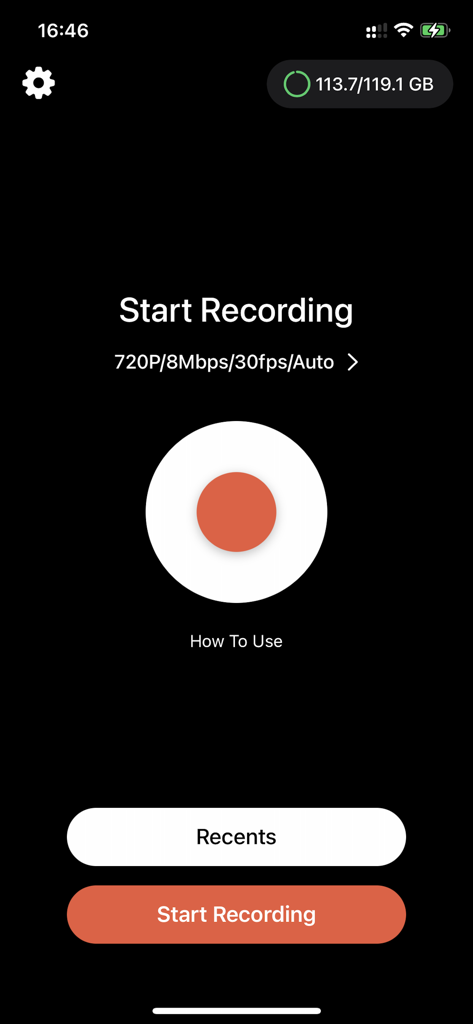
Main interface of the Screen Recorder app with a large red recording button and 720p settings
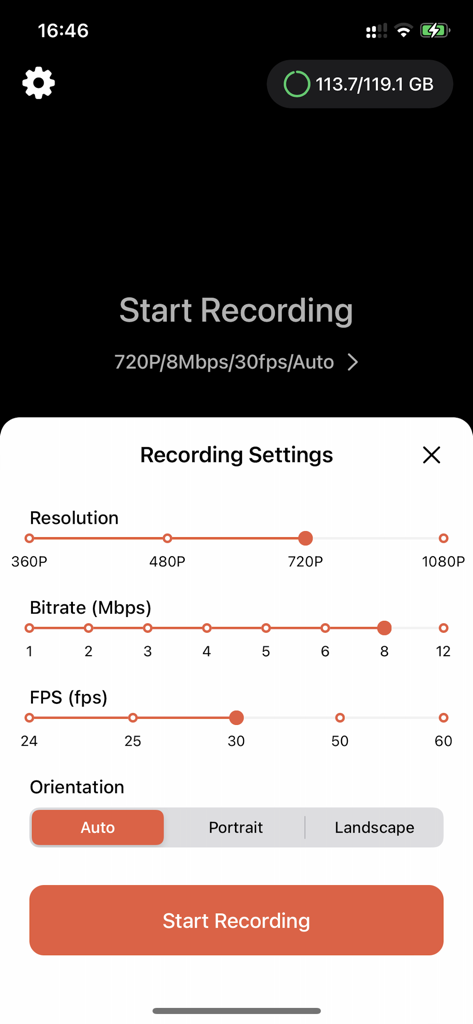
Interface of the Screen Recorder app showing adjustable settings for video resolution, bitrate, FPS, and orientation.
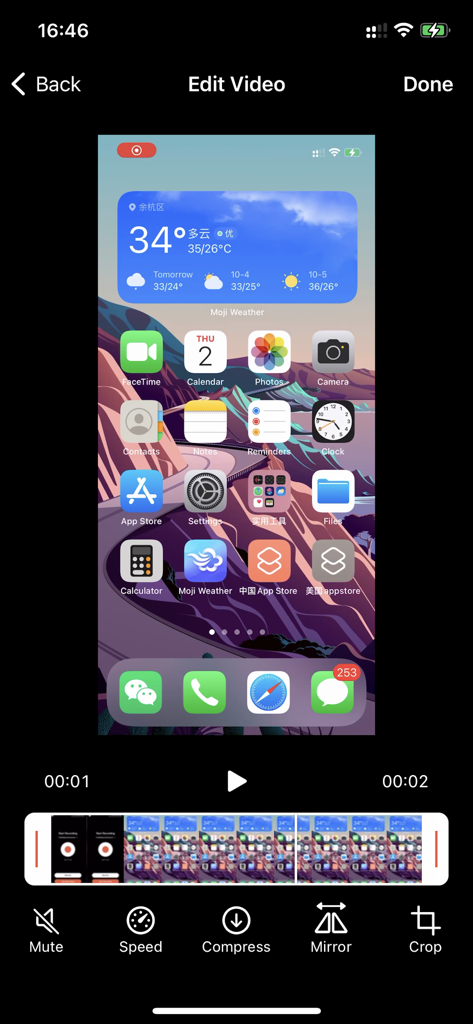
Editing interface of Screen Recorder app featuring tools for speed compression and cropping
Description
Download
More Like This
Apps with similar features and user experience



This page is not an official page of the app or its developer, but an independent editorial publication created for informational and commentary purposes. Unless expressly stated otherwise, neither the app nor its developer is affiliated with, endorsed by, sponsored by, authorized by, or otherwise officially connected with MWM, Apple, Google Play, the app publisher, or the app's developer, and nothing on this page implies that the app was developed using MWM's services. Any trademarks, logos, screenshots, and other content remain the property of their respective owners.