
This page is not an official page of the app or its developer, but an independent editorial publication created for informational and commentary purposes. Unless expressly stated otherwise, neither the app nor its developer is affiliated with, endorsed by, sponsored by, authorized by, or otherwise officially connected with MWM, Apple, Google Play, the app publisher, or the app's developer, and nothing on this page implies that the app was developed using MWM's services. Any trademarks, logos, screenshots, and other content remain the property of their respective owners.


Screen Recorder Video Record
Effortlessly immortalize every pixel and soundwave with our intuitive interface. From viral social clips to professional-grade tutorials, capture your digital world in stunning high-definition with just one tap.
Downloads
49K+User Rating
Total Ratings
300Publisher
Category
Photo & VideoLocales
1Latest Version
1.2.0Size
66.1 MBFirst Released
May 2, 2025Empower Your Digital Storytelling
From viral gaming clips to professional walkthroughs, experience the most intuitive screen recording tool built for the modern creator.
Pro-Grade Video Quality
Capture every detail with ultra-HD resolution that makes your content stand out on TikTok, Reels, and YouTube.
Dual Audio Mastery
Mix internal game audio with your live commentary seamlessly for professional-sounding reactions and tutorials.
Frequently Asked Questions
Everything you need to know about Screen Recorder Video Record
What is Screen Recorder Video Record?
Screen Recorder Video Record is an all-in-one tool for seamless screen capture and audio recording. It allows users to preserve and share digital experiences by immortalizing every pixel and soundwave on their screen.
Can Screen Recorder Video Record capture audio?
Yes, Screen Recorder Video Record captures audio. The app supports both screen and voice recording, enabling users to add audio commentary to their screen recordings.
Does Screen Recorder Video Record include a face camera option?
Yes, Screen Recorder Video Record includes a face camera option. Users can react with a face cam, allowing them to record their reactions simultaneously with the screen content.
How intuitive is the Screen Recorder Video Record interface?
Screen Recorder Video Record features an intuitive interface with straightforward controls. It ensures a smooth, professional-grade recording experience without convoluted menus or confusing settings.
Does Screen Recorder Video Record offer custom settings?
Yes, Screen Recorder Video Record offers customizable settings. These allow users to tailor their recording experience to perfection, meeting their specific needs and preferences.
How does Screen Recorder Video Record manage recorded videos?
Screen Recorder Video Record manages recorded videos by listing them in a dedicated "Video recordings" section. Users can access and organize their captured content directly within the application.
Where can I access the privacy policy for Screen Recorder Video Record?
The privacy policy for Screen Recorder Video Record is accessible via a Google Docs link provided in the app's store description. This ensures transparency regarding user data.
The following screenshots and description are sourced directly from the app's official store listing and are the property of the app developer.
App Store
Screenshots
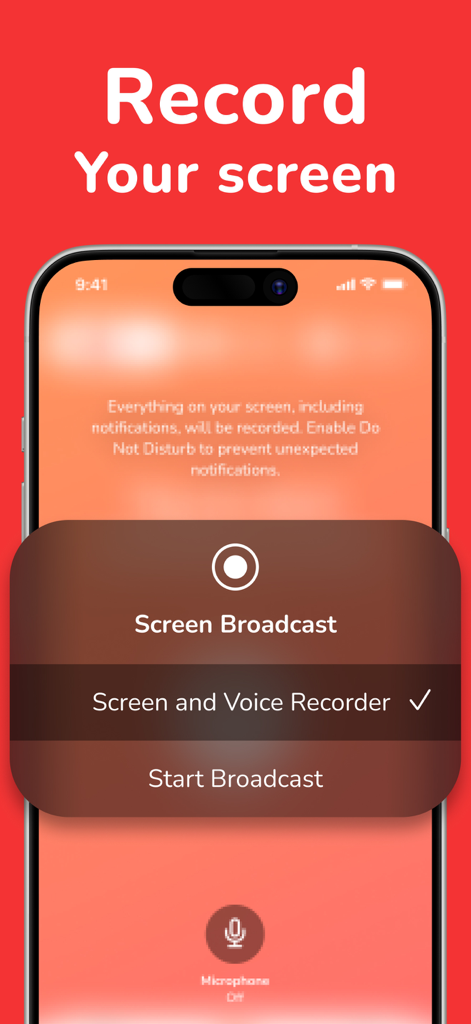
iPhone screen displaying screen and voice recorder broadcast options
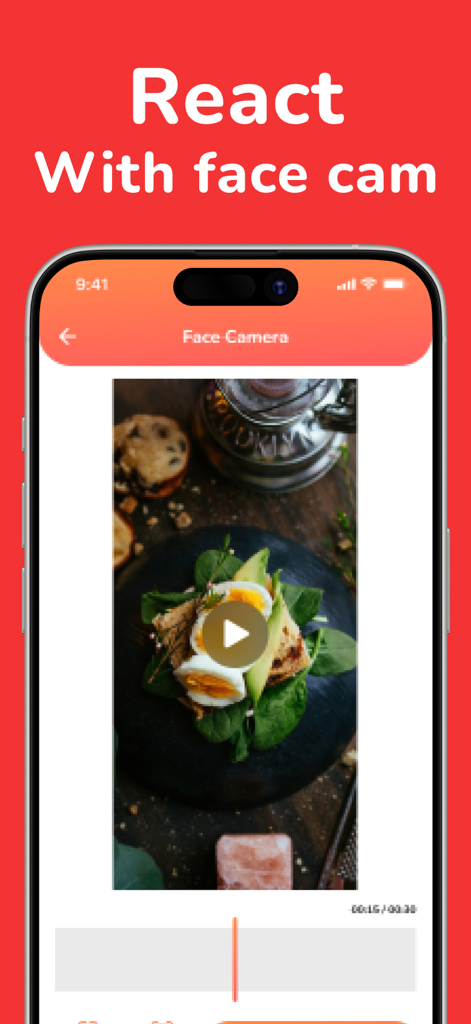
iPhone screen showing the react with face cam feature in the screen recorder app
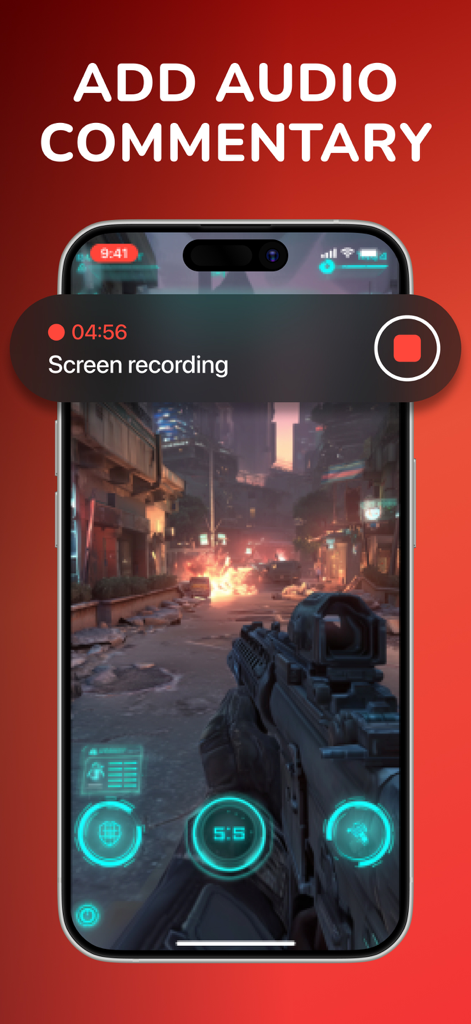
Screen recording of a mobile shooter game with an option to add audio commentary
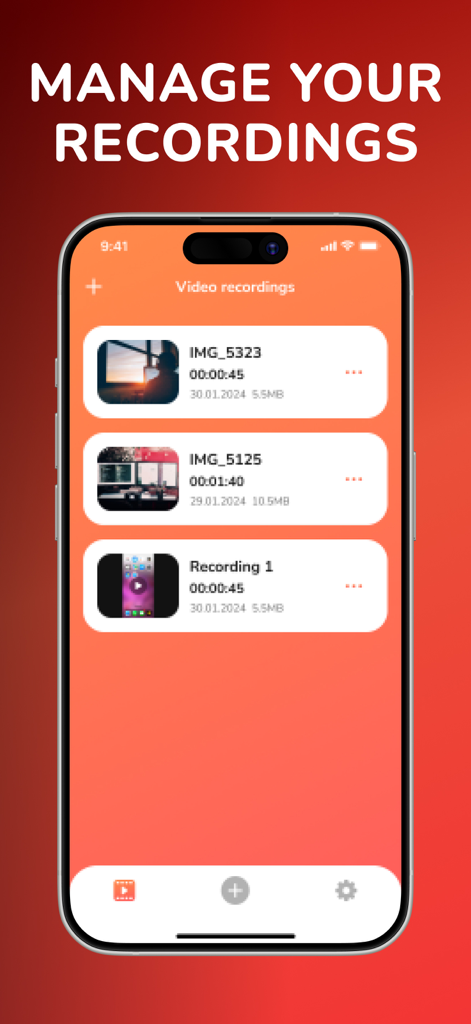
Interface of Screen Recorder app showing a list of saved video recordings with timestamps and file sizes
Description
Download
More Like This
Apps with similar features and user experience




This page is not an official page of the app or its developer, but an independent editorial publication created for informational and commentary purposes. Unless expressly stated otherwise, neither the app nor its developer is affiliated with, endorsed by, sponsored by, authorized by, or otherwise officially connected with MWM, Apple, Google Play, the app publisher, or the app's developer, and nothing on this page implies that the app was developed using MWM's services. Any trademarks, logos, screenshots, and other content remain the property of their respective owners.