
This page is not an official page of the app or its developer, but an independent editorial publication created for informational and commentary purposes. Unless expressly stated otherwise, neither the app nor its developer is affiliated with, endorsed by, sponsored by, authorized by, or otherwise officially connected with MWM, Apple, Google Play, the app publisher, or the app's developer, and nothing on this page implies that the app was developed using MWM's services. Any trademarks, logos, screenshots, and other content remain the property of their respective owners.


Screen Recorder-recording app.
The all-in-one recording and editing suite for mobile creators. Sync internal audio with your mic, customize frame rates, and produce lag-free content for TikTok and YouTube in seconds.
Downloads
1M+User Rating
Total Ratings
44K+Publisher
Category
Photo & VideoLocales
2Latest Version
3.3Size
53.2 MBFirst Released
Aug 4, 2020Level Up Your Content Creation
A powerful suite of professional recording and editing tools designed for gamers, streamers, and mobile creators who demand high-performance output.
Lag-Free 1080p HD Recording
Capture your most intense gameplay in stunning high definition with zero 'jamming' or performance drops, ensuring your viewers see every frame perfectly.
Synchronized Dual-Audio
Master your commentary by recording internal application sound and your microphone simultaneously with crystal-clear clarity for pro-level tutorials and walkthroughs.
Frequently Asked Questions
Everything you need to know about Screen Recorder-recording app.
What is the primary function of the Screen Recorder-recording app?
The Screen Recorder-recording app records your mobile screen, microphone, and application sound simultaneously. It is designed for clear screen capture during games, live broadcasts, or online classes.
Does Screen Recorder-recording app support HD video recording?
Yes, the Screen Recorder-recording app supports HD video recording. It can output videos in 1080p resolution, ensuring high-quality screen captures for various uses like gaming and live broadcasts.
Can Screen Recorder-recording app record both microphone and app audio?
Yes, Screen Recorder-recording app records both microphone and mobile application sound synchronously. It ensures super clear sound quality without jamming for your screen recordings.
Can users adjust recording settings in Screen Recorder-recording app?
Yes, users can adjust recording settings in Screen Recorder-recording app. You can freely choose the appropriate resolution, frame rate, and bitrate to customize your video recording parameters.
Does Screen Recorder-recording app include video editing features?
Yes, the Screen Recorder-recording app includes video editing features. Users can compress, change video speed, mute audio, and perform other convenient operations directly within the app before sharing.
What subscription options are available for Screen Recorder-recording app?
Screen Recorder-recording app offers multiple subscription options. These include a 1-month subscription, a 1-year subscription, and a permanent subscription option.
How can I cancel a free trial for Screen Recorder-recording app?
You can cancel your free trial for Screen Recorder-recording app in your iTunes settings. This cancellation must occur at least 24 hours before the free trial period ends to avoid automatic renewal to a paid subscription.
Where can I find the EULA and Privacy Policy for Screen Recorder-recording app?
The EULA for Screen Recorder-recording app is available at https://shimo.im/docx/3PkG98vJVKYpCTgH. The Privacy Policy is located at https://shimo.im/docx/938hQhkjWJw36GKT.
The following screenshots and description are sourced directly from the app's official store listing and are the property of the app developer.
App Store
Screenshots
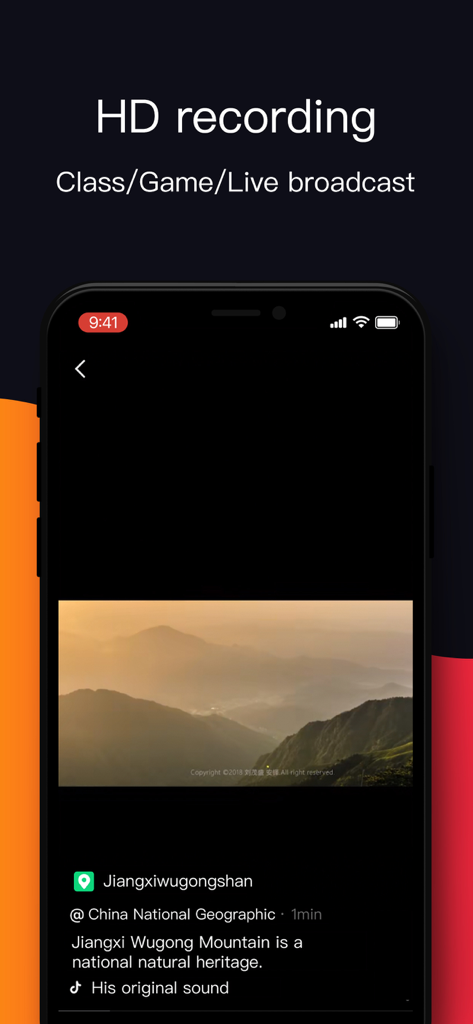
Smartphone screen displaying HD recording features for games and live broadcasts.
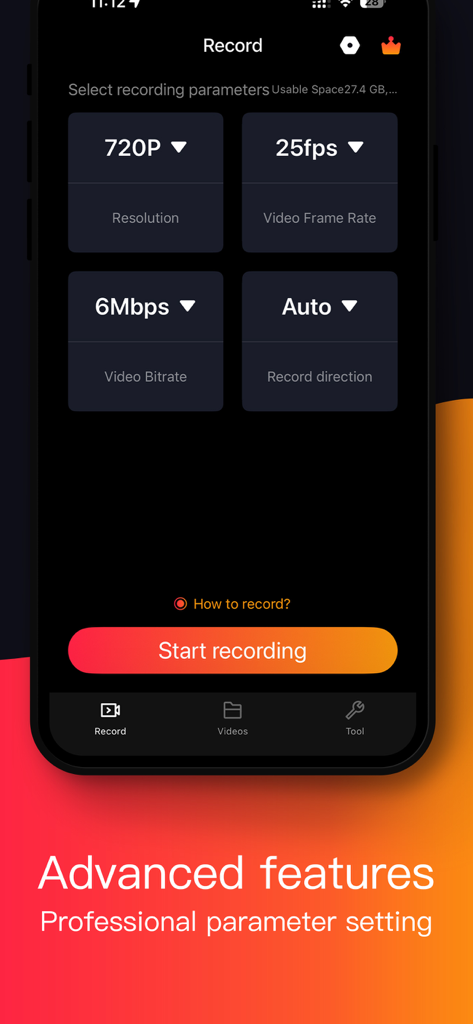
Interface of Screen Recorder app showing advanced settings for resolution frame rate and bitrate
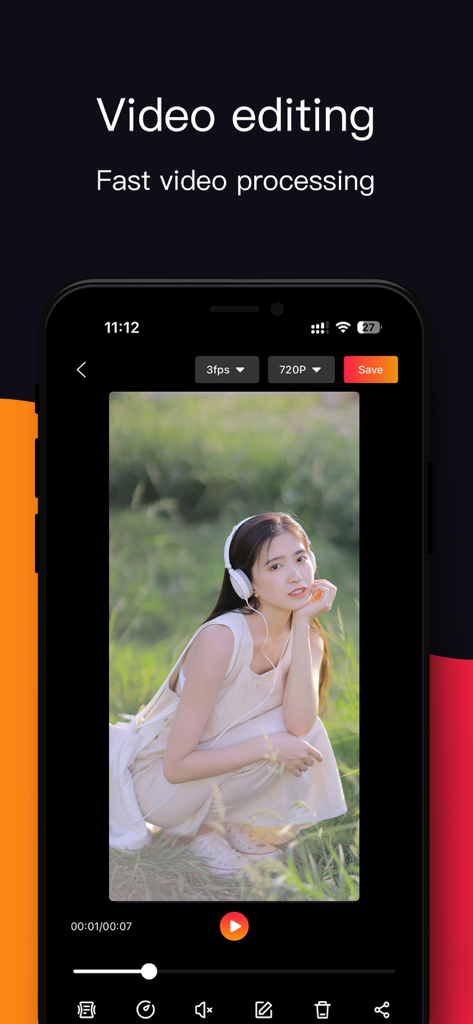
Mobile app interface for editing screen recordings with fast video processing tools
Description
Download
More Like This
Apps with similar features and user experience



This page is not an official page of the app or its developer, but an independent editorial publication created for informational and commentary purposes. Unless expressly stated otherwise, neither the app nor its developer is affiliated with, endorsed by, sponsored by, authorized by, or otherwise officially connected with MWM, Apple, Google Play, the app publisher, or the app's developer, and nothing on this page implies that the app was developed using MWM's services. Any trademarks, logos, screenshots, and other content remain the property of their respective owners.