
This page is not an official page of the app or its developer, but an independent editorial publication created for informational and commentary purposes. Unless expressly stated otherwise, neither the app nor its developer is affiliated with, endorsed by, sponsored by, authorized by, or otherwise officially connected with MWM, Apple, Google Play, the app publisher, or the app's developer, and nothing on this page implies that the app was developed using MWM's services. Any trademarks, logos, screenshots, and other content remain the property of their respective owners.


Screen Recorder with Audio
Stop explaining. Show it. This app turns your screen into a powerful storytelling tool.
Downloads
250k+User Rating
Total Ratings
11.7KPublisher
Category
UtilitiesLocales
1Latest Version
1.2.1Size
224.1 MBFirst Released
Feb 14, 2022An evaluation of core functionalities designed for mobile-first content creators.
Key Feature Analysis: 'Screen Recorder with Audio'
One-Tap Screen Recording
The app provides seamless one-tap recording for games, video tutorials, and app demonstrations, ensuring users can capture any on-screen activity effortlessly.
Audio Commentary Recording
This tool features the ability to record audio-only commentary alongside videos, perfect for providing verbal explanations, tips, or personal insights.
Integrated Facecam Reactions
It allows users to add personal reactions to their recordings via an integrated Facecam, with adjustable position and size, enhancing engagement for tutorials and gameplay.
In-App Video Trimming
The app provides built-in video trimming functionality, allowing users to easily cut and retain only the most important segments from longer recordings directly within the app.
Frequently Asked Questions
Everything you need to know about Screen Recorder with Audio
What is Screen Recorder with Audio?
Screen Recorder with Audio is an application that allows users to record their favorite apps, games, video tutorials, and training videos on their device. It captures everything on screen with one tap.
Can Screen Recorder with Audio record games?
Yes, Screen Recorder with Audio can record games. Users can capture gameplay for tutorials, demonstrations, or sharing.
Does Screen Recorder with Audio include a FaceCam feature?
Yes, Screen Recorder with Audio includes a FaceCam feature. It allows users to add their reactions to recordings, with adjustable position and size.
Can I add audio commentary to my screen recordings with Screen Recorder with Audio?
Yes, Screen Recorder with Audio enables users to record audio-only commentary for their videos. This feature allows for detailed explanations or reactions.
Can I edit my videos within Screen Recorder with Audio?
Yes, Screen Recorder with Audio allows users to trim their videos. This feature helps to keep only the important parts from longer recordings.
What are the subscription costs for Screen Recorder with Audio?
Screen Recorder with Audio offers a Basic plan at $6.99/Month and a Premium plan at $9.99/Month, which includes a 3-day free trial.
How do I manage or cancel my subscription for Screen Recorder with Audio?
Users can manage or unsubscribe from their Screen Recorder with Audio subscription in their iTunes & App Store account management within the phone system settings.
Does Screen Recorder with Audio offer a free trial?
Yes, Screen Recorder with Audio offers a 3-day free trial for its Premium subscription plan. This trial automatically renews to the premium version.
What happens if I subscribe to Premium before my free trial ends with Screen Recorder with Audio?
If a user pays to subscribe to the premium version of Screen Recorder with Audio before the trial period ends, the current free trial automatically terminates.
Can I import videos from my camera roll into Screen Recorder with Audio?
Yes, Screen Recorder with Audio supports importing videos directly from the device's Camera Roll (Photos). This allows for further editing or integration.
The following screenshots and description are sourced directly from the app's official store listing and are the property of the app developer.
App Store
Screenshots
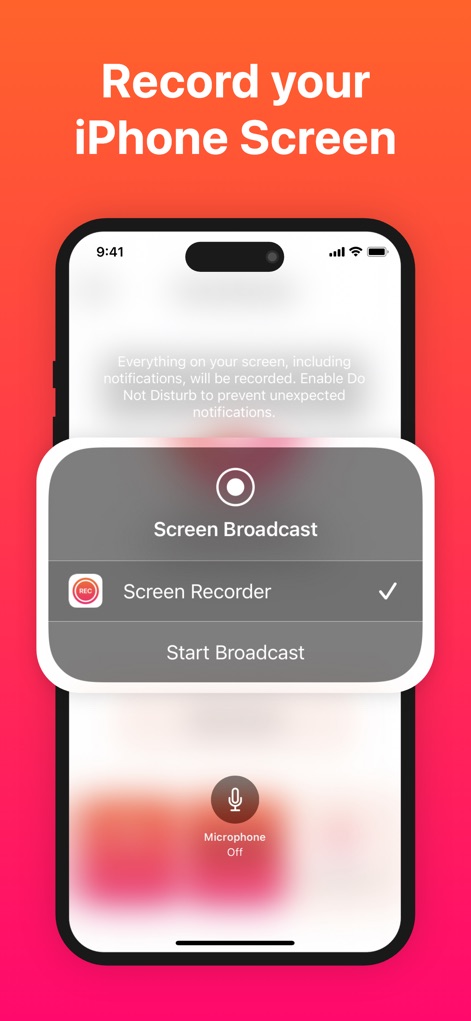
Users can easily initiate screen recording directly from their iPhone, selecting 'Screen Recorder' and managing the 'Microphone Off' setting for pristine audio capture.
Effortless Recording Setup
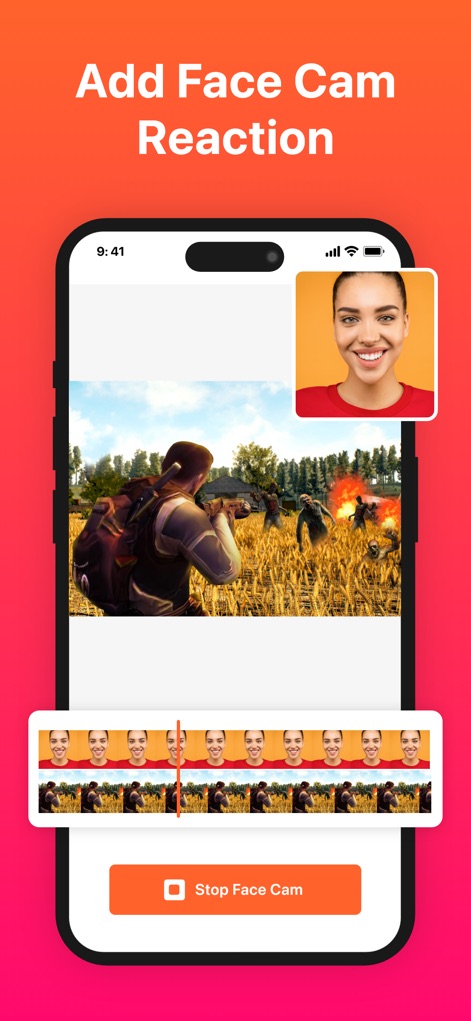
This tool enables users to add personal reactions with a repositionable facecam window, clearly displayed on a timeline for synchronized editing with gameplay footage.
Dynamic Facecam Reactions
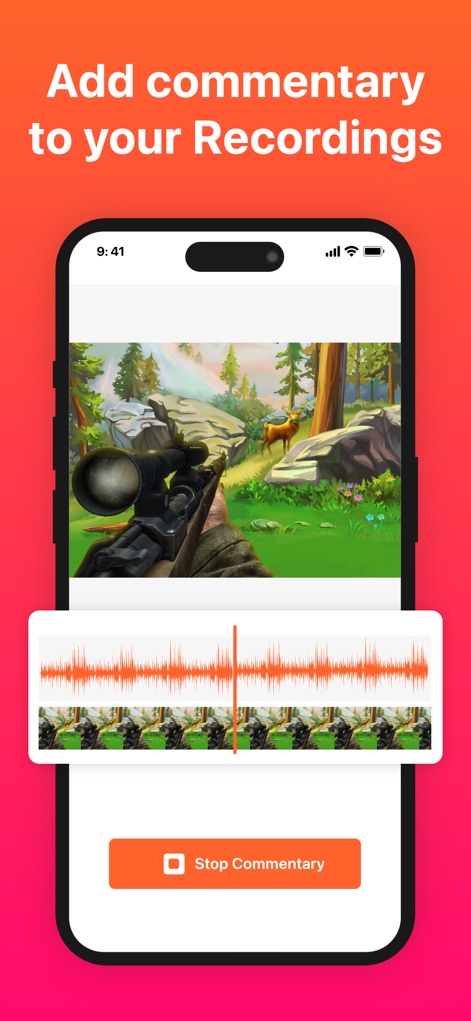
The app facilitates recording crystal-clear audio commentary, visually represented by an editable waveform alongside the game footage for precise timing and review.
Seamless Audio Commentary
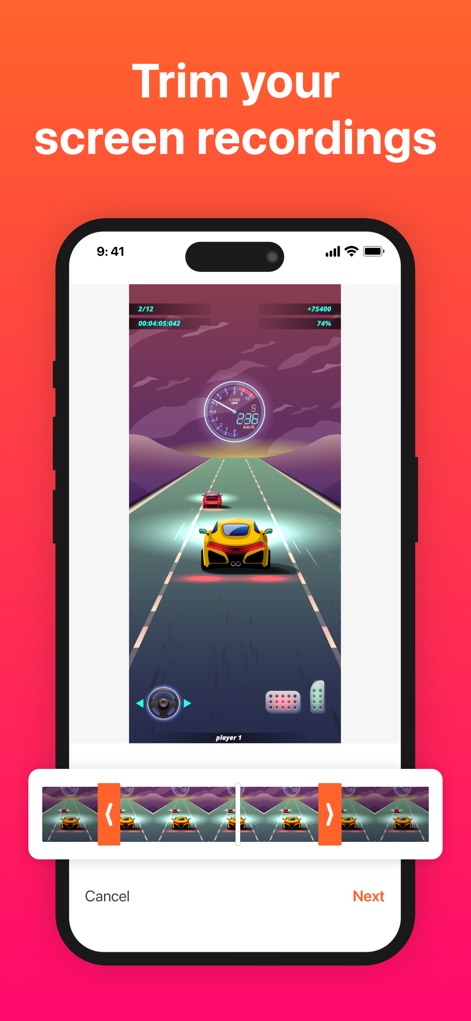
Users can refine their recordings with an intuitive trimming interface, utilizing precise start and end handles to isolate key segments from longer video files.
Precision Video Trimming
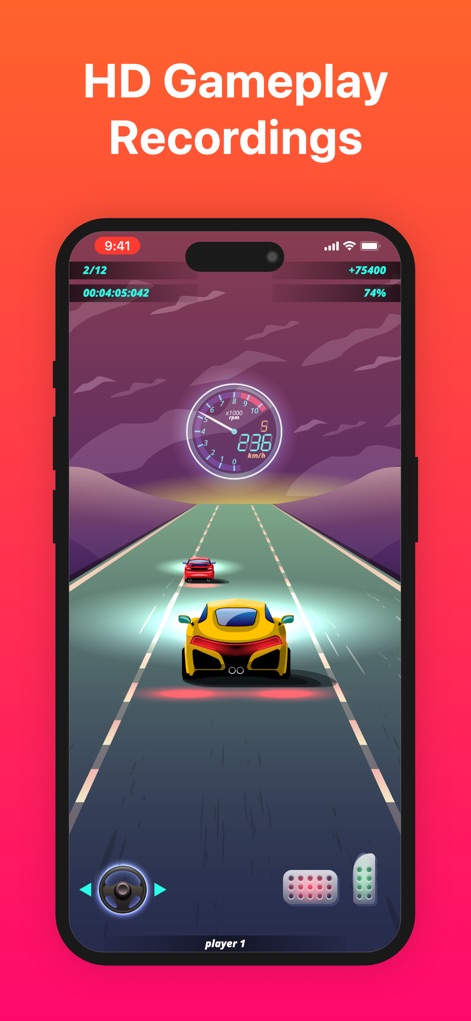
The app captures gameplay in stunning high-definition, showcasing vibrant graphics and maintaining clarity of crucial in-game heads-up display (HUD) elements.
Immersive HD Gameplay
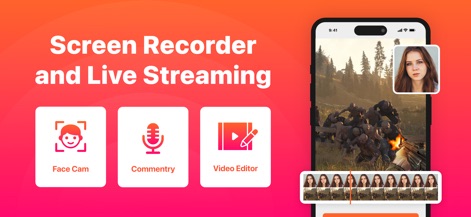
This powerful toolkit offers essential features like Face Cam integration and a robust Video Editor, enabling users to produce polished, personalized content.
Comprehensive Creator Toolkit
Description
Download
More Like This
Apps with similar features and user experience



This page is not an official page of the app or its developer, but an independent editorial publication created for informational and commentary purposes. Unless expressly stated otherwise, neither the app nor its developer is affiliated with, endorsed by, sponsored by, authorized by, or otherwise officially connected with MWM, Apple, Google Play, the app publisher, or the app's developer, and nothing on this page implies that the app was developed using MWM's services. Any trademarks, logos, screenshots, and other content remain the property of their respective owners.