
This page is not an official page of the app or its developer, but an independent editorial publication created for informational and commentary purposes. Unless expressly stated otherwise, neither the app nor its developer is affiliated with, endorsed by, sponsored by, authorized by, or otherwise officially connected with MWM, Apple, Google Play, the app publisher, or the app's developer, and nothing on this page implies that the app was developed using MWM's services. Any trademarks, logos, screenshots, and other content remain the property of their respective owners.

Screen Time - AppStops
Stop cheating your limits with a strict screen time tool. No 'Ignore' buttons, no monthly subscriptions—just a one-time purchase for total digital discipline.
Downloads
800User Rating
Total Ratings
0Publisher
Category
ProductivityLocales
3Latest Version
1.3.3Size
10.6 MBFirst Released
Nov 11, 2024Take Back Your Time with Uncompromising Control
Stop doomscrolling and reclaim your focus. AppStops is a powerful, subscription-free tool designed for deep work and total digital discipline.
Strict, No-Cheat Blocking
No 'Ignore Limit' buttons allowed. When you set a boundary, we help you stick to it with a hard lock on your most distracting apps.
Zero Subscription Fatigue
Own your productivity tool for life. Get full access with a simple one-time purchase—no monthly fees, no hidden costs, just total ownership.
The following screenshots and description are sourced directly from the app's official store listing and are the property of the app developer.
App Store
Screenshots
Marketing screenshot for AppStops showing the text Limit Apps Your Way
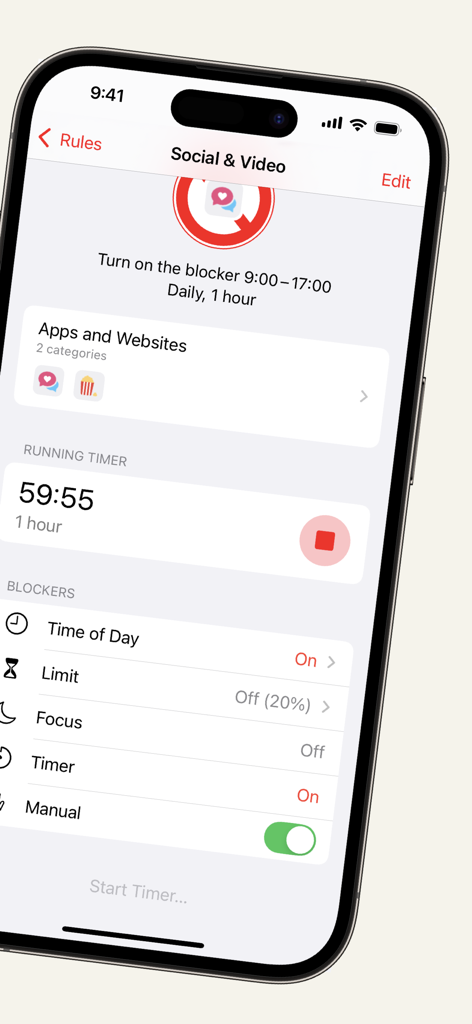
AppStops app interface showing a running timer for blocking social and video apps.
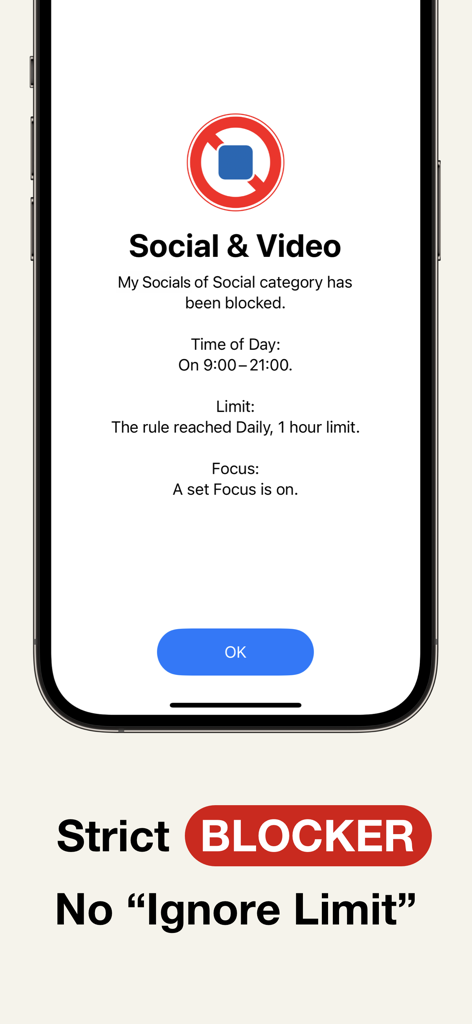
AppStops strict blocking screen for social and video apps with no ignore limit button
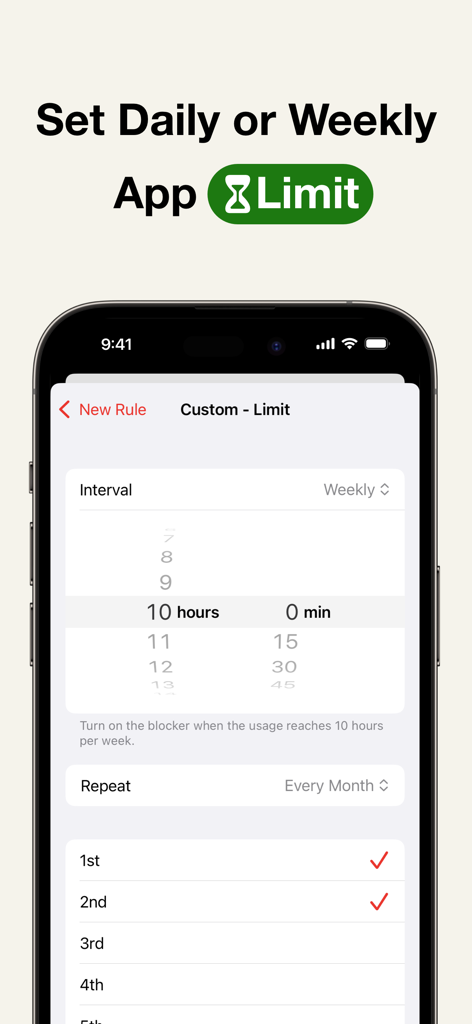
Setting daily or weekly app usage limits in AppStops
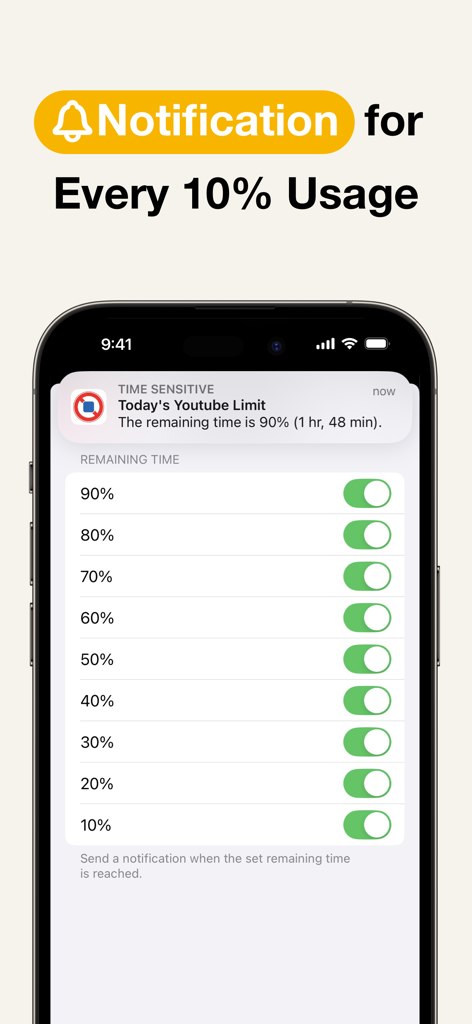
iPhone screen showing AppStops notification settings for tracking remaining app usage in 10 percent increments
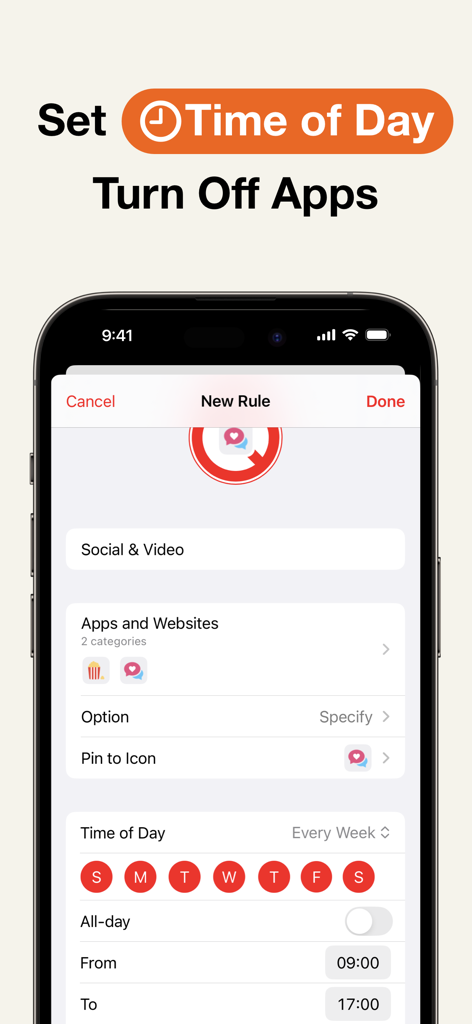
AppStops interface for setting time-based rules to turn off social and video apps during specific hours
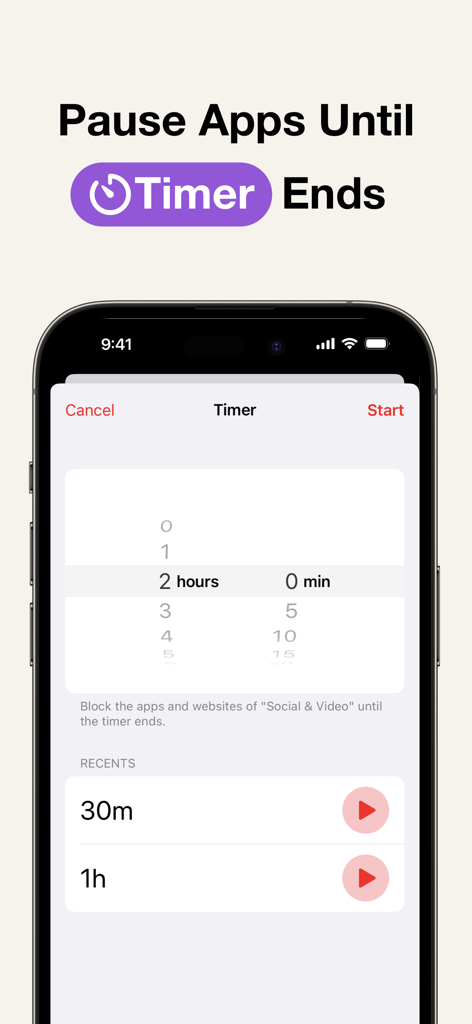
A screenshot of the AppStops app interface showing the timer feature to pause apps and websites for a specific duration to stay focused
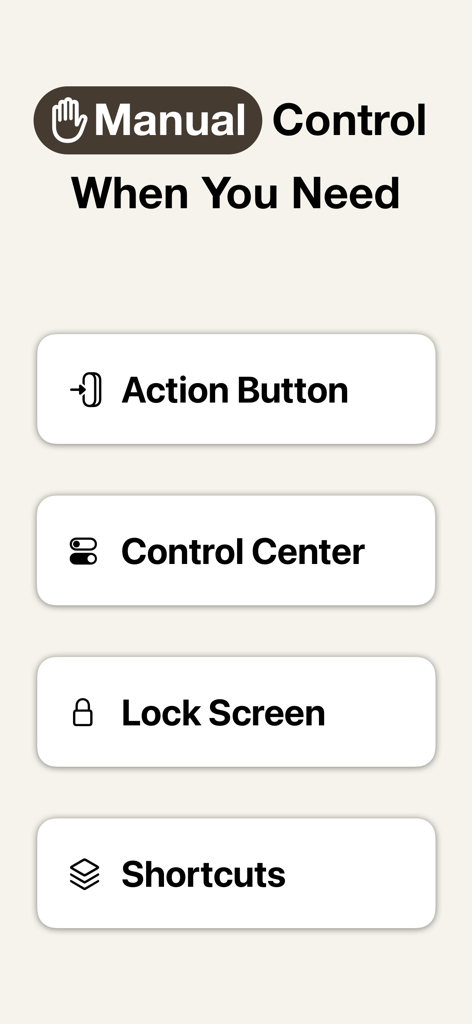
Manual control options in AppStops showing Action Button Control Center Lock Screen and Shortcuts integration
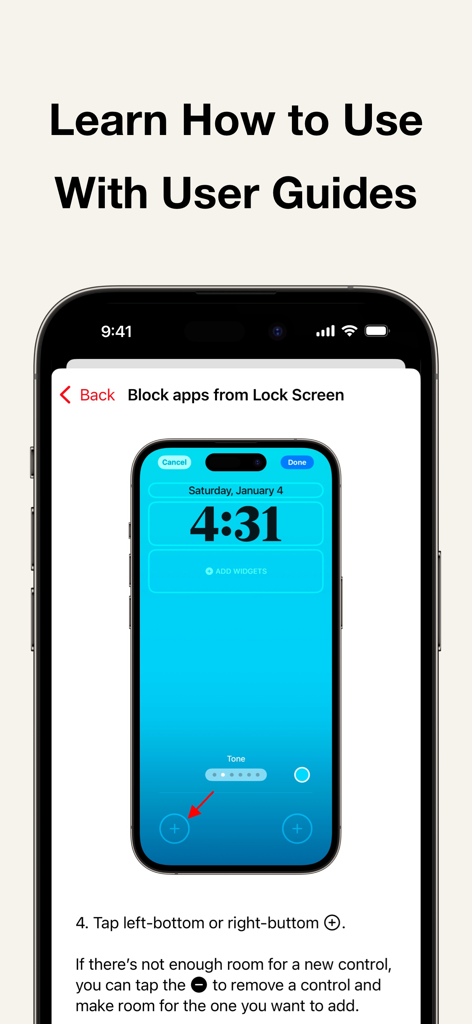
User guide explaining how to add AppStops blocking controls to the iPhone lock screen
Description
Download
More Like This
Top-ranked apps in the same category

ChatGPT
OpenAI OpCo, LLC

Google Gemini
Google LLC

Grok
X.AI Corporation

Gmail - Email by Google
Google LLC

千问 - 阿里最强大模型官方AI助手
Shanghai Zhixin Puhui Technology Co., Ltd.

Google Drive
Google LLC

Microsoft Authenticator
Microsoft Corporation

Google Sheets
Google LLC

Google Docs
Google LLC
This page is not an official page of the app or its developer, but an independent editorial publication created for informational and commentary purposes. Unless expressly stated otherwise, neither the app nor its developer is affiliated with, endorsed by, sponsored by, authorized by, or otherwise officially connected with MWM, Apple, Google Play, the app publisher, or the app's developer, and nothing on this page implies that the app was developed using MWM's services. Any trademarks, logos, screenshots, and other content remain the property of their respective owners.