
This page is not an official page of the app or its developer, but an independent editorial publication created for informational and commentary purposes. Unless expressly stated otherwise, neither the app nor its developer is affiliated with, endorsed by, sponsored by, authorized by, or otherwise officially connected with MWM, Apple, Google Play, the app publisher, or the app's developer, and nothing on this page implies that the app was developed using MWM's services. Any trademarks, logos, screenshots, and other content remain the property of their respective owners.

Screen Time Control - App Lock
The intentional way to end doomscrolling. Set smart schedules, limit distractions, and regain hours of productivity with the private, API-powered blocker designed for your deep work sessions.
Downloads
4K+User Rating
Total Ratings
0Publisher
Category
ProductivityLocales
12Latest Version
2.1.1Size
8.8 MBFirst Released
Oct 10, 2023Master Your Digital Habits
Stop the doomscrolling and reclaim your focus. Our tools are designed to protect your attention so you can excel at work and sleep better at night.
Automated Focus Windows
Set recurring schedules for work or study to automatically lock distracting apps and maintain your deep work flow.
Hard Limits for Habitual Apps
Cap your daily use on social media. Once your time is up, the app locks to prevent mindless scrolling and impulse clicks.
The following screenshots and description are sourced directly from the app's official store listing and are the property of the app developer.
App Store
Screenshots
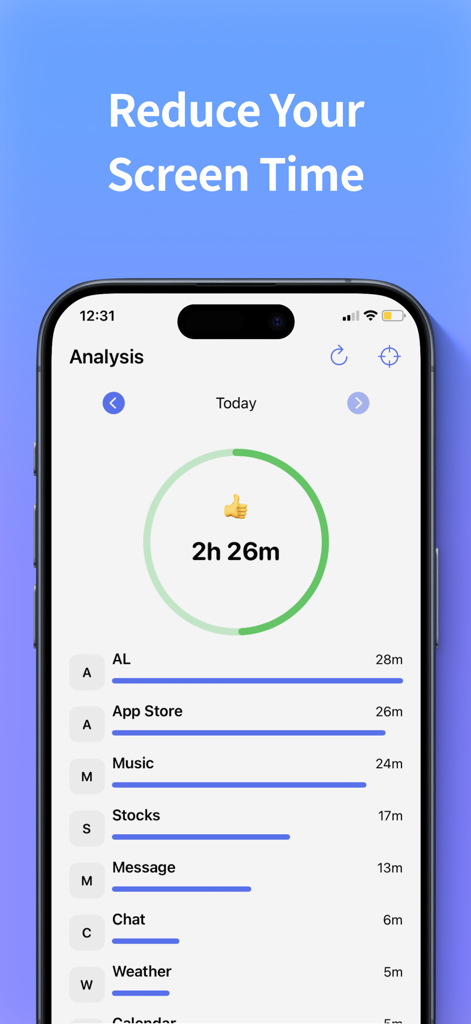
A dashboard showing daily app usage analysis with a circular progress chart and a list of time spent on individual apps.
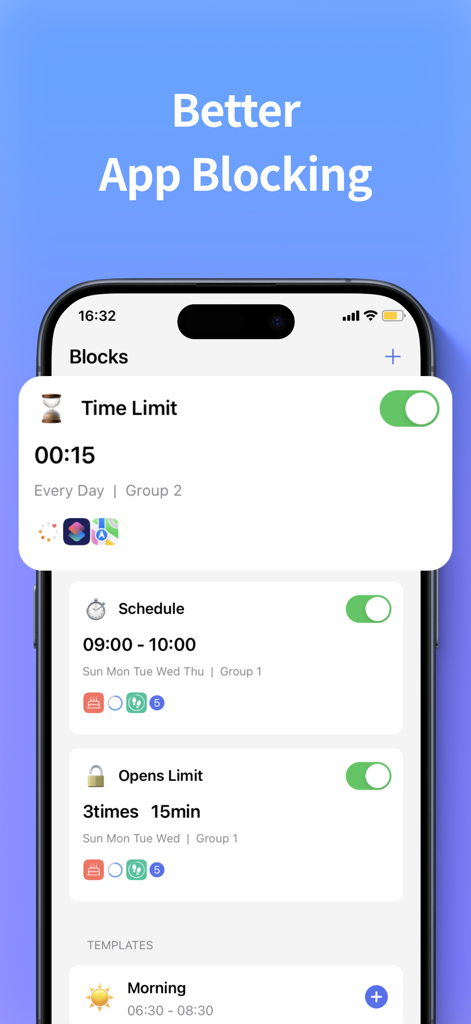
Interface of the Screen Time Control app showing options for time limits schedules and app opening restrictions
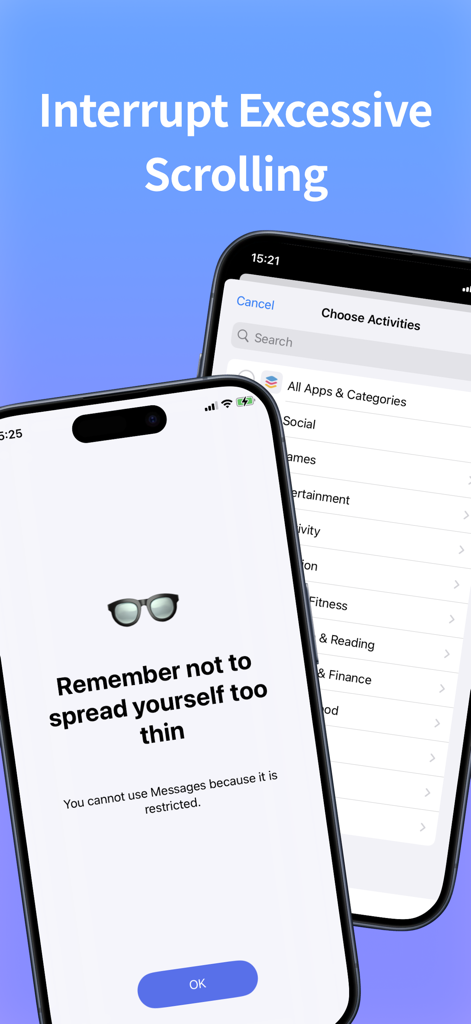
Interface of Screen Time Control app showing a restriction reminder to interrupt excessive scrolling and a menu to choose app categories for blocking.
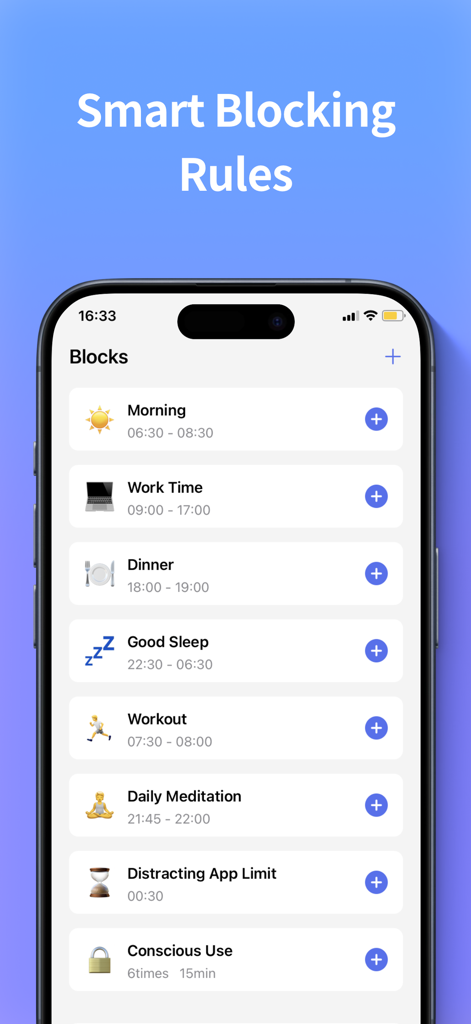
User interface showing scheduled app blocking rules for productivity
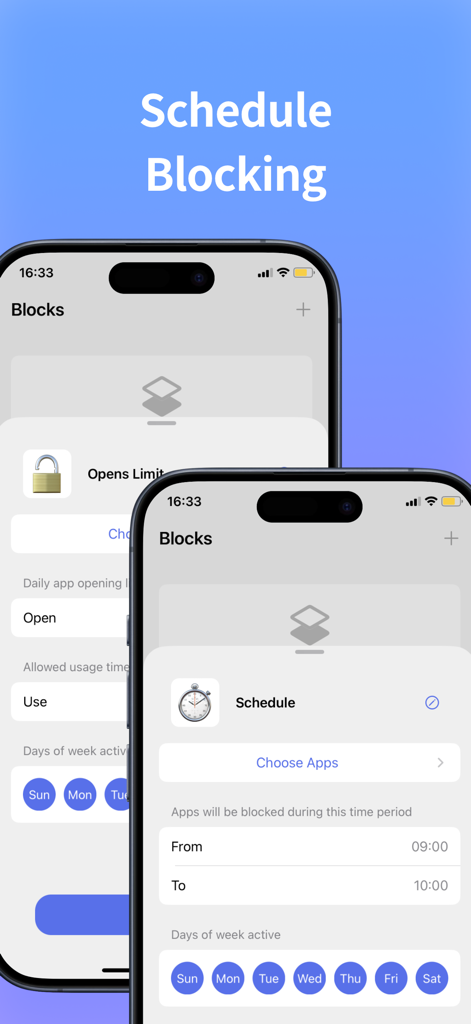
Interface showing how to schedule app blocking by specific time and days of the week
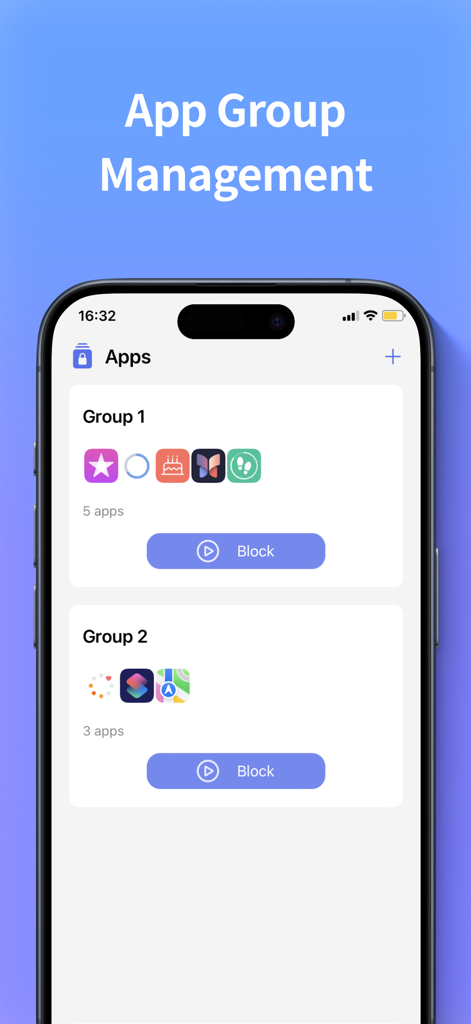
Interface for managing and blocking groups of apps in the Screen Time Control app
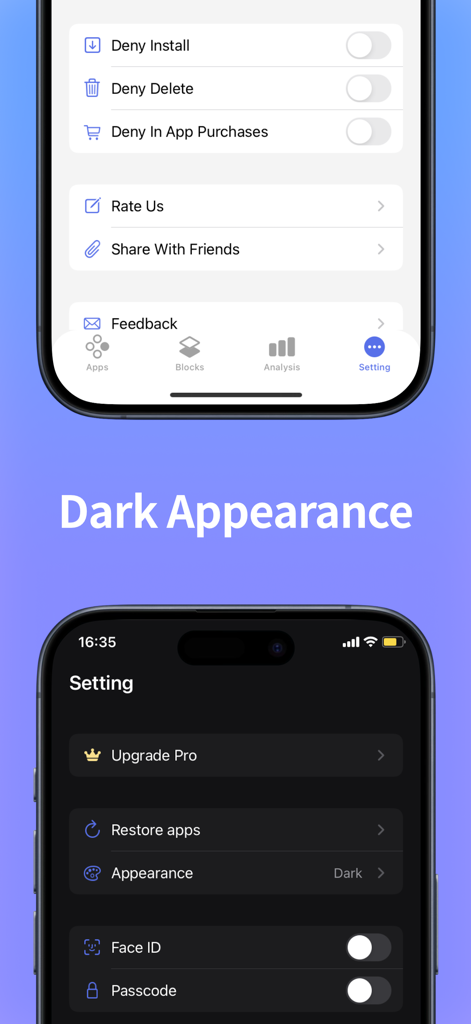
Screen Time Control app interface showing light and dark mode settings for app restrictions and security.
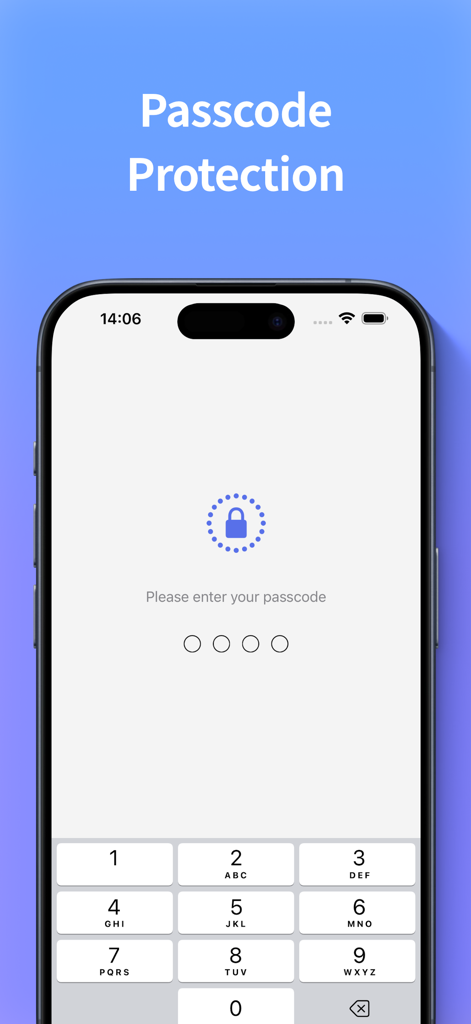
iPhone screen displaying a passcode entry for app protection
Description
Download
More Like This
Top-ranked apps in the same category

ChatGPT
OpenAI OpCo, LLC

Google Gemini
Google LLC

Grok
X.AI Corporation

Gmail - Email by Google
Google LLC

千问 - 阿里最强大模型官方AI助手
Shanghai Zhixin Puhui Technology Co., Ltd.

Google Drive
Google LLC

Microsoft Authenticator
Microsoft Corporation

Google Sheets
Google LLC

Google Docs
Google LLC
This page is not an official page of the app or its developer, but an independent editorial publication created for informational and commentary purposes. Unless expressly stated otherwise, neither the app nor its developer is affiliated with, endorsed by, sponsored by, authorized by, or otherwise officially connected with MWM, Apple, Google Play, the app publisher, or the app's developer, and nothing on this page implies that the app was developed using MWM's services. Any trademarks, logos, screenshots, and other content remain the property of their respective owners.