Screens for Organizations
Download on App Store

This page is not an official page of the app or its developer, but an independent editorial publication created for informational and commentary purposes. Unless expressly stated otherwise, neither the app nor its developer is affiliated with, endorsed by, sponsored by, authorized by, or otherwise officially connected with MWM, Apple, Google Play, the app publisher, or the app's developer, and nothing on this page implies that the app was developed using MWM's services. Any trademarks, logos, screenshots, and other content remain the property of their respective owners.


Logo of Screens for Organizations
Download on App Store

Screens for Organizations

Empower your IT admins and educators with seamless control over Macs, PCs, and Linux devices from anywhere. Professional-grade remote access built for security-conscious schools and businesses.

Key Figures

Downloads

0

User Rating

1.0/5

Total Ratings

0

Publisher

Edovia Inc.

Category

Utilities

Locales

17

Latest Version

5.8

Size

45.6 MB

First Released

Oct 31, 2024
Features

Total Command of Your Organization’s Fleet

The ultimate remote desktop solution for IT pros and educators. Manage Mac, Windows, and Linux systems securely from your iPhone, iPad, or Vision Pro.

Secure & Private Sessions

Deploy with confidence using SSH encryption and Curtain Mode to keep administrative actions hidden on remote displays.

Unified Device Management

Bridge the gap between Mac, PC, and Linux. Seamlessly access any server or workstation with built-in Tailscale integration.

The following screenshots and description are sourced directly from the app's official store listing and are the property of the app developer.

App Store

Screenshots
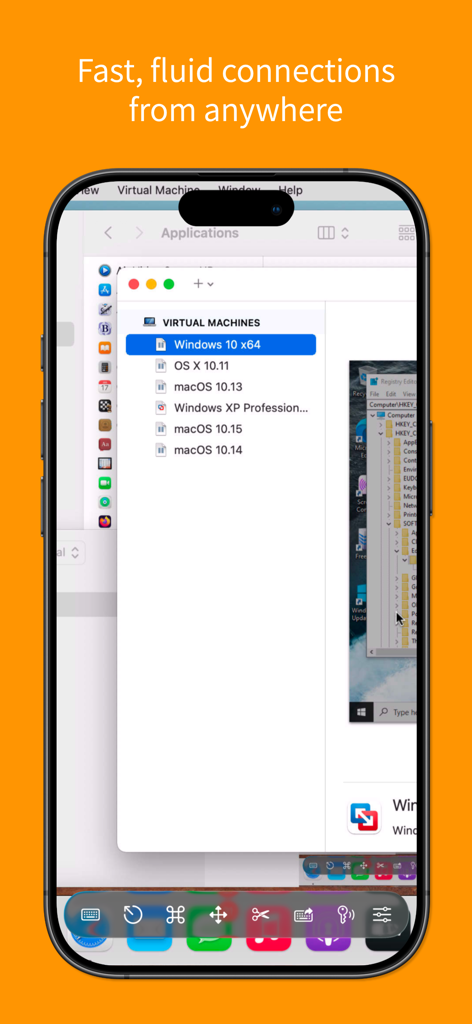
Screens for Organizations - Screens for Organizations mobile interface showing remote desktop control of virtual machines.
Screens for Organizations mobile interface showing remote desktop control of virtual machines.

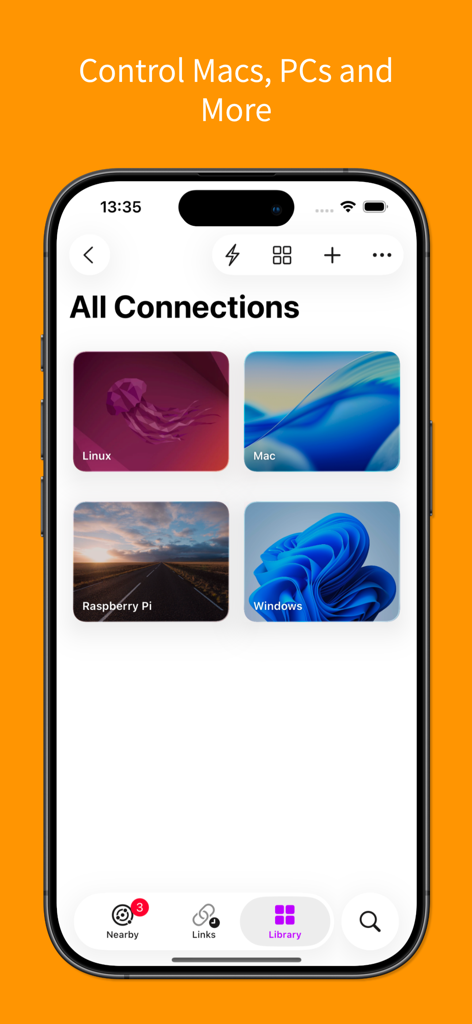
Screens for Organizations - Screenshot of Screens for Organizations app showing remote connections for Mac, Windows, Linux, and Raspberry Pi.
Screenshot of Screens for Organizations app showing remote connections for Mac, Windows, Linux, and Raspberry Pi.

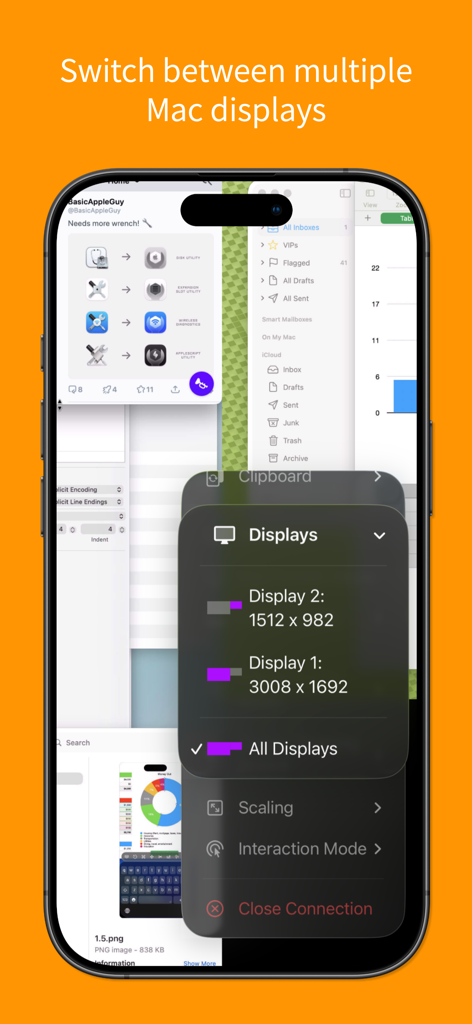
Screens for Organizations - iPhone interface of Screens for Organizations app showing options to switch between multiple remote Mac displays
iPhone interface of Screens for Organizations app showing options to switch between multiple remote Mac displays

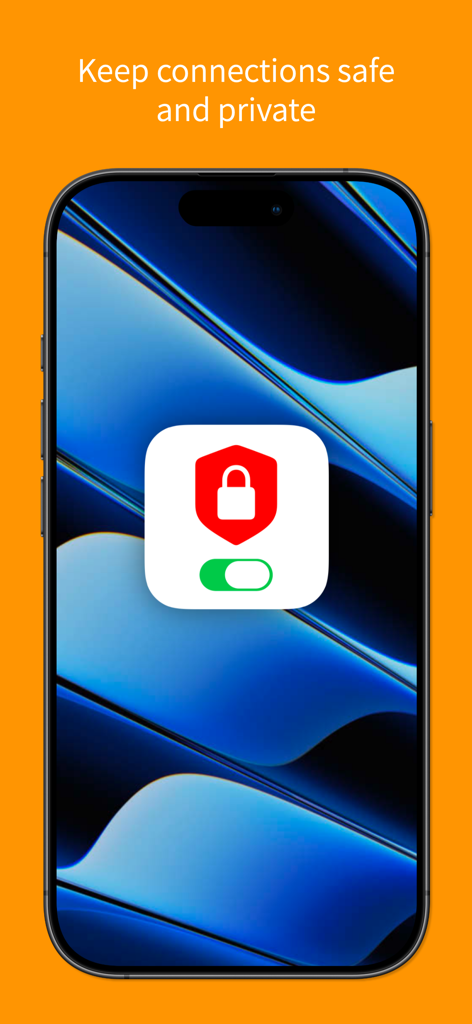
Screens for Organizations - Screens for Organizations interface showing secure and private remote connections feature
Screens for Organizations interface showing secure and private remote connections feature

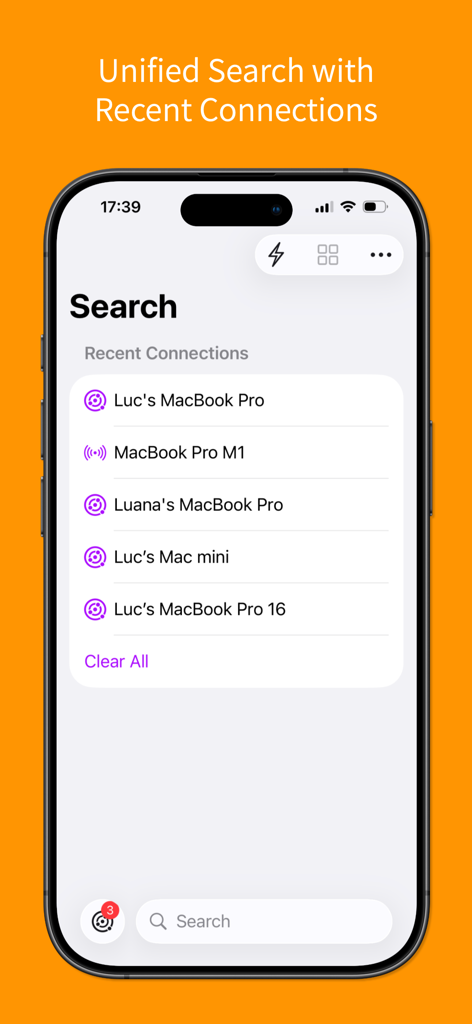
Screens for Organizations - Unified search interface displaying recent remote connections on an iPhone.
Unified search interface displaying recent remote connections on an iPhone.

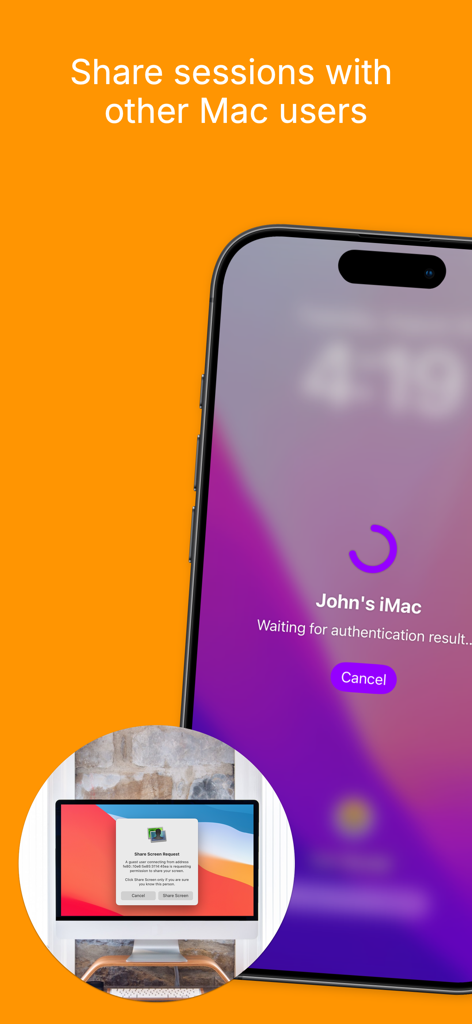
Screens for Organizations - iPhone interface showing a remote session request to share a Mac screen
iPhone interface showing a remote session request to share a Mac screen

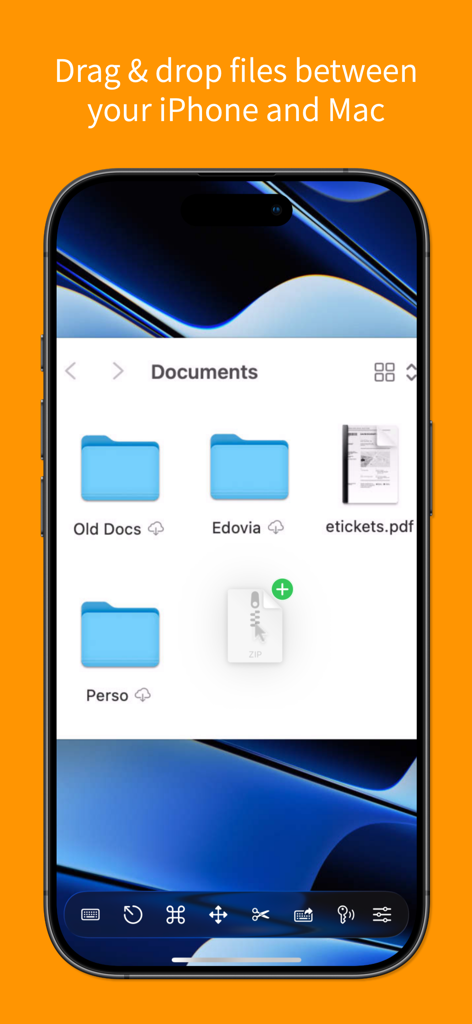
Screens for Organizations - Screenshot of Screens for Organizations app showing drag and drop file transfer between iPhone and Mac
Screenshot of Screens for Organizations app showing drag and drop file transfer between iPhone and Mac

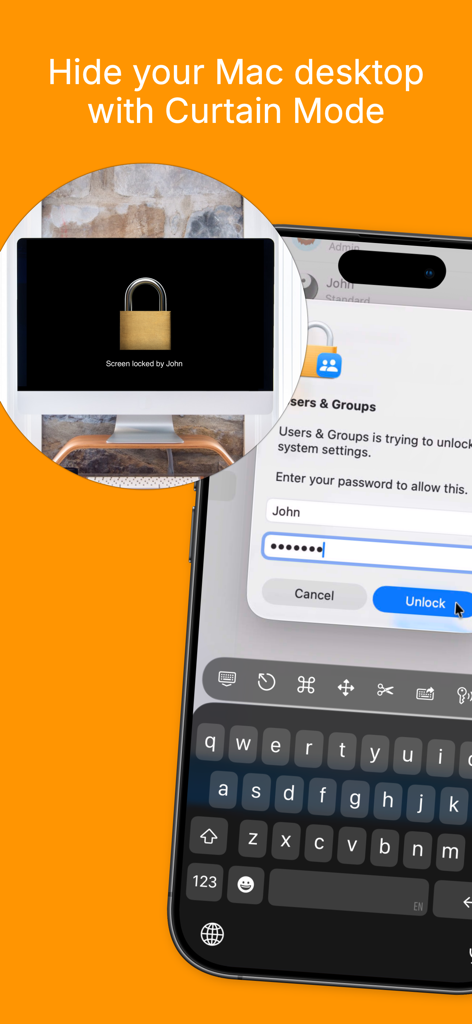
Screens for Organizations - iPhone showing Screens for Organizations Curtain Mode feature to hide a remote Mac desktop for privacy
iPhone showing Screens for Organizations Curtain Mode feature to hide a remote Mac desktop for privacy

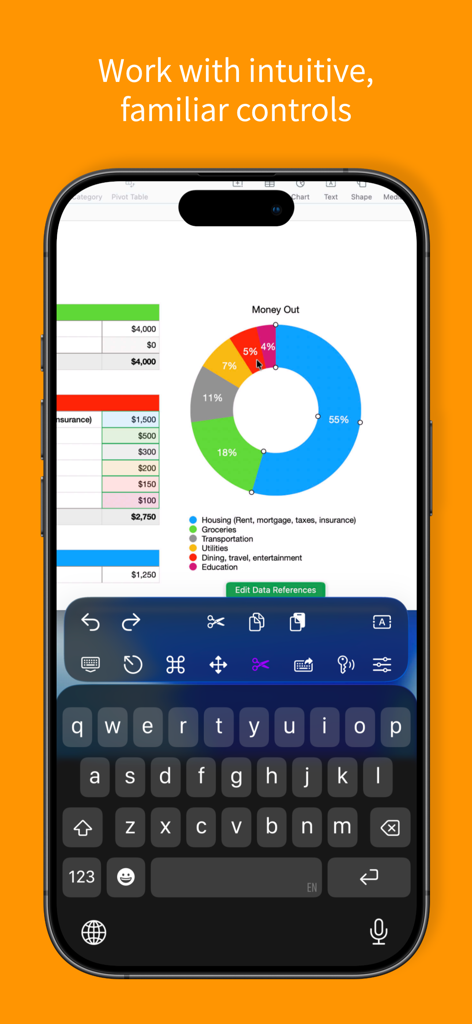
Screens for Organizations - Screens for Organizations app on iPhone showing a remote desktop session with a spreadsheet donut chart and custom shortcut toolbar
Screens for Organizations app on iPhone showing a remote desktop session with a spreadsheet donut chart and custom shortcut toolbar

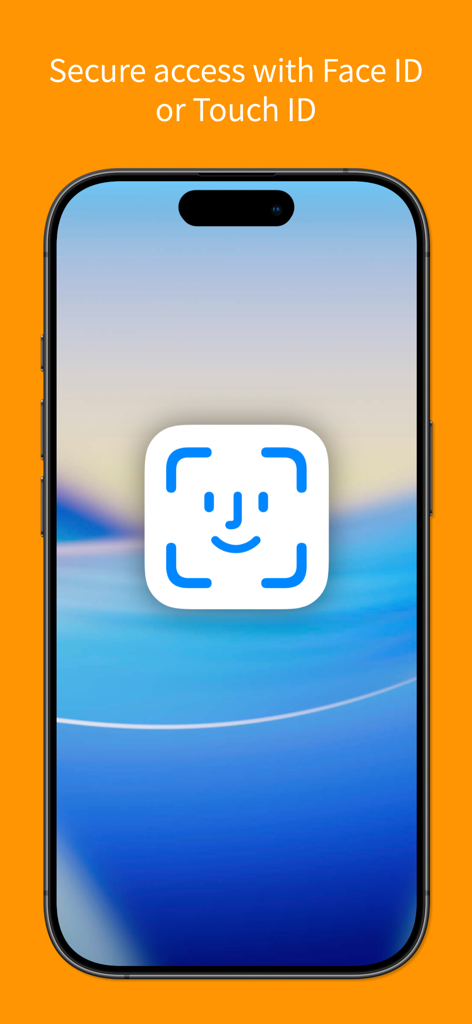
Screens for Organizations - Smartphone screen showing secure access with Face ID and Touch ID for the Screens for Organizations app.

Smartphone screen showing secure access with Face ID and Touch ID for the Screens for Organizations app.

Description

Screens for Organizations: Remote Computer Control for Schools and Businesses Control your Mac, Windows PC, Linux PC, or Raspberry Pi effortlessly from any location—be it a classroom, office, or even across the globe. Screens for Organizations is your dependable remote desktop solution, designed for institutions that value speed, security, and reliability, offering seamless control over multiple devices. With Screens for Organizations, remote access is at your fingertips, tailored for educational and business environments. Here’s why it’s the ideal choice for your organization: Connect from Anywhere Install Screens Connect on your Mac or Windows PC to gain remote access from anywhere. Your computers are now within reach wherever you are. Screens for Organizations fully integrates with Tailscale, making remote connections to Linux PCs and Raspberry Pi devices seamless. Curtain Mode Maintain privacy during sessions with Curtain Mode, which masks the remote Mac’s display. Ideal for classrooms and shared workspaces, this feature keeps your activity discreet. Secure Connections Screens provides secure access to your computers. Enable Remote Login on your Mac or configure SSH for Windows, Linux, or Raspberry Pi. For enhanced security, Screens also supports SSH key authentication. Effortless Login With automated password entry, connecting to your remote computer is fast and hassle-free. Save time with a seamless login experience. Display Selection Choose the display you want on multi-screen Macs or show them all. Screens remembers your choice for each session. Clipboard Sharing Synchronize text, URLs, images, and more between local and remote clipboards. Keep everything in sync without interruption. Session Selection When someone is using a remote Mac, Screens allows you to either share their session or start a new one, giving you control over access. Raspberry Pi 5 Compatibility Screens supports Bookworm and WayVNC with RSA-AES authentication, ensuring fast, reliable performance. Shortcuts Toolbar Boost productivity with easy access to your favorite shortcuts through a scrollable toolbar. External Input Devices Support Use your Magic Keyboard or any compatible external keyboard and pointing device for a seamless, intuitive control experience. Easy to Use Screens for Organizations offers familiar, intuitive controls, ensuring a consistent experience across iOS, Mac, and Vision Pro devices. Assist Students and Staff With the free Screens Assist utility (Mac), support your team by troubleshooting issues, updating apps, and more, making tech support simple. Other Features - Adaptive and Full display quality - Observe or control the remote computer - iCloud Synchronization - Full URL Schemes Support - Secure access with Touch ID and Face ID - And much more! Special Requirements - A VNC Server like UltraVNC or TightVNC is needed for Windows connections. - Windows, Linux PCs, and Raspberry Pi support text and URL sharing. - Due to VNC protocol limitations, Screens does not support audio. - Screens Connect requires macOS 10.11 or later for Mac, Windows 7 SP1 or later for PCs, and a free Screens ID. - Screens does not support remote connections initiated from a PC. Screens for Organizations is your trusted tool for secure, reliable remote control, whether in a classroom, office, or beyond. Empower your organization with seamless access and control.

Download

Download on App Store

This page is not an official page of the app or its developer, but an independent editorial publication created for informational and commentary purposes. Unless expressly stated otherwise, neither the app nor its developer is affiliated with, endorsed by, sponsored by, authorized by, or otherwise officially connected with MWM, Apple, Google Play, the app publisher, or the app's developer, and nothing on this page implies that the app was developed using MWM's services. Any trademarks, logos, screenshots, and other content remain the property of their respective owners.








