
This page is not an official page of the app or its developer, but an independent editorial publication created for informational and commentary purposes. Unless expressly stated otherwise, neither the app nor its developer is affiliated with, endorsed by, sponsored by, authorized by, or otherwise officially connected with MWM, Apple, Google Play, the app publisher, or the app's developer, and nothing on this page implies that the app was developed using MWM's services. Any trademarks, logos, screenshots, and other content remain the property of their respective owners.


Secure VPN: Private & Fast
Online threats are constant. This app gives back control, shielding your digital presence with speed.
Downloads
75k+User Rating
Total Ratings
22Publisher
Category
UtilitiesLocales
14Latest Version
2.1.7Size
85.3 MBFirst Released
May 20, 2018An evaluation of core functionalities for online privacy and security.
Key Features Analysis: Secure VPN: Private & Fast
Strict No-Logs Policy
It ensures that the app does not collect, store, or share user activity logs, providing maximum privacy for tech-conscious users and digital nomads.
AES-256 Level Encryption
The app employs industry-standard AES-256 encryption to secure all internet traffic, safeguarding sensitive data for remote workers and public Wi-Fi users.
High-Speed VPN Servers
The app provides access to high-speed VPN servers, ensuring smooth browsing, streaming, and remote work without compromising performance.
Multiple Server Regions
This tool features servers distributed across multiple regions, allowing users to bypass geographical content restrictions and access a wider range of online services.
One-Tap Connect
It offers a simple one-tap connection mechanism, making it exceptionally user-friendly for all, including less tech-savvy individuals.
No Registration or Login Required
The app allows users to access its services without the need for registration or login, offering an extra layer of anonymity and convenience.
Frequently Asked Questions
Everything you need to know about Secure VPN: Private & Fast
What is Secure VPN: Private & Fast?
Secure VPN: Private & Fast provides a fast and reliable VPN service to ensure user privacy and safety while browsing the internet. It encrypts connections and secures data on various networks.
How does Secure VPN protect my data?
Secure VPN protects data by keeping your connection encrypted. It uses AES-256 level encryption and maintains a strict no-logs policy to safeguard personal information and enhance online security.
Does Secure VPN: Private & Fast require registration?
No, Secure VPN: Private & Fast does not require registration or login to use its services. Users can connect without creating an account.
Is Secure VPN: Private & Fast easy to connect to?
Yes, Secure VPN: Private & Fast features one-tap connectivity, making it easy to use. Users can tap to connect or disconnect from the VPN service instantly.
What types of networks is Secure VPN compatible with?
Secure VPN: Private & Fast is compatible with Wi-Fi, LTE, 4G, and 5G networks. It ensures secure connections across various mobile and wireless internet services.
Does Secure VPN maintain a no-logs policy?
Yes, Secure VPN: Private & Fast maintains a strict no-logs policy. This ensures that the app does not record or store user online activities or personal information.
What encryption level does Secure VPN use?
Secure VPN: Private & Fast utilizes AES-256 level encryption for robust data protection. This advanced encryption standard secures user data during online activities.
Does Secure VPN: Private & Fast offer high-speed servers?
Yes, Secure VPN: Private & Fast offers high-speed VPN servers across multiple regions. Screenshots show download and upload speeds, reinforcing fast connections.
Can users select different server locations in Secure VPN?
Yes, users can select different server locations within Secure VPN: Private & Fast. The app offers servers in various regions, including options for free and premium locations.
Is there a free account option for Secure VPN: Private & Fast?
Yes, Secure VPN: Private & Fast offers a free account option. Users can access certain features or servers without a paid subscription, as indicated by the "Account Type Free" in the account screen.
How many devices does Secure VPN: Private & Fast support per account?
Secure VPN: Private & Fast supports 1 device per account for the free tier. This information is displayed in the "My Account" section of the application.
The following screenshots and description are sourced directly from the app's official store listing and are the property of the app developer.
App Store
Screenshots
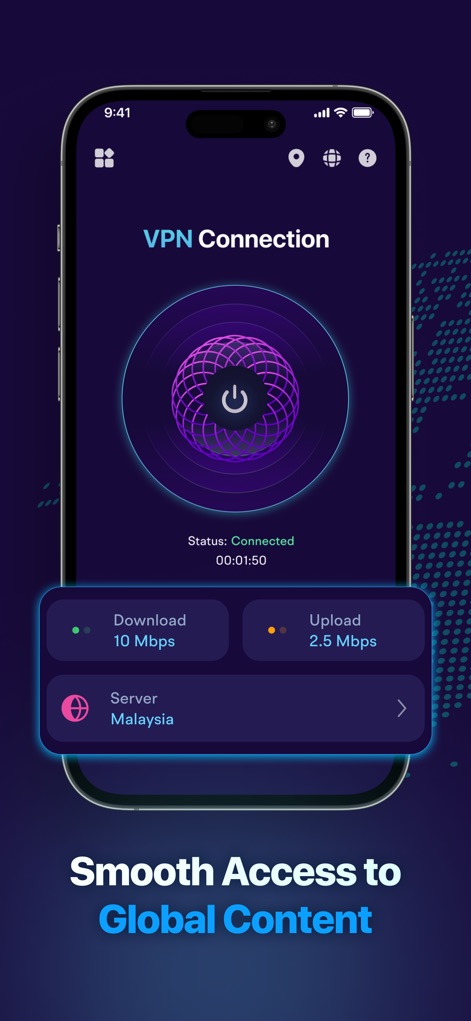
Observe the app's real-time 'Connected' status and monitor live 'Download' and 'Upload' speed metrics.
Connection at a Glance
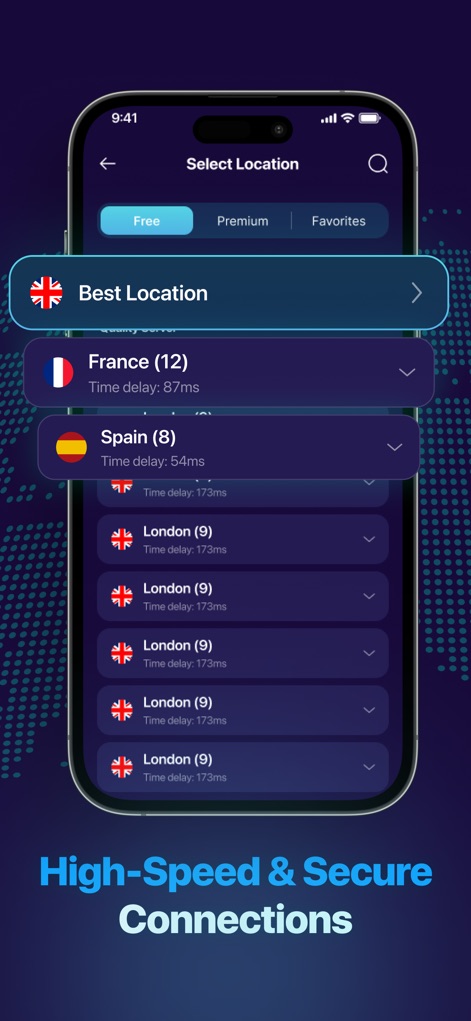
Explore a comprehensive list of server locations, from 'France' to 'London', and easily select the 'Best Location'.
Choose Your Server
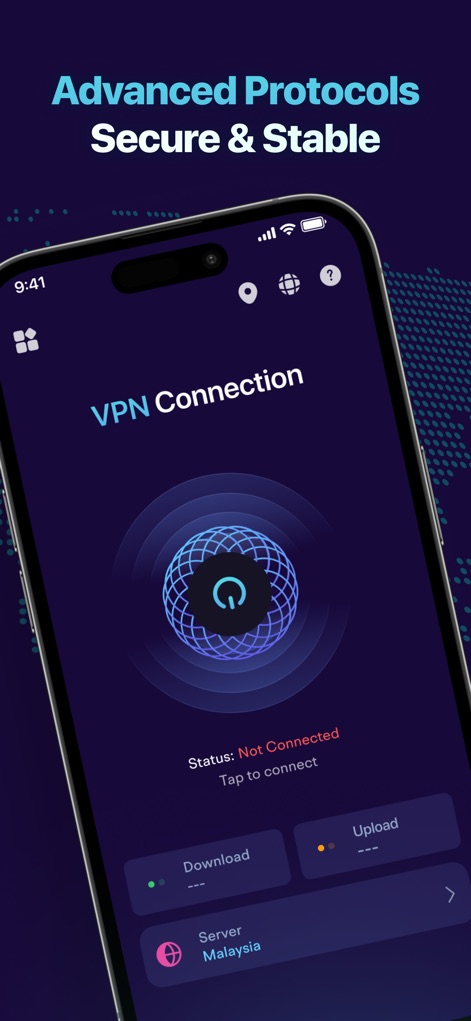
See the initial 'Not Connected' state and the intuitive 'tap to connect' button for instant VPN activation.
Effortless Protection On
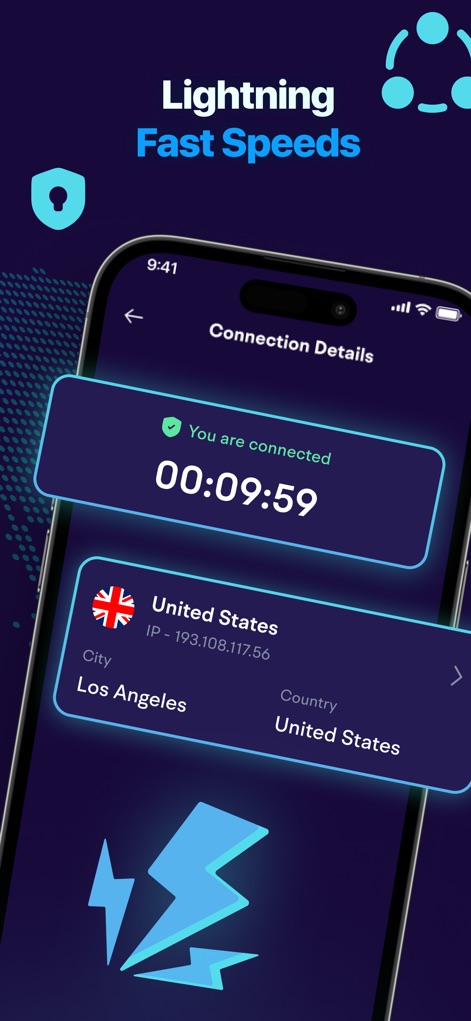
Access detailed 'Connection Details' showing the active 'United States' server and specific 'IP address' information.
Connection Data View
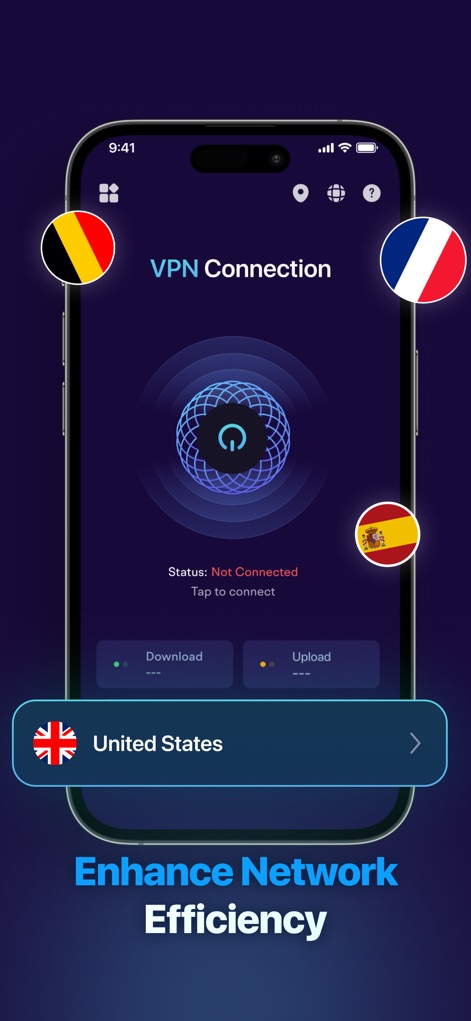
Users can easily pick servers represented by distinct 'country flags', with the 'United States' server prominently displayed.
Global Server Selection
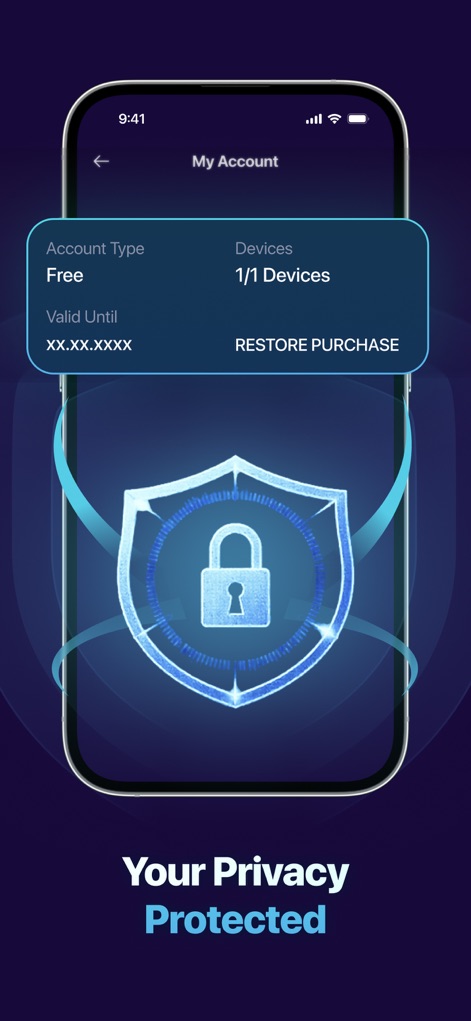
Review 'Account Type' and 'Devices' connected, underscored by a secure 'shield icon with a padlock'.
Account Security Overview
Description
Download
More Like This
Top-ranked apps in the same category

Google LLC

Google Chrome
Google LLC

中国移动(手机营业厅)
China Mobile Online Services Co., Ltd.

Google Authenticator
Google LLC

CNH do Brasil
Servicos e Informacoes do Brasil

Cleanup: Phone Storage Cleaner
DEEP FLOW SOFTWARE SERVICES - FZCO

gov.br
Servicos e Informacoes do Brasil

中国电信-全国统一官方服务平台
CHINA TELECOM Corporation Ltd.

Microsoft Edge: AI Browser
Microsoft Corporation
This page is not an official page of the app or its developer, but an independent editorial publication created for informational and commentary purposes. Unless expressly stated otherwise, neither the app nor its developer is affiliated with, endorsed by, sponsored by, authorized by, or otherwise officially connected with MWM, Apple, Google Play, the app publisher, or the app's developer, and nothing on this page implies that the app was developed using MWM's services. Any trademarks, logos, screenshots, and other content remain the property of their respective owners.