
This page is not an official page of the app or its developer, but an independent editorial publication created for informational and commentary purposes. Unless expressly stated otherwise, neither the app nor its developer is affiliated with, endorsed by, sponsored by, authorized by, or otherwise officially connected with MWM, Apple, Google Play, the app publisher, or the app's developer, and nothing on this page implies that the app was developed using MWM's services. Any trademarks, logos, screenshots, and other content remain the property of their respective owners.

Sensi Tracker
Unlock elite performance in PUBG, COD: Mobile, and Free Fire. Automatically optimize your iPhone's sensitivity for smoother control and perfect precision—100% safe and ban-free.
Downloads
100+User Rating
Total Ratings
0Publisher
Category
Developer ToolsLocales
1Latest Version
1.0Size
20.1 MBFirst Released
Feb 3, 2026Master Every Shot
Stop fighting your controls. Sensi Tracker analyzes your iPhone’s hardware to deliver custom sensitivity settings that give you a professional edge in every match.
Hardware-Specific Tuning
Automatically detect your iPhone model and screen specs to calibrate touch response for perfectly smooth movement and tracking.
Dominance Across Titles
Unlock optimized presets for PUBG, Free Fire, and COD: Mobile to sharpen your aim and control recoil like a top-tier competitive player.
The following screenshots and description are sourced directly from the app's official store listing and are the property of the app developer.
App Store
Screenshots
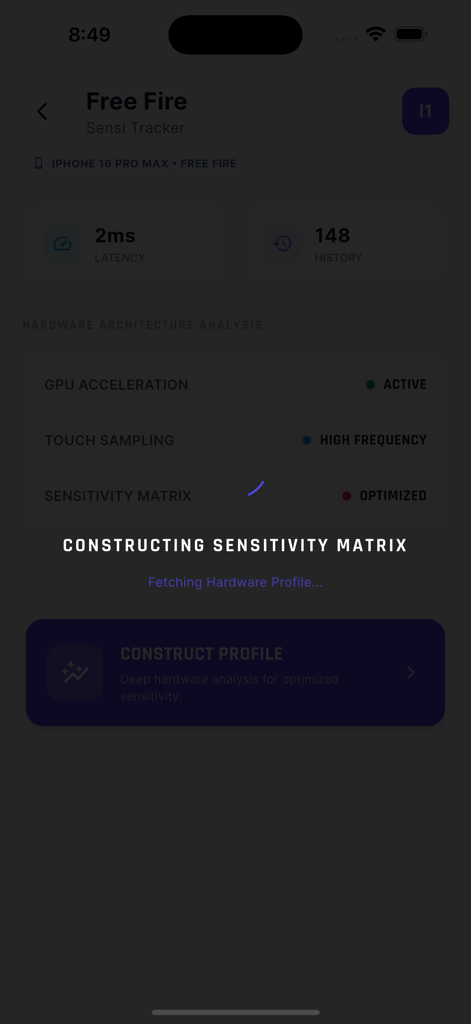
Sensi Tracker app screen showing hardware architecture analysis and sensitivity matrix construction for Free Fire on an iPhone.
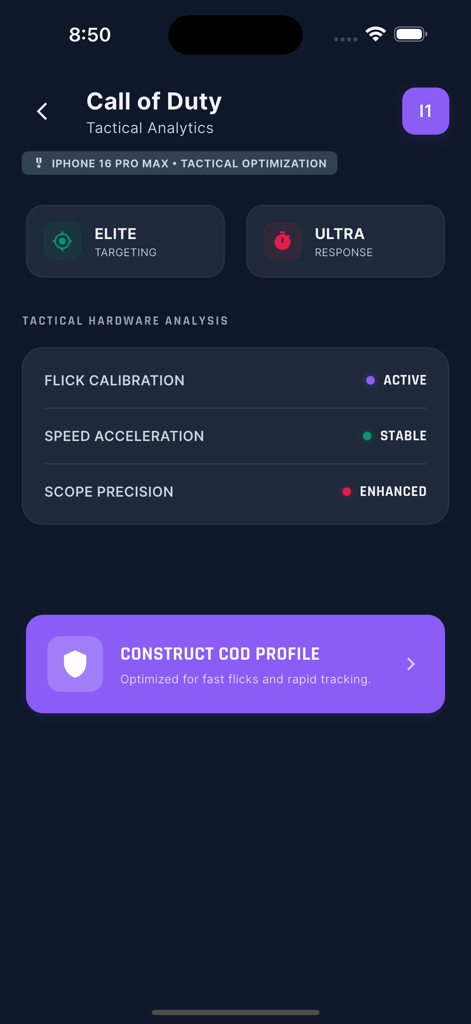
Sensi Tracker app interface showing tactical analytics and sensitivity calibration for Call of Duty Mobile on iPhone
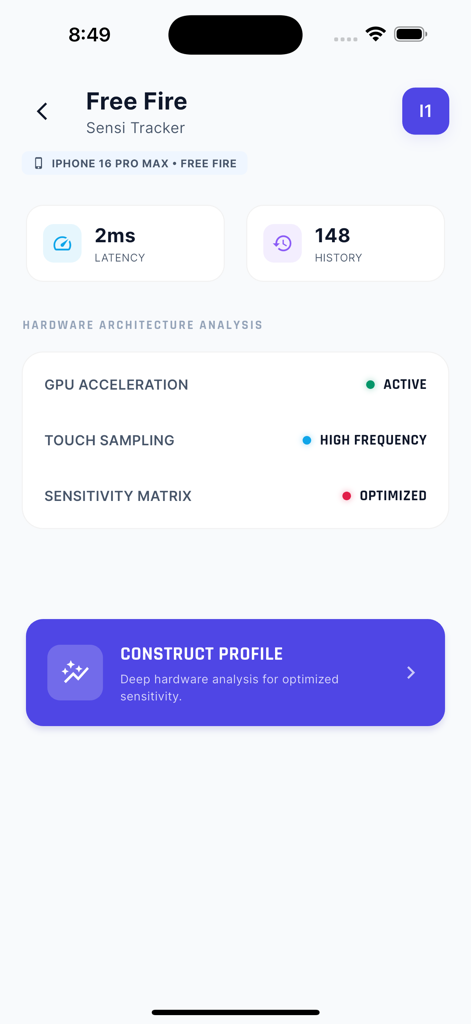
Hardware analysis and sensitivity optimization for Free Fire in the Sensi Tracker app
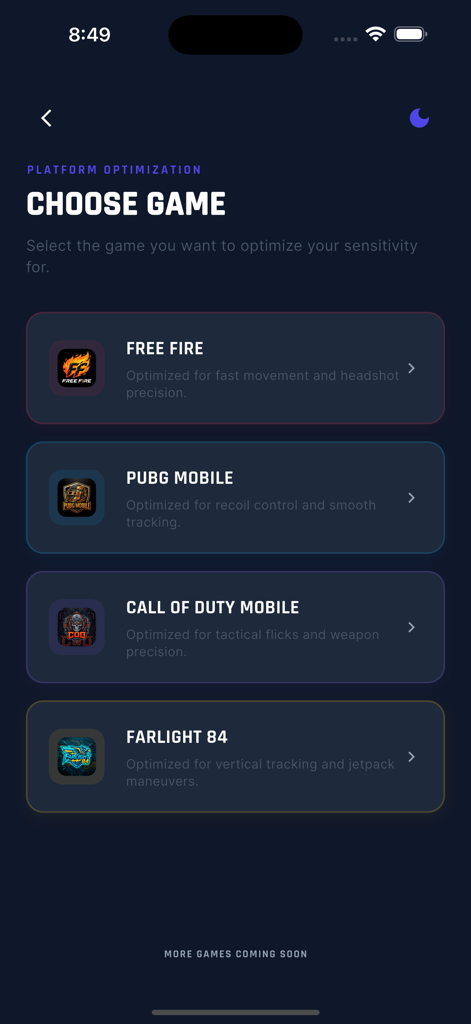
Sensi Tracker menu for selecting mobile games like PUBG and Call of Duty to optimize sensitivity settings
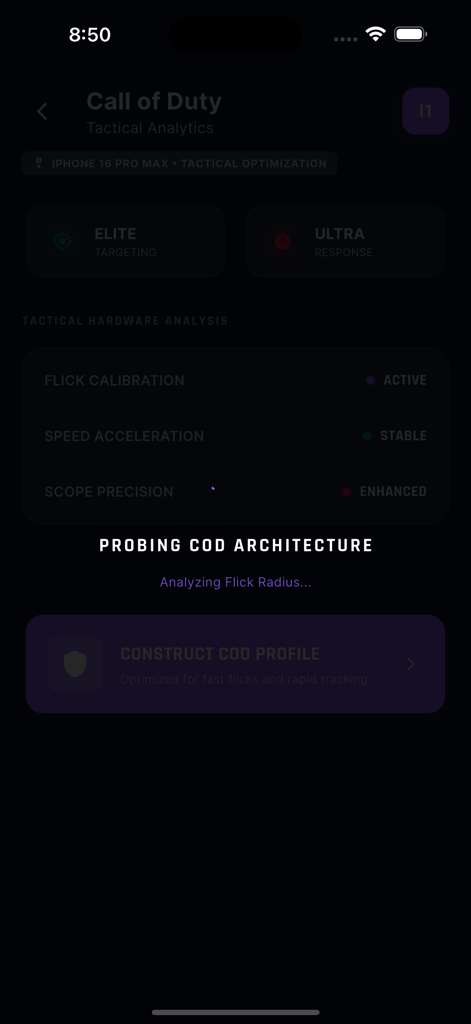
Sensi Tracker app interface showing hardware analysis and sensitivity calibration for Call of Duty Mobile.
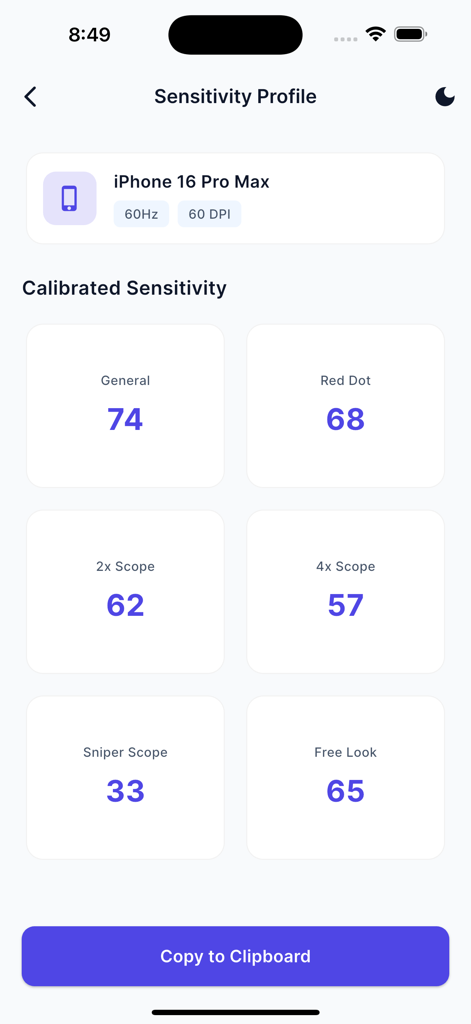
Sensi Tracker app sensitivity profile screen for iPhone 16 Pro Max showing calibrated settings
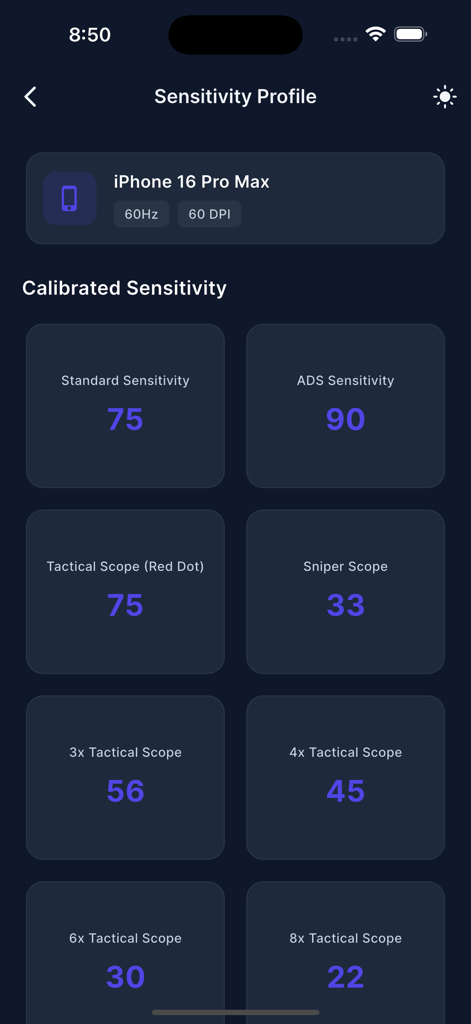
Sensi Tracker app screen showing calibrated sensitivity settings for an iPhone 16 Pro Max
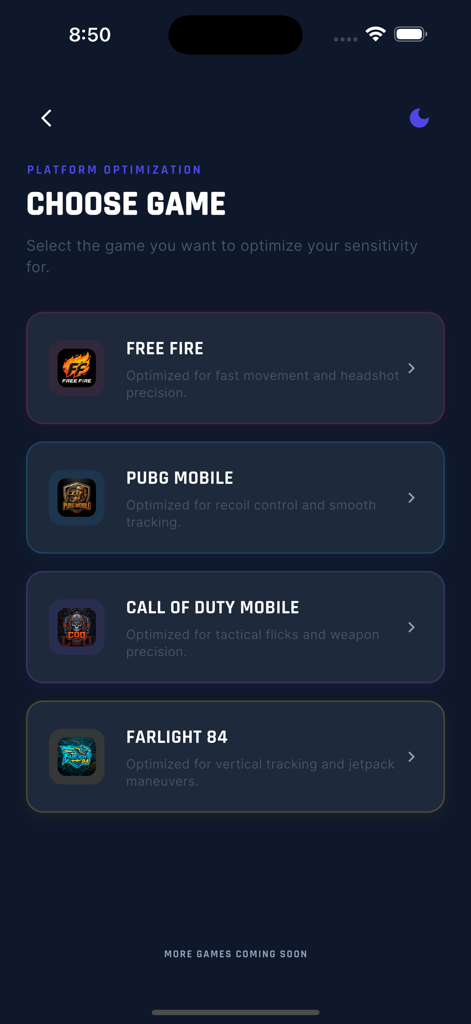
Sensi Tracker app screen showing a list of games including Free Fire and PUBG Mobile for sensitivity optimization
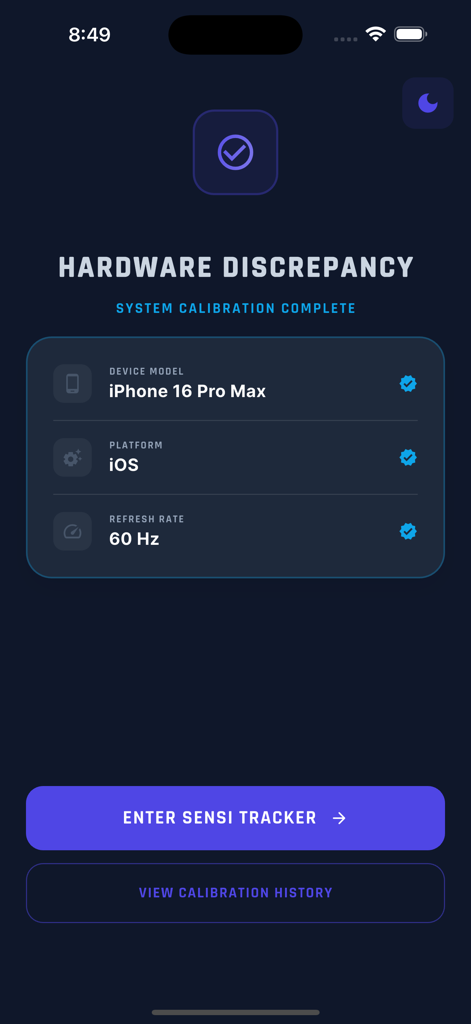
Sensi Tracker app interface showing hardware calibration results for iPhone 16 Pro Max including platform and refresh rate
Description
Download
More Like This
Top-ranked apps in the same category

TestFlight
Apple Inc.

Replit: Vibe Code Apps
Replit, Inc

GitHub
GitHub

O-KAM Pro
Shenzhen VeePai IoT Intelligent Technology LLC

Apple Developer
Apple Inc.

Expo Go
650 Industries, Inc.

Scriptable
Simon Stovring

Stream - Network Debug Tool
Stream Lab Inc.

ProxyPin - Open Source Capture
Minimalist Network Co., Ltd.
This page is not an official page of the app or its developer, but an independent editorial publication created for informational and commentary purposes. Unless expressly stated otherwise, neither the app nor its developer is affiliated with, endorsed by, sponsored by, authorized by, or otherwise officially connected with MWM, Apple, Google Play, the app publisher, or the app's developer, and nothing on this page implies that the app was developed using MWM's services. Any trademarks, logos, screenshots, and other content remain the property of their respective owners.