
This page is not an official page of the app or its developer, but an independent editorial publication created for informational and commentary purposes. Unless expressly stated otherwise, neither the app nor its developer is affiliated with, endorsed by, sponsored by, authorized by, or otherwise officially connected with MWM, Apple, Google Play, the app publisher, or the app's developer, and nothing on this page implies that the app was developed using MWM's services. Any trademarks, logos, screenshots, and other content remain the property of their respective owners.

Shopping-List.
Eliminate shopping mistakes with photo-based lists and multi-store categorization. Plan with precision, convert units instantly, and delegate tasks seamlessly via PDF, SMS, or WhatsApp.
Downloads
100User Rating
Total Ratings
0Publisher
Category
UtilitiesLocales
1Latest Version
1.1.33Size
105.1 MBFirst Released
Aug 15, 2013Streamline Your Household Errands
The all-in-one utility for meticulous managers who demand precision, visual clarity, and organized shopping routines.
Visual Verification
Attach photos to specific items and brands to eliminate shopping errors and ensure the right product is purchased every time.
Store-Specific Planning
Group your items by shop type—from hardware stores to supermarkets—to optimize your route and conquer errands with efficiency.
Frequently Asked Questions
Everything you need to know about Shopping-List.
What is My-Shopping-List app?
My-Shopping-List is an application designed to manage shopping needs. It organizes shopping lists by shop types, offers printing, email, and SMS sharing, and includes functions for managing shops, categories, items, and unit conversions.
How does the Shopping-List app organize shopping items?
The Shopping-List app organizes items by grouping them based on chosen shop types such as supermarkets or hardware stores. It also allows categorization of items within these shops (e.g., bakery, fruits, vegetables).
Can I share my shopping list from the My-Shopping-List app?
Yes, you can share your shopping list from the My-Shopping-List app via email or SMS. Email includes a PDF attachment, and the app supports sharing the PDF to other services like WhatsApp, Messenger, and iCloud Drive.
What unit conversion features are available in the Shopping-List app?
The Shopping-List app provides a 'Unit Conversion' option with three functions: Ingredient Measurement (Cup, Tablespoon, Teaspoon, Millilitre, Fluid Ounce), Weight (Metric or Imperial), and Temperature (Centigrade, Fahrenheit, Gas Mark).
Does the My-Shopping-List app allow custom shop types?
Yes, the My-Shopping-List app allows users to manage and enter custom shop types. Users can define shop type details, including a description and a photo, and delete unwanted shop types.
How do I add new items to my shopping list in the My-Shopping-List app?
You can add new items in the "Manage Items" section. When managing a shopping list, if an item is not found, you can add new items and categories directly without exiting, making them available for selection.
Can I take photos for items and categories in Shopping-List?
Yes, My-Shopping-List allows users to select photos for shop types, categories, and items from their photo album or take new photos directly. This personalizes entries within the app.
What kind of item details can I specify in the My-Shopping-List app?
For items in your shopping list, you can specify the item name, quantity, measure (metric or imperial like kg, litre), and add notes. The app also displays the item category and photo.
Can I track purchased items in the Shopping-List app?
Yes, the Shopping-List app allows you to check off items as purchased within the "Show Shopping List" option. You can then delete these checked items if you wish to remove them.
Does the Shopping-List app provide a help guide?
Yes, the Shopping-List app includes a 'Help' button. This feature is designed to guide users in effectively utilizing the application's various functionalities.
The following screenshots and description are sourced directly from the app's official store listing and are the property of the app developer.
App Store
Screenshots
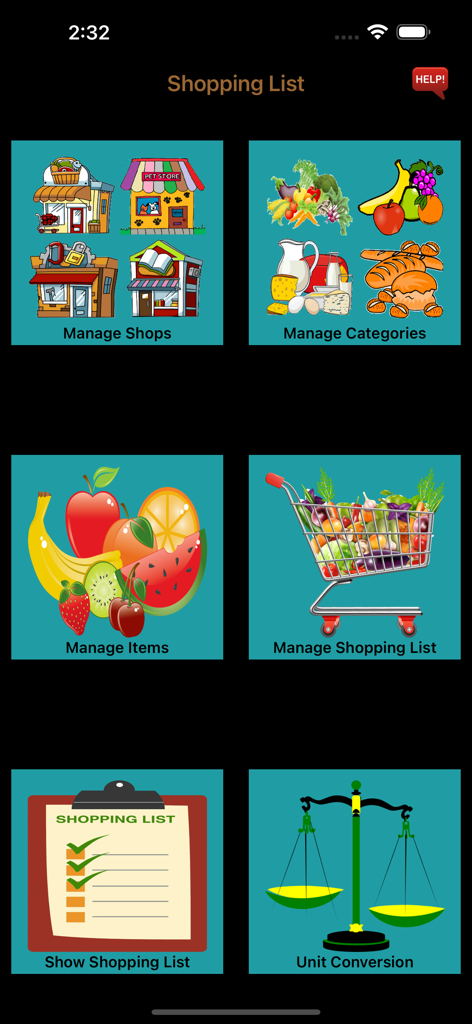
Main menu of the Shopping-List app featuring colorful icons for managing shops, categories, items, shopping lists, and unit conversions.
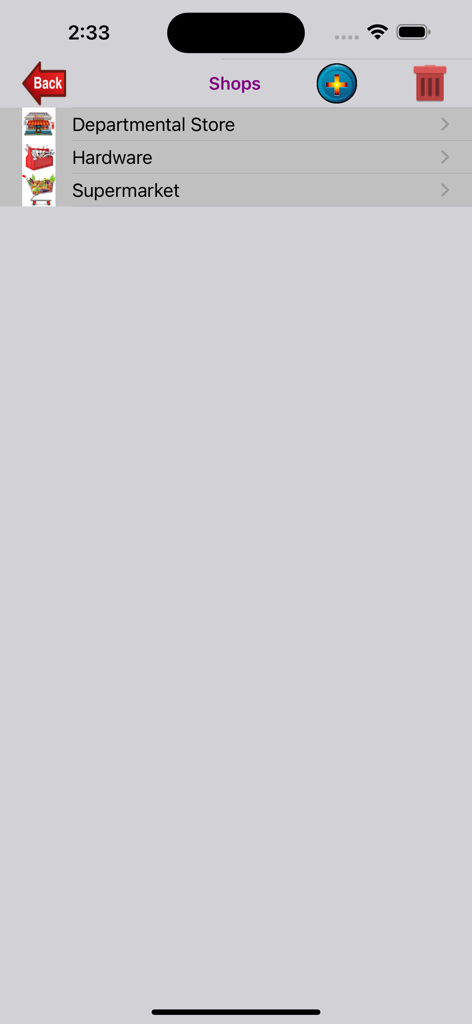
A mobile interface for managing shop categories showing departmental store hardware and supermarket
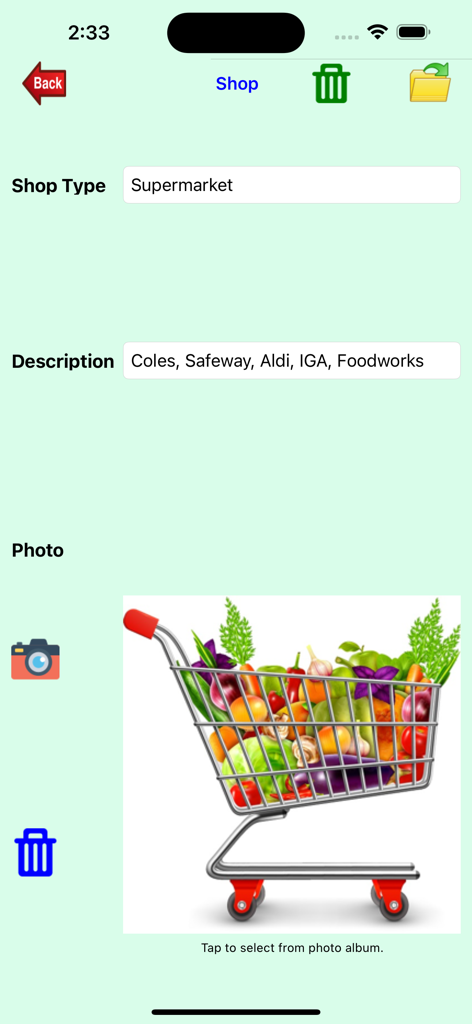
Screenshot of the Shopping-List app interface for managing shop types including supermarket details and a grocery cart image.
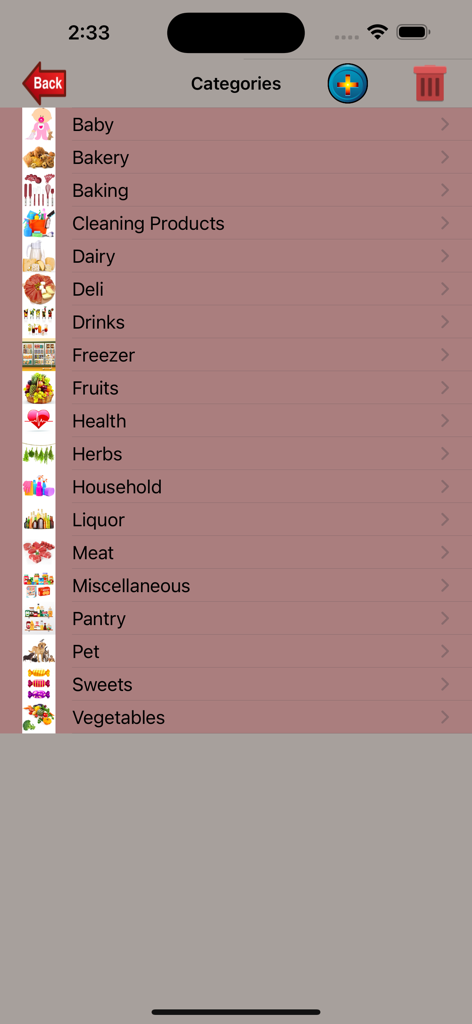
A list of grocery shopping categories with icons including bakery dairy and household items
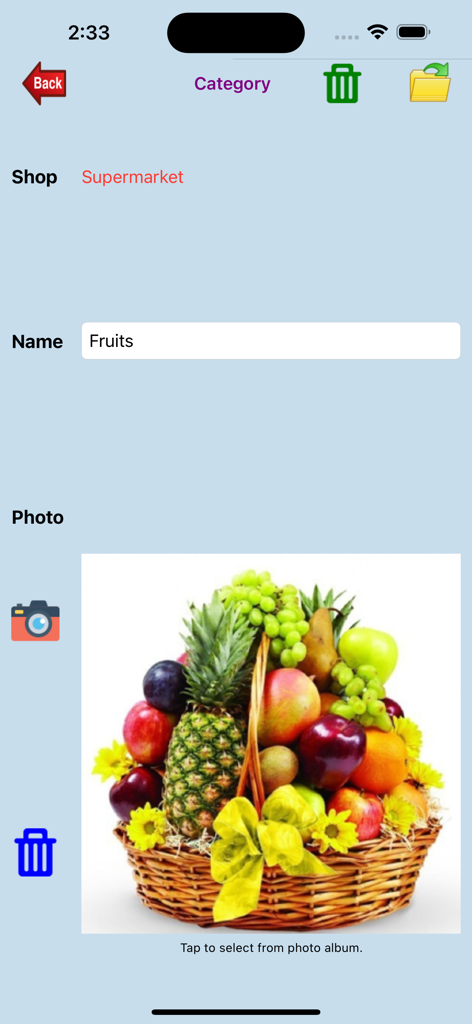
Interface of the Shopping-List app showing a Fruits category management screen with a photo of a fruit basket.
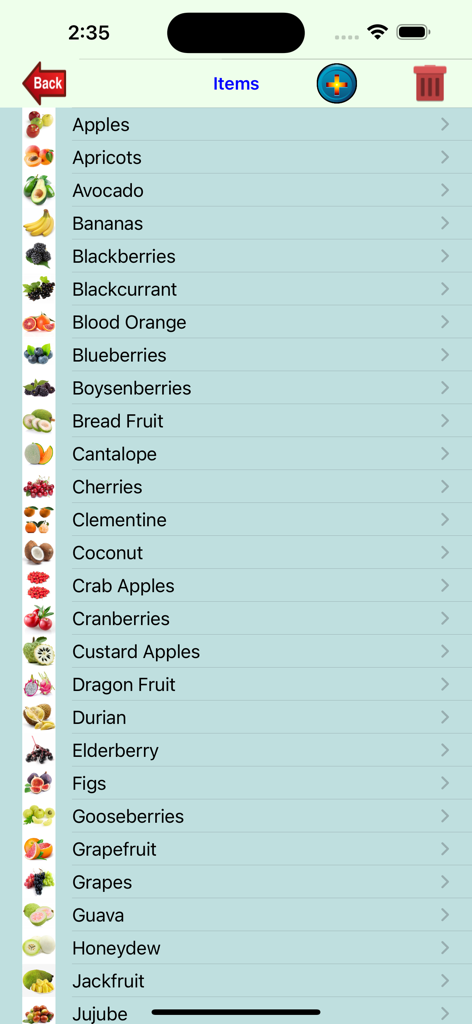
A screen showing a list of fruits with thumbnail images and names in the Shopping-List app.
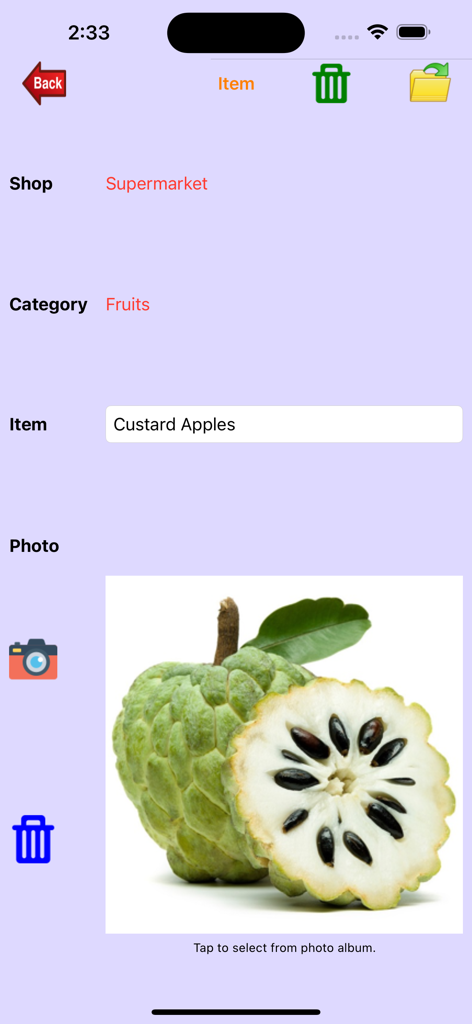
Interface of the Shopping List app showing the details and photo for custard apples in the supermarket category
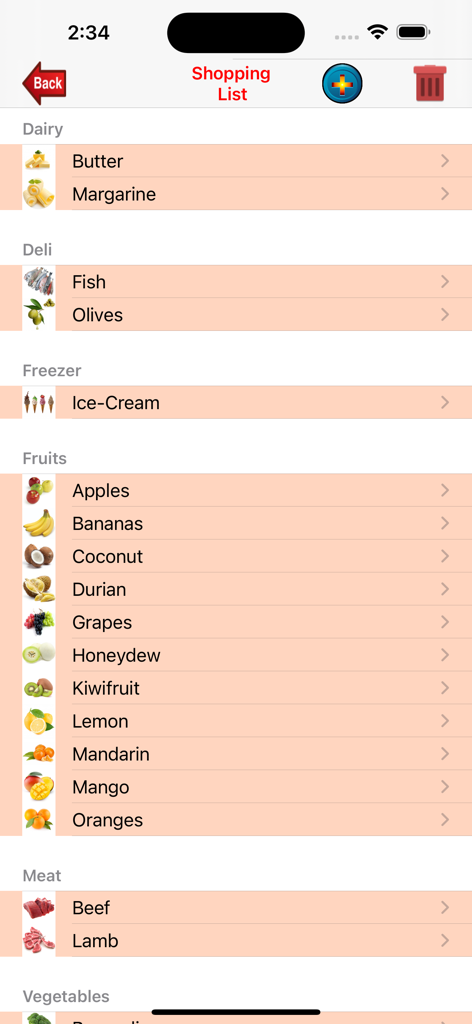
A mobile app screen showing a grocery shopping list organized into categories like Dairy, Deli, Freezer, and Fruits with representative icons for each item.
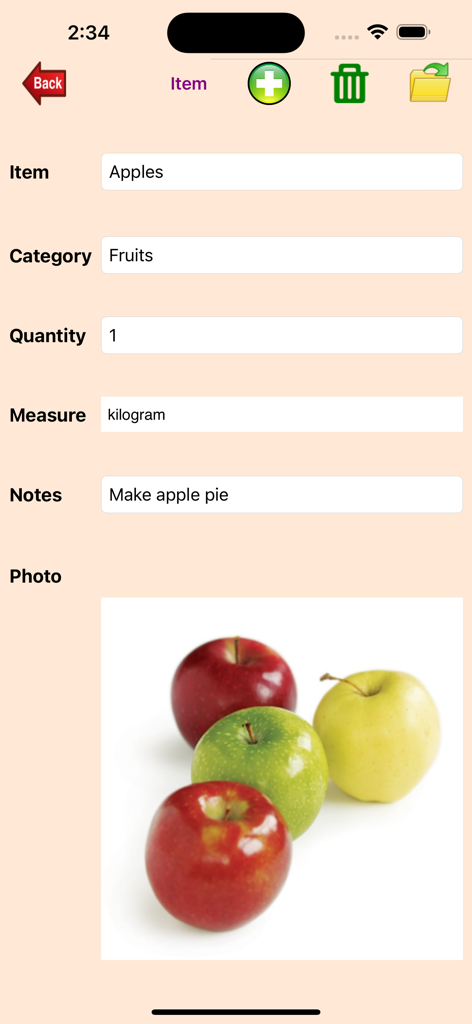
Detailed item entry for apples in the Shopping-List app showing photo and quantity
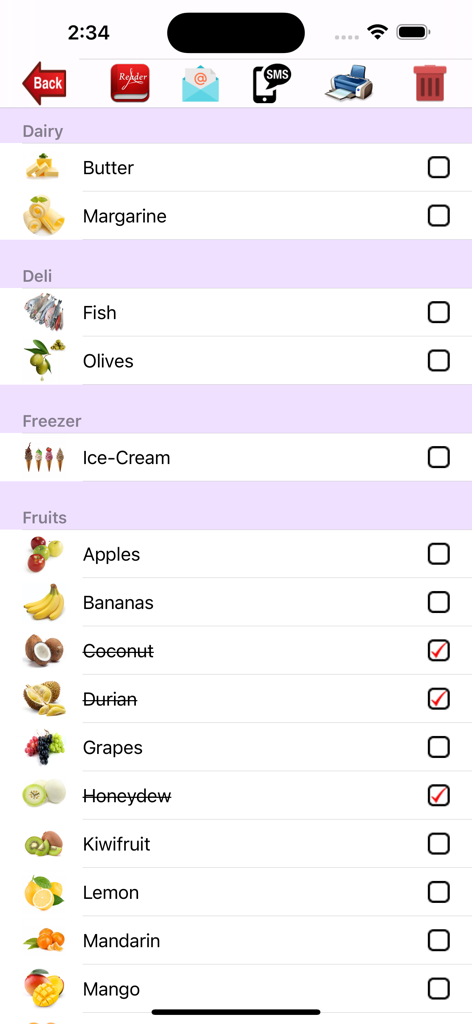
Shopping list app screen showing items grouped by category with product images and checkmarks
Description
Download
More Like This
Top-ranked apps in the same category

Google LLC

Google Chrome
Google LLC

中国移动(手机营业厅)
China Mobile Online Services Co., Ltd.

Google Authenticator
Google LLC

CNH do Brasil
Servicos e Informacoes do Brasil

Cleanup: Phone Storage Cleaner
DEEP FLOW SOFTWARE SERVICES - FZCO

gov.br
Servicos e Informacoes do Brasil

中国电信-全国统一官方服务平台
CHINA TELECOM Corporation Ltd.

Microsoft Edge: AI Browser
Microsoft Corporation
This page is not an official page of the app or its developer, but an independent editorial publication created for informational and commentary purposes. Unless expressly stated otherwise, neither the app nor its developer is affiliated with, endorsed by, sponsored by, authorized by, or otherwise officially connected with MWM, Apple, Google Play, the app publisher, or the app's developer, and nothing on this page implies that the app was developed using MWM's services. Any trademarks, logos, screenshots, and other content remain the property of their respective owners.