
This page is not an official page of the app or its developer, but an independent editorial publication created for informational and commentary purposes. Unless expressly stated otherwise, neither the app nor its developer is affiliated with, endorsed by, sponsored by, authorized by, or otherwise officially connected with MWM, Apple, Google Play, the app publisher, or the app's developer, and nothing on this page implies that the app was developed using MWM's services. Any trademarks, logos, screenshots, and other content remain the property of their respective owners.


shortcut-website shortcuts
Organize your favorite sites into beautiful, custom-themed folders. Privacy-first, lightning-fast, and designed to declutter your digital life.
Downloads
0User Rating
Total Ratings
0Publisher
Category
UtilitiesLocales
4Latest Version
1.1.1Size
0.6 MBFirst Released
Jan 7, 2026Streamline Your Digital Life
The ultimate organizational tool for the minimalist power user. Experience a faster, prettier, and more private way to access the web.
Declutter with Drag & Drop
Instantly group your favorite sites into sleek folders. Tame your digital chaos and find exactly what you need in a single tap.
Match Your Aesthetic
Customize accent colors and themes to perfectly complement your iOS home screen. Finally, a utility that looks as good as it works.
The following screenshots and description are sourced directly from the app's official store listing and are the property of the app developer.
App Store
Screenshots
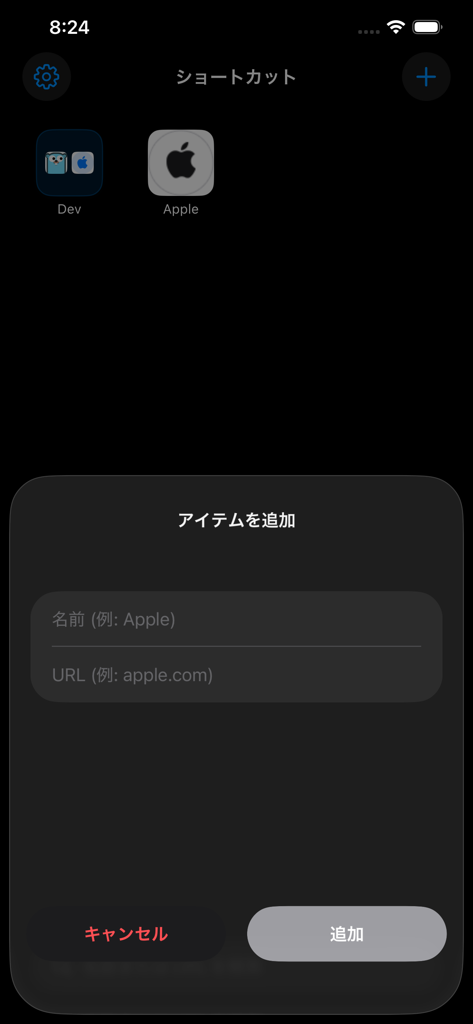
The add item modal in the shortcut-website shortcuts app showing input fields for a website name and URL
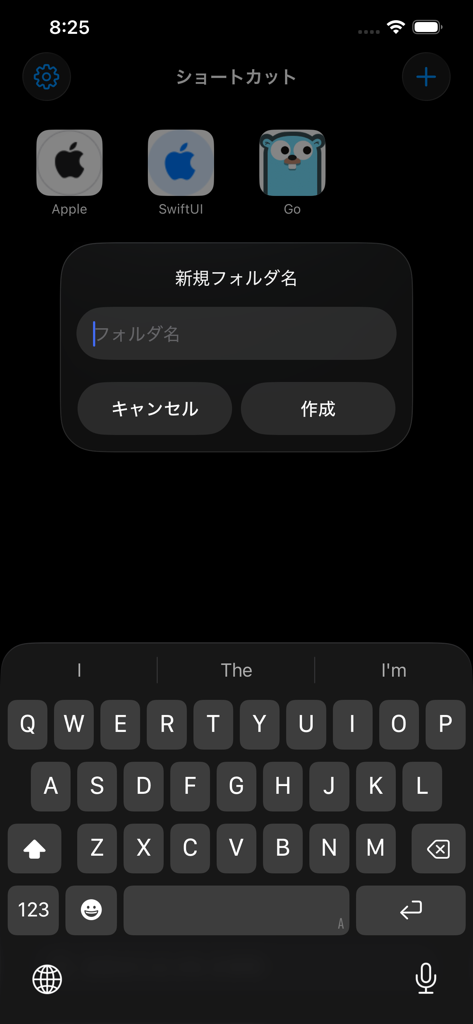
Screenshot of the shortcut-website app showing the new folder creation dialog in Japanese with a dark theme interface.
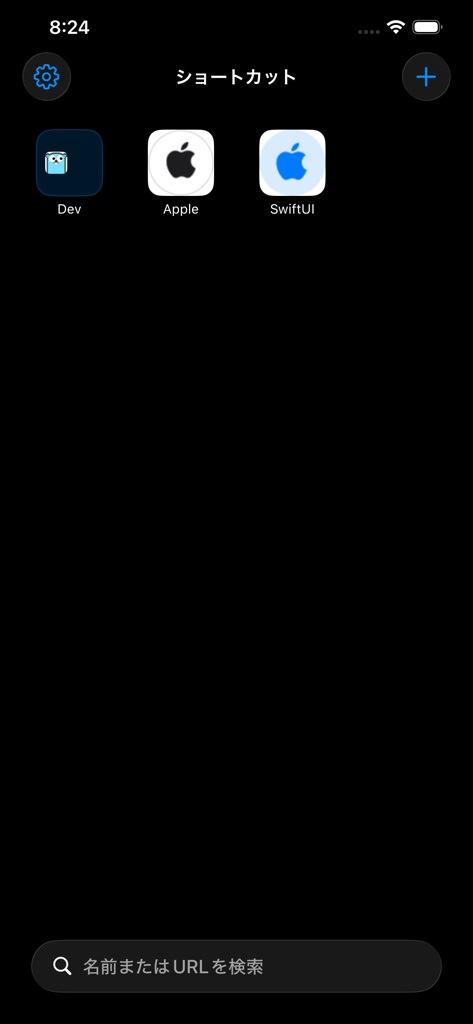
A clean dark mode interface of the shortcut website shortcuts app featuring organized web link icons and a bottom search bar
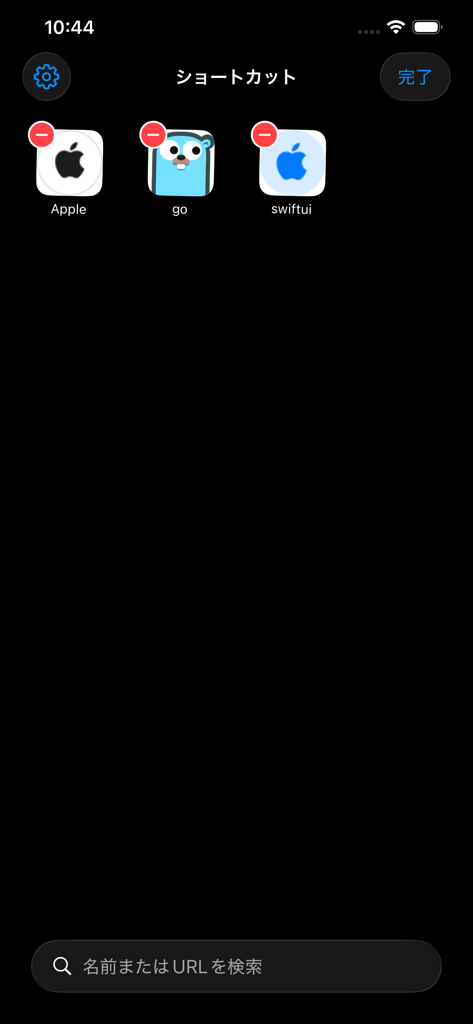
Interface for managing and organizing website shortcuts on mobile in dark mode
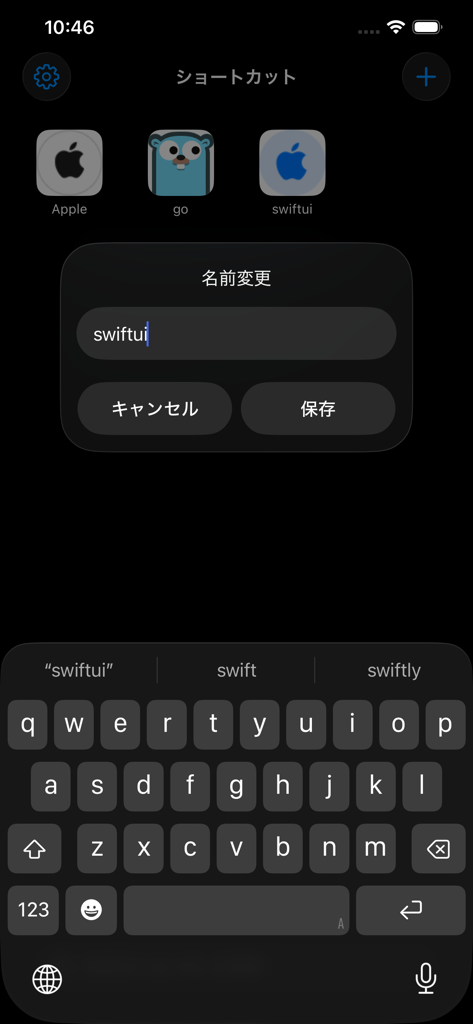
A mobile screen showing a rename dialog box for a website shortcut with a keyboard displayed
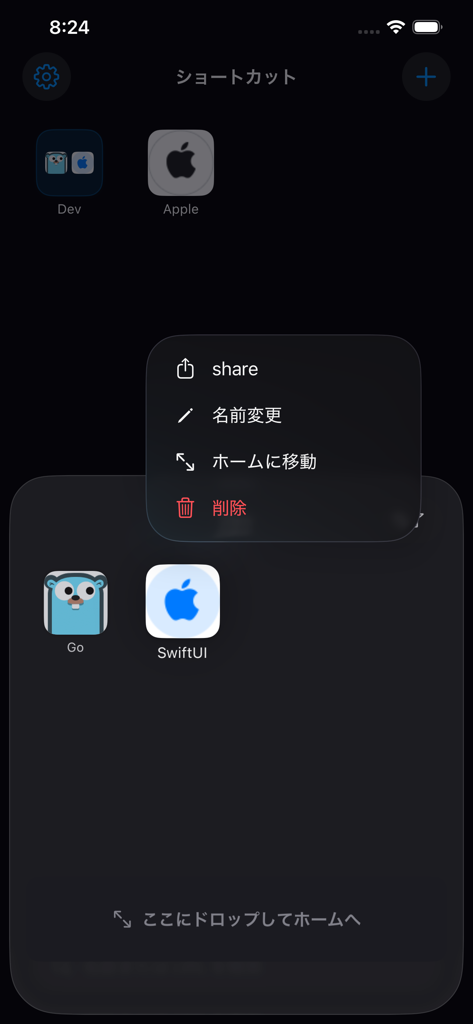
The user interface of shortcut-website app on iOS showing a folder with web link icons and a management menu in Japanese.
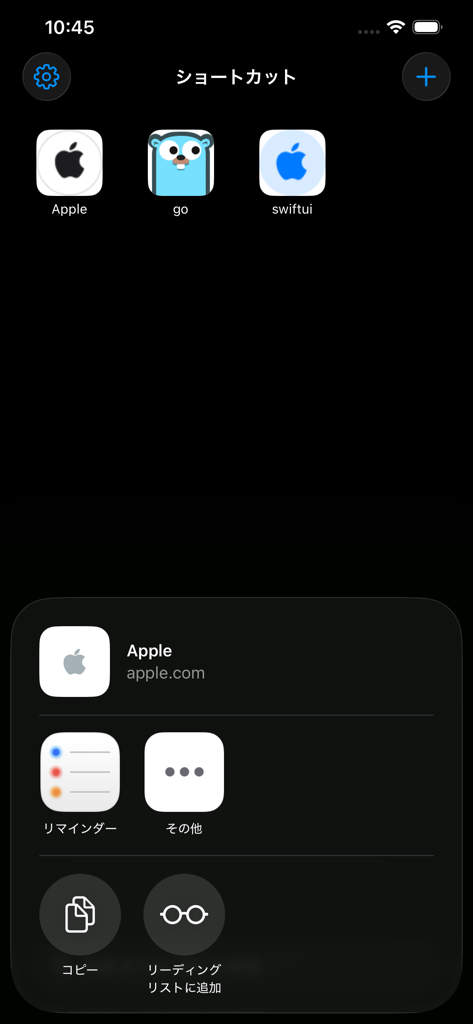
Dark mode mobile interface showing organized website shortcuts with custom icons and a quick action menu.
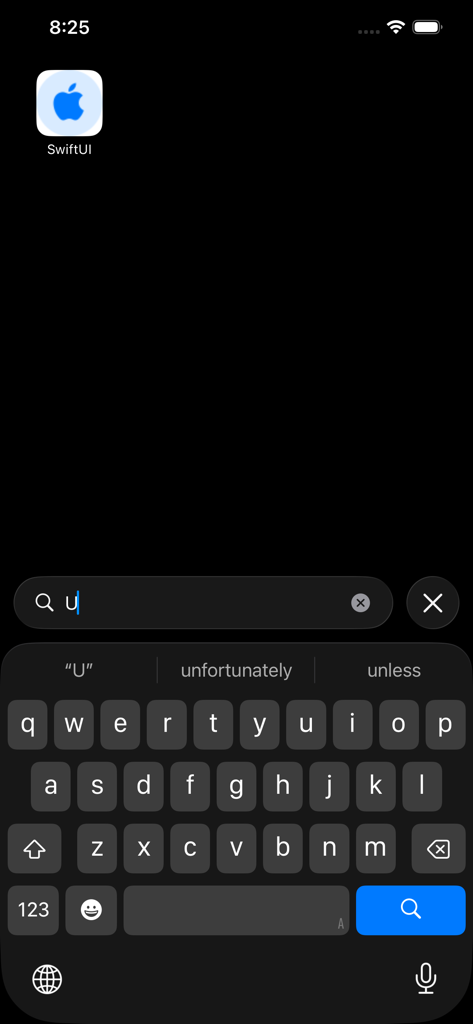
Smart search feature in the shortcut-website shortcuts app with an iOS keyboard and a search result for SwiftUI.
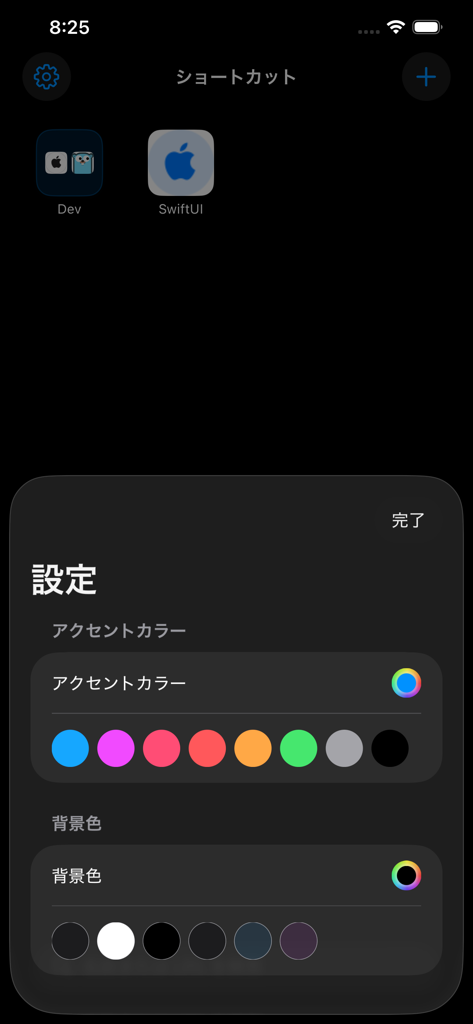
Settings menu of the website shortcuts app showing color customization options for accent and background colors
Description
Download
More Like This
Top-ranked apps in the same category

Google LLC

Google Chrome
Google LLC

中国移动(手机营业厅)
China Mobile Online Services Co., Ltd.

Google Authenticator
Google LLC

Cleanup: Phone Storage Cleaner
DEEP FLOW SOFTWARE SERVICES - FZCO

gov.br
Servicos e Informacoes do Brasil

CNH do Brasil
Servicos e Informacoes do Brasil

Super VPN Fly 2026
YUNFAN TECHNOLOGY CO., LIMITED

Microsoft Edge: AI Browser
Microsoft Corporation
This page is not an official page of the app or its developer, but an independent editorial publication created for informational and commentary purposes. Unless expressly stated otherwise, neither the app nor its developer is affiliated with, endorsed by, sponsored by, authorized by, or otherwise officially connected with MWM, Apple, Google Play, the app publisher, or the app's developer, and nothing on this page implies that the app was developed using MWM's services. Any trademarks, logos, screenshots, and other content remain the property of their respective owners.