
This page is not an official page of the app or its developer, but an independent editorial publication created for informational and commentary purposes. Unless expressly stated otherwise, neither the app nor its developer is affiliated with, endorsed by, sponsored by, authorized by, or otherwise officially connected with MWM, Apple, Google Play, the app publisher, or the app's developer, and nothing on this page implies that the app was developed using MWM's services. Any trademarks, logos, screenshots, and other content remain the property of their respective owners.

Simple Scan • Quick Scanner
Designed for efficiency junkies and privacy-focused professionals. Transform paper into searchable PDFs with Apple Intelligence and on-device processing—no ads, no clutter, just scan and go.
Downloads
0User Rating
Total Ratings
0Publisher
Category
ProductivityLocales
1Latest Version
9.0Size
15.9 MBFirst Released
Feb 27, 2024Scanning, Simplified.
Stop fighting with bloated scanner apps. Simple Scan is a high-performance utility designed for professionals who value speed, privacy, and a clutter-free workflow.
Scan and Send in Seconds
Skip the document library. Go from physical paper to a sent PDF or image via email, Slack, or Files with zero friction and no account needed.
Private & On-Device
Your sensitive documents never leave your iPhone. All OCR and processing happen locally, ensuring total privacy with absolutely no ads, ever.
The following screenshots and description are sourced directly from the app's official store listing and are the property of the app developer.
App Store
Screenshots
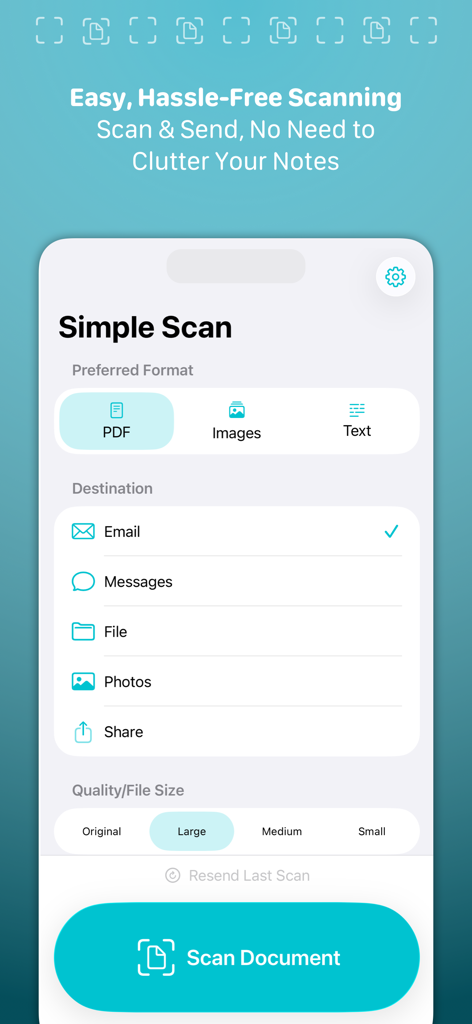
Interface of Simple Scan app showing document format selection and destination options like email and files.
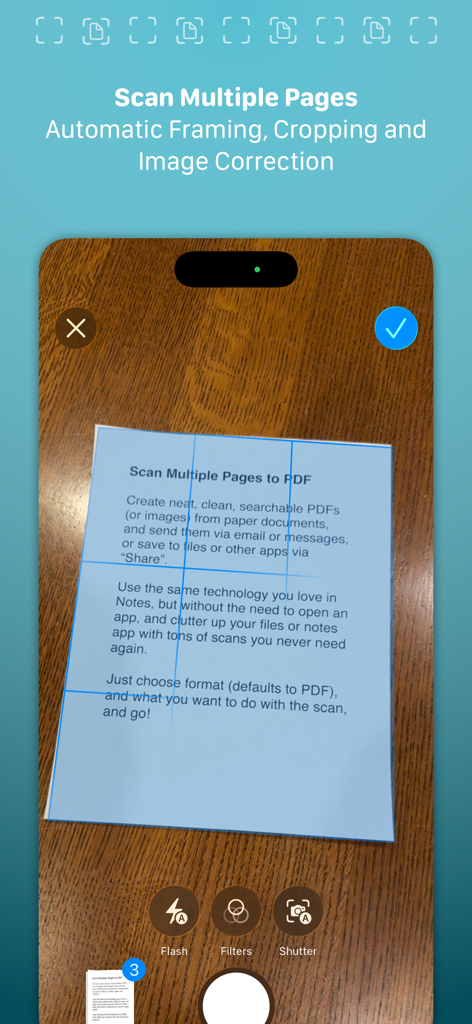
Simple Scan app interface showing automatic framing and cropping of a document for multi-page scanning on an iPhone.
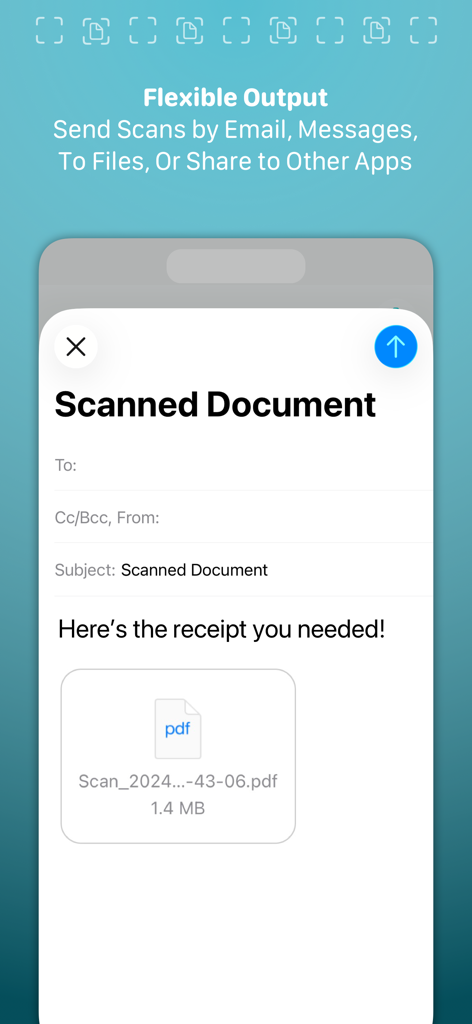
Interface showing the flexible output options for sending a scanned PDF document by email or message
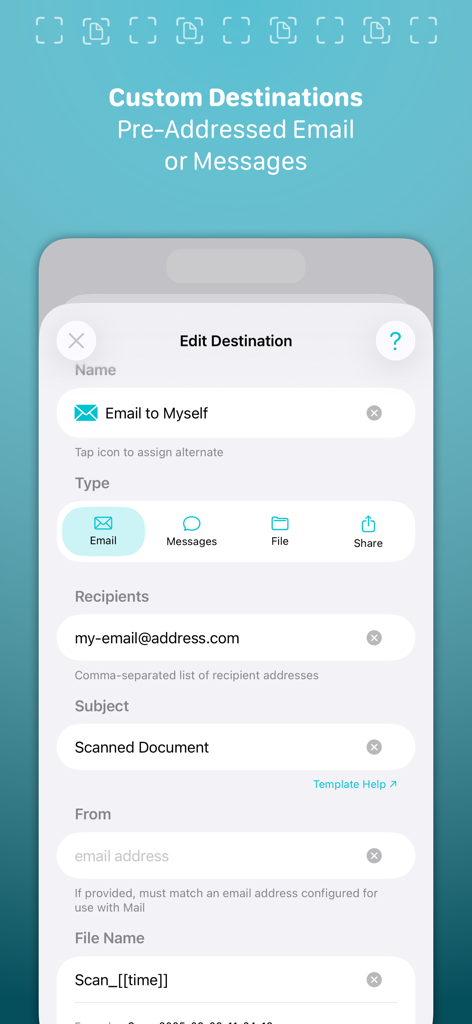
Interface of the Simple Scan app showing custom destination settings for pre-addressed emails and messages.
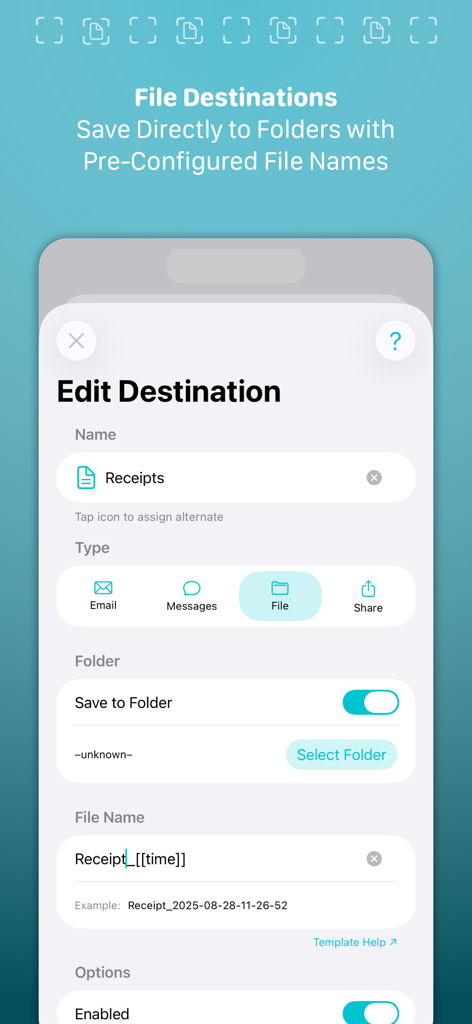
Simple Scan interface for setting up automatic document naming and folder destinations
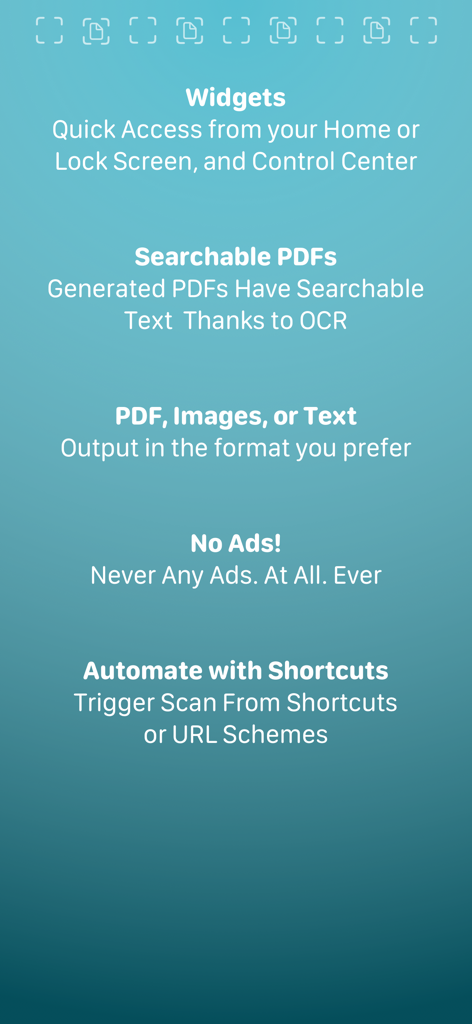
List of key features for Simple Scan app including widgets, searchable PDFs with OCR, multiple output formats, no ads, and shortcut automation
Description
Download
More Like This
Top-ranked apps in the same category

ChatGPT
OpenAI OpCo, LLC

Google Gemini
Google LLC

Grok
X.AI Corporation

Gmail - Email by Google
Google LLC

千问 - 阿里最强大模型官方AI助手
Shanghai Zhixin Puhui Technology Co., Ltd.

Google Drive
Google LLC

Microsoft Authenticator
Microsoft Corporation

Google Sheets
Google LLC

Google Docs
Google LLC
This page is not an official page of the app or its developer, but an independent editorial publication created for informational and commentary purposes. Unless expressly stated otherwise, neither the app nor its developer is affiliated with, endorsed by, sponsored by, authorized by, or otherwise officially connected with MWM, Apple, Google Play, the app publisher, or the app's developer, and nothing on this page implies that the app was developed using MWM's services. Any trademarks, logos, screenshots, and other content remain the property of their respective owners.