
This page is not an official page of the app or its developer, but an independent editorial publication created for informational and commentary purposes. Unless expressly stated otherwise, neither the app nor its developer is affiliated with, endorsed by, sponsored by, authorized by, or otherwise officially connected with MWM, Apple, Google Play, the app publisher, or the app's developer, and nothing on this page implies that the app was developed using MWM's services. Any trademarks, logos, screenshots, and other content remain the property of their respective owners.


Simple Timer & Alarm ListTimer
Stop scrolling and start timing instantly. See exact finish times at a glance with a minimalist, battery-friendly interface designed for peak productivity.
Downloads
990K+User Rating
Total Ratings
24K+Publisher
Category
UtilitiesLocales
11Latest Version
2.7.1Size
26.6 MBFirst Released
Jun 27, 2014Productivity Without the Friction
ListTimer replaces cumbersome dials with a streamlined, one-tap interface designed for those who value every second of their day.
One-Tap Execution
Start your routine instantly. Select from your list and get moving without the hassle of scrolling or manual setup.
Smart Finish-Time Display
Sync your schedule effortlessly. We display the exact clock time your alarm will end so you can plan your day with precision.
Frequently Asked Questions
Everything you need to know about Simple Timer & Alarm ListTimer
How does ListTimer start a new timer?
ListTimer starts a new timer with just one tap. The application interface displays a list of preset timers for quick activation.
Does ListTimer display the timer's finish time?
Yes, ListTimer displays the exact finish time for each active timer directly on the screen. This allows users to easily see when an alarm will conclude.
Will ListTimer notify me if the app is in the background?
Yes, ListTimer notifies you in the background when a timer ends. This feature ensures you receive alerts even after closing the app.
Does ListTimer include vibration alerts?
Yes, ListTimer includes vibration alerts. It vibrates your device when a timer concludes, making it usable even in silent mode environments.
Is the ListTimer app energy efficient?
Yes, ListTimer is battery friendly. It does not consume battery power in the background because it notifies you after the app closes.
Can I repeat a timer with ListTimer?
Yes, ListTimer allows users to easily repeat a timer. A dedicated repeat button initiates the timer again at previous intervals.
What features are included in the ListTimer upgrade?
The ListTimer upgrade removes ads, enables a countdown on the lockscreen, allows changing alarm sounds, and customizes theme colors.
Does ListTimer have a privacy policy?
Yes, ListTimer provides a privacy policy. The document and terms of use are accessible via a specific URL listed in the app description.
The following screenshots and description are sourced directly from the app's official store listing and are the property of the app developer.
App Store
Screenshots
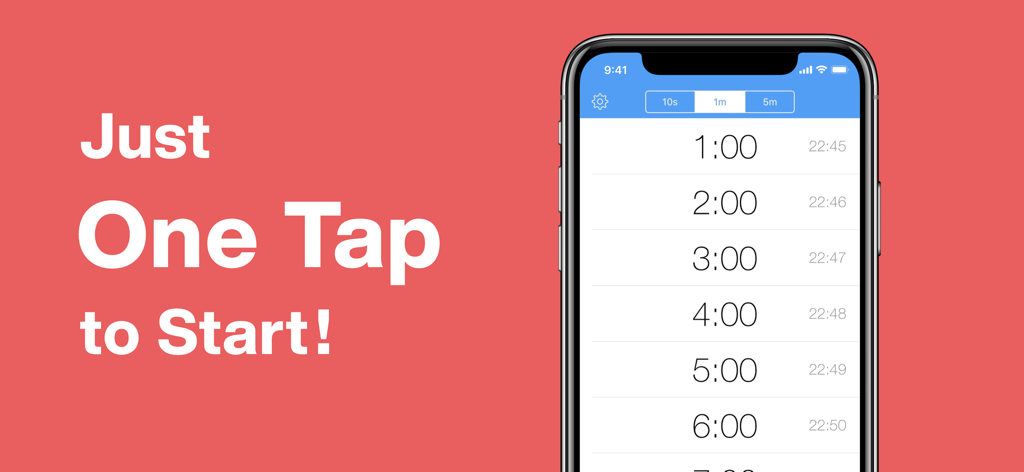
iPhone screen displaying the ListTimer app interface with a list of durations and the slogan Just One Tap to Start
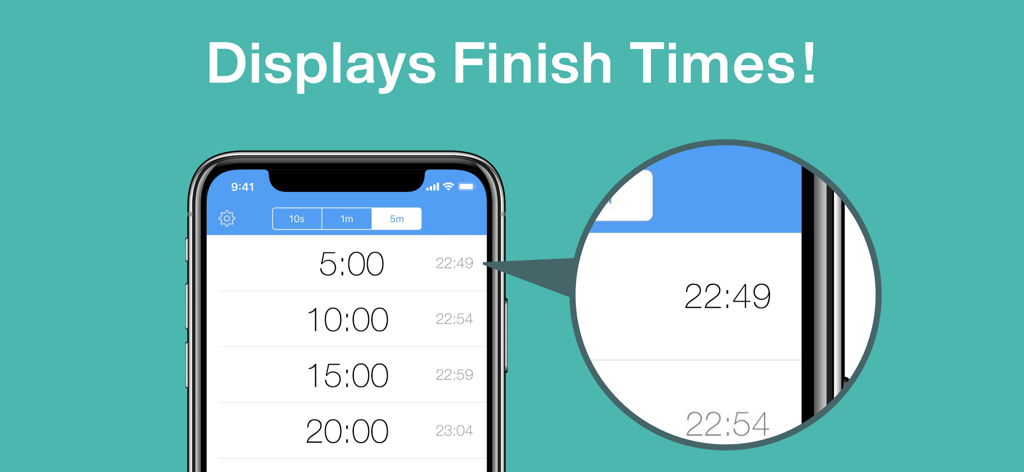
ListTimer interface showing timer durations and their exact finish times on an iPhone screen
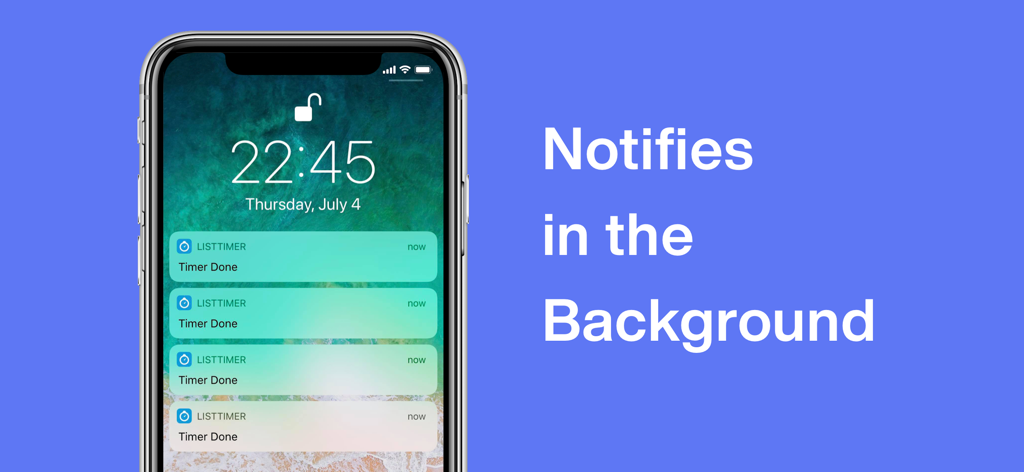
iPhone lock screen showing multiple background timer notifications from the ListTimer app
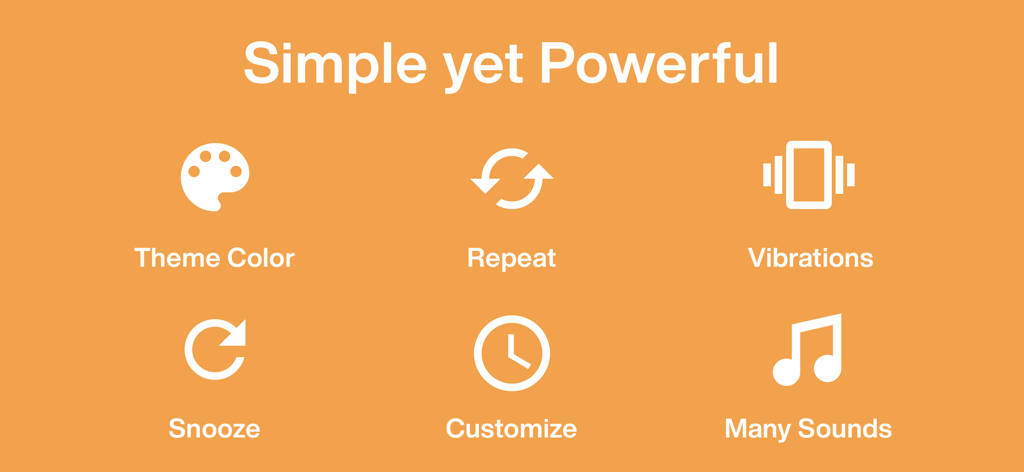
Icons highlighting the simple yet powerful features of the ListTimer app including theme customization and repeat functions
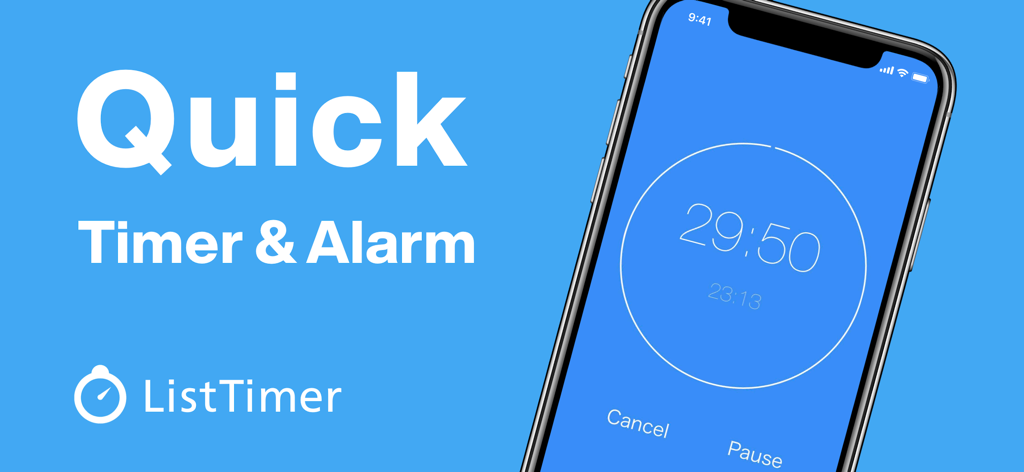
ListTimer app interface showing a countdown and finish time on a smartphone
Description
Download
More Like This
Top-ranked apps in the same category

Google LLC

Google Chrome
Google LLC

中国移动(手机营业厅)
China Mobile Online Services Co., Ltd.

Google Authenticator
Google LLC

CNH do Brasil
Servicos e Informacoes do Brasil

Cleanup: Phone Storage Cleaner
DEEP FLOW SOFTWARE SERVICES - FZCO

gov.br
Servicos e Informacoes do Brasil

中国电信-全国统一官方服务平台
CHINA TELECOM Corporation Ltd.

Microsoft Edge: AI Browser
Microsoft Corporation
This page is not an official page of the app or its developer, but an independent editorial publication created for informational and commentary purposes. Unless expressly stated otherwise, neither the app nor its developer is affiliated with, endorsed by, sponsored by, authorized by, or otherwise officially connected with MWM, Apple, Google Play, the app publisher, or the app's developer, and nothing on this page implies that the app was developed using MWM's services. Any trademarks, logos, screenshots, and other content remain the property of their respective owners.