
This page is not an official page of the app or its developer, but an independent editorial publication created for informational and commentary purposes. Unless expressly stated otherwise, neither the app nor its developer is affiliated with, endorsed by, sponsored by, authorized by, or otherwise officially connected with MWM, Apple, Google Play, the app publisher, or the app's developer, and nothing on this page implies that the app was developed using MWM's services. Any trademarks, logos, screenshots, and other content remain the property of their respective owners.

Simple Working Calendar
The intuitive rotation planner for healthcare, retail, and essential workers. Effortlessly calculate your work shifts, track holidays, and master your work-life balance in seconds.
Downloads
1M+User Rating
Total Ratings
21K+Publisher
Category
ProductivityLocales
3Latest Version
1.8.6Size
132.5 MBFirst Released
Dec 2, 2019Master Your Shift Schedule
Take the stress out of rotating shifts with a calendar designed specifically for the modern workforce. No more manual counting—just clear, automated planning.
Automated Rotation Calculator
Input your cycle once—like 4-on/2-off or custom rotations—and let the app instantly generate your entire year's schedule.
Work-Life Integration
Track vacations and public holidays alongside your shifts so you can plan family events and doctor visits with total confidence.
Frequently Asked Questions
Everything you need to know about Simple Working Calendar
What is the primary function of the Simple Working Calendar app?
The Simple Working Calendar app helps users easily and accurately calculate their work schedule. It features a convenient and thoughtful design for simple use.
Can users customize their schedules in Simple Working Calendar?
Yes, users can add their own individual schedules within the Simple Working Calendar app. This feature allows for personalized work planning.
Does Simple Working Calendar support tracking holidays?
Yes, the Simple Working Calendar app allows users to track holidays. This feature assists in planning work around national or observed days off.
Can I add vacation days using the Simple Working Calendar app?
Yes, users can add vacation days using the Simple Working Calendar app. This functionality helps in managing personal time off from work.
Is the Simple Working Calendar app currently free to download?
Yes, the Simple Working Calendar app is currently free to download. Users can acquire the application without any initial cost.
How does the Simple Working Calendar app simplify work schedule management?
The Simple Working Calendar app simplifies work schedule management with its convenient and thoughtful design. It makes using the application simple for all users.
Does the Simple Working Calendar app offer future updates?
Yes, the Simple Working Calendar app expects many updates in the future. These updates aim to enhance the application's features and performance.
The following screenshots and description are sourced directly from the app's official store listing and are the property of the app developer.
App Store
Screenshots
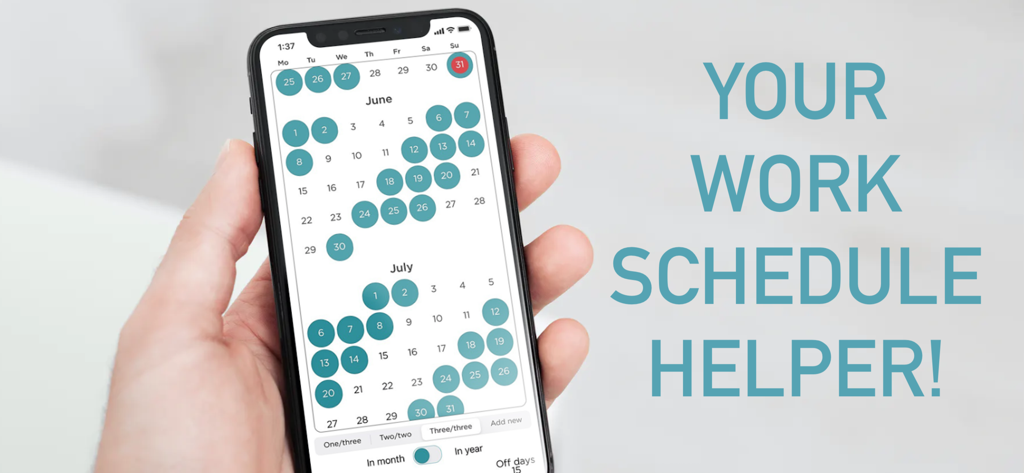
A hand holding a smartphone showing the Simple Working Calendar app with work shifts highlighted in teal
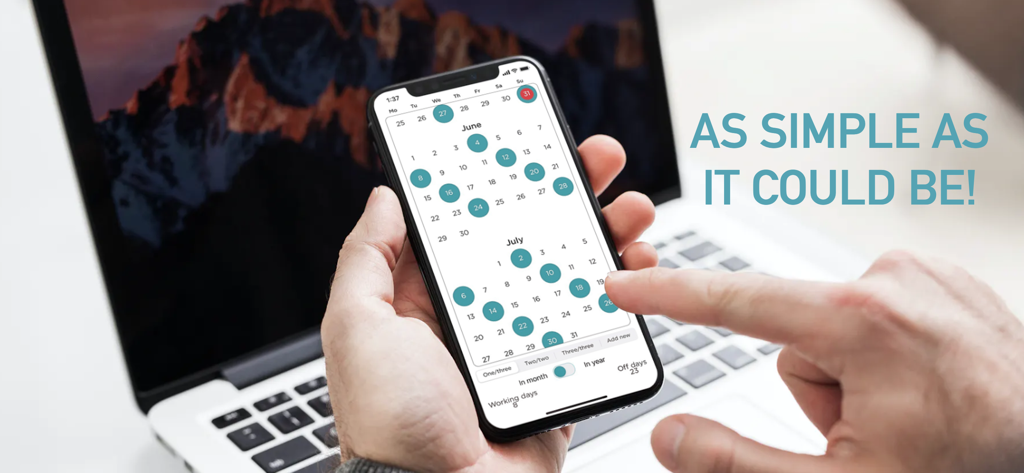
A hand holding a smartphone displaying the Simple Working Calendar app with a monthly work shift rotation.
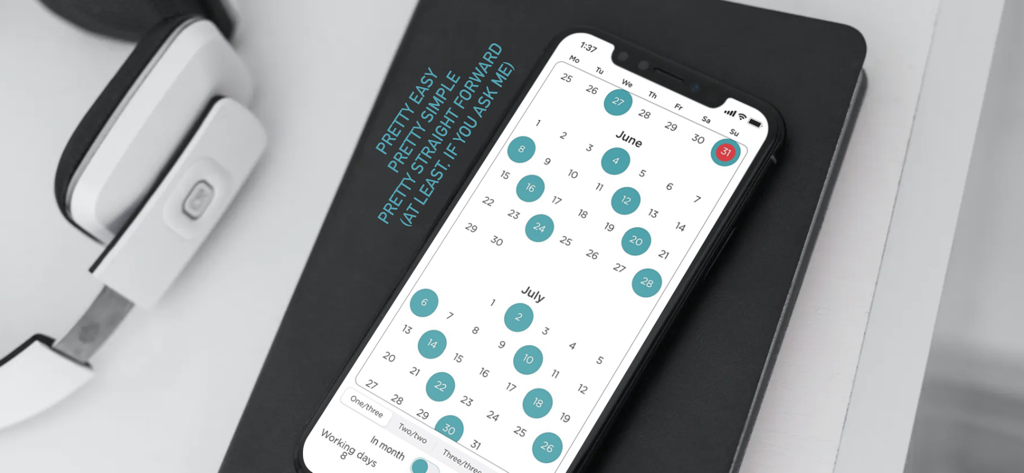
Smartphone screen showing the Simple Working Calendar app with a monthly shift schedule
Description
Download
More Like This
Apps with similar features and user experience

排班日历-值班倒班排班轮班助手
Shanghai Anjiaxin Network Technology Co., Ltd

NurseGrid Nurse Shift Calendar
HCT2 CO
Easy Time Tracker ◴
NR Mobile App Solutions

My Calendar - Shift schedule
Mikhail Eremkin

JW Service
Bartlomiej Semanczyk
Shift Work Calendar & Schedule
4TH FLOOR APPS SIA

MYDUTY - Nurse Calendar
Fourwheels Inc.

Shift Work Calendar Planner
Ebisu Soft Inc.
Today's Shift
Hodosoft Co.,Ltd.
This page is not an official page of the app or its developer, but an independent editorial publication created for informational and commentary purposes. Unless expressly stated otherwise, neither the app nor its developer is affiliated with, endorsed by, sponsored by, authorized by, or otherwise officially connected with MWM, Apple, Google Play, the app publisher, or the app's developer, and nothing on this page implies that the app was developed using MWM's services. Any trademarks, logos, screenshots, and other content remain the property of their respective owners.