
SJCAM Zone


Take full control of your SJCAM from your phone. Preview shots in real-time, edit with professional filters, and share your most epic moments instantly with a global community of adventure seekers.
Publisher
Category
Photo & VideoDownloads
785K+User Rating
Total Ratings
2K+Locales
13Discover the interface used by 785K+ users.
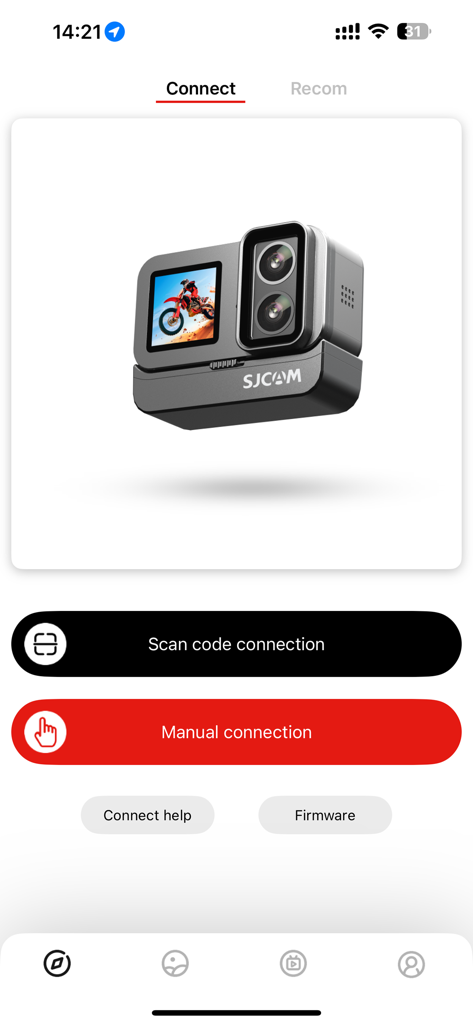
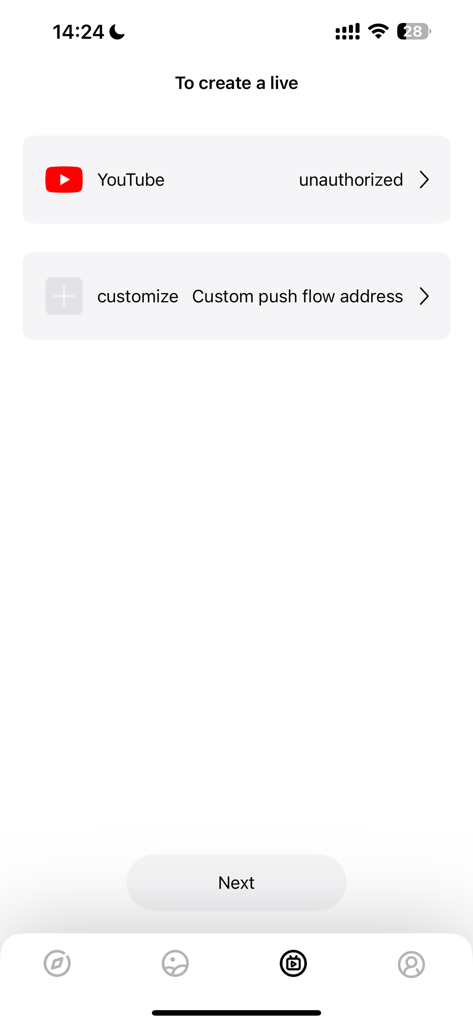
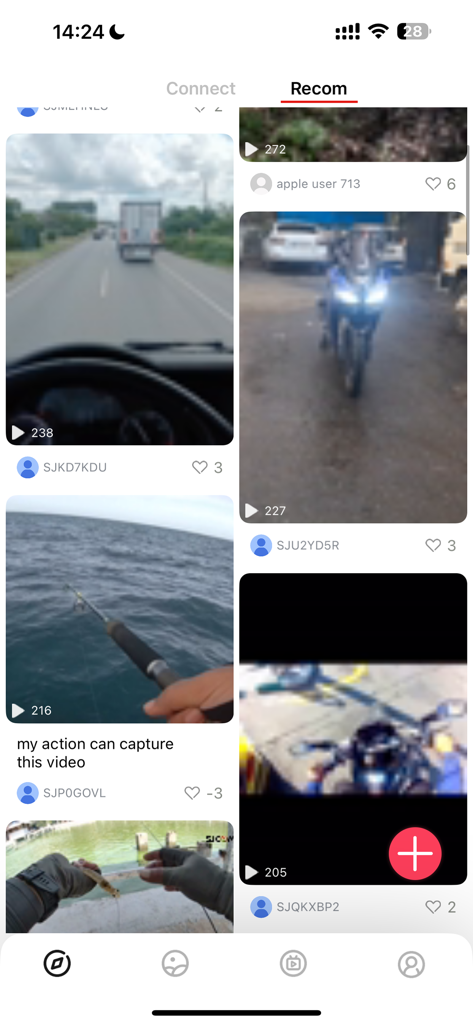
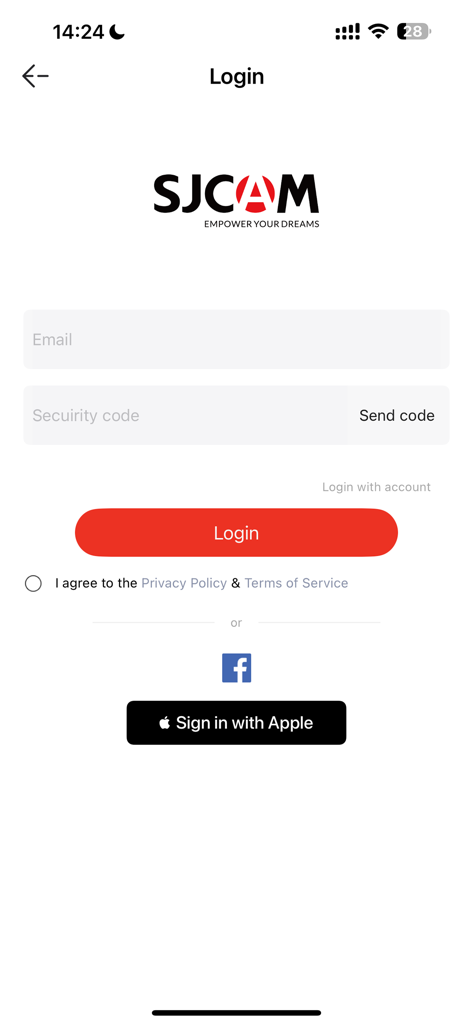
The tools that make this app stand out, trusted by 785K+ users.
Turn your phone into a real-time viewfinder. Frame the perfect shot and adjust 4K settings instantly, even when your camera is mounted out of reach.
Download footage wirelessly and use built-in filters and trimming tools to post your highlights to TikTok or Reels within minutes.
Join an exclusive social hub of sports enthusiasts. Discover trending works, exchange technical tips, and find inspiration for your next adventure.
Insights from user reviews.
Sentiment Score
Summary
This app receives predominantly negative feedback, with users frequently reporting severe issues with connectivity, especially concerning Wi-Fi pairing and maintaining a stable connection, leading to constant disconnections. Many users experience app crashes, freezing, and general instability, rendering it unreliable for camera control and live viewing. Specific challenges include difficulties accessing and transferring files from SD cards, slow download speeds for videos, and compatibility problems with various SJcam camera models (e.g., M2, C100+, SJ4000, C300, SJ5000X, SJ11), often after updates or for newer iOS versions. While some users praise the hardware quality of SJcam products, the companion app is widely criticized for its poor software quality, buggy UI, and lack of maintenance, which detracts significantly from the overall user experience.
Common Themes
Everything you need to know about SJCAM Zone.
Description
Latest Version
6.7.7
Size
596.9 MB
First Released
May 30, 2015
Join 785K+ creators using SJCAM Zone to control your camera, edit on the fly, and share your best moments with a global community.
Everything you need to know about SJCAM Zone
The SJCAM Zone app connects to SJCAM motion cameras for real-time shooting preview, camera control, parameter settings, and downloading media. It also offers a video sharing community.
The SJCAM Zone app is compatible with SJ10, SJ9, SJ8 series, SJ7 STAR, SJ6 LEGEND, and various other sports cameras equipped with WIFI.
The SJCAM Zone app allows connection via "Scan code connection" or "Manual connection." Users can also access "Connect help" or "Firmware" options directly from the connect screen.
Yes, the SJCAM Zone app supports live streaming. It offers direct integration for YouTube and allows custom push flow addresses for live broadcasts.
Yes, SJCAM Zone features an Image Video Sharing Community. Users can like, comment on, and collect outstanding works, fostering interaction among sports enthusiasts.
The SJCAM Zone app provides photo and video editing capabilities, including various filters, video cropping, and options for adding music to creations.
If connection issues occur with the SJCAM Zone app, users must upgrade their camera firmware to the latest version. A firmware link is available via SJCAM support or an in-app option.
Yes, the SJCAM Zone app requires users to agree to its Privacy Policy and Terms of Service during the login process to proceed.
Users can log into the SJCAM Zone app using an email and security code, Facebook, or by signing in with Apple for account access.
Apps with similar features and user experience

FUJIFILM Corporation

FUJIFILM Corporation

Canon U.S.A., Inc.

Polaroid International B.V.

Canon Inc.

Prinics Co., Ltd

PHOMEMO PTE. LTD.

Seiko Epson Corporation

C&A Marketing Inc.
App information, icons, screenshots, and descriptions displayed on this page are sourced from the Apple App Store and are the property of their respective developers. Download estimates and rankings are based on MWM's proprietary models and may not reflect actual figures. This page is provided for informational and analytical purposes only.
Believe this page infringes your intellectual property? File a dispute