
This page is not an official page of the app or its developer, but an independent editorial publication created for informational and commentary purposes. Unless expressly stated otherwise, neither the app nor its developer is affiliated with, endorsed by, sponsored by, authorized by, or otherwise officially connected with MWM, Apple, Google Play, the app publisher, or the app's developer, and nothing on this page implies that the app was developed using MWM's services. Any trademarks, logos, screenshots, and other content remain the property of their respective owners.


Skolengo
Stay connected and organized from anywhere. From real-time schedules and homework tracking to instant messaging, Skolengo empowers parents, students, and teachers with everything they need for academic success.
Downloads
360K+User Rating
Total Ratings
900Publisher
Category
EducationLocales
2Latest Version
4.0.4Size
51.5 MBFirst Released
Mar 16, 2023Master Your School Life in One App
Skolengo brings students, parents, and educators together with a seamless, mobile-first platform to manage schedules, track progress, and stay connected.
Real-Time Schedule
Stay ahead with a dynamic agenda. Get instant alerts for room changes, cancellations, or last-minute updates directly on your mobile.
Academic Tracking
Organize daily homework and monitor learning progress across all subjects. Your digital notebook and grades are always in your pocket.
Frequently Asked Questions
Everything you need to know about Skolengo
What is the Skolengo app?
Skolengo is a mobile application for students, parents, and school staff. It helps manage daily school activities, track academic progress, and facilitate communication within the educational establishment.
Who can use the Skolengo application?
The Skolengo application is for students, parents, and school personnel. It provides tailored features for each user type to manage various aspects of school life.
How do users log in to Skolengo?
Users log in to Skolengo using their usual ENT account credentials. This provides a single, facilitated entry point for accessing the application's features securely.
Can I manage multiple accounts in Skolengo?
Yes, Skolengo allows users to add multiple accounts, including student, parent, and teacher profiles, on a single device. Each added account is secured.
Can I view my child's school agenda in Skolengo?
Yes, parents can consult the daily agenda for their child at a glance using Skolengo. This feature helps organize daily work and stay informed about school schedules.
Does Skolengo allow tracking of student grades?
Yes, Skolengo allows users to follow the progress made in each subject. Students and parents can view detailed grades and competencies within the application.
How can I communicate with teachers using Skolengo?
Skolengo provides a messaging system to easily communicate and exchange with teachers and the educational sphere of your establishment, facilitating direct interaction.
Can school staff manage student attendance with Skolengo?
Yes, school staff can use Skolengo to take student attendance, indicate absent students, or notify of a student's departure. This helps transmit important school information.
Does Skolengo provide school news and updates?
Yes, Skolengo keeps users informed of last-minute changes and the latest news from their establishment. This feature ensures everyone stays updated on important announcements.
What school life information is available in Skolengo?
Skolengo provides an overview of school life, including student absences and delays. Users can also transmit important information regarding these school events directly through the app.
The following screenshots and description are sourced directly from the app's official store listing and are the property of the app developer.
App Store
Screenshots
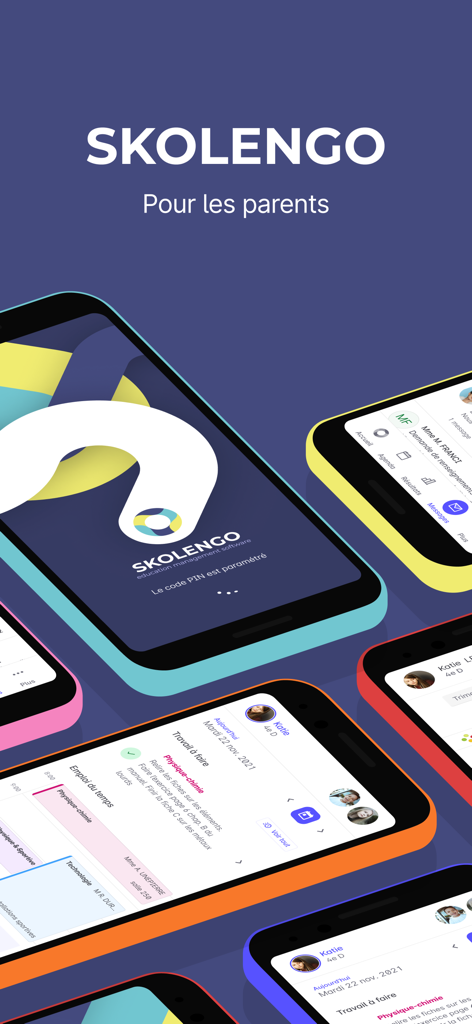
Display of the Skolengo mobile app interface on multiple iPhones showing student schedules and homework tasks for parents
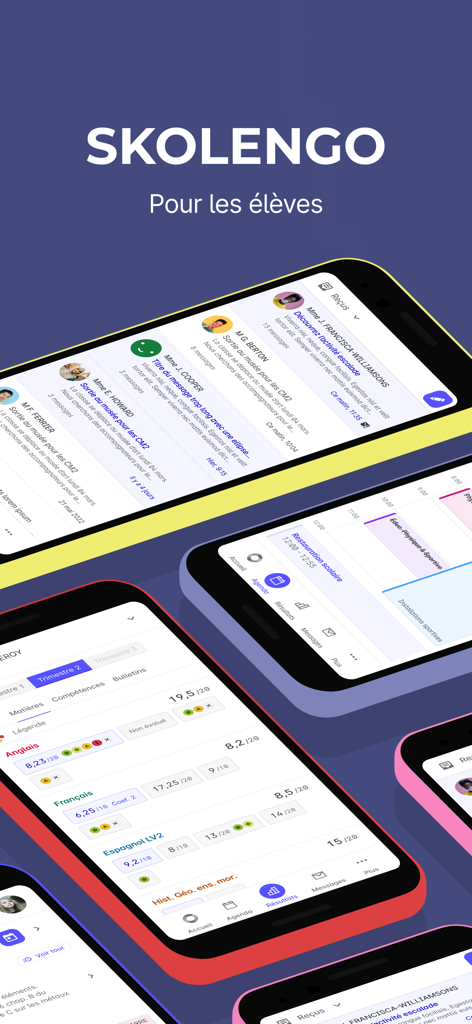
Skolengo mobile app screens displaying student grades class schedules and school messages
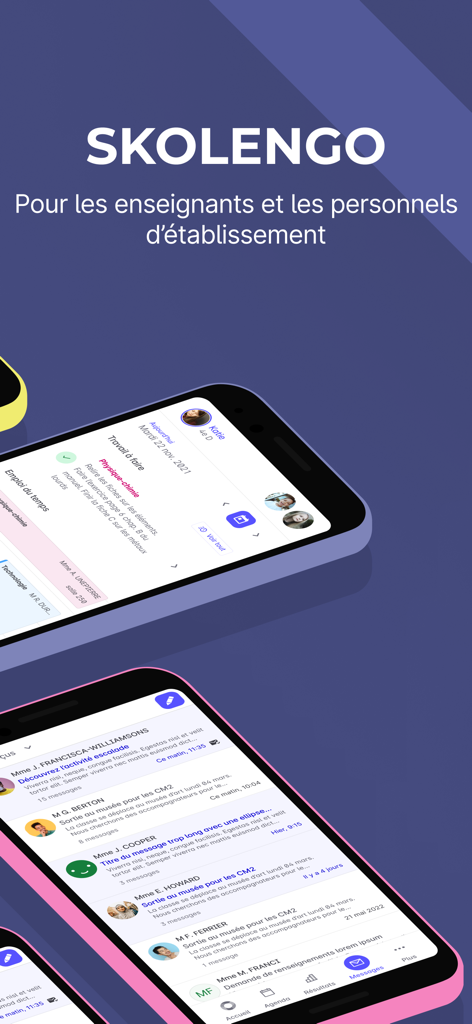
Skolengo mobile app interface for teachers and school staff showing schedule and messaging screens
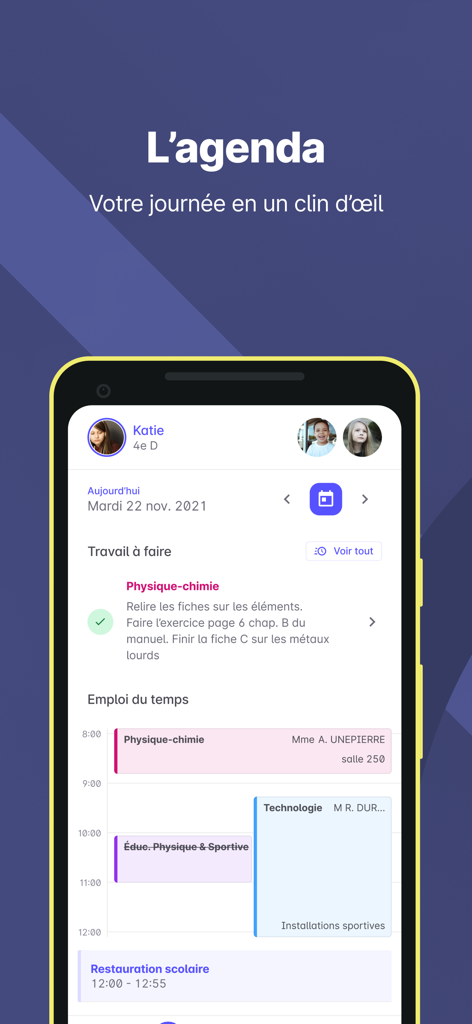
Skolengo app interface showing a student daily schedule and homework list
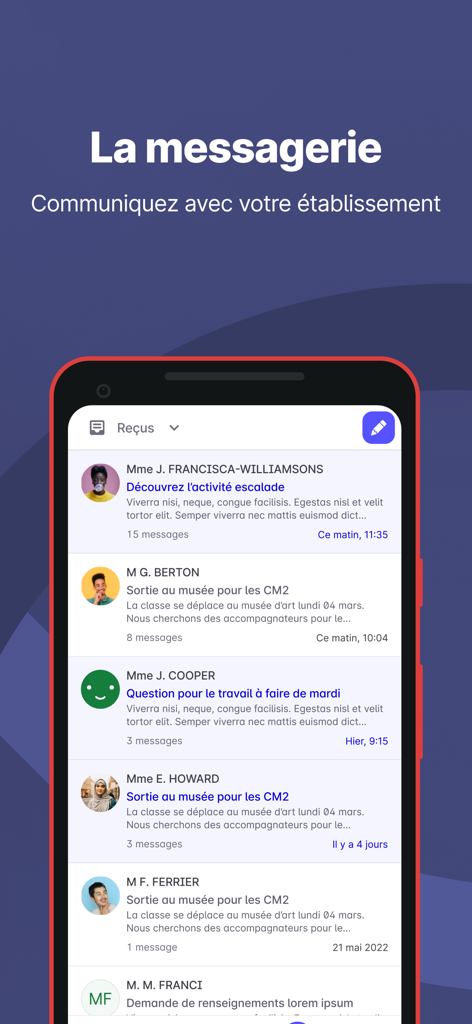
A mobile interface of the Skolengo app displaying a list of school-related messages and communications.
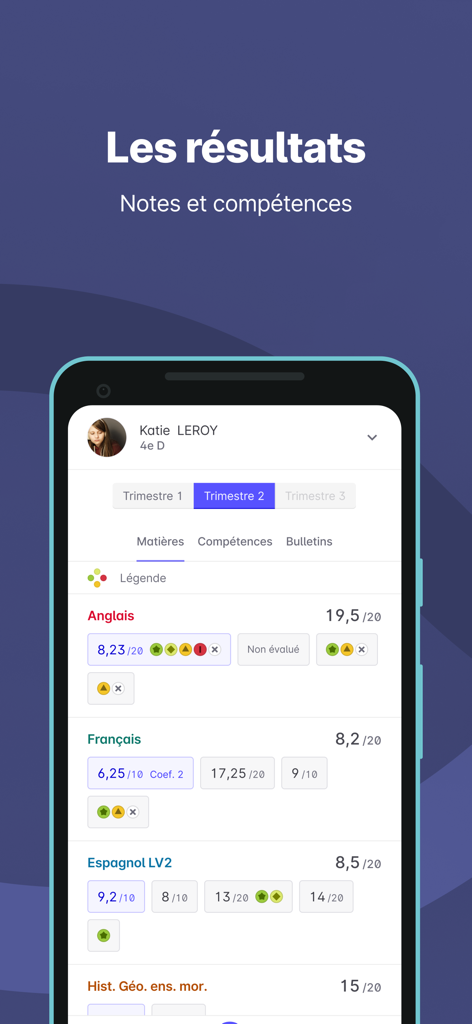
Mobile interface of the Skolengo app showing student grades and skills assessment for different school subjects
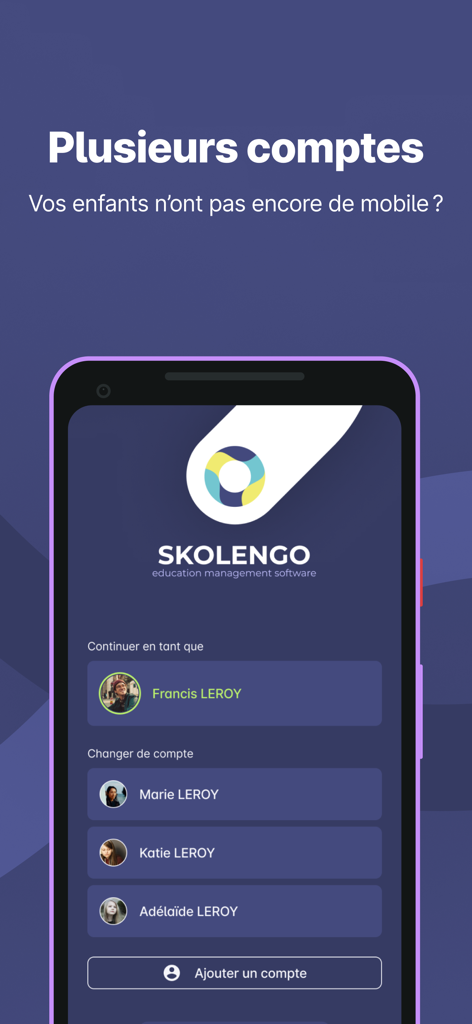
Interface of Skolengo app showing multiple user accounts for family or teacher use
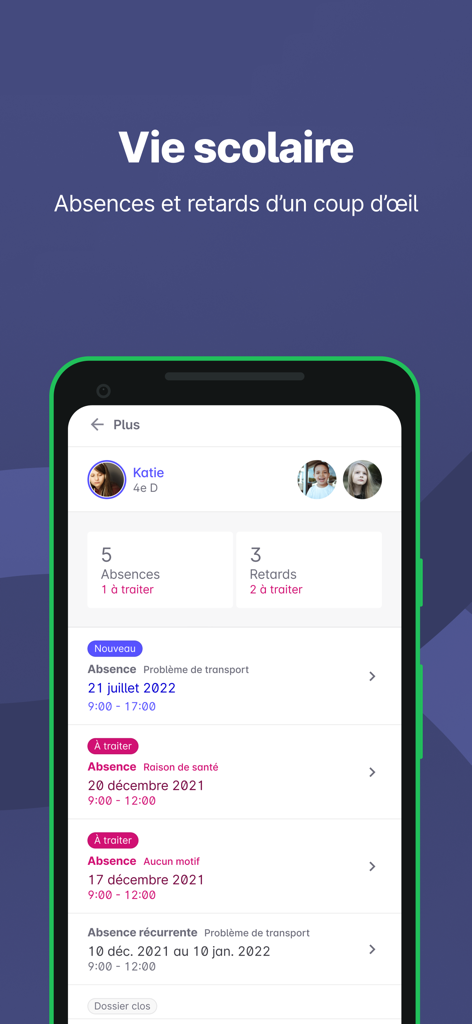
Skolengo mobile app dashboard showing student absences and lateness tracking records
Description
Download
More Like This
Apps with similar features and user experience

ClassDojo
ClassDojo, Inc.

Госуслуги Моя школа
MINKOMSVYAZ ROSSII, FKU

Remind: School Communication
PARENTSQUARE LLC

Agenda Edu SuperApp
Agenda Kids Ltda ME

FAMILIES | TalkingPoints
TalkingPoints Corp

Canvas by Instructure
Instructure, Inc.

ParentSquare
PARENTSQUARE LLC

Brightspace Pulse
D2L Corporation

PowerSchool Mobile
PowerSchool Group LLC
This page is not an official page of the app or its developer, but an independent editorial publication created for informational and commentary purposes. Unless expressly stated otherwise, neither the app nor its developer is affiliated with, endorsed by, sponsored by, authorized by, or otherwise officially connected with MWM, Apple, Google Play, the app publisher, or the app's developer, and nothing on this page implies that the app was developed using MWM's services. Any trademarks, logos, screenshots, and other content remain the property of their respective owners.