
This page is not an official page of the app or its developer, but an independent editorial publication created for informational and commentary purposes. Unless expressly stated otherwise, neither the app nor its developer is affiliated with, endorsed by, sponsored by, authorized by, or otherwise officially connected with MWM, Apple, Google Play, the app publisher, or the app's developer, and nothing on this page implies that the app was developed using MWM's services. Any trademarks, logos, screenshots, and other content remain the property of their respective owners.

Slow Shutter Cam
Capture stunning motion blur, vibrant light trails, and breathtaking low-light shots. Unlock the professional creative power of your iPhone with manual control and real-time previews.
Downloads
1M+User Rating
Total Ratings
16K+Publisher
Category
Photo & VideoLocales
4Latest Version
6.2Size
4.0 MBFirst Released
Feb 23, 2010Unlock the Art of Long Exposure
Transform your iPhone into a professional DSLR. Capture stunning motion blur, vibrant light trails, and crisp low-light photos with powerful tools that fit in your pocket.
Cinematic Motion Blur
Create silky-smooth waterfalls and artistic movement effects using professional-grade shutter priority modes for thumb-stopping visuals.
Dynamic Light Trails
Paint with light to capture neon city traffic, fireworks, and star trails without the complex setup of a traditional manual camera.
Frequently Asked Questions
Everything you need to know about Slow Shutter Cam
What is the Slow Shutter Cam app?
Slow Shutter Cam transforms your device's photo capabilities, enabling the capture of various slow shutter speed effects typically associated with DSLR cameras. It provides powerful features in a pocket-sized package.
What are the main capture modes available in Slow Shutter Cam?
Slow Shutter Cam offers three distinct capture modes: Motion Blur, Light Trail, and Low Light. Each mode is designed for specific photographic effects and creative control.
How does the Motion Blur mode work in Slow Shutter Cam?
The Motion Blur mode in Slow Shutter Cam creates ghost images, waterfall effects, or suggests movement by adding blur to photographs. It functions similarly to a DSLR's shutter priority mode.
Can Slow Shutter Cam create light trail effects?
Yes, Slow Shutter Cam's Light Trail mode allows users to "paint" with light, capture car light trails, and fireworks. This mode simplifies the process compared to DSLR settings, enhancing creativity.
How does Slow Shutter Cam improve low light photography?
Slow Shutter Cam's Low Light mode accumulates every photon hitting the sensor, enhancing brightness. A longer shutter speed gathers more light, and an exposure compensation slider fine-tunes the result.
Does Slow Shutter Cam provide manual controls for photography?
Yes, Slow Shutter Cam includes manual ISO and unlimited shutter speed. It also features tap-to-adjust focus/exposure, innovative 'Freeze' and 'Blur Strength' controls, and a time-lapse intervalometer.
Does Slow Shutter Cam offer a real-time live preview?
Yes, Slow Shutter Cam provides a real-time live preview. This feature allows users to see the effect of their settings immediately before capturing the image.
Can users create waterfall effects with Slow Shutter Cam?
Yes, Slow Shutter Cam is specifically designed to create waterfall effects. The Motion Blur mode is perfect for capturing the silky smooth appearance of moving water.
What is the 'Freeze' control feature in Slow Shutter Cam?
The 'Freeze' control in Slow Shutter Cam is an innovative feature that allows users to adjust and fine-tune the motion blur effect after capture, as demonstrated in Screenshot #4.
The following screenshots and description are sourced directly from the app's official store listing and are the property of the app developer.
App Store
Screenshots
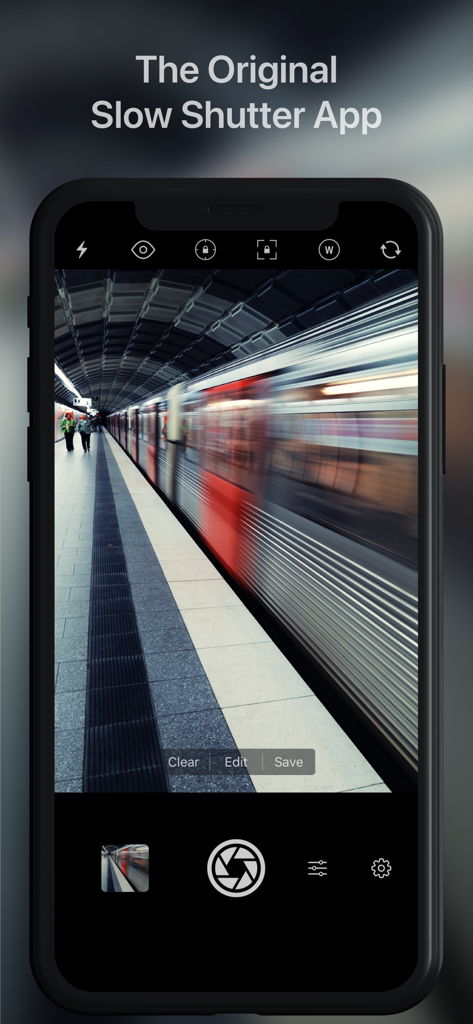
Slow Shutter Cam app interface showing a long exposure motion blur effect of a moving train in a station
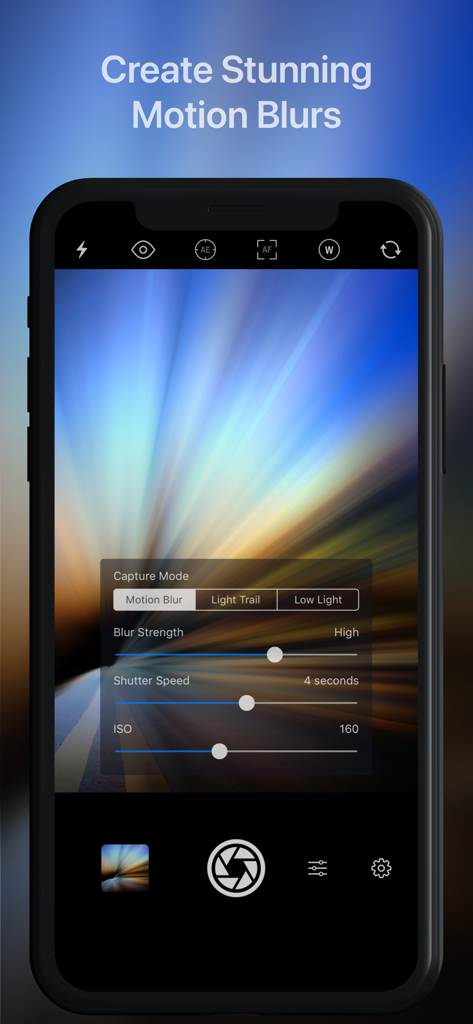
Slow Shutter Cam app interface on iPhone showing manual controls for motion blur strength and shutter speed over a light trail photo.
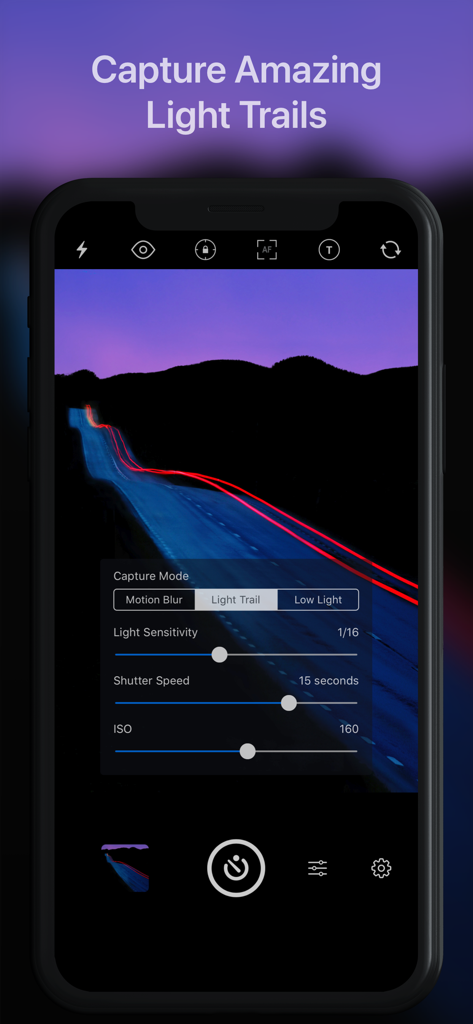
Slow Shutter Cam app interface showing the light trail capture mode with manual shutter speed and ISO settings.
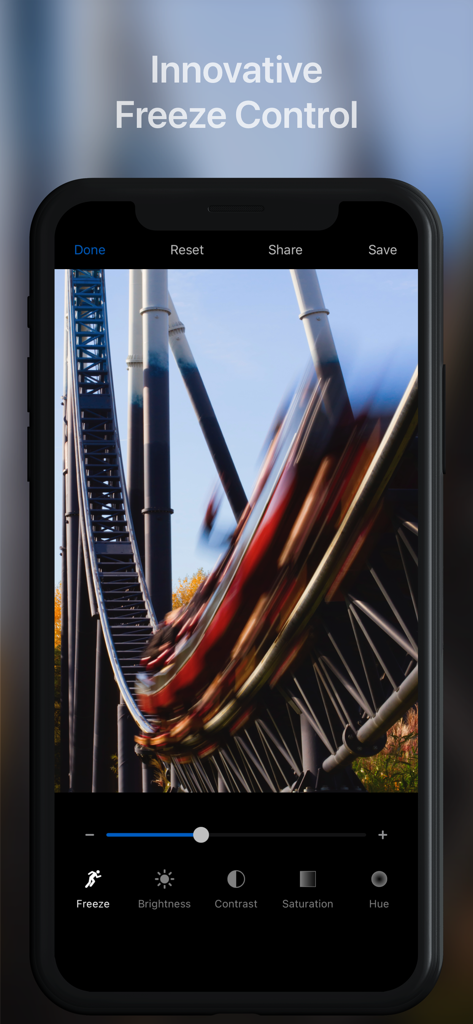
Slow Shutter Cam app interface showing the Freeze Control tool being used to edit a motion blur photo of a roller coaster.
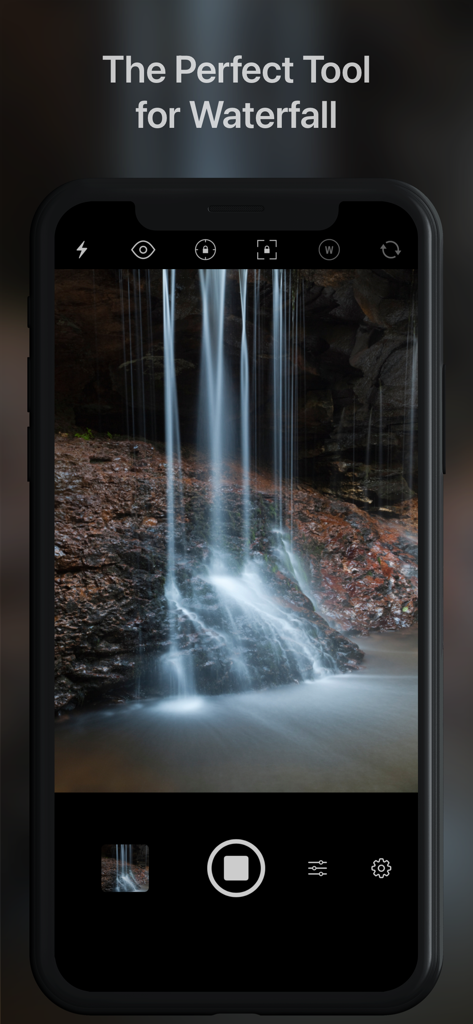
iPhone app capturing a long exposure waterfall with motion blur effect
Description
Download
More Like This
Apps with similar features and user experience

Blackmagic Camera
Blackmagic Design Inc

飓风相机
Hangzhou Ostar Media Co.,Ltd.

ProMovie Recorder
Panda Apps Limited

ReLens Camera-DSLR Portrait
Pixl Concerto Technology Limited

Leica LUX - Pro Manual Camera
Leica Camera AG

FotorGear - Camera in Pocket
Shenzhen Fotorgear Technology Co., Ltd.

Unsharp
北北 宋

ProCam:Professional RAW Camera
BRAND CELLAR HOLDINGS PTE LTD

Vibe Cam - Moments Never Fade
森 林
This page is not an official page of the app or its developer, but an independent editorial publication created for informational and commentary purposes. Unless expressly stated otherwise, neither the app nor its developer is affiliated with, endorsed by, sponsored by, authorized by, or otherwise officially connected with MWM, Apple, Google Play, the app publisher, or the app's developer, and nothing on this page implies that the app was developed using MWM's services. Any trademarks, logos, screenshots, and other content remain the property of their respective owners.