Smart Printer App Scan — Print

Smart Printer App Scan — Print

Download on App Store
Logo of Smart Printer App Scan — Print

Smart Printer App Scan — Print: The All-in-One Wireless Printing & Scanning Hub

Effortlessly print documents, photos, and web pages from your iPhone or iPad to any Wi-Fi printer. No drivers, no cables, no hassle—just high-quality prints and professional scans in seconds.

Publisher

Appshub Bilgi Teknolojileri Limited Sirketi

Category

Business

Downloads

140K+

User Rating

4.5/5

Total Ratings

2K+

Locales

12

Efficiency in View

Discover the interface used by 140K+ users.
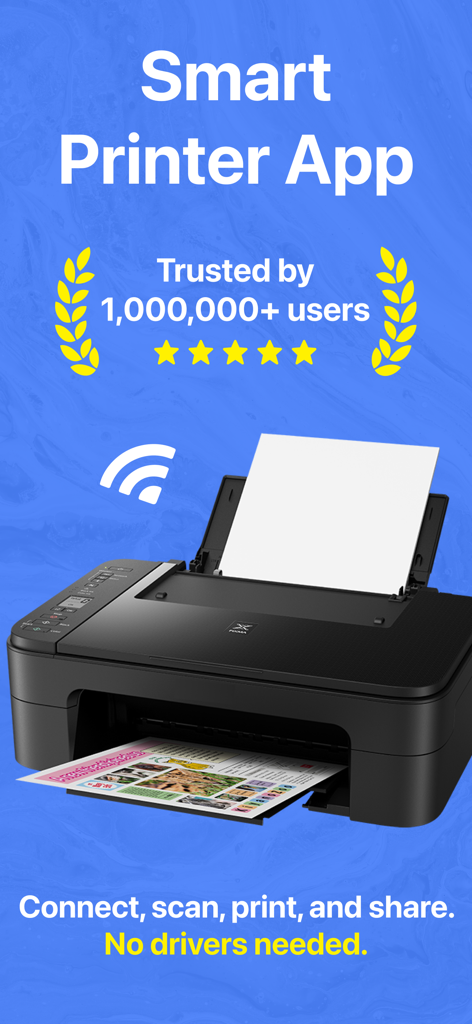
Smart Printer App promotional banner showing a wireless printer with a five star rating and no drivers needed text

Smart Printer App promotional banner showing a wireless printer with a five star rating and no drivers needed text

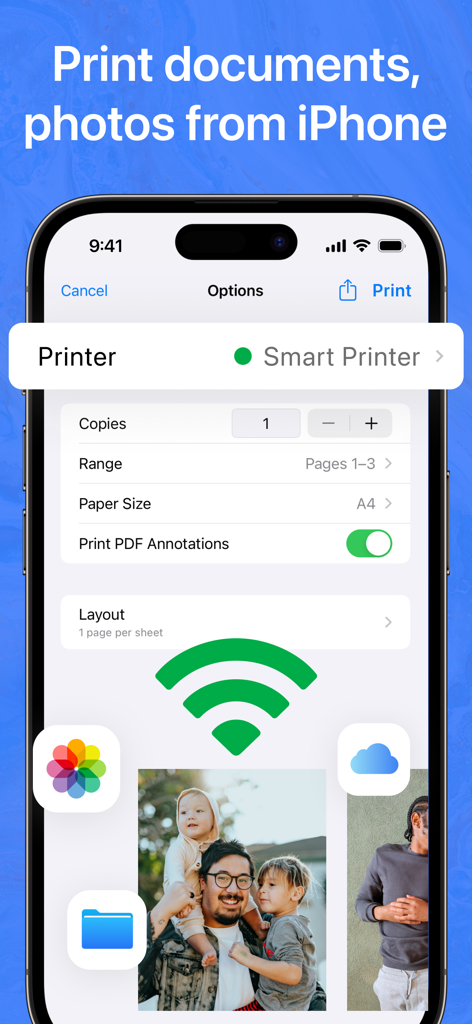
Smart Printer app interface on iPhone showing document and photo printing settings with a wireless connection icon

Smart Printer app interface on iPhone showing document and photo printing settings with a wireless connection icon

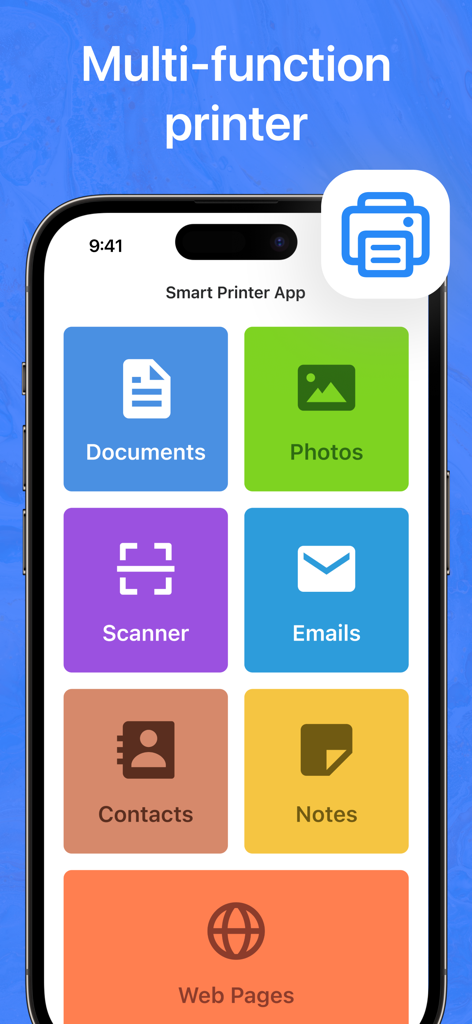
Smart Printer App main interface on an iPhone showing options for printing documents, photos, and emails

Smart Printer App main interface on an iPhone showing options for printing documents, photos, and emails

Unlock Seamless Printing and Productivity

The tools that make this app stand out, trusted by 140K+ users.

🚀

Universal Wireless Printing

Connect instantly to thousands of Wi-Fi printers without the headache of drivers or complex setups—perfect for home offices and on-the-go professionals.

📑

Smart Document Scanning

Digitize contracts, receipts, and notes using our high-definition scanner. Print them immediately or share them as professional PDF files in seconds.

✉️

Complete File Versatility

Effortlessly print email attachments, web pages, and even your contact lists directly from your device, ensuring you have the hard copies you need, when you need them.

About the app

Everything you need to know about Smart Printer App Scan — Print.

Description

Experience effortless printing from your iPhone or iPad with our all-in-one Printer App! Seamlessly connect to a wide range of Wi-Fi printers—no extra drivers needed. Print documents, photos, contacts, emails, and even web pages in seconds. Use our built-in scanner to scan paper documents and print them instantly. Create notes using the handy text editor and turn them into professional-looking prints with just a tap. KEY FEATURES Print Documents & Photos - Print all common file formats (PDF, DOC, JPG, PNG, etc.) - Print images straight from your Camera Roll or photo library Scan & Print - Built-in document scanner for easy digitization - Print scanned pages or share them as PDF files Note Editor - Type and format text on the go - Print notes directly without extra steps Print Web Pages & Contacts - Print entire webpages from Safari or other browsers - Export and print contact lists or individual contacts Print Email Attachments - Access attachments from your mailbox - Print important PDFs, photos, or other files seamlessly Advanced Printing Options - Choose paper size (A4, Letter, etc.) - Select color or black & white - Adjust orientation, number of copies, and page range WHY CHOOSE OUR PRINTER APP? - Easy Wireless Printing: Connect to thousands of Wi-Fi printers without installing extra drivers - Fast & Simple Setup: No complicated settings—just tap, select, and print - All-in-One Solution: Print, scan, edit, and manage files from a single app Note: For best performance, ensure your device and printer are on the same Wi-Fi network. Privacy Policy: https://appshub.com.tr/privacy-policy-printer/ Terms of Use: https://appshub.com.tr/terms-of-use-printer/ Empower your printing routine with our Printer App—download now and enjoy the convenience of instant, high-quality wireless printing!

Latest Version

1.6.4

Size

61.4 MB

First Released

Jan 6, 2025

Print Anything, Anywhere, Instantly

Join over 140,000 professionals who have simplified their workflow. Download the all-in-one solution to scan, edit, and print to any Wi-Fi printer today.

Download on App Store
FAQ

Frequently Asked Questions

Everything you need to know about Smart Printer App Scan — Print

What is the Smart Printer App?

The Smart Printer App provides effortless printing from an iPhone or iPad to a wide range of Wi-Fi printers. It prints documents, photos, contacts, emails, and web pages without requiring extra drivers.

Does the Smart Printer App have a document scanner?

Yes, the Smart Printer App includes a built-in document scanner. Users can digitize paper documents, then print the scanned pages or share them as PDF files directly from the app.

What file types can the Smart Printer App print?

The Smart Printer App prints common file formats such as PDF, DOC, JPG, and PNG. It also prints images directly from the Camera Roll or photo library on your device.

Does the Smart Printer App require printer drivers?

No, the Smart Printer App does not require extra drivers. It connects wirelessly to thousands of Wi-Fi printers, offering a simple and fast setup process.

Can I print notes using the Smart Printer App?

Yes, the Smart Printer App allows printing of notes. It features a built-in Note Editor where users can type, format text, and then print their notes directly within the app.

Does the Smart Printer App require a specific network setup for printing?

For optimal performance, the Smart Printer App recommends that your device and the Wi-Fi printer are connected to the same wireless network.

How many users trust the Smart Printer App?

The Smart Printer App is trusted by over 1,000,000 users. This indicates a high level of user satisfaction and widespread adoption of the application.

App information, icons, screenshots, and descriptions displayed on this page are sourced from the Apple App Store and are the property of their respective developers. Download estimates and rankings are based on MWM's proprietary models and may not reflect actual figures. This page is provided for informational and analytical purposes only.

Believe this page infringes your intellectual property? File a dispute