
This page is not an official page of the app or its developer, but an independent editorial publication created for informational and commentary purposes. Unless expressly stated otherwise, neither the app nor its developer is affiliated with, endorsed by, sponsored by, authorized by, or otherwise officially connected with MWM, Apple, Google Play, the app publisher, or the app's developer, and nothing on this page implies that the app was developed using MWM's services. Any trademarks, logos, screenshots, and other content remain the property of their respective owners.


Sonic Pitch Sound Generator
Master every frequency from 0Hz to 25kHz. Whether you’re training your dog, testing your sound system, or measuring decibels, take full control with precision wave generation and real-time visualization.
Downloads
1M+User Rating
Total Ratings
4K+Publisher
Category
UtilitiesLocales
1Latest Version
4.9.0Size
22.7 MBFirst Released
Dec 29, 2016Your Ultimate Acoustic Swiss Army Knife
Whether you are tuning high-end audio gear, training a pet, or measuring room noise, Sonic Wave puts professional sound tools in your pocket.
Precision Frequency Tuning
Take command with customizable waveforms and exact frequency control up to 25kHz for audio experiments and hardware testing.
Smart Pet & Pest Solutions
Use humane ultrasonic tones as a silent dog whistle to stop barking or drive away mosquitoes without messy chemicals.
The following screenshots and description are sourced directly from the app's official store listing and are the property of the app developer.
App Store
Screenshots
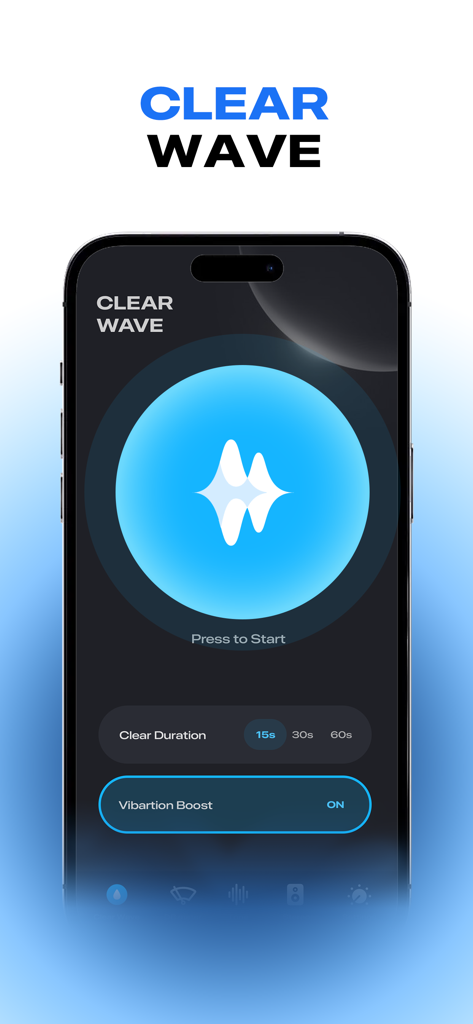
Interface of Sonic Pitch Sound Generator app showing the Clear Wave feature for speaker cleaning
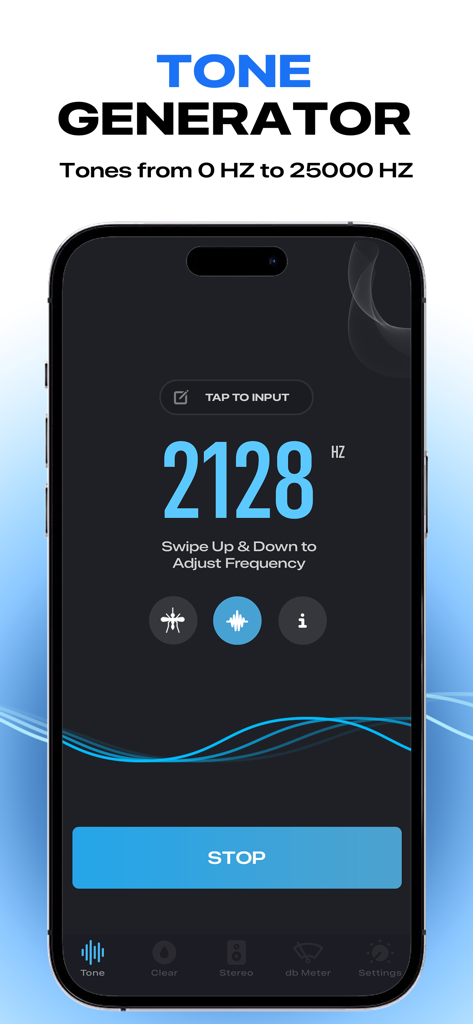
Sonic Pitch app interface displaying the frequency generator at 2128 Hz with wave visualization and adjustment controls.
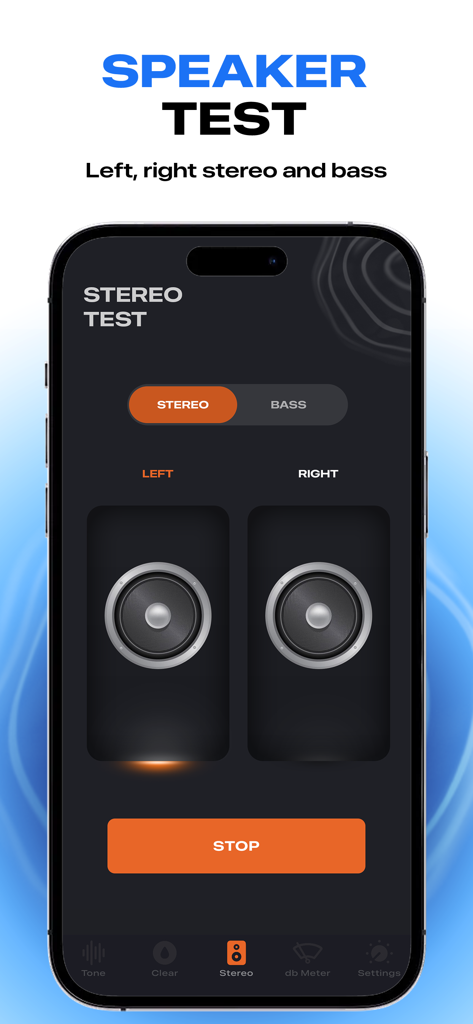
A mobile interface for the Sonic Pitch app showing a stereo speaker test for left and right audio channels.
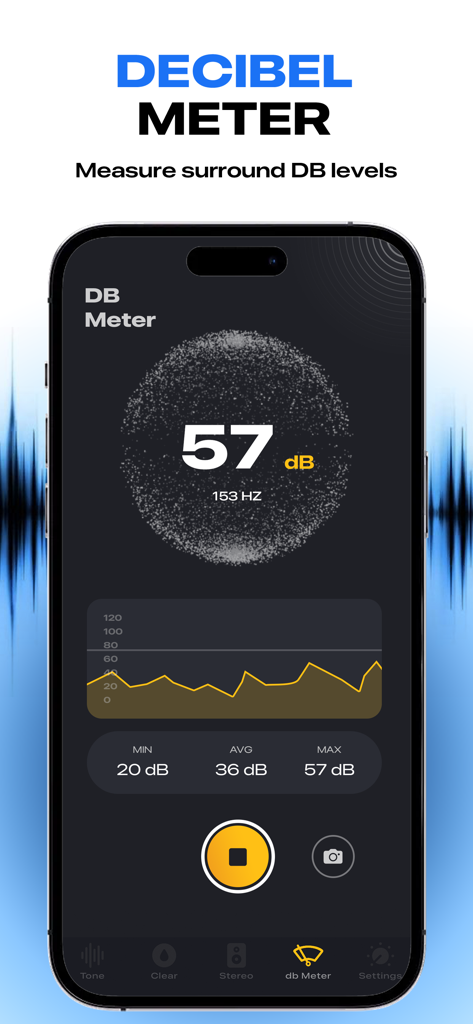
Interface of the Decibel Meter feature in the Sonic Pitch app showing real time noise level measurement in dB
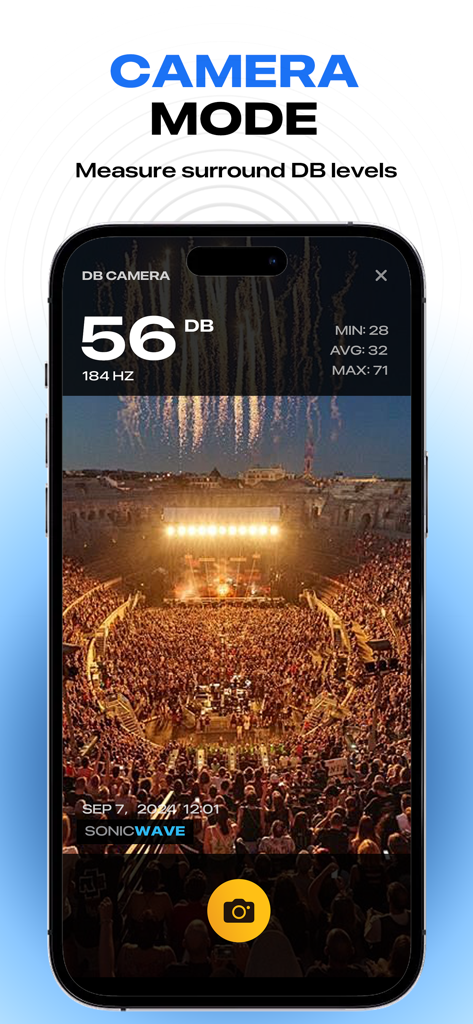
Smartphone screen showing Sonic Pitch app camera mode measuring decibel levels at a concert
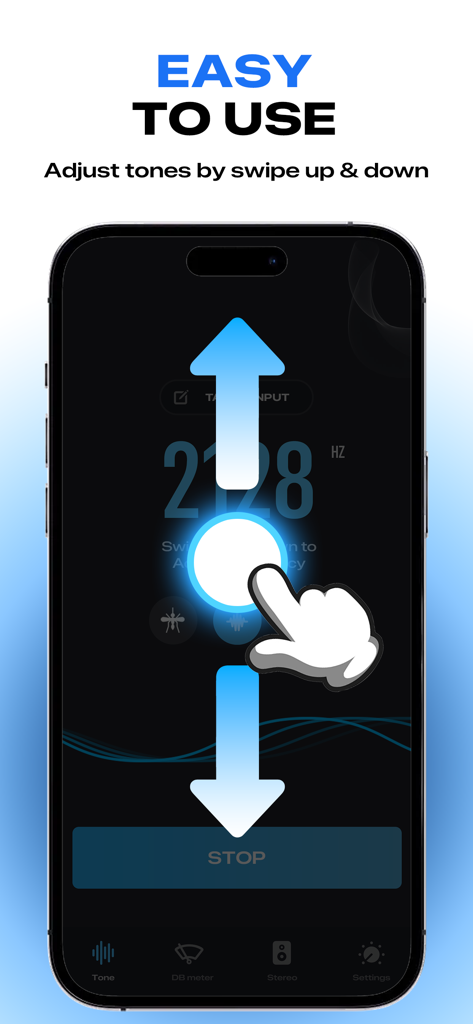
A hand swiping up and down on a smartphone screen to adjust sound frequency in the Sonic Pitch app
Description
Download
More Like This
Top-ranked apps in the same category

Google LLC

Google Chrome
Google LLC

中国移动(手机营业厅)
China Mobile Online Services Co., Ltd.

Google Authenticator
Google LLC

CNH do Brasil
Servicos e Informacoes do Brasil

Cleanup: Phone Storage Cleaner
DEEP FLOW SOFTWARE SERVICES - FZCO

gov.br
Servicos e Informacoes do Brasil

Microsoft Edge: AI Browser
Microsoft Corporation

Super VPN Fly 2026
YUNFAN TECHNOLOGY CO., LIMITED
This page is not an official page of the app or its developer, but an independent editorial publication created for informational and commentary purposes. Unless expressly stated otherwise, neither the app nor its developer is affiliated with, endorsed by, sponsored by, authorized by, or otherwise officially connected with MWM, Apple, Google Play, the app publisher, or the app's developer, and nothing on this page implies that the app was developed using MWM's services. Any trademarks, logos, screenshots, and other content remain the property of their respective owners.