
This page is not an official page of the app or its developer, but an independent editorial publication created for informational and commentary purposes. Unless expressly stated otherwise, neither the app nor its developer is affiliated with, endorsed by, sponsored by, authorized by, or otherwise officially connected with MWM, Apple, Google Play, the app publisher, or the app's developer, and nothing on this page implies that the app was developed using MWM's services. Any trademarks, logos, screenshots, and other content remain the property of their respective owners.


SpatialCamera
Unlock 4K spatial capture and AI 3D conversion for your current device. Future-proof your memories and bridge the gap between your iPhone and XR headsets like Meta Quest or Apple Vision Pro.
Downloads
22K+User Rating
Total Ratings
200Publisher
Category
Photo & VideoLocales
12Latest Version
1.6.5Size
11.6 MBFirst Released
Dec 14, 2023Future-Proof Your Most Precious Memories
Unlock professional-grade spatial capture on your current iPhone and bridge the gap between your mobile device and your XR headset.
3D Capture Without the Upgrade
Record immersive 4K HDR spatial videos and photos on your existing iPhone. No need for the latest Pro model to start building your 3D library today.
Built for Every Headset
Break out of the walled garden. Effortlessly convert recordings to Side-by-Side (SBS) formats to relive your memories on Meta Quest, Vision Pro, or any VR device.
The following screenshots and description are sourced directly from the app's official store listing and are the property of the app developer.
App Store
Screenshots
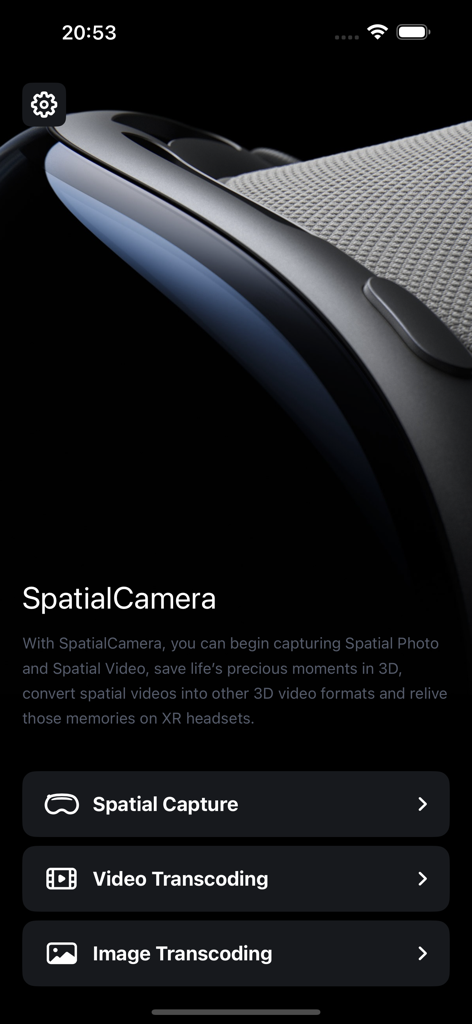
SpatialCamera app home screen with spatial capture and transcoding options
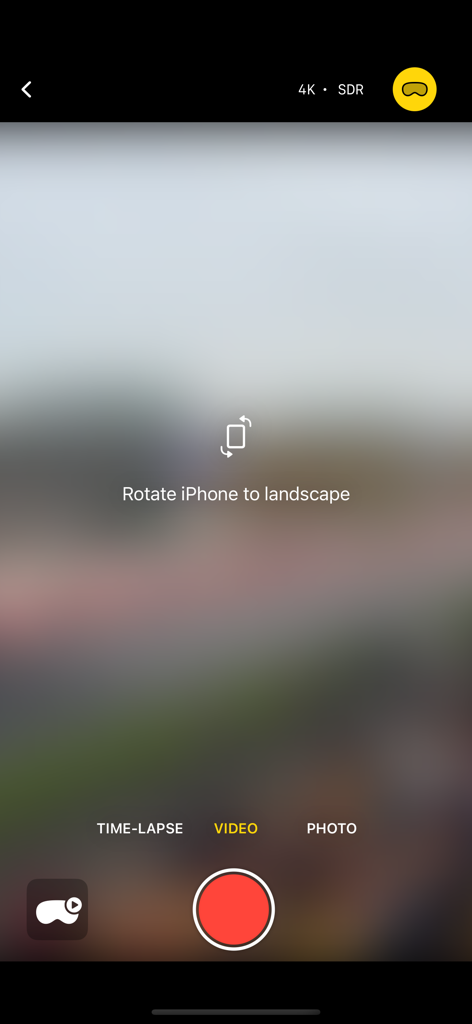
SpatialCamera app recording screen with a prompt to rotate the device to landscape for spatial video capture.
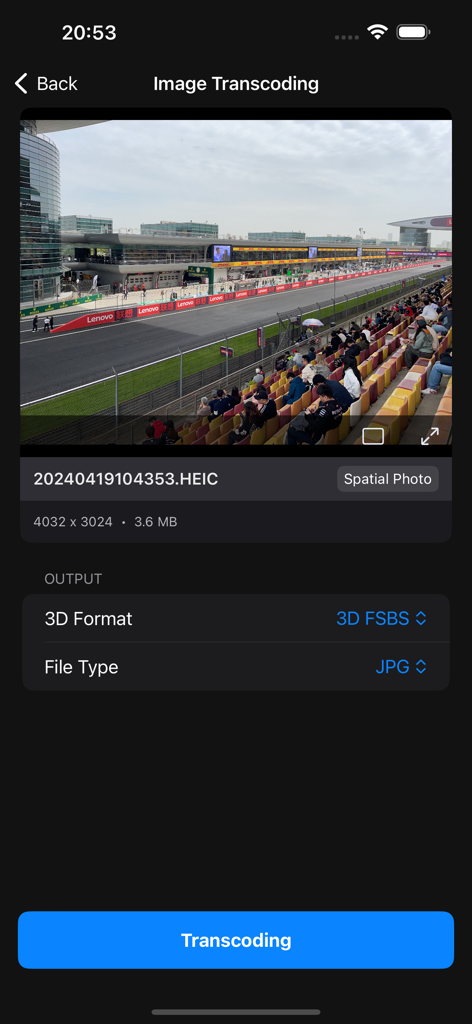
SpatialCamera app interface showing image transcoding settings to convert a spatial photo to 3D FSBS JPG format
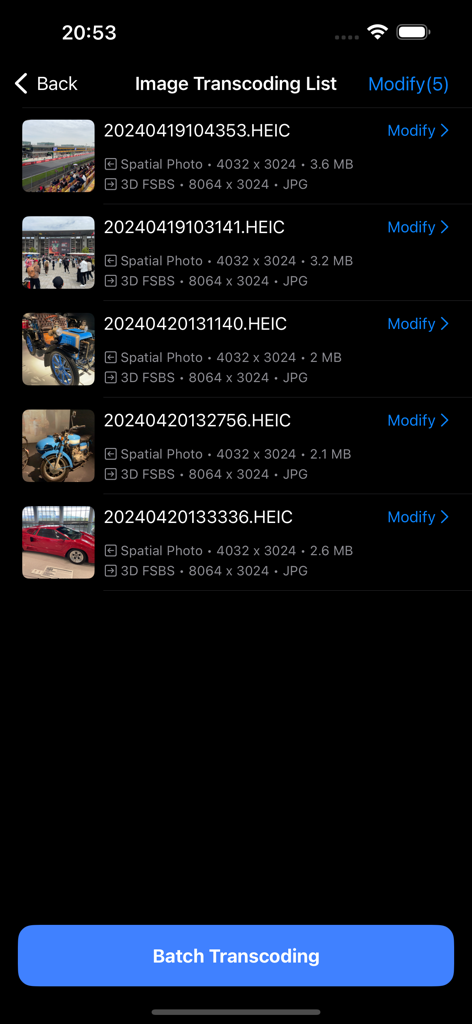
SpatialCamera app screen showing a list of photos being converted from spatial format to 3D side by side SBS format for XR headsets.
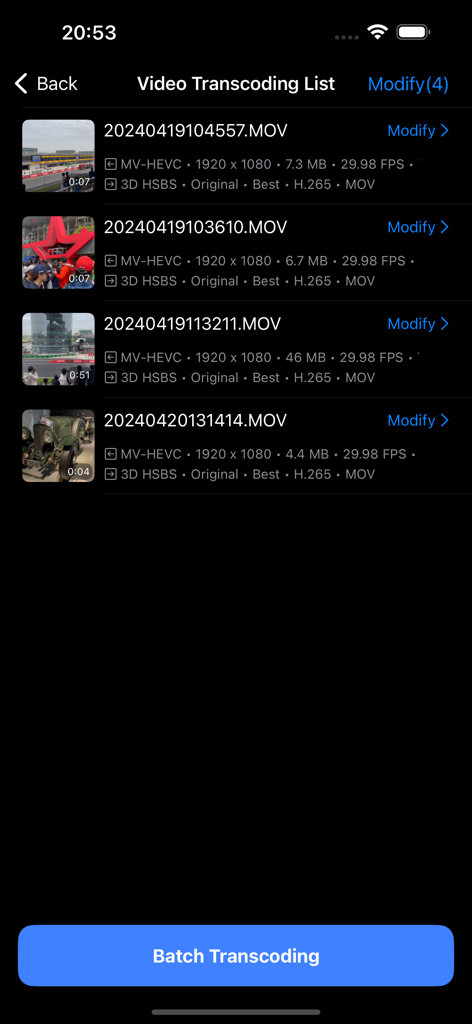
Interface of SpatialCamera app showing a list of spatial videos ready for batch transcoding to 3D side-by-side format
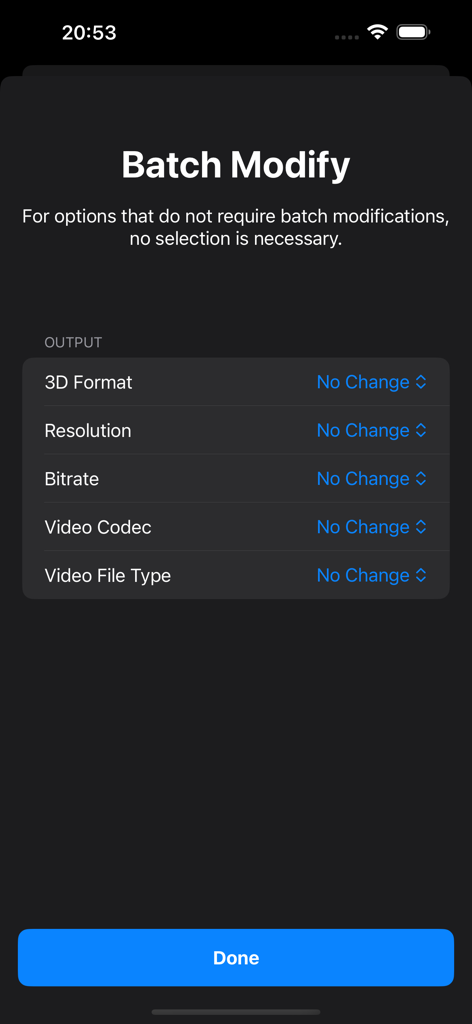
Batch modify settings screen in the SpatialCamera app for adjusting spatial video output formats and resolution.
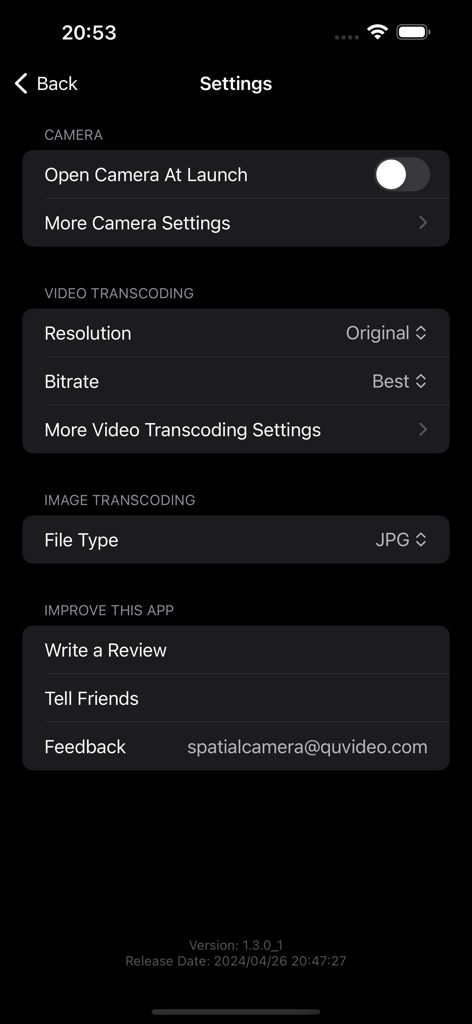
Settings menu of the SpatialCamera app showing video and image transcoding options
Description
Download
More Like This
Top-ranked apps in the same category

CapCut: Photo & Video Editor
BYTEDANCE PTE. LTD.

Instagram, Inc.

YouTube
Google LLC

Canva: AI Photo & Video Editor
Canva Pty Ltd

Snapchat
Snap, Inc.

快手
Beijing Kwai Technology Co., Ltd.

Edits: Video Editor
Instagram, Inc.

Meitu- AI Photo & Video Editor
Xiamen Meitu Technology Co., Ltd.

Google Photos: Backup & Edit
Google LLC
This page is not an official page of the app or its developer, but an independent editorial publication created for informational and commentary purposes. Unless expressly stated otherwise, neither the app nor its developer is affiliated with, endorsed by, sponsored by, authorized by, or otherwise officially connected with MWM, Apple, Google Play, the app publisher, or the app's developer, and nothing on this page implies that the app was developed using MWM's services. Any trademarks, logos, screenshots, and other content remain the property of their respective owners.