
This page is not an official page of the app or its developer, but an independent editorial publication created for informational and commentary purposes. Unless expressly stated otherwise, neither the app nor its developer is affiliated with, endorsed by, sponsored by, authorized by, or otherwise officially connected with MWM, Apple, Google Play, the app publisher, or the app's developer, and nothing on this page implies that the app was developed using MWM's services. Any trademarks, logos, screenshots, and other content remain the property of their respective owners.
SSH Terminator
Strip away the noise with a high-performance terminal built for speed and utility. Experience a clutter-free 'Void' aesthetic with one-tap commands, deep customization, and zero tracking.
Downloads
100+User Rating
Total Ratings
0Publisher
Category
Developer ToolsLocales
1Latest Version
2.0.1Size
35.1 MBFirst Released
Jan 26, 2026Engineered for Focus
SSH Terminator strips away the digital noise, combining a minimalist 'Void' aesthetic with high-performance utility for the modern developer who values signal over clutter.
One-Tap Execution
Stop fighting the mobile keyboard. Save your most-used snippets like `docker ps` or `top` and trigger them instantly with zero-friction automation.
The Void Aesthetic
Optimized for OLED displays with deep-black themes including Dracula and Monokai. A high-end, customizable interface that looks as good as your code.
The following screenshots and description are sourced directly from the app's official store listing and are the property of the app developer.
App Store
Screenshots
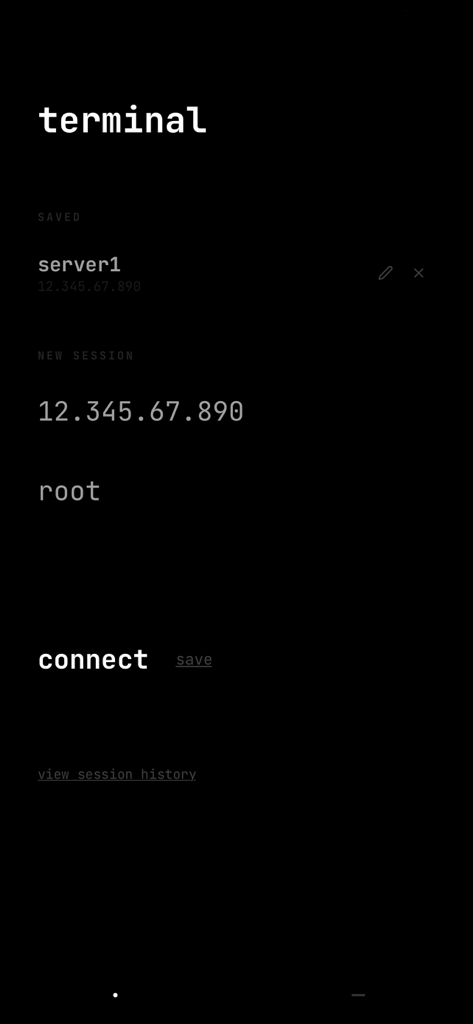
Minimalist SSH connection menu with saved server list and new session fields in a dark theme
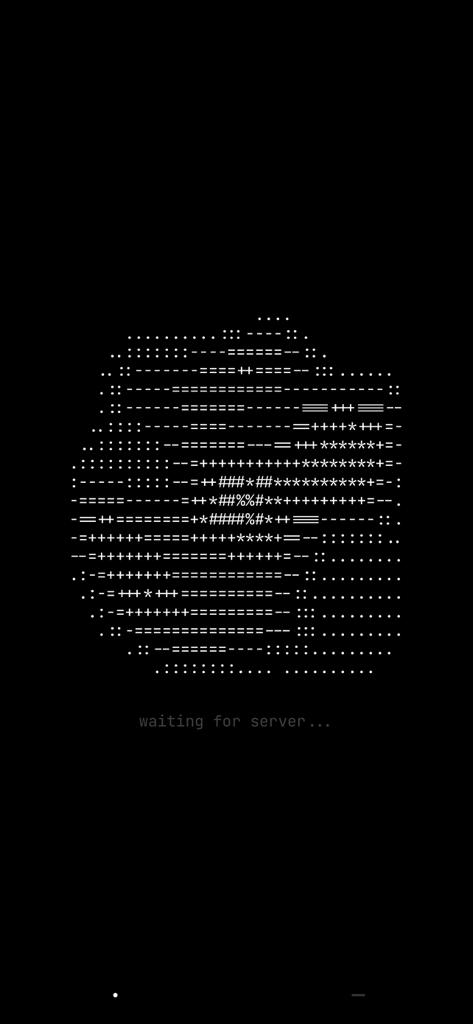
Minimalist SSH Terminator loading screen featuring a white ASCII art visualization and waiting for server text on a deep black background.
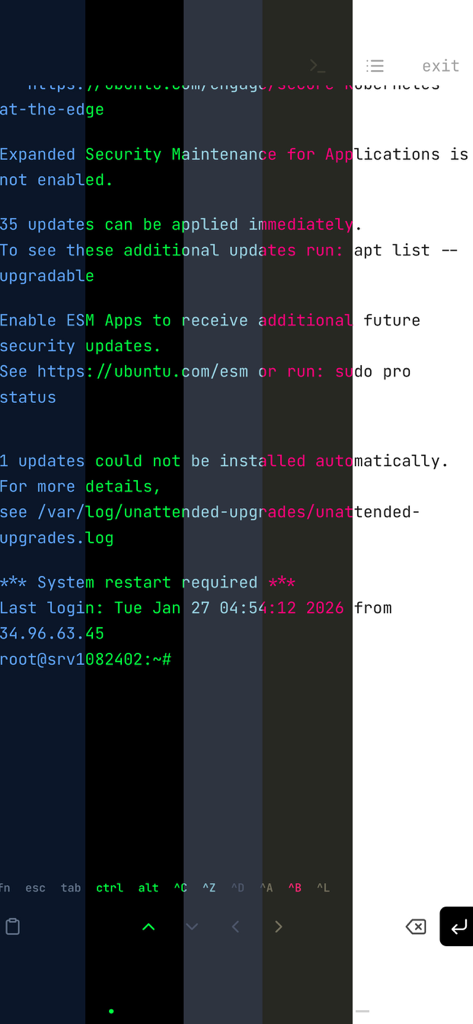
SSH Terminator interface demonstrating multiple terminal color themes on an Ubuntu server session
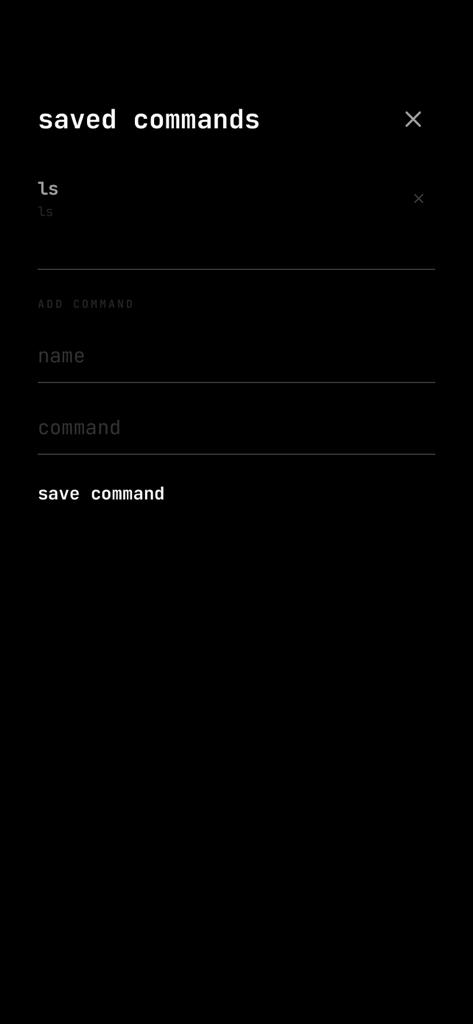
Minimalist saved commands management interface in the SSH Terminator app
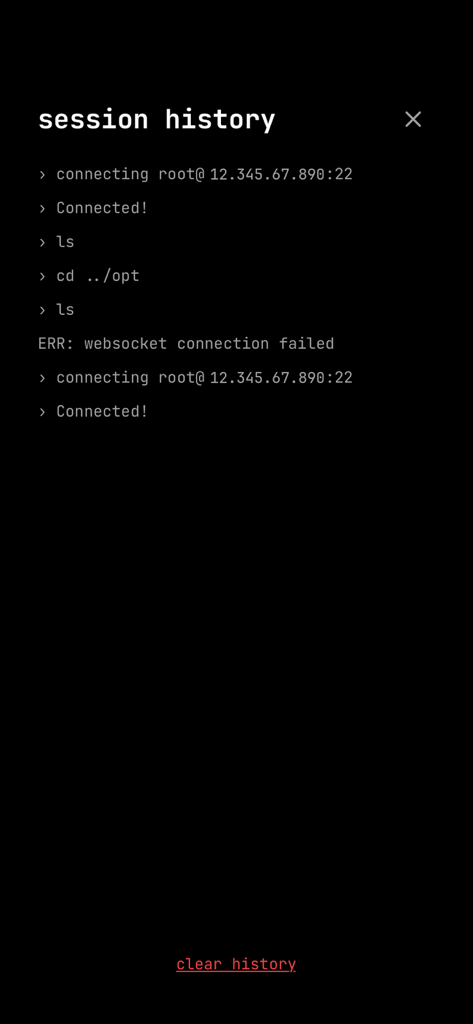
Minimalist terminal session history screen showing connection logs and commands
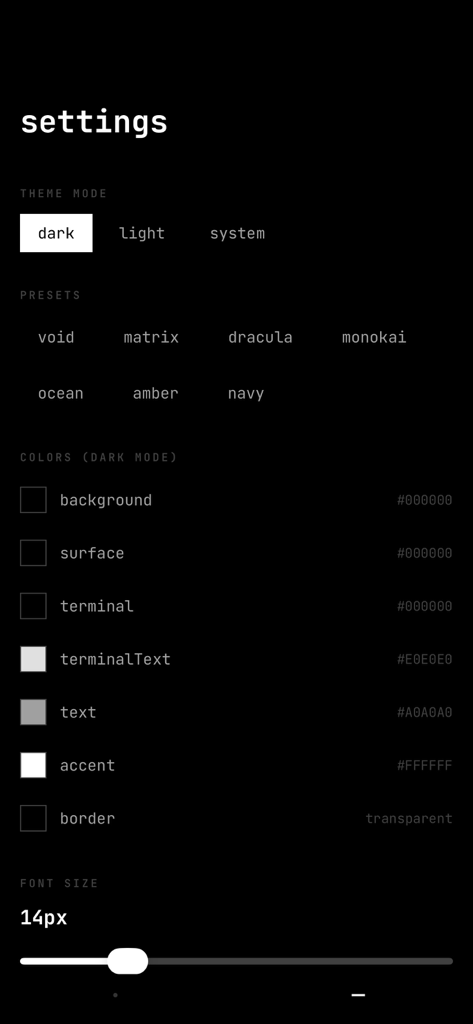
SSH Terminator settings screen showing theme presets and color customization options
Description
Download
More Like This
Top-ranked apps in the same category

TestFlight
Apple Inc.

Replit: Vibe Code Apps
Replit, Inc

GitHub
GitHub

O-KAM Pro
Shenzhen VeePai IoT Intelligent Technology LLC

Apple Developer
Apple Inc.

Emergent AI: Vibe Code Apps
Emergent Labs Inc

Expo Go
650 Industries, Inc.

Scriptable
Simon Stovring

Stream - Network Debug Tool
Stream Lab Inc.
This page is not an official page of the app or its developer, but an independent editorial publication created for informational and commentary purposes. Unless expressly stated otherwise, neither the app nor its developer is affiliated with, endorsed by, sponsored by, authorized by, or otherwise officially connected with MWM, Apple, Google Play, the app publisher, or the app's developer, and nothing on this page implies that the app was developed using MWM's services. Any trademarks, logos, screenshots, and other content remain the property of their respective owners.