Sticky Notes App Remind Widget
Download on App Store

This page is not an official page of the app or its developer, but an independent editorial publication created for informational and commentary purposes. Unless expressly stated otherwise, neither the app nor its developer is affiliated with, endorsed by, sponsored by, authorized by, or otherwise officially connected with MWM, Apple, Google Play, the app publisher, or the app's developer, and nothing on this page implies that the app was developed using MWM's services. Any trademarks, logos, screenshots, and other content remain the property of their respective owners.


Logo of Sticky Notes App Remind Widget
Download on App Store

Sticky Notes App Remind Widget

Transform your iPhone into a personalized productivity hub. Capture ideas via voice, handwriting, or photos and keep your priorities front and center with custom widgets and lock screen reminders.

Key Figures

Downloads

977K+

User Rating

4.4/5

Total Ratings

5K+

Publisher

Epiphany Labs

Category

Productivity

Locales

1

Latest Version

3.1.45

Size

165.5 MB

First Released

Mar 21, 2013
Features

Master Your Chaos with Visual Ease

The digital evolution of the post-it note. Designed for visual thinkers who need to capture ideas fast and keep them front and center.

Capture in Any Format

Handwrite, speak, or snap. Offload your thoughts instantly with flexible tools that adapt to your busiest moments.

Always in Sight

Stop forgetting. Use dynamic widgets and lock screen wallpapers to keep your priorities visible every time you wake your phone.

The following screenshots and description are sourced directly from the app's official store listing and are the property of the app developer.

App Store

Screenshots
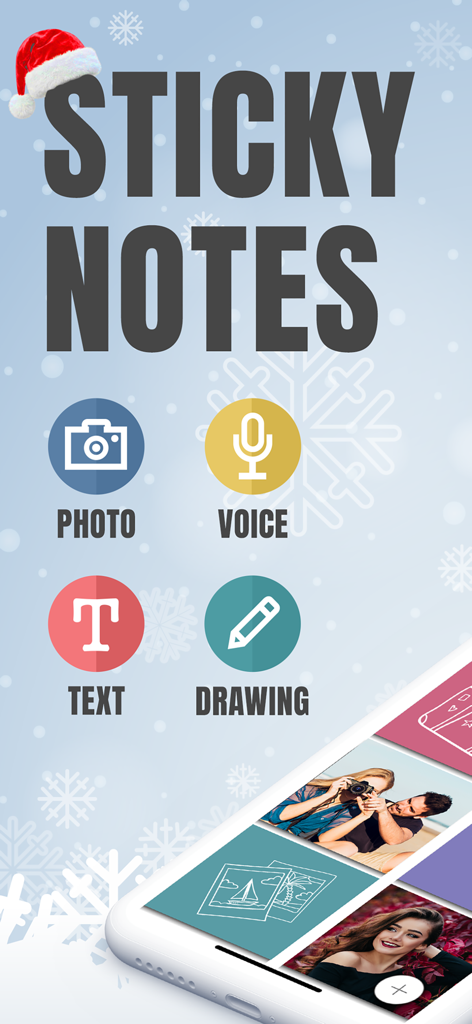
Sticky Notes App Remind Widget - Main screen of the Sticky Notes app highlighting photo voice text and drawing note options
Main screen of the Sticky Notes app highlighting photo voice text and drawing note options

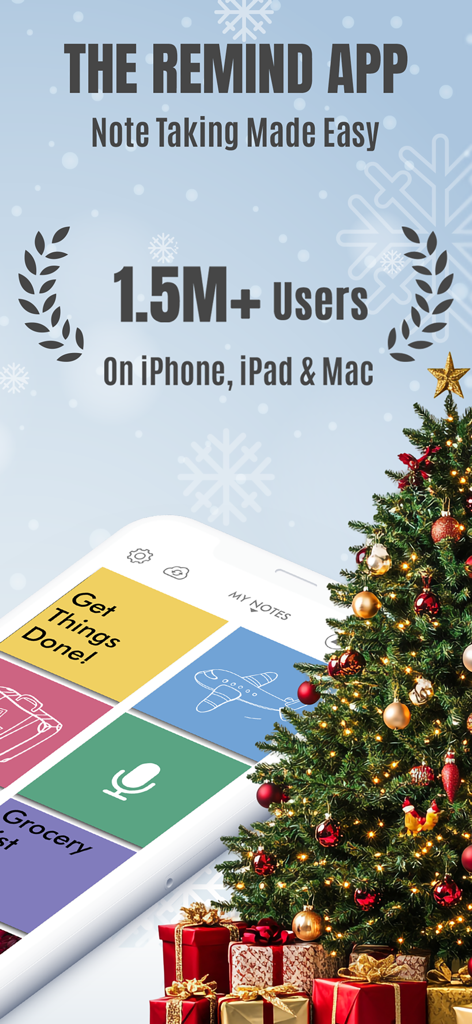
Sticky Notes App Remind Widget - Promotional screen for the Sticky Notes App Remind Widget showcasing 1.5 million users and a visual note-taking interface.
Promotional screen for the Sticky Notes App Remind Widget showcasing 1.5 million users and a visual note-taking interface.

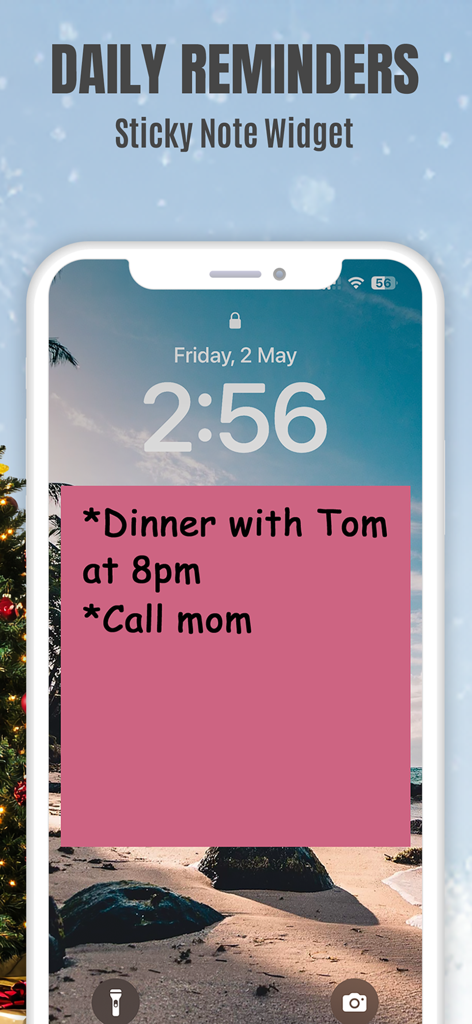
Sticky Notes App Remind Widget - An iPhone lock screen displaying a pink sticky note widget with daily reminders for dinner and calling mom.
An iPhone lock screen displaying a pink sticky note widget with daily reminders for dinner and calling mom.

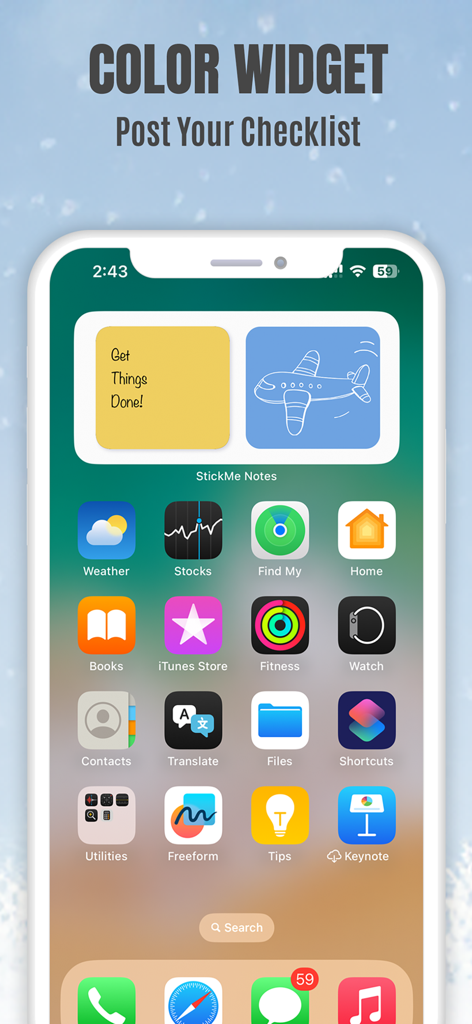
Sticky Notes App Remind Widget - iPhone home screen displaying yellow and blue sticky note widgets with a checklist and airplane drawing
iPhone home screen displaying yellow and blue sticky note widgets with a checklist and airplane drawing

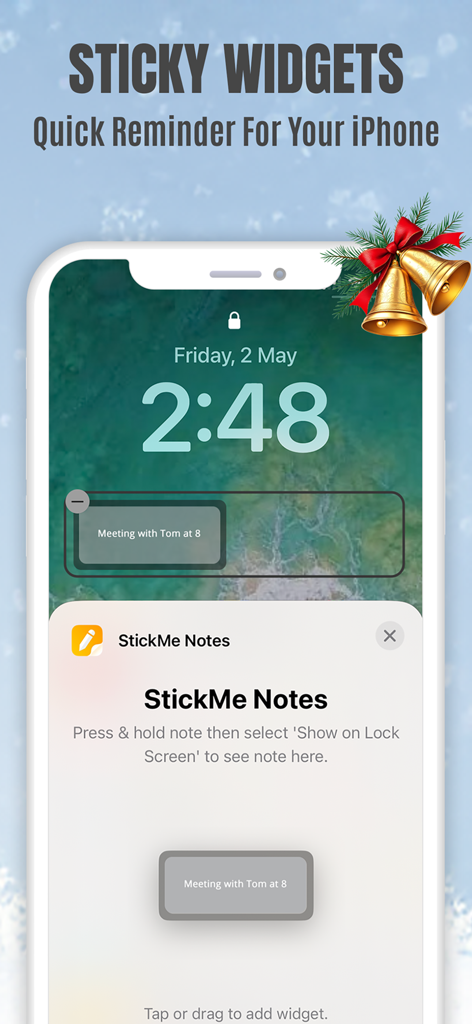
Sticky Notes App Remind Widget - iPhone lock screen showing a StickMe Notes sticky widget with a meeting reminder
iPhone lock screen showing a StickMe Notes sticky widget with a meeting reminder

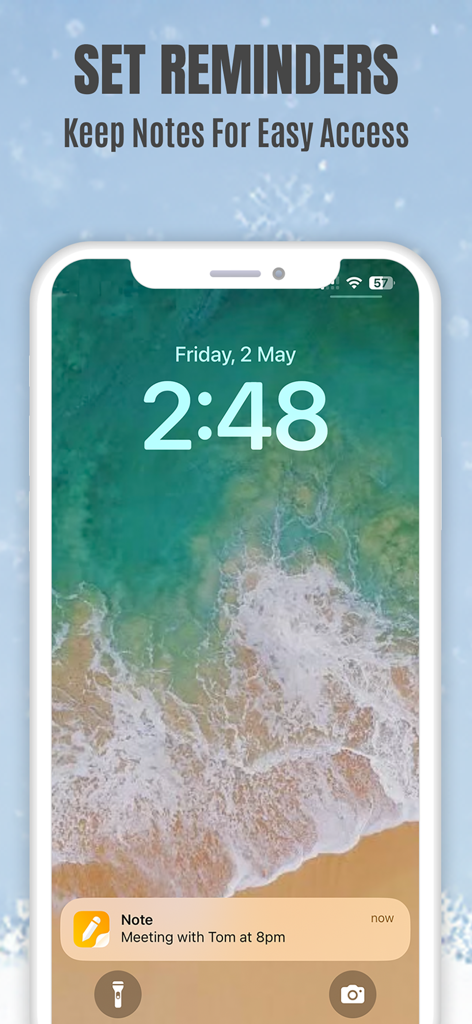
Sticky Notes App Remind Widget - Sticky note reminder notification on an iPhone lock screen for a meeting at 8pm
Sticky note reminder notification on an iPhone lock screen for a meeting at 8pm

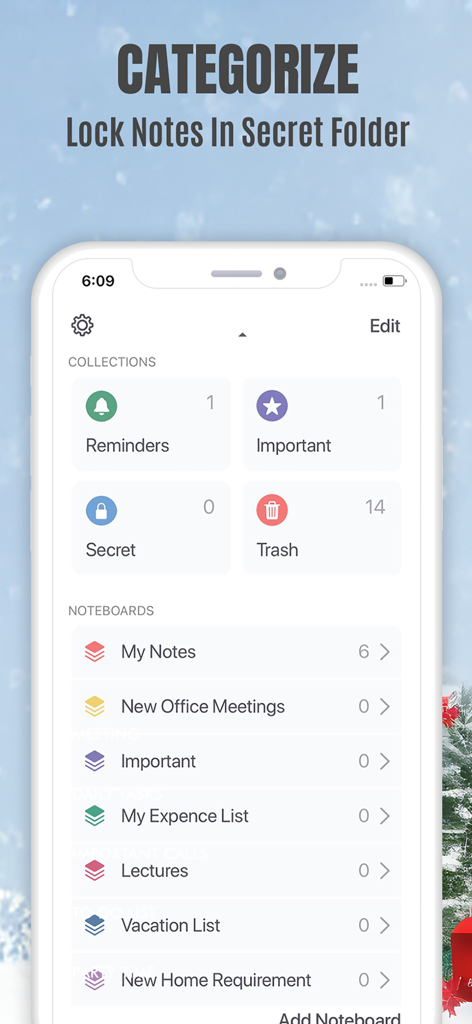
Sticky Notes App Remind Widget - Mobile app interface showing note categorization and a locked secret folder for private memos
Mobile app interface showing note categorization and a locked secret folder for private memos

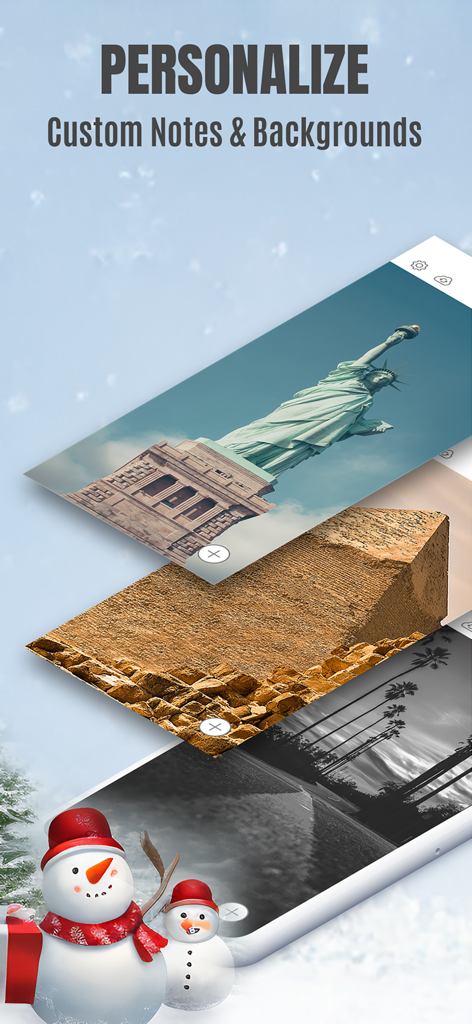
Sticky Notes App Remind Widget - Sticky Notes app screen showing personalization options for custom note backgrounds.
Sticky Notes app screen showing personalization options for custom note backgrounds.

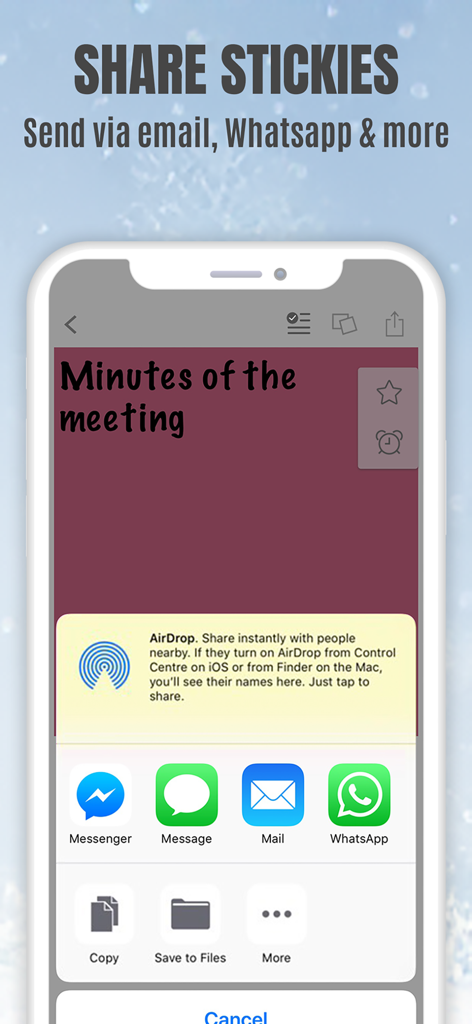
Sticky Notes App Remind Widget - StickMe Notes app interface on an iPhone showing sharing options for a sticky note via email and messaging apps

StickMe Notes app interface on an iPhone showing sharing options for a sticky note via email and messaging apps

Description

*Over 1.5 million downloads* Featured in 'What's Hot' & 'New & Noteworthy' Organize your to do list, task list, and reminders with StickMe Notes - the most awesome sticky note & task manager app with built in alarm for iPhone. Use StickMe Notes to upgrade the boring old paper note with HANDWRITTEN or TEXT or notes on your iPhone. If you are too tired to draw or type, you can simply ATTACH A PHOTO or RECORD YOUR AUDIO NOTES. You can stick these notes with attachments such as text, drawing, record/audio or photo notes to your personalized notice board, set them as your lock screen image or share with friends using email or whatsapp. Use StickMe Note as your notebook & create grocery and shopping lists on the go. StickMe Notes is a notepad & memo app which makes note taking easy. Use memo notes to capture ideas on the fly, create to-do lists & tasks list, checklist & set up personal daily reminders. It’s a digital note pad that helps you get things done. Download the best notes maker app now & become notefuly efficient. Keep google urls or pages in sticky notes & revisit them later. MAKE QUICK NOTES *Create unlimited sticky notes in any color. Use the note color to organize the stickies better. *Use the app as task manager & create a todo check list, shopping lists or grocery lists. *Write in digital ink with your finger. Create quick daily notes or a memo. *Record voice notes. StickMe Notes can be your audio note pad. *Take a photo or choose one from your camera roll to create a photo note. Make StickMe Notes your picture notebook. *Google things & keep important links in sticky notes to revisit later. WIDGET, SPOTLIGHT & SIRI (For iOS 15 and above) *Instantly create notes to access your sticky notes on your home screen and lock screen (iPhone only) using widgets. ORGANIZE *Drag & move a note to any custom folder. *Mark notes as ‘Important’. *Use ‘Secret’ folder for to hide your daily personal notes. *Make good notes & keep in Folders. SYNC ACROSS DEVICES *Access notes on your iPhone, iPad & Mac SET REMINDERS & USE AS WALLPAPER *Set alarm for your notes & stickies to remind you about your check list. *Use note as wallpaper or lock screen image to easily remind yourself about your todo tasks with colorful stickies. PERSONALIZE & SHARE *Be creative with Stickies *Set default sticky note color, font size & name *Personalise the notice board background *Use the fully loaded text & draw toolbar with multiple font styles, sizes, thickness plus colors. Get the most awesome sticky notes app for iPhone. Create grocery & shopping lists or any other checklist using the notepad, set alarms, & enjoy note making on the go. Use the app as a personal notebook, a meeting note pad or a daily planner to make good memo/notes. PRICING StickMe Notes offers a 7 day free trial that comes with the subscription pack(s). There is a monthly & yearly pack. The user needs to subscribe to one of the packs to continue making daily notes & setting task reminders. TERMS OF USE: • There's a 7-day free trial that comes along with the subscription packs. • StickMe Notes offers 3 subscription packages - Annual @ $19.99, Half-yearly @ $10.99, Monthly @ $1.99. • All subscriptions are valid for at least 30 days. • Payment will be charged to iTunes Account at confirmation of purchase • Subscription automatically renews unless auto-renew is turned off at least 24-hours before the end of the current period • Account will be charged for renewal within 24-hours prior to the end of the current period, and identify the cost of the renewal • Subscriptions may be managed by the user and auto-renewal may be turned off by going to the user's Account Settings after purchase • Any unused portion of a free trial period, if offered, will be forfeited when the user purchases a subscription to that publication. Terms of Use - http://epiphanylabs.in/termsofuse/ Privacy Policy - http://epiphanylabs.in/privacy/ Sound effects obtained from https://www.zapsplat.com

Download

Download on App Store

This page is not an official page of the app or its developer, but an independent editorial publication created for informational and commentary purposes. Unless expressly stated otherwise, neither the app nor its developer is affiliated with, endorsed by, sponsored by, authorized by, or otherwise officially connected with MWM, Apple, Google Play, the app publisher, or the app's developer, and nothing on this page implies that the app was developed using MWM's services. Any trademarks, logos, screenshots, and other content remain the property of their respective owners.








