
This page is not an official page of the app or its developer, but an independent editorial publication created for informational and commentary purposes. Unless expressly stated otherwise, neither the app nor its developer is affiliated with, endorsed by, sponsored by, authorized by, or otherwise officially connected with MWM, Apple, Google Play, the app publisher, or the app's developer, and nothing on this page implies that the app was developed using MWM's services. Any trademarks, logos, screenshots, and other content remain the property of their respective owners.

Stylus Labs Write Pro
Experience a vector-based note-taking tool built for precision. Reflow handwritten text, organize via the Files app, and maintain total data sovereignty with non-proprietary SVG files.
Downloads
10K+User Rating
Total Ratings
100Publisher
Category
ProductivityLocales
1Latest Version
1.6.1Size
7.7 MBFirst Released
May 2, 2020Unleash Your Productivity with Vector-Based Note-Taking
The ultimate open-source tool for professionals and STEM students who need more than just a digital canvas. Edit, reflow, and own your handwritten notes forever.
Intelligent Reflow & Space
Unlike static notes, Write Pro lets you insert space and rearrange handwriting dynamically. Perfect for adding formulas or ideas to existing notes.
Zero Proprietary Lock-In
Your notes belong to you. Saved as standard SVG files, they remain accessible in any browser or vector app, ensuring long-term data sovereignty.
The following screenshots and description are sourced directly from the app's official store listing and are the property of the app developer.
App Store
Screenshots
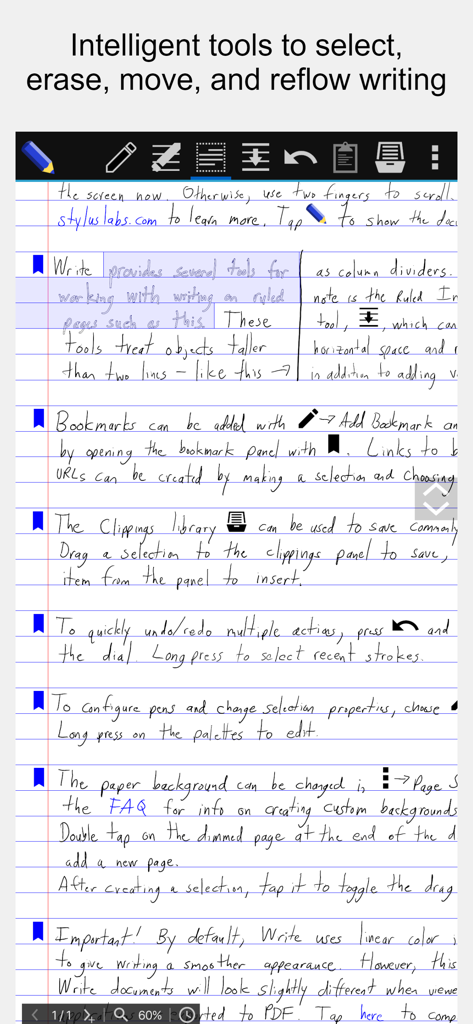
Handwritten notes in Stylus Labs Write Pro showing the toolbar and reflow editing tools
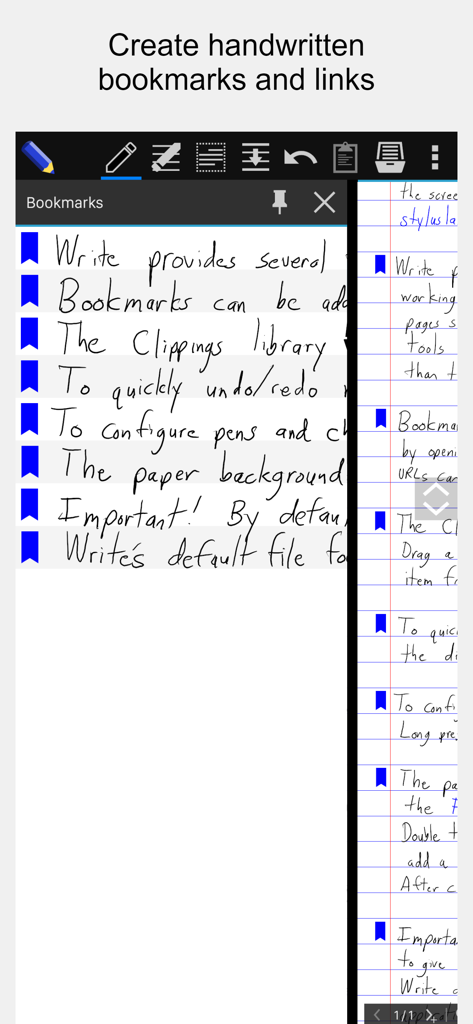
Screenshot of Stylus Labs Write Pro app showing a side panel with handwritten bookmarks and links next to a handwritten document
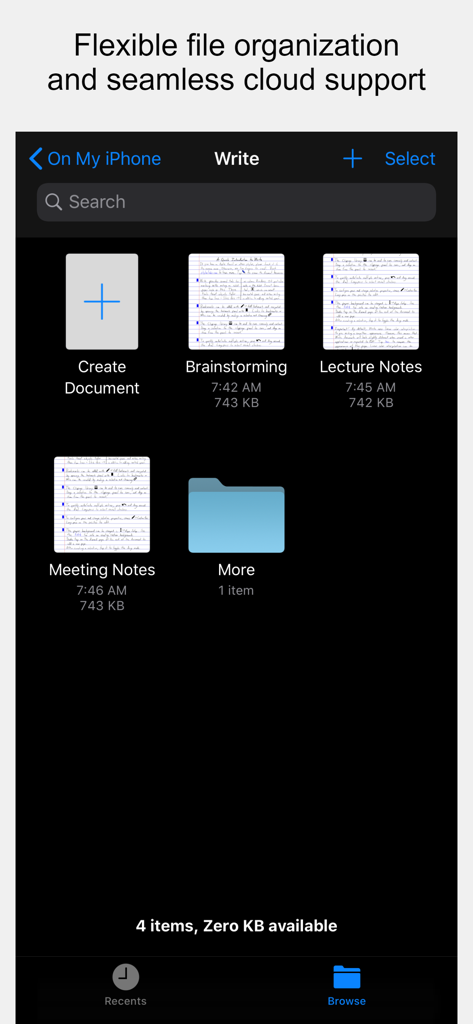
File management screen in Stylus Labs Write Pro showing folders and thumbnails of handwritten notes for brainstorming and lectures.
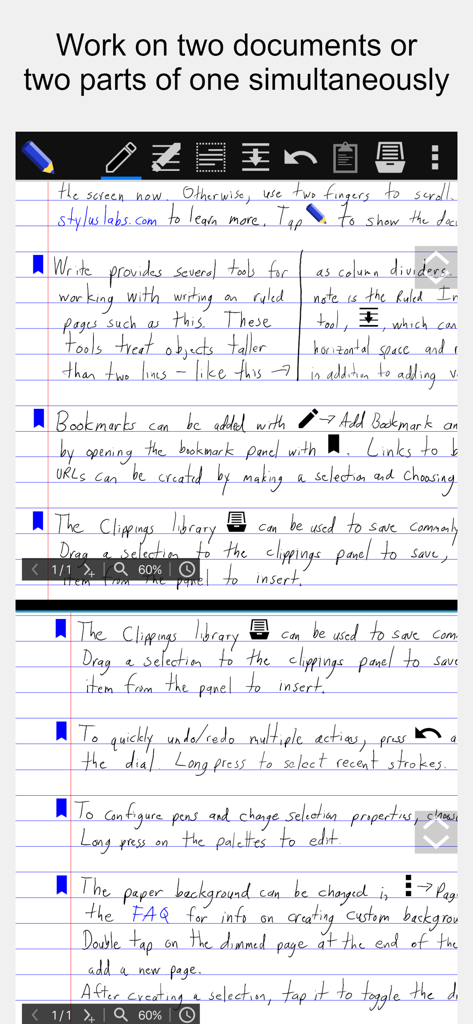
Stylus Labs Write Pro interface showing the split view feature for editing two parts of a document at once
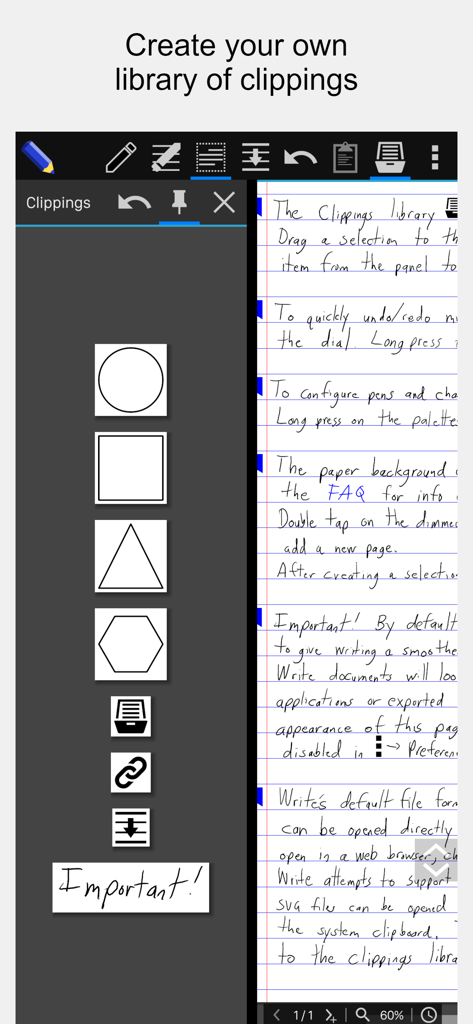
A screenshot of the Stylus Labs Write Pro app showing the clippings library sidebar with custom shapes and icons next to a handwritten document
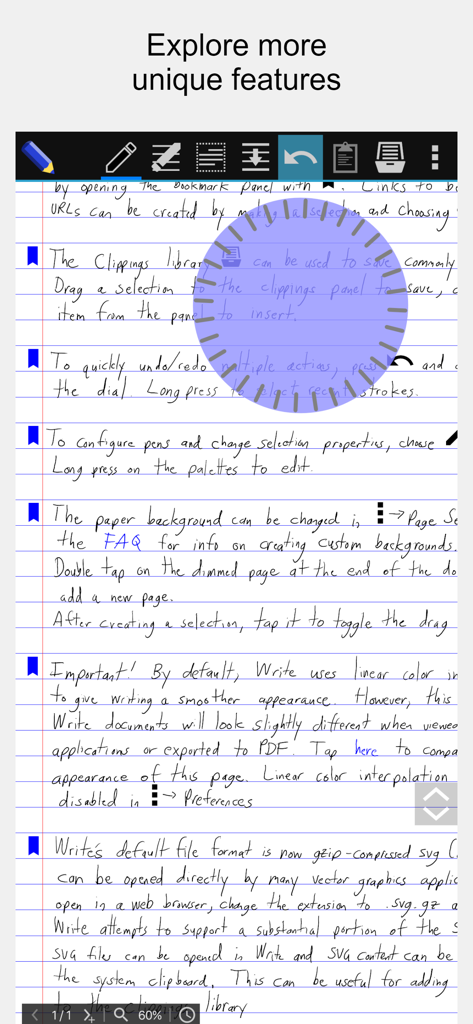
A screenshot of handwritten notes in the Stylus Labs Write Pro app featuring the circular undo and redo jog dial tool over lined paper
Description
Download
More Like This
Apps with similar features and user experience

Notepad: Easy Notes & Memos
1381802 Ontario Inc.

EasyNote: Note, Handwrite, PDF
Hangzhou Tensorart Technology Co., Ltd

Wellnote-Notes&PDF
MAXEYE US INC.

AJournal - Planner & Journal
WonderApps AB

Element Note
Soysauce Lab

Penbook
User Camp Inc.

Notes Writer - Note Taking
Kairoos Solutions S.L.

Notewise - AI Notes, PDF, Docs
ZIIKR Pte. Ltd.

Notes Writer Pro 2026
Kairoos Solutions S.L.
This page is not an official page of the app or its developer, but an independent editorial publication created for informational and commentary purposes. Unless expressly stated otherwise, neither the app nor its developer is affiliated with, endorsed by, sponsored by, authorized by, or otherwise officially connected with MWM, Apple, Google Play, the app publisher, or the app's developer, and nothing on this page implies that the app was developed using MWM's services. Any trademarks, logos, screenshots, and other content remain the property of their respective owners.