
This page is not an official page of the app or its developer, but an independent editorial publication created for informational and commentary purposes. Unless expressly stated otherwise, neither the app nor its developer is affiliated with, endorsed by, sponsored by, authorized by, or otherwise officially connected with MWM, Apple, Google Play, the app publisher, or the app's developer, and nothing on this page implies that the app was developed using MWM's services. Any trademarks, logos, screenshots, and other content remain the property of their respective owners.

Subtitle Viewer & Translator
The complete mobile toolkit to create, edit, and translate subtitles in 59+ languages. Designed for creators and learners to bridge language gaps anywhere, even offline.
Downloads
300User Rating
Total Ratings
0Publisher
Category
ProductivityLocales
1Latest Version
1.0.3Size
66.3 MBFirst Released
Jan 21, 2025Master Your Subtitles Everywhere
The all-in-one suite to create, translate, and view VTT and SRT files. Designed for creators, language learners, and global viewers who demand efficiency on the go.
Professional Creation & Editing
Craft subtitles from scratch or refine existing files with a mobile-first editor. Perfect for making your TikTok or YouTube content accessible in minutes.
Global Offline Translation
Translate files into 59+ languages without needing an internet connection. Ideal for learning languages during commutes or watching foreign cinema on flights.
The following screenshots and description are sourced directly from the app's official store listing and are the property of the app developer.
App Store
Screenshots
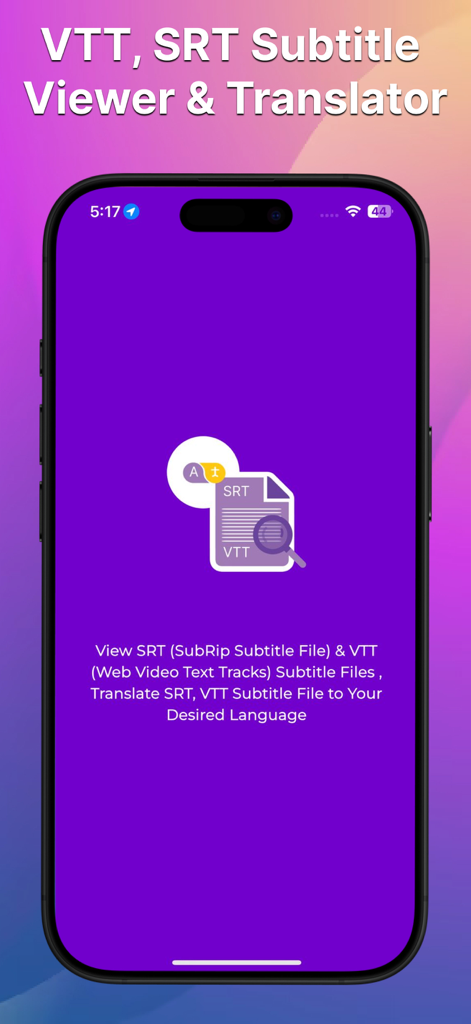
iPhone screen displaying the Subtitle Viewer and Translator app for viewing and translating SRT and VTT files
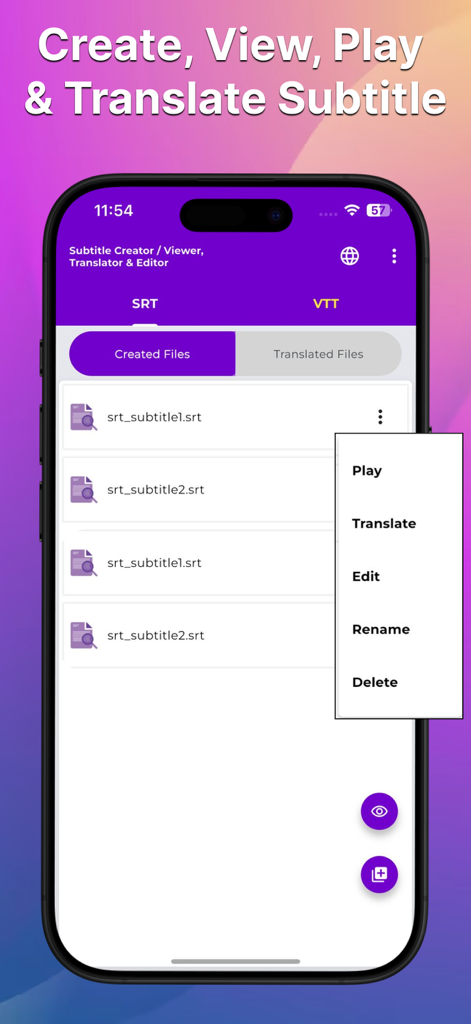
Interface of the Subtitle Viewer app displaying a list of created SRT files with a menu to play, translate, or edit subtitles.
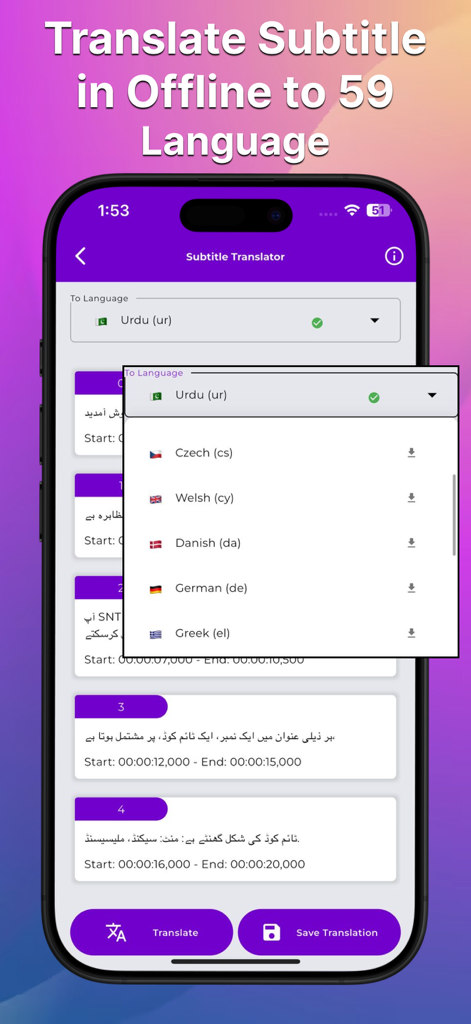
Smartphone screen showing subtitle translation options for multiple languages offline.
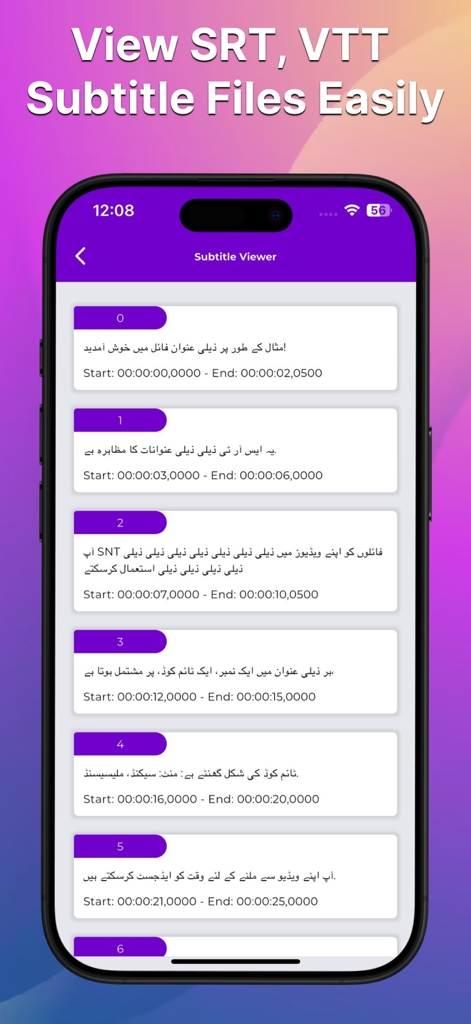
The subtitle viewer interface showing a list of SRT and VTT subtitle blocks with start and end timestamps.
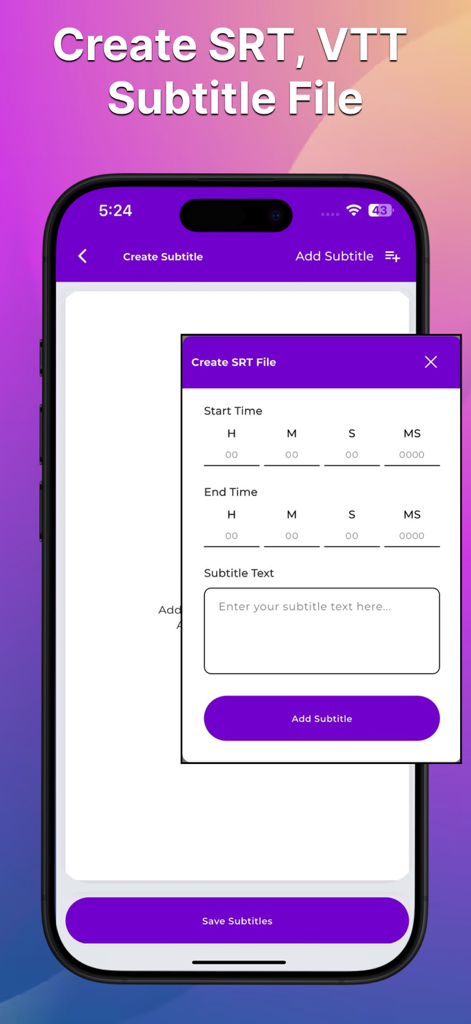
A mobile app interface for creating SRT and VTT subtitle files with start and end time settings
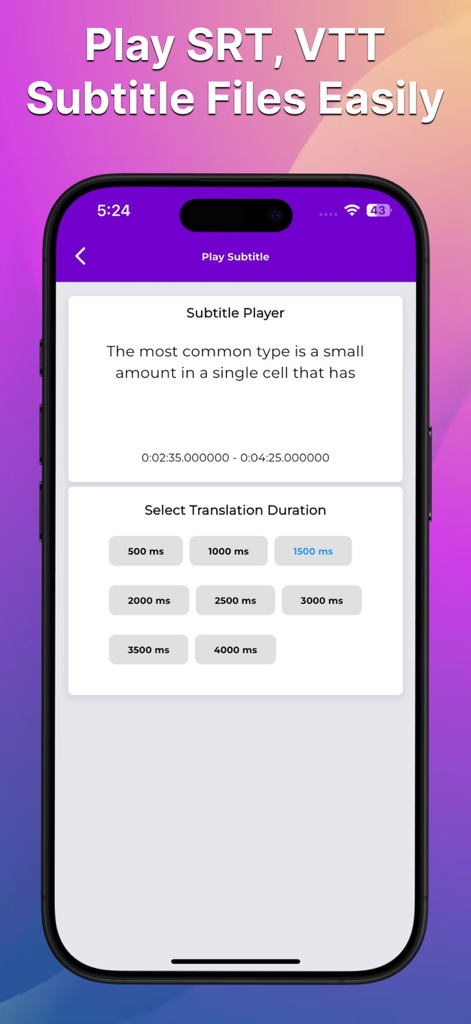
Interface of the subtitle player showing SRT and VTT file playback and translation duration settings.
Description
Download
More Like This
Top-ranked apps in the same category

ChatGPT
OpenAI OpCo, LLC

Google Gemini
Google LLC

Grok
X.AI Corporation

Gmail - Email by Google
Google LLC

千问 - 阿里最强大模型官方AI助手
Shanghai Zhixin Puhui Technology Co., Ltd.

Google Drive
Google LLC

Microsoft Authenticator
Microsoft Corporation

Google Sheets
Google LLC

Google Docs
Google LLC
This page is not an official page of the app or its developer, but an independent editorial publication created for informational and commentary purposes. Unless expressly stated otherwise, neither the app nor its developer is affiliated with, endorsed by, sponsored by, authorized by, or otherwise officially connected with MWM, Apple, Google Play, the app publisher, or the app's developer, and nothing on this page implies that the app was developed using MWM's services. Any trademarks, logos, screenshots, and other content remain the property of their respective owners.