
This page is not an official page of the app or its developer, but an independent editorial publication created for informational and commentary purposes. Unless expressly stated otherwise, neither the app nor its developer is affiliated with, endorsed by, sponsored by, authorized by, or otherwise officially connected with MWM, Apple, Google Play, the app publisher, or the app's developer, and nothing on this page implies that the app was developed using MWM's services. Any trademarks, logos, screenshots, and other content remain the property of their respective owners.

Talk For Me - Text to Speech
Communicate with dignity using an expressive AI that sounds human. Speak directly into phone calls, use your own digital voice clone, and stay connected with loved ones anytime, anywhere.
Downloads
15K+User Rating
Total Ratings
200Publisher
Category
UtilitiesLocales
1Latest Version
1.17Size
5.7 MBFirst Released
Mar 23, 2015Reclaim Your Voice and Your Independence
Designed by a developer who understands speech loss firsthand, Talk For Me provides a natural, expressive, and dignified way to communicate in person and over the phone.
Speak Directly on Phone Calls
Break the silence on FaceTime and phone calls. Our Speech to Call technology sends your audio directly through the line so you can manage your own appointments and stay connected.
Your Voice, Your Identity
Maintain your personality with iOS 17 Personal Voice support and our Expressive AI engine, ensuring your questions and exclamations sound human, not robotic.
Frequently Asked Questions
Everything you need to know about Talk For Me - Text to Speech
What is Talk For Me - Text to Speech?
Talk For Me is an app designed to give a voice to individuals who have lost speech due to medical conditions or need a communication tool during phone calls. It converts text to speech.
Can Talk For Me be used for phone calls?
Yes, Talk For Me seamlessly sends your text-to-speech audio directly into phone calls and FaceTime calls. The other person hears you clearly as if you were speaking.
Does Talk For Me - Text to Speech work without internet?
Yes, Talk For Me operates completely offline. No internet connection is required for its functionality.
Does Talk For Me - Text to Speech support Personal Voice?
Yes, Talk For Me supports Personal Voice (iOS 17+). Users can create a digital copy of their own voice and utilize it within the app for personalized communication.
What are the key features of the Talk For Me app?
Key features include Speech to Call, Personal Voice Support, Visual "Karaoke" Tracking, Expressive AI, Customizable Quick Buttons, and an Archive Database for saving phrases.
Can I save frequently used phrases in Talk For Me?
Yes, Talk For Me includes an Archive Database where users can save unlimited phrases or partial sentences. Swipe left to instantly access saved sentences.
How does Talk For Me - Text to Speech improve speech quality?
Talk For Me features an improved Expressive AI engine. It automatically adjusts pitch and speed based on punctuation, making the speech sound more human and less robotic.
Does Talk For Me - Text to Speech have ads?
No, Talk For Me is completely ad-free, providing a clean and distraction-free interface for its users.
How do I customize quick buttons in the Talk For Me app?
Talk For Me allows customizing quick buttons. Long-press any button to assign specific text, titles, and different voices. Swipe up for additional custom button pages.
What languages does Talk For Me - Text to Speech support?
Talk For Me supports numerous languages, including English (US, UK, AU, IE, ZA), Arabic, Chinese, Czech, Danish, Dutch, French, German, Hindi, Italian, Japanese, Korean, Portuguese, Spanish, and Swedish.
The following screenshots and description are sourced directly from the app's official store listing and are the property of the app developer.
App Store
Screenshots
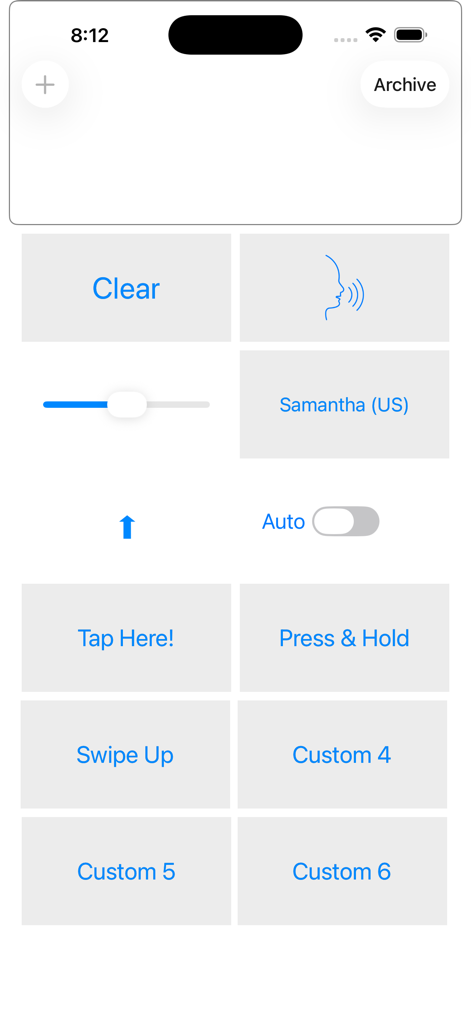
Main dashboard of the Talk For Me app featuring large customizable buttons for quick text to speech communication
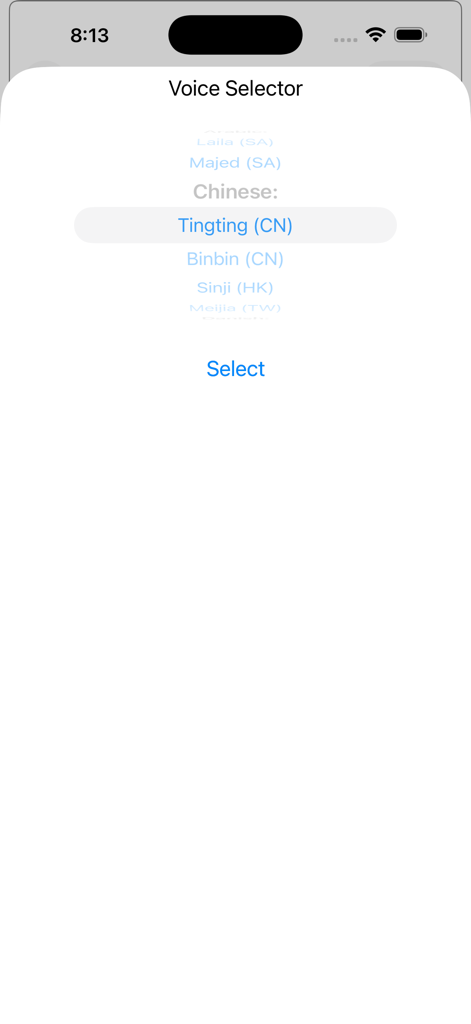
Voice selector screen in the Talk For Me app showing multilingual speech options like Chinese.
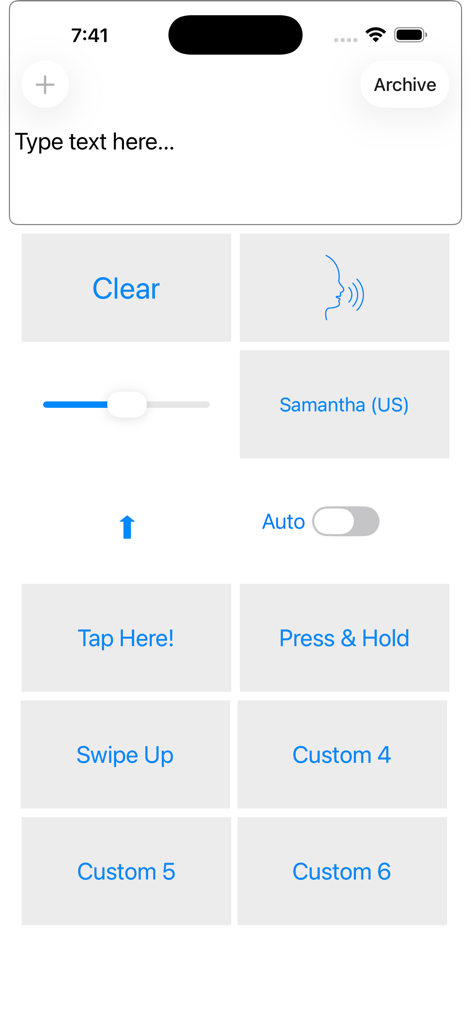
Talk For Me app main screen showing text input area, voice selection for Samantha, and customizable quick phrase buttons.
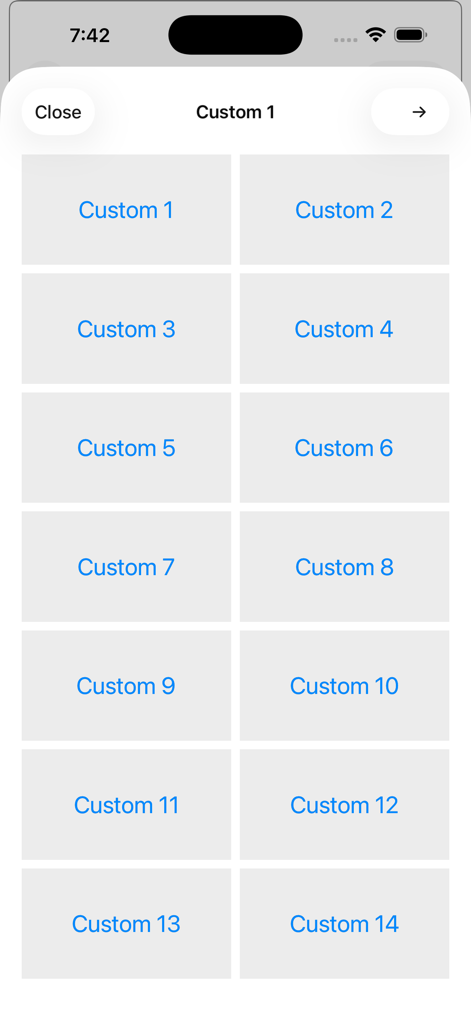
A grid of fourteen customizable quick phrase buttons within the Talk For Me app interface

A screenshot of the Save to archive screen in the Talk For Me app

Interface of the Talk For Me app showing the Save to archive menu option for managing saved phrases.
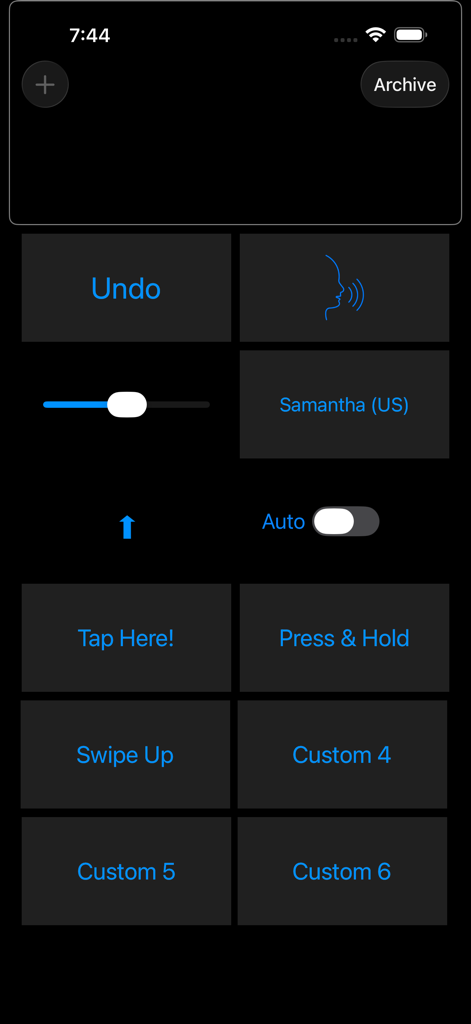
Main dashboard of the Talk For Me app featuring customizable quick communication buttons and voice settings
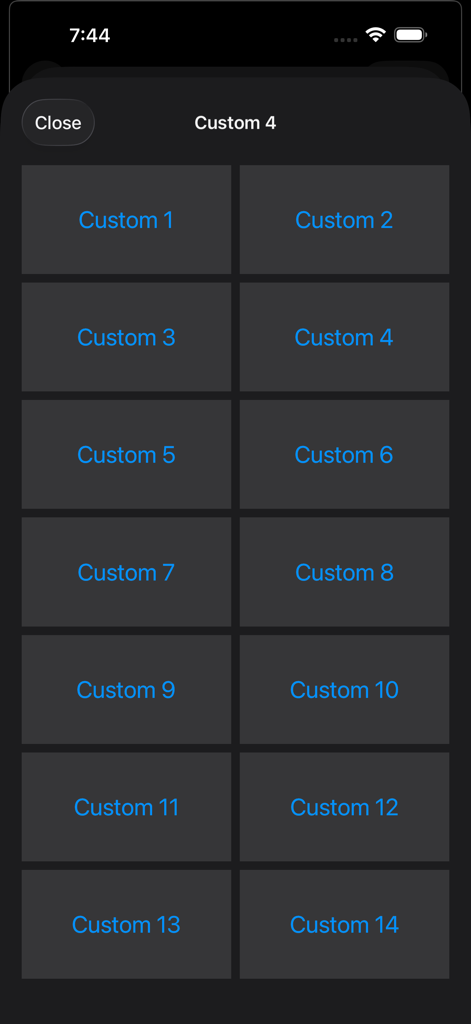
Interface showing a grid of customizable buttons for speech phrases.
Description
Download
More Like This
Top-ranked apps in the same category

Google LLC

Google Chrome
Google LLC

中国移动(手机营业厅)
China Mobile Online Services Co., Ltd.

Google Authenticator
Google LLC

CNH do Brasil
Servicos e Informacoes do Brasil

Cleanup: Phone Storage Cleaner
DEEP FLOW SOFTWARE SERVICES - FZCO

gov.br
Servicos e Informacoes do Brasil

中国电信-全国统一官方服务平台
CHINA TELECOM Corporation Ltd.

Microsoft Edge: AI Browser
Microsoft Corporation
This page is not an official page of the app or its developer, but an independent editorial publication created for informational and commentary purposes. Unless expressly stated otherwise, neither the app nor its developer is affiliated with, endorsed by, sponsored by, authorized by, or otherwise officially connected with MWM, Apple, Google Play, the app publisher, or the app's developer, and nothing on this page implies that the app was developed using MWM's services. Any trademarks, logos, screenshots, and other content remain the property of their respective owners.