
This page is not an official page of the app or its developer, but an independent editorial publication created for informational and commentary purposes. Unless expressly stated otherwise, neither the app nor its developer is affiliated with, endorsed by, sponsored by, authorized by, or otherwise officially connected with MWM, Apple, Google Play, the app publisher, or the app's developer, and nothing on this page implies that the app was developed using MWM's services. Any trademarks, logos, screenshots, and other content remain the property of their respective owners.

Tally Counter DIGITAL
Replace your handheld clicker with a professional-grade tool. Featuring haptic feedback, voice readouts, and a 50-record history to keep your data secure and accessible.
Downloads
1K+User Rating
Total Ratings
0Publisher
Category
UtilitiesLocales
30Latest Version
1.2.0Size
0.8 MBFirst Released
Aug 14, 2019Precision Counting for Professionals
A reliable dot-matrix tally tool built for accuracy, featuring sensory feedback and historical logging for your most critical tasks.
Eyes-Free Feedback
Stay focused on the action with haptic vibration and voice readouts that confirm every single count without needing to look down.
Data Protection
Avoid accidental resets with confirmation prompts and keep your screen awake during long sessions with the auto-lock override.
The following screenshots and description are sourced directly from the app's official store listing and are the property of the app developer.
App Store
Screenshots
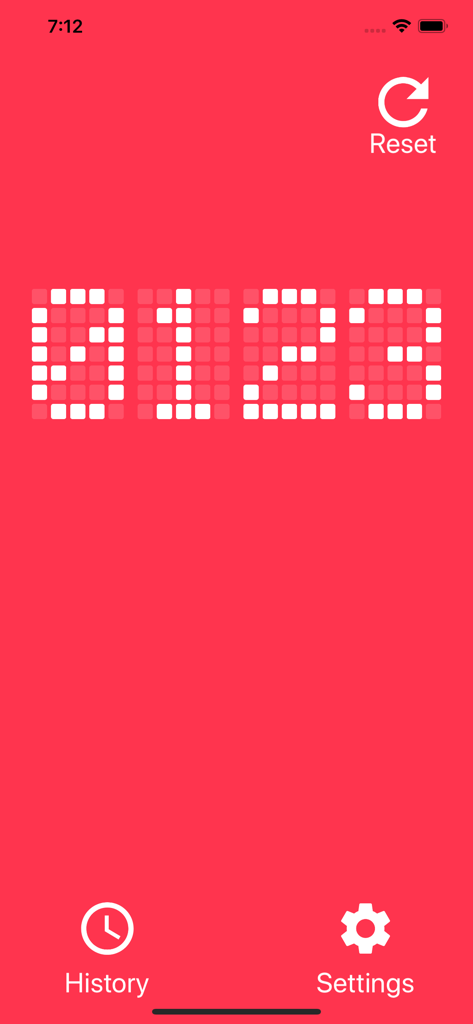
Tally Counter DIGITAL app interface featuring a red background and white dot matrix LED numbers showing zero one two three.
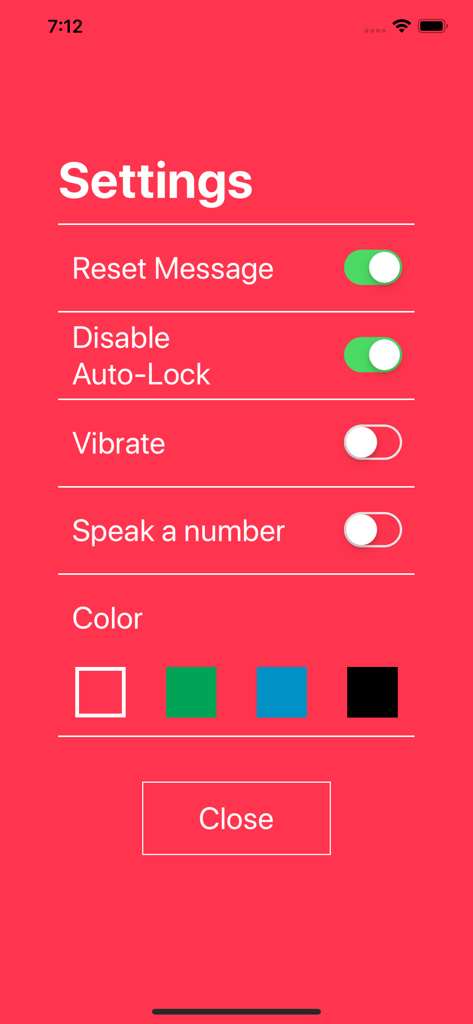
Settings screen of the Tally Counter DIGITAL app with configuration options for notifications auto-lock and theme color
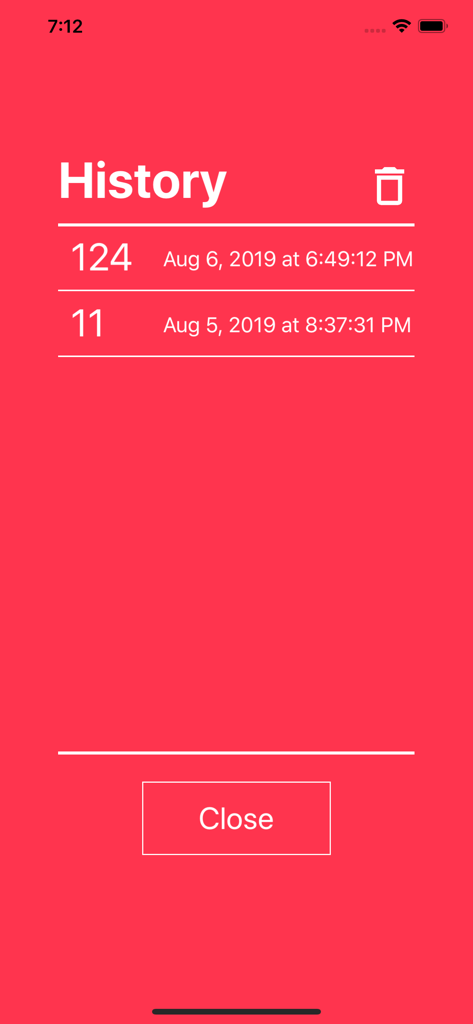
History screen of the Tally Counter DIGITAL app showing a list of saved counts and timestamps on a red background
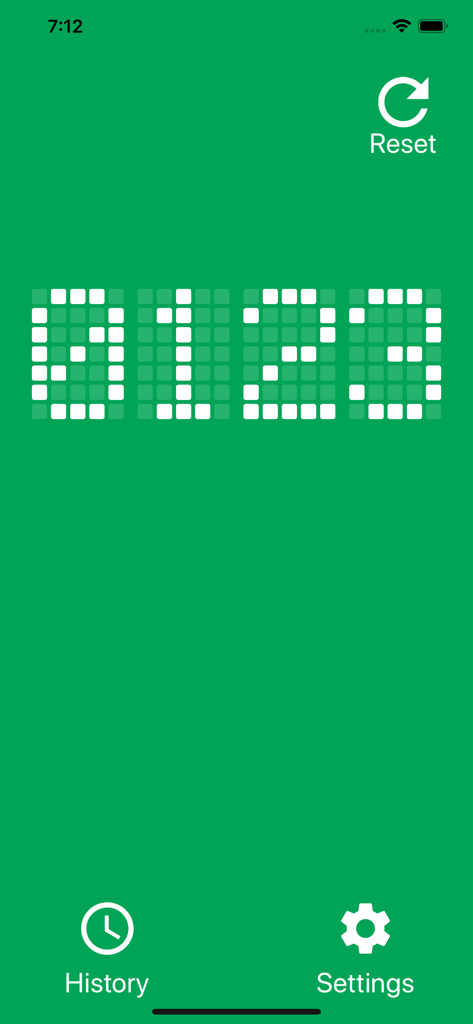
Tally Counter DIGITAL app main screen with a green background and a white dot matrix LED display showing a count of 0123
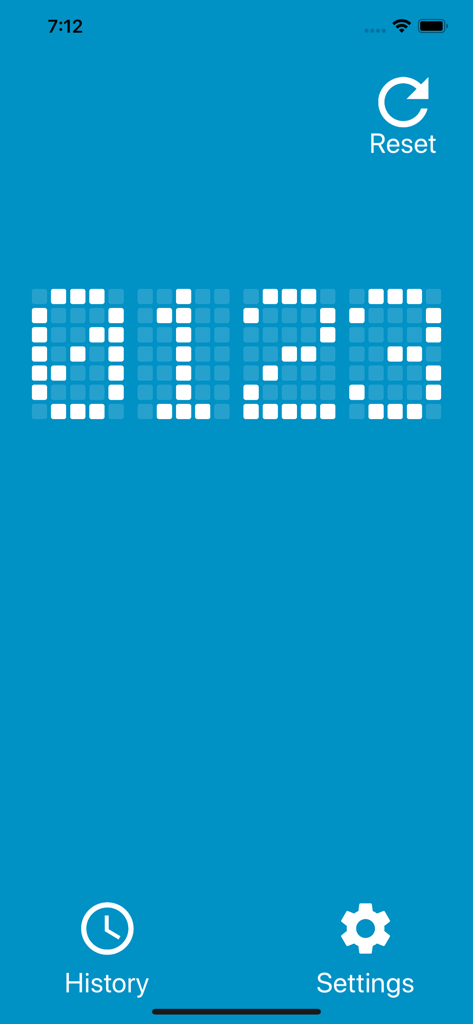
Main screen of Tally Counter DIGITAL showing a dot matrix count of 0123 on blue background
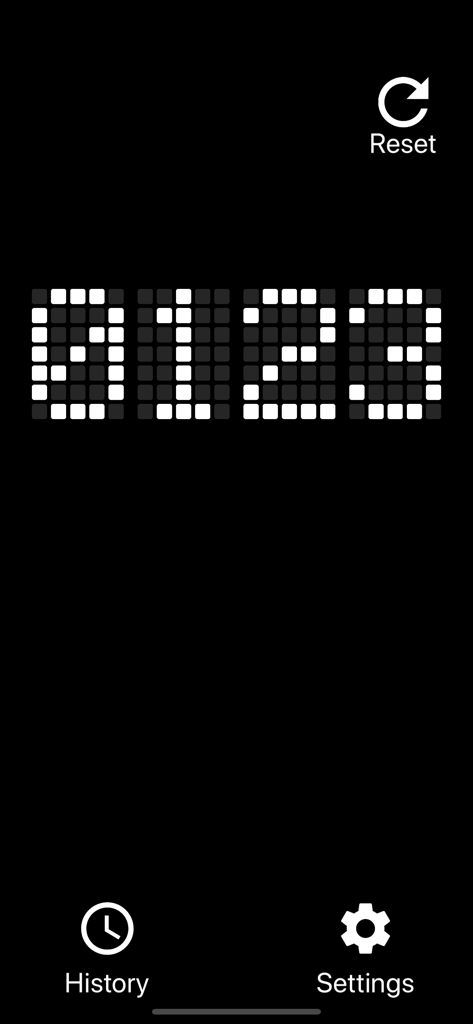
Digital tally counter interface with white dot matrix LED digits and menu icons on a black background
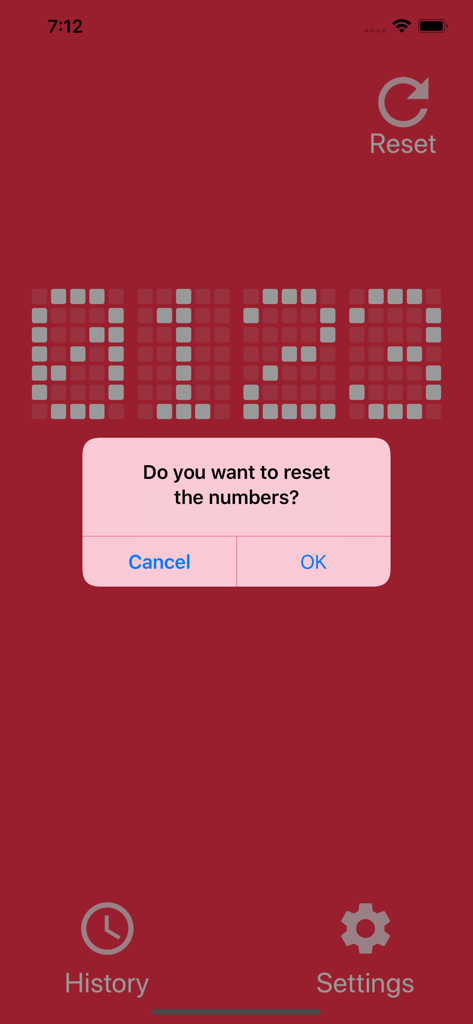
Tally Counter DIGITAL app interface showing a reset confirmation message on a red LED display
Description
Download
More Like This
Top-ranked apps in the same category

Google LLC

Google Chrome
Google LLC

中国移动(手机营业厅)
China Mobile Online Services Co., Ltd.

Google Authenticator
Google LLC

Cleanup: Phone Storage Cleaner
DEEP FLOW SOFTWARE SERVICES - FZCO

CNH do Brasil
Servicos e Informacoes do Brasil

gov.br
Servicos e Informacoes do Brasil

Super VPN Fly 2026
YUNFAN TECHNOLOGY CO., LIMITED

Microsoft Edge: AI Browser
Microsoft Corporation
This page is not an official page of the app or its developer, but an independent editorial publication created for informational and commentary purposes. Unless expressly stated otherwise, neither the app nor its developer is affiliated with, endorsed by, sponsored by, authorized by, or otherwise officially connected with MWM, Apple, Google Play, the app publisher, or the app's developer, and nothing on this page implies that the app was developed using MWM's services. Any trademarks, logos, screenshots, and other content remain the property of their respective owners.