
This page is not an official page of the app or its developer, but an independent editorial publication created for informational and commentary purposes. Unless expressly stated otherwise, neither the app nor its developer is affiliated with, endorsed by, sponsored by, authorized by, or otherwise officially connected with MWM, Apple, Google Play, the app publisher, or the app's developer, and nothing on this page implies that the app was developed using MWM's services. Any trademarks, logos, screenshots, and other content remain the property of their respective owners.


Teleprompter Easy Prof Hornet
The all-in-one autocue designed for vloggers, educators, and professionals. Import scripts in seconds and control your scroll speed effortlessly from your iPhone, iPad, or Apple Watch.
Downloads
40K+User Rating
Total Ratings
100Publisher
Category
ProductivityLocales
12Latest Version
5.3Size
220.7 MBFirst Released
May 22, 2017Elevate Your Presence, One Script at a Time
Turn your iPhone or iPad into a professional-grade autocue. Deliver flawless presentations, videos, and speeches without the stress of memorizing lines or losing focus.
Import Anywhere, Start Instantly
Connect directly to Google Drive, Dropbox, or iCloud. Bring in your .pdf or .doc files and be ready to record in just three simple steps.
Full Remote Control via Apple Watch
Filming solo? Adjust scroll speed and start or stop your script directly from your wrist, allowing you to stay in character and maintain eye contact.
The following screenshots and description are sourced directly from the app's official store listing and are the property of the app developer.
App Store
Screenshots

Smiling young professional woman wearing glasses representing a professional teleprompter app user.
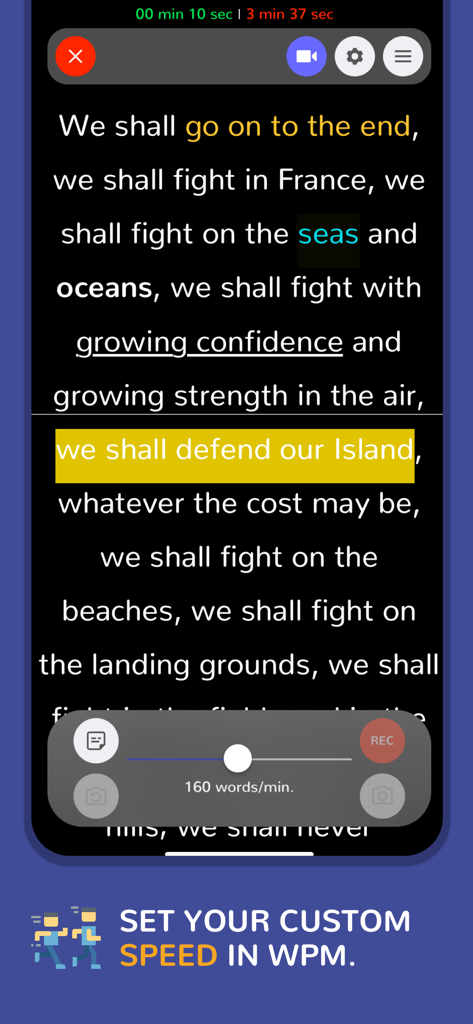
Teleprompter app interface showing scrolling text with a custom speed setting slider at 160 words per minute.
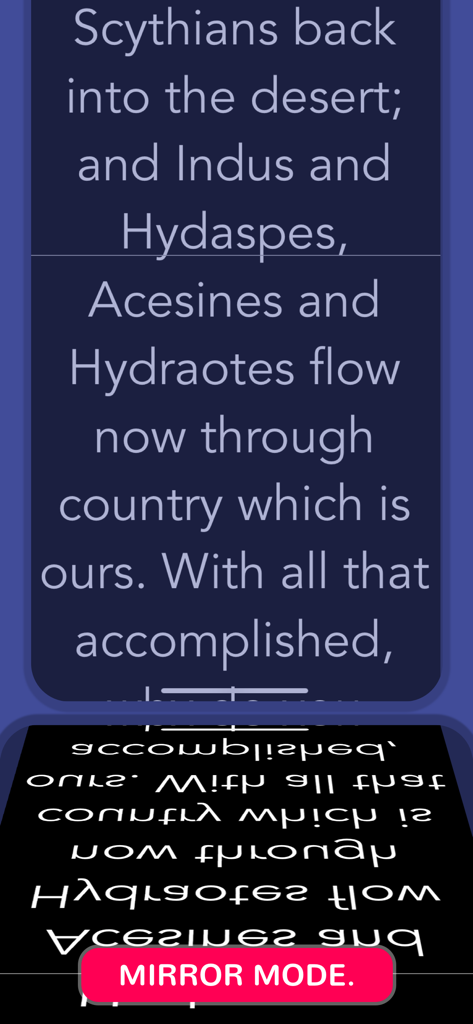
Teleprompter app screen showing mirrored text for use with professional glass rigs.
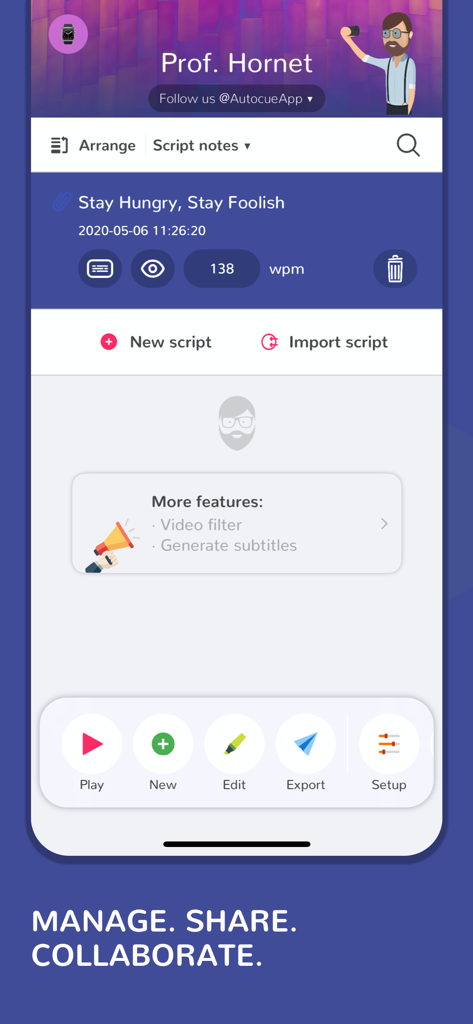
Teleprompter Easy Prof Hornet app interface showing script management and editing features
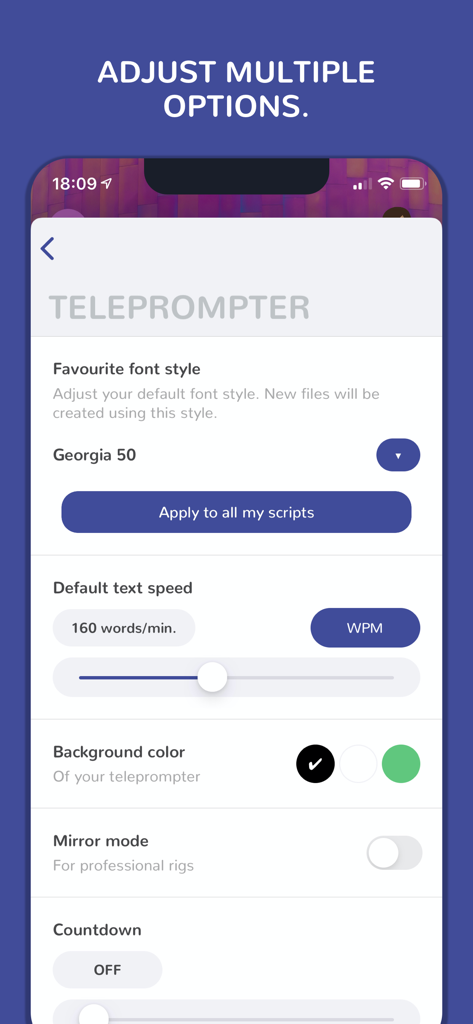
Teleprompter app settings menu for adjusting font style scroll speed and mirror mode
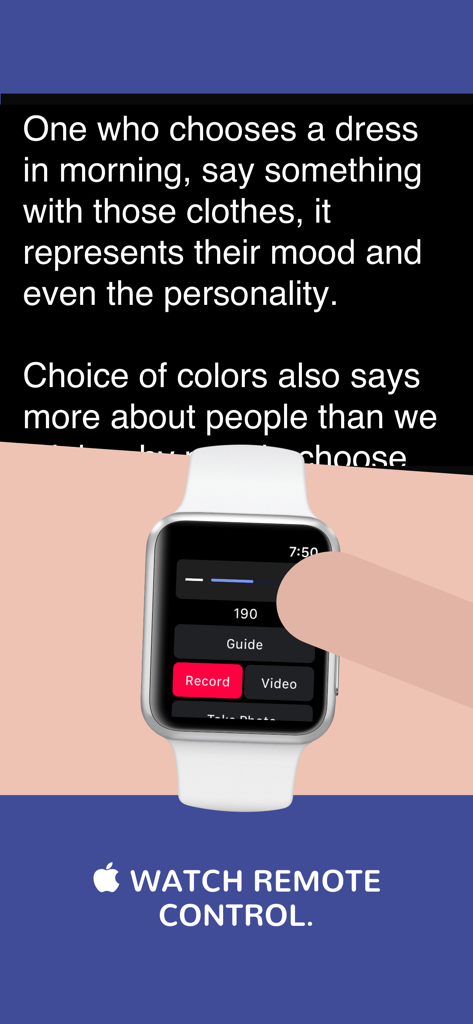
A person using an Apple Watch to remotely control the Teleprompter Easy Prof Hornet app scroll speed and recording functions.
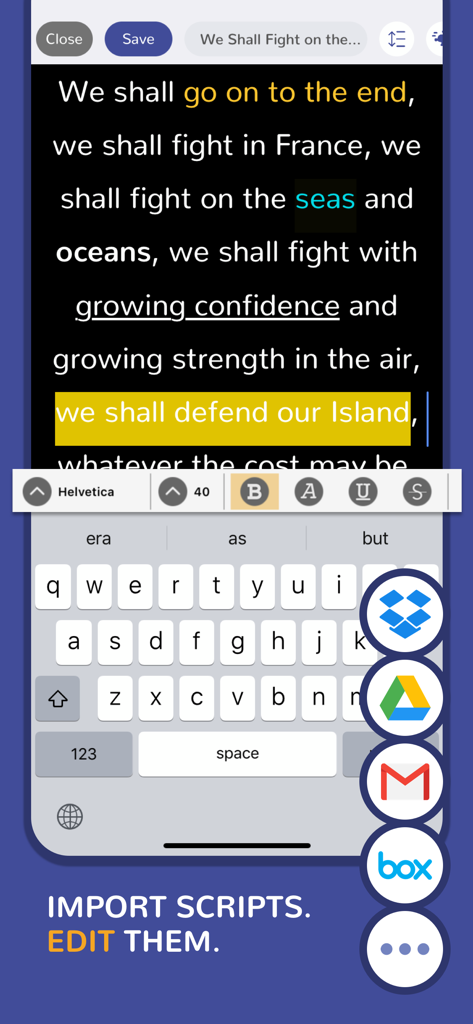
Teleprompter app script editor showing text formatting and cloud import integrations like Google Drive and Dropbox
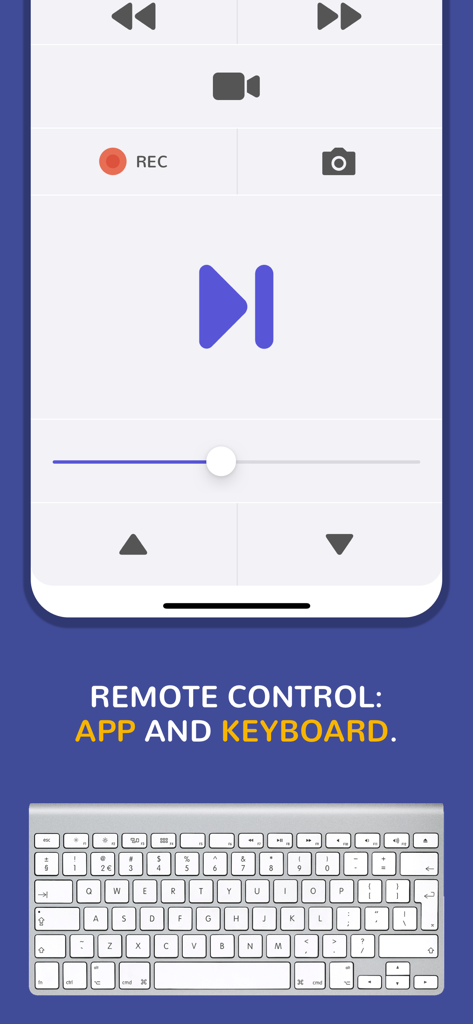
Teleprompter remote control interface showing playback buttons and bluetooth keyboard support
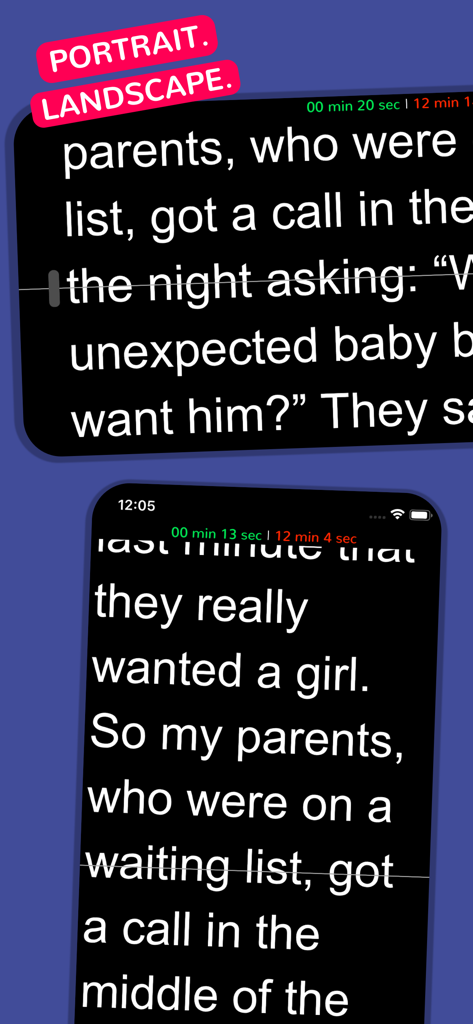
Teleprompter app interface showing scrolling script text in both portrait and landscape screen orientations
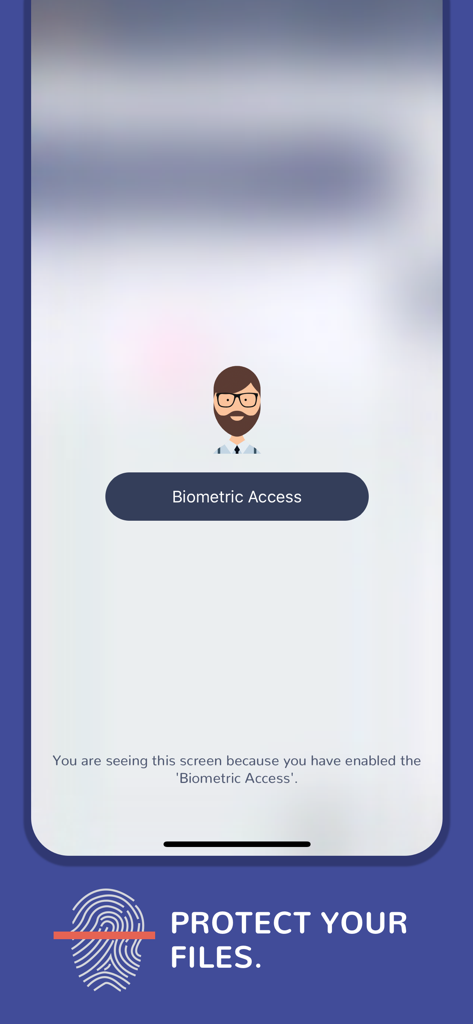
Biometric access screen for script protection in the teleprompter app
Description
Download
More Like This
Top-ranked apps in the same category

ChatGPT
OpenAI OpCo, LLC

Google Gemini
Google LLC

Grok
X.AI Corporation

Gmail - Email by Google
Google LLC

千问 - 阿里最强大模型官方AI助手
Shanghai Zhixin Puhui Technology Co., Ltd.

Google Drive
Google LLC

Microsoft Authenticator
Microsoft Corporation

Google Sheets
Google LLC

Google Docs
Google LLC
This page is not an official page of the app or its developer, but an independent editorial publication created for informational and commentary purposes. Unless expressly stated otherwise, neither the app nor its developer is affiliated with, endorsed by, sponsored by, authorized by, or otherwise officially connected with MWM, Apple, Google Play, the app publisher, or the app's developer, and nothing on this page implies that the app was developed using MWM's services. Any trademarks, logos, screenshots, and other content remain the property of their respective owners.