Teleprompter for Video ۬
Download on App Store

This page is not an official page of the app or its developer, but an independent editorial publication created for informational and commentary purposes. Unless expressly stated otherwise, neither the app nor its developer is affiliated with, endorsed by, sponsored by, authorized by, or otherwise officially connected with MWM, Apple, Google Play, the app publisher, or the app's developer, and nothing on this page implies that the app was developed using MWM's services. Any trademarks, logos, screenshots, and other content remain the property of their respective owners.

Logo of Teleprompter for Video ۬
Download on App Store

Teleprompter for Video ۬

The all-in-one studio for creators and professionals. Record with your script on-screen, maintain perfect eye contact, and edit with captions—all from your mobile device.

Key Figures

Downloads

32K+

User Rating

4.4/5

Total Ratings

100

Publisher

AppQ Technology

Category

Photo & Video

Locales

1

Latest Version

1.1.0

Size

37.3 MB

First Released

Jul 26, 2023
Features

Master Your On-Camera Presence

Save hours of retakes and look like a pro with tools designed to help you deliver perfect presentations every single time.

Maintain Perfect Eye Contact

Read your script right next to the camera lens so your audience feels a direct, professional connection without you ever looking away.

Optimized for Every Platform

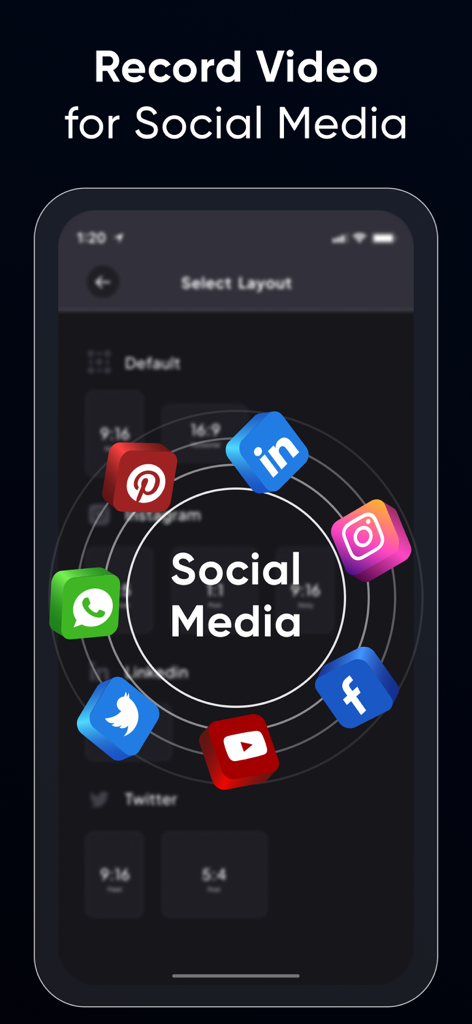
Switch between 9:16 for TikTok, 1:1 for LinkedIn, or 16:9 for YouTube to ensure your content looks native on every social feed.

The following screenshots and description are sourced directly from the app's official store listing and are the property of the app developer.

App Store

Screenshots
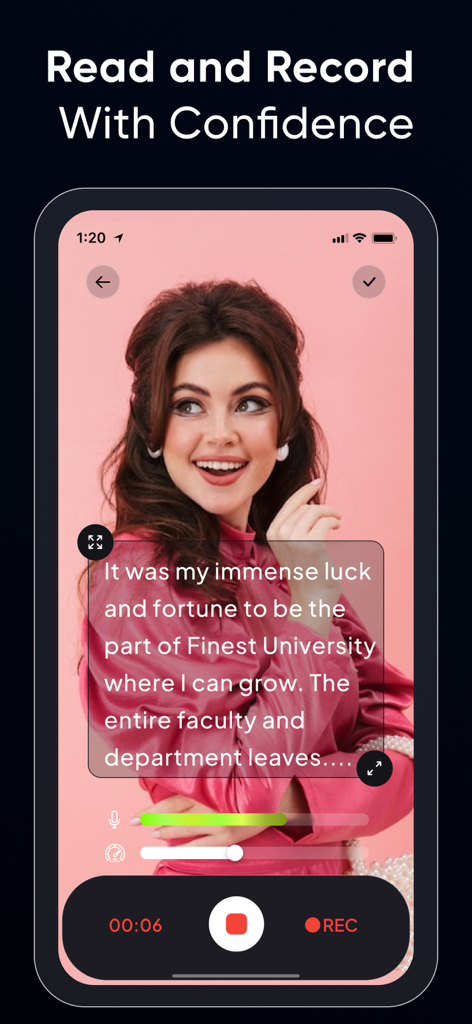
Teleprompter for Video ۬ - Interface of a teleprompter app showing a script over a live video recording of a woman
Interface of a teleprompter app showing a script over a live video recording of a woman

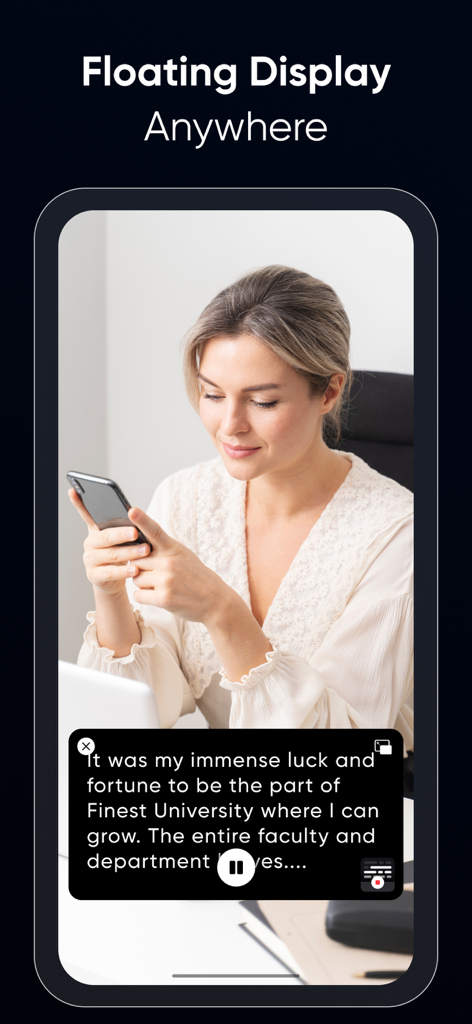
Teleprompter for Video ۬ - A woman using the floating display feature of the teleprompter app to read a script on her smartphone
A woman using the floating display feature of the teleprompter app to read a script on her smartphone

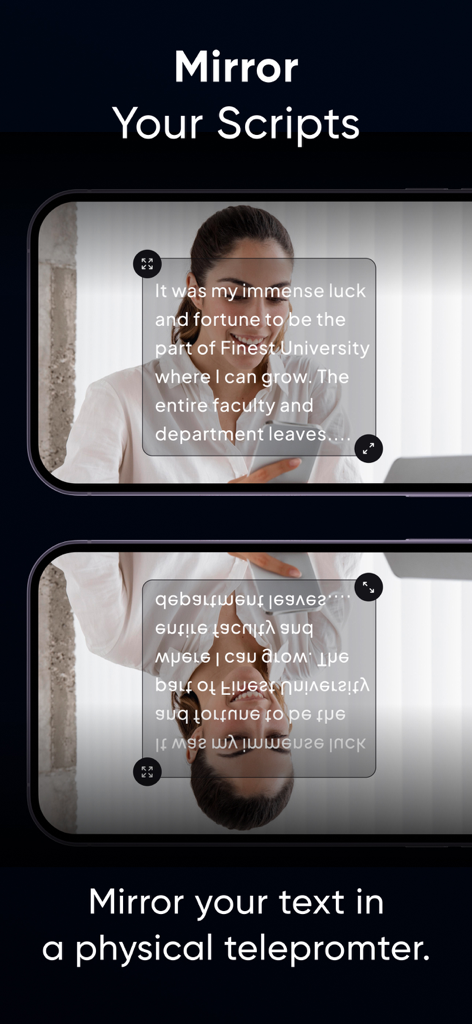
Teleprompter for Video ۬ - A demonstration of the mirrored script feature for using the app with a physical teleprompter device.
A demonstration of the mirrored script feature for using the app with a physical teleprompter device.

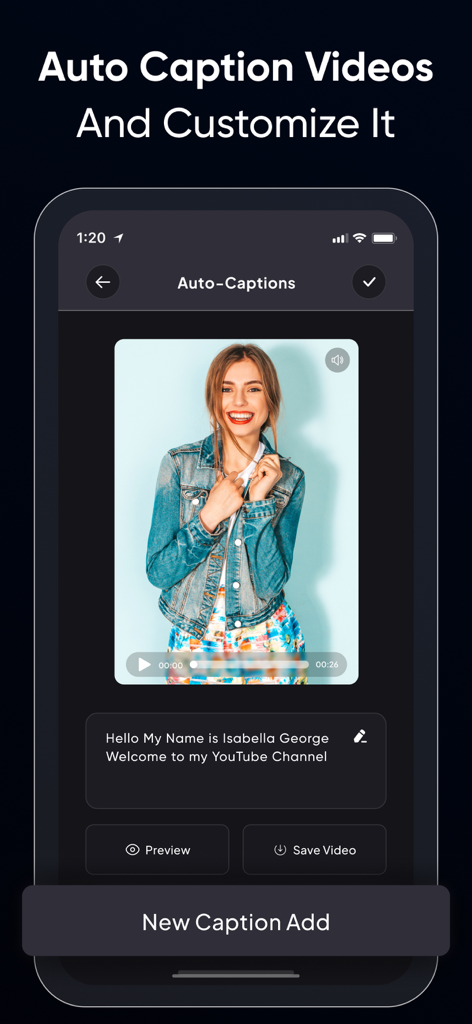
Teleprompter for Video ۬ - Interface of the Teleprompter for Video app showing the auto-captions feature with a video preview and editable text box.
Interface of the Teleprompter for Video app showing the auto-captions feature with a video preview and editable text box.

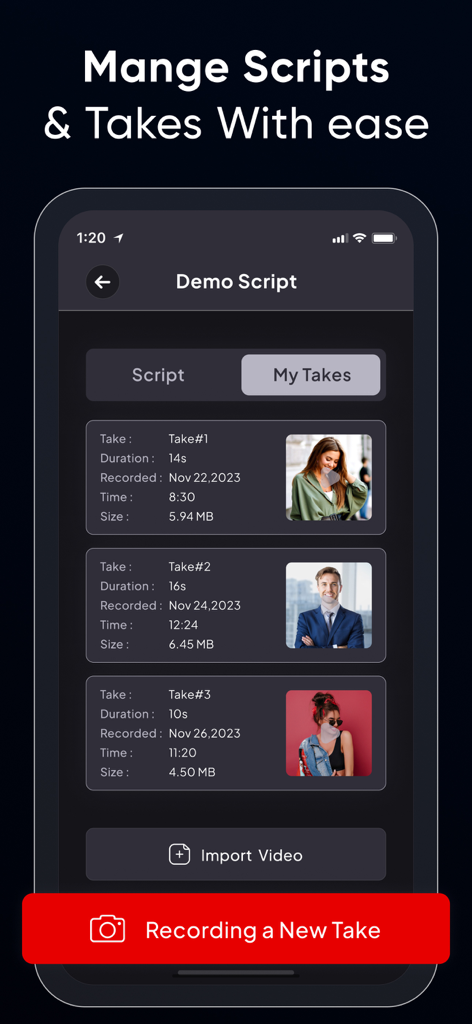
Teleprompter for Video ۬ - A mobile app interface displaying a list of recorded video takes for a script with details like duration and file size.
A mobile app interface displaying a list of recorded video takes for a script with details like duration and file size.

Teleprompter for Video ۬ - A screen showing various video aspect ratios and social media icons for platforms like Instagram, TikTok, and LinkedIn.
A screen showing various video aspect ratios and social media icons for platforms like Instagram, TikTok, and LinkedIn.

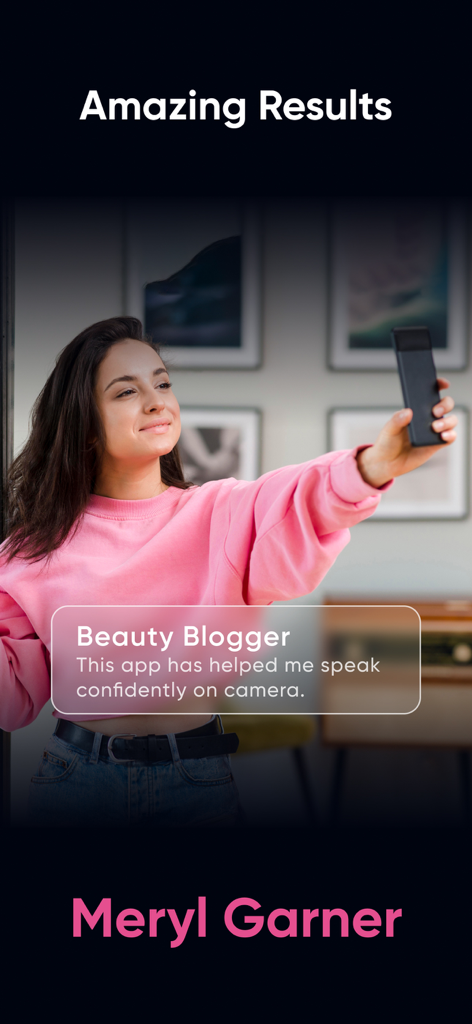
Teleprompter for Video ۬ - A testimonial from a beauty blogger named Meryl Garner about using the Teleprompter for Video app to speak confidently

A testimonial from a beauty blogger named Meryl Garner about using the Teleprompter for Video app to speak confidently

Description

Teleprompter Pro is yet another video teleprompter app that allows you to display your text script on your phone’s video recording screen, so you can always be sure of what you’re going to say. Whether you’re an influencer who wants to share your trip journey or makeup routine with your followers or are a teacher who is recording lessons for their students or needs a prompter for your public speaking sessions. The Teleprompter Pro app helps you look more confident and professional in your videos. Some salient features of Teleprompter Pro: • Record videos in multiple sizes: Teleprompter Pro supports the following aspect ratios: 16:9, 9:6, 4:5, 1:1, 9:4 which almost work for different social media platforms. • Optimize Teleprompt Text: Unlike other Teleprompter apps that just display the text on the recording screen, Teleprompter Pro actually allows you to change text alignment, style (bold, italic, underline) & increase/decrease font-size as per requirements. • Trim video: No video is perfect, in case you’ve made a blunder at a certain part, then you can actually trim your video and remove the unwanted part. • Multiple scripts: You can as many scripts as you want. However, adding more than 1 script is available for the Teleprompter Premium subscribers only. • Add Captions: Once your video is recorded and is finally ready, you can add captions for users who have hearing issues or anyone who prefers captions. Benefits of using Teleprompter Pro: • You’ll look more confident and your videos will feel professional. • You’ll know what you’re going to say. • People won’t feel like you’re reading text from elsewhere (which shall make you feel even more trustworthy and knowledgeable) • You’ll be able to avoid mistakes. • Your video will look live and engaging. • You'll be able to speak clearly and articulately. • You’ll be able to add captions to your videos and even optimize them as per the timing. If you're looking to improve your video presentations, a teleprompter for video is a great option. It's easy to use and can make a big difference in the quality of your videos. Here are some tips for using a teleprompter app: • Practice reading from the teleprompter before you record your video. • Make sure the text is large enough for you to read easily. • Use a slow and steady pace. • Look directly into the camera. • Keep practicing until you get it all right. With a little practice, you'll be able to use a Teleprompter app like a pro. And your videos will look and sound great! Here are some examples of how you can use a teleprompter app: • For business presentations: Use a teleprompter app to give presentations that are clear, concise, and professional. • For educational videos: Use a teleprompter app to create engaging and informative videos for your students. • For product demonstrations: Use a teleprompter app to create videos that show off your products in a clear and concise way. • For interviews: Use a teleprompter app to give interviews that are well-prepared and polished. • For vlogs: Use a teleprompter app to create vlogs that are interesting and engaging. No matter what you use it for, a Teleprompter Pro is a great way to improve the quality of your videos. The app is compatible with iPhone as well as iPad. So what are you waiting for? Start using one today. Privacy Policy : https://teleprompter.appstraw.com/privacy-policy Terms of Use : https://teleprompter.appstraw.com/terms-conditions

Download

Download on App Store

This page is not an official page of the app or its developer, but an independent editorial publication created for informational and commentary purposes. Unless expressly stated otherwise, neither the app nor its developer is affiliated with, endorsed by, sponsored by, authorized by, or otherwise officially connected with MWM, Apple, Google Play, the app publisher, or the app's developer, and nothing on this page implies that the app was developed using MWM's services. Any trademarks, logos, screenshots, and other content remain the property of their respective owners.








