TeleprompterPAD
TeleprompterPAD
Download on App Store

This page is not an official page of the app or its developer, but an independent editorial publication created for informational and commentary purposes. Unless expressly stated otherwise, neither the app nor its developer is affiliated with, endorsed by, sponsored by, authorized by, or otherwise officially connected with MWM, Apple, Google Play, the app publisher, or the app's developer, and nothing on this page implies that the app was developed using MWM's services. Any trademarks, logos, screenshots, and other content remain the property of their respective owners.


Logo of TeleprompterPAD
Download on App Store

TeleprompterPAD

Deliver your lines flawlessly with perfect eye contact. Seamlessly integrate your beam-splitter glass setup with full support for foot pedals, remote controls, and rich text formatting for a one-take professional workflow.

Key Figures

Downloads

15K+

User Rating

3.3/5

Total Ratings

0

Publisher

PROYECTOS SEVENE SOCIEDAD LIMITADA

Category

Productivity

Locales

1

Latest Version

2.0.7

Size

35.8 MB

First Released

Apr 21, 2020
Features

Professional Teleprompting for Your Studio

Designed for prosumers and serious creators. Seamlessly integrate your device with mirror rigs and external controls for a flawless, one-take recording experience.

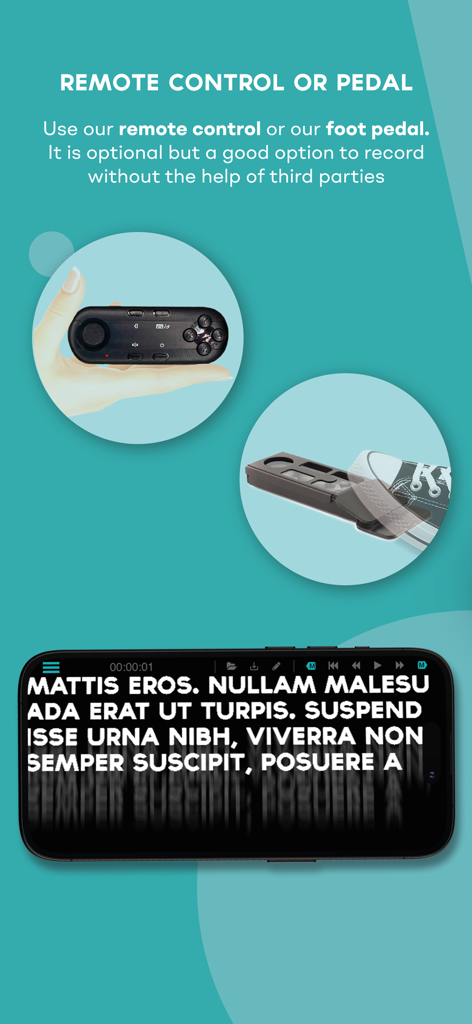
Hands-Free Remote Control

Take full command of your performance with Bluetooth pedals or remotes. Adjust speed and scroll position without ever breaking eye contact with the lens.

Optimized for Mirror Rigs

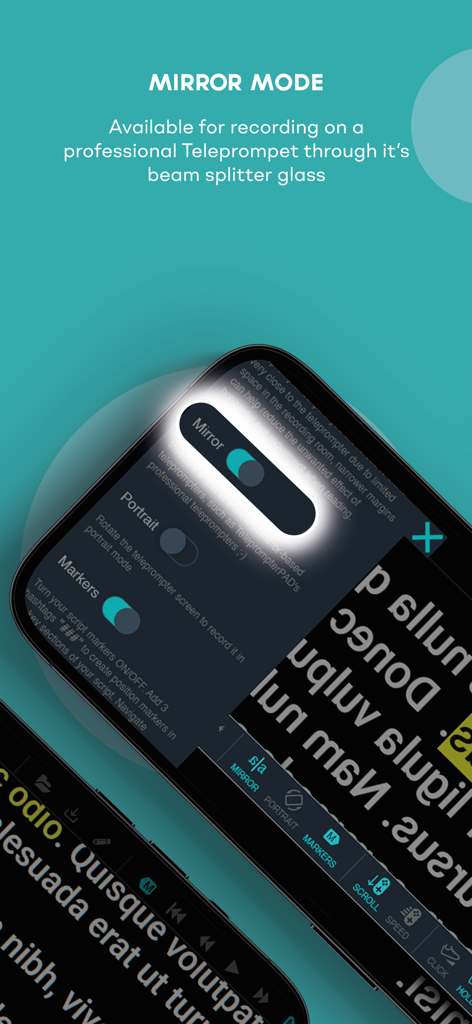
Toggle mirror mode instantly to work with professional beam-splitter glass. The perfect companion for your high-end DSLR or mirrorless camera setup.

The following screenshots and description are sourced directly from the app's official store listing and are the property of the app developer.

App Store

Screenshots
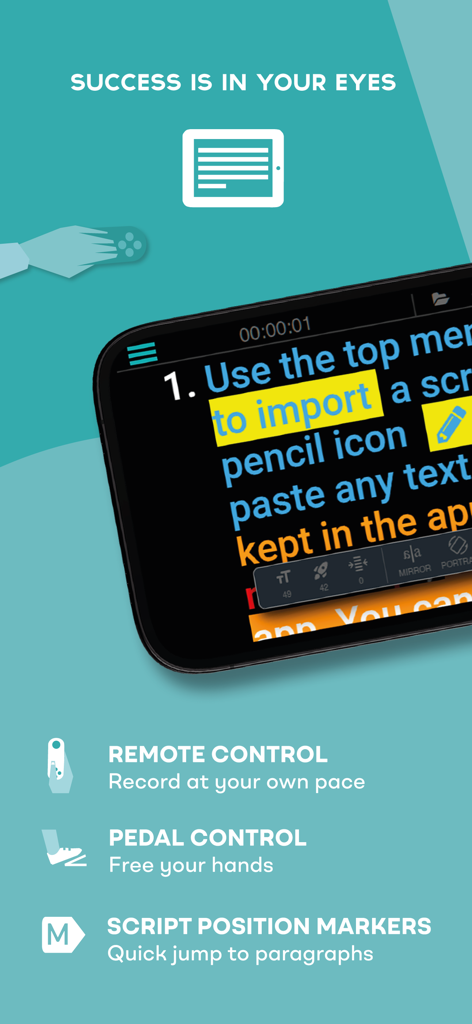
TeleprompterPAD - TeleprompterPAD mobile app interface highlighting remote control and foot pedal support for professional video production
TeleprompterPAD mobile app interface highlighting remote control and foot pedal support for professional video production

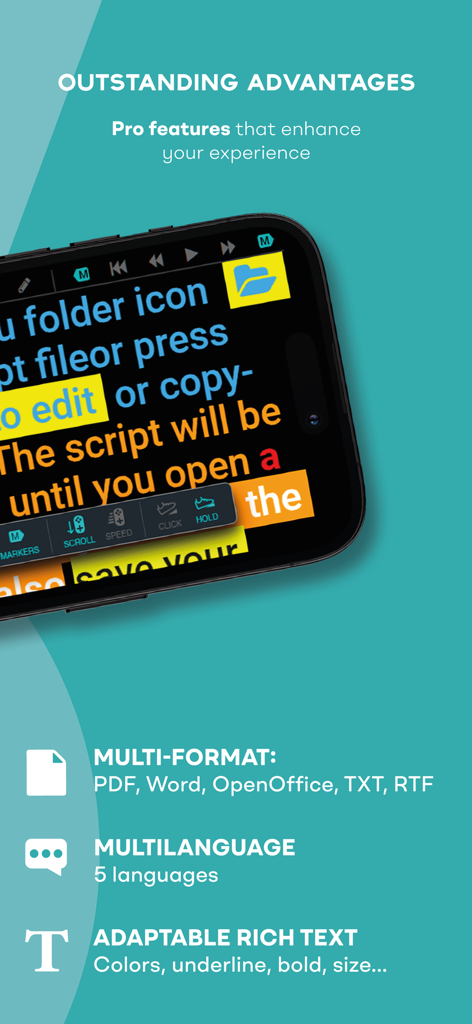
TeleprompterPAD - TeleprompterPAD app screen showcasing pro features including multi-format support and rich text formatting
TeleprompterPAD app screen showcasing pro features including multi-format support and rich text formatting

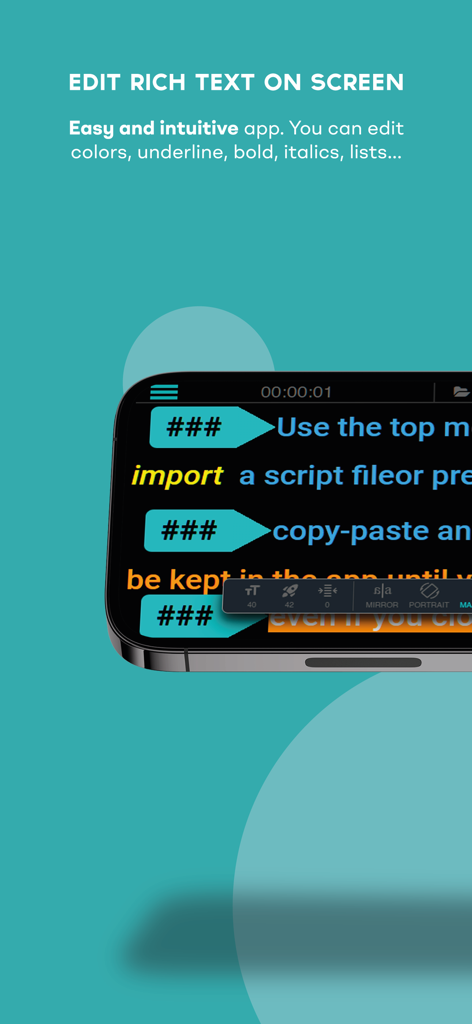
TeleprompterPAD - Interface of TeleprompterPAD showing rich text editing options for scripts on a smartphone screen

Interface of TeleprompterPAD showing rich text editing options for scripts on a smartphone screen
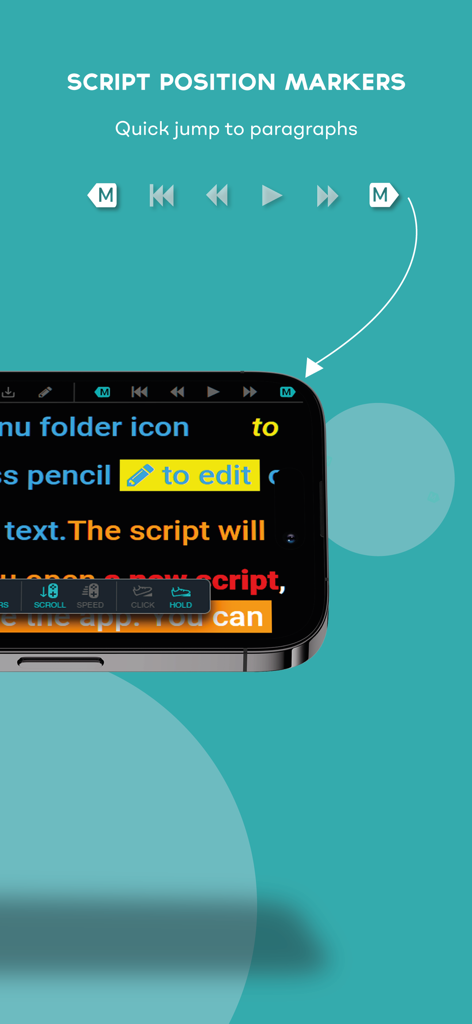
TeleprompterPAD - TeleprompterPAD app interface showing script position markers for quick paragraph navigation.
TeleprompterPAD app interface showing script position markers for quick paragraph navigation.

TeleprompterPAD - Promotional graphic showing a remote control and foot pedal used with the TeleprompterPAD app for hands-free script scrolling.
Promotional graphic showing a remote control and foot pedal used with the TeleprompterPAD app for hands-free script scrolling.

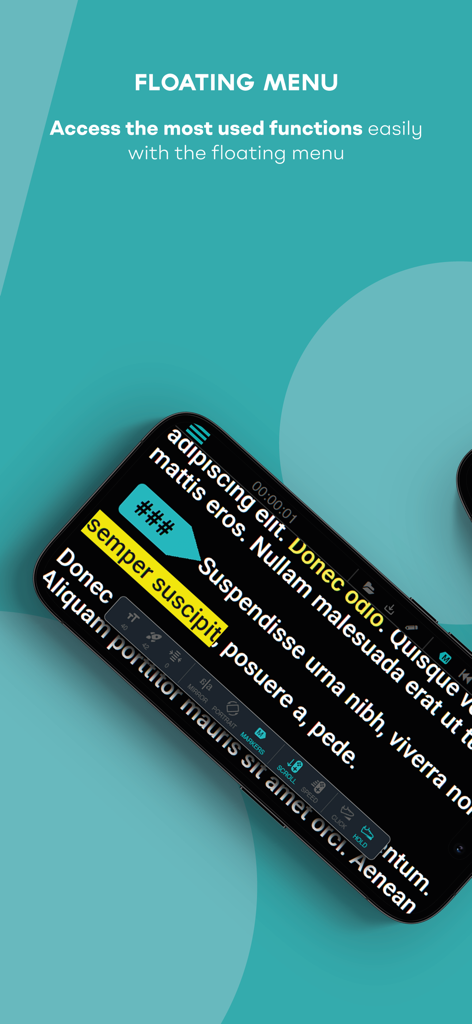
TeleprompterPAD - TeleprompterPAD app interface showing the floating menu for quick access to script settings
TeleprompterPAD app interface showing the floating menu for quick access to script settings

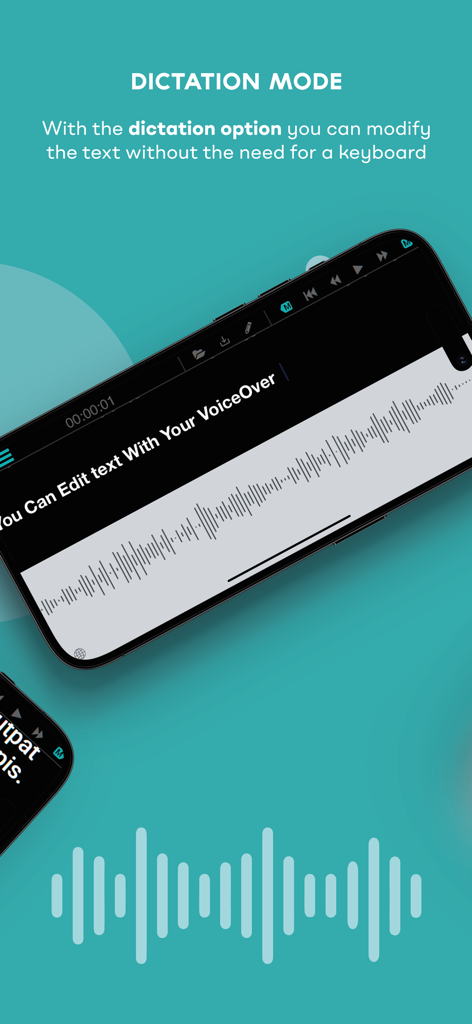
TeleprompterPAD - TeleprompterPAD app dictation mode for hands-free script editing with voice
TeleprompterPAD app dictation mode for hands-free script editing with voice

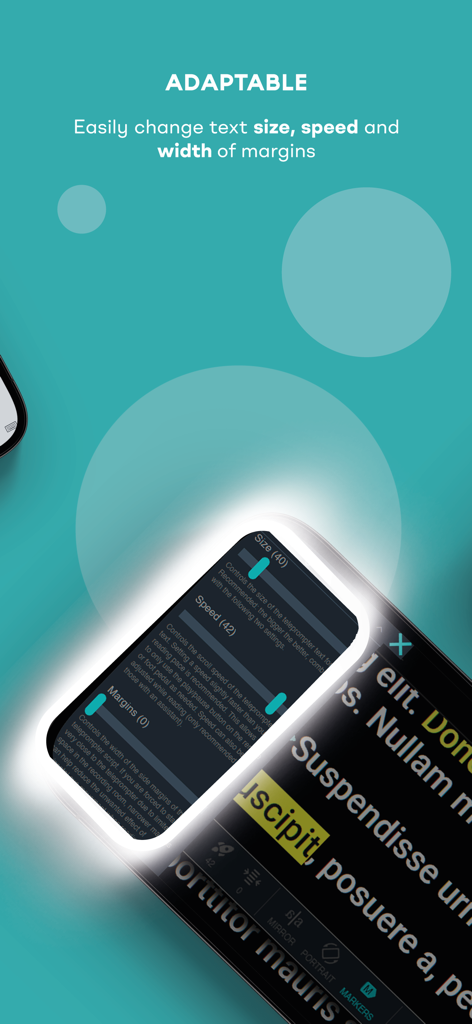
TeleprompterPAD - TeleprompterPAD app screen showing adjustable text size speed and margins
TeleprompterPAD app screen showing adjustable text size speed and margins

TeleprompterPAD - TeleprompterPAD app interface showing the Mirror Mode toggle for professional beam splitter glass rigs
TeleprompterPAD app interface showing the Mirror Mode toggle for professional beam splitter glass rigs

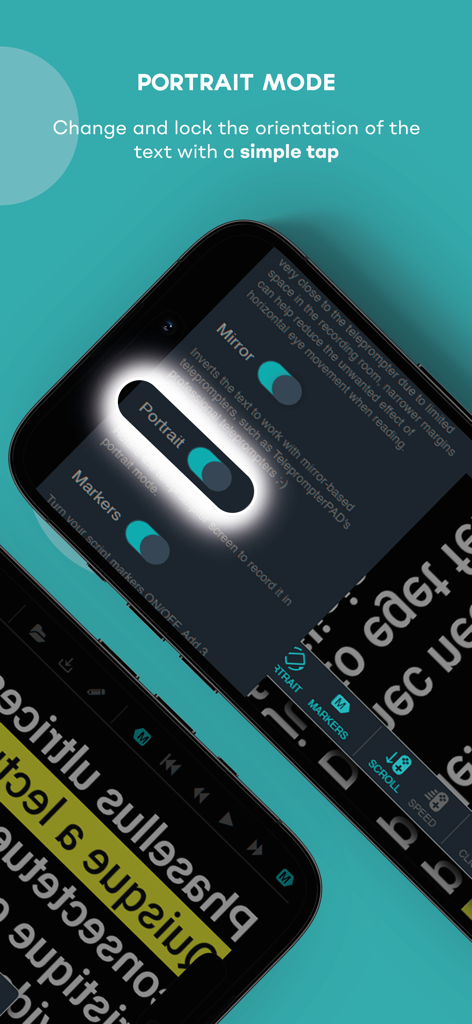
TeleprompterPAD - TeleprompterPAD app interface showing the portrait mode toggle and text orientation settings

TeleprompterPAD app interface showing the portrait mode toggle and text orientation settings

Description

NOTICE: This free app is intended for use with a mirror Teleprompter hardware, this app does not record video. You can use this app for free without any limitation, turn your device into a teleprompter or use your device in combination with a professional mirror teleprompter. This app is easy to use, fast and intuitive. It allows you control from the screen or by remote control, although using a remote controller or pedal is not essential for using the app, you can buy it if you wish: teleprompterpad.com/pedal Benefits: - Official remote: www.teleprompterpad.com/remote-control - Official Pedal: www.teleprompterpad.com/pedal - Support for rich text: colors, highlights, lists, bold, italics, underline... - Allows you to save your scripts in files on your drive or any cloud service, edit them externally and/or reopen them in the app. - Floating menu with shortcuts to the most used settings and useful info. - Multi-format: Supports opening most common text files, such as PDF, Word, OpenOffice, RTF and TXT. - Multi-language user interface. - Mirror mode. - Portrait mode. - Speed control. - Adjustable text size. - Adjustable margins. - Script markers by adding ###. - Select remote control button presets. - Allows remote control from most popular pedals: Donner, iRig Blueturn, AirTurn PEDPro and AirTurn Duo BT-200. - Allows remote control from keyboard. - Allows remote control from mouse. - The script and the settings are saved in the memory even after closing the app until pressing the RESET button to return to the default settings. - Open the script from your device or from any cloud service: iCloud, Dropbpx, Google Drive, etc. - Copy and paste the script from any application or document: email, cloud documents, WhatsApp, PDF files, etc. - Edit the script directly on the main screen. Ideal for small last minute changes during your recording session. TeleprompterPAD Remote Control www.teleprompterpad.com/remote-control/ ---Buttons: X: Play / Pause Y: Go to top A: Fast Forward B: Rewind Start: ON/OFF & Back to Top Mouse: Mouse Exit: Exit ---Joystick: Down: + Speed Up: - Speed Right: + Font Size Left: - Font Size ---Additional functions: a|a + X: Mirror a|a + B: Portrait a|a + Y: - Margins a|a + A: + Margins TeleprompterPAD Pedal: www.teleprompterpad.com/pedal ---Click Mode: Click: Play / Pause Click & Hold: Rewind ---Hold Mode: Click & Hold: Play Release: Pause 2x Clicks + Hold: Rewind Other Pedals *Donner ---Mode 1: Right Pedal: Play/Pause Left Pedal: Rewind ---Mode 5: Right Pedal: Speed up Left Pedal: Speed down *iRig BlueTurn ---Mode 2: Right Pedal: Play/Pause Left Pedal: Rewind *AirTurn PEDpro & AirTurn DUO BT-200 ---Mode 3: Right Pedal: Play/Pause Left Pedal: Rewind ---Mode 5: Right Pedal: Speed up Left Pedal: Speed down Keyboard: R, U --> FAST FORWARD (hold for NEXT MARKER) F, H --> FAST REWIND (hold for PREVIOUS MARKER) K --> PORTRAIT MODE Y --> PLAY/STOP J --> GO TO TOP KEY +, NUMBER 6, Ñ --> MIRROR UP ARROW --> TEXT SIZE + DOWN ARROW --> TEXT SIZE - LEFT ARROW --> SPEED - RIGHT ARROW --> SPEED + NUMBER 1 --> MARGIN + I --> MARGIN -

Download

Download on App Store

This page is not an official page of the app or its developer, but an independent editorial publication created for informational and commentary purposes. Unless expressly stated otherwise, neither the app nor its developer is affiliated with, endorsed by, sponsored by, authorized by, or otherwise officially connected with MWM, Apple, Google Play, the app publisher, or the app's developer, and nothing on this page implies that the app was developed using MWM's services. Any trademarks, logos, screenshots, and other content remain the property of their respective owners.








