
TELUS Connect (My Wi-Fi)

From pausing Wi-Fi for family time to advanced network security and easy self-installation, manage every aspect of your TELUS services with total confidence.
Publisher
Category
UtilitiesDownloads
1M+User Rating
Total Ratings
3K+Locales
2Discover the interface used by 1M+ users.
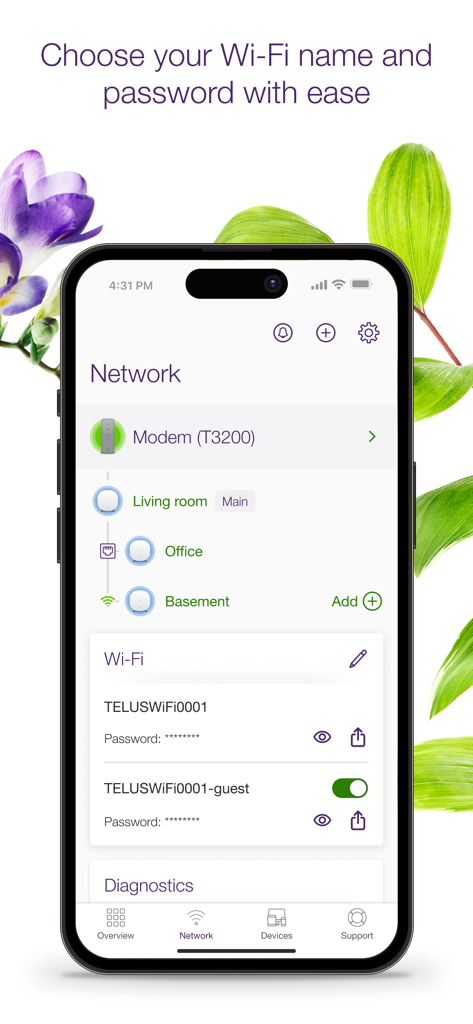
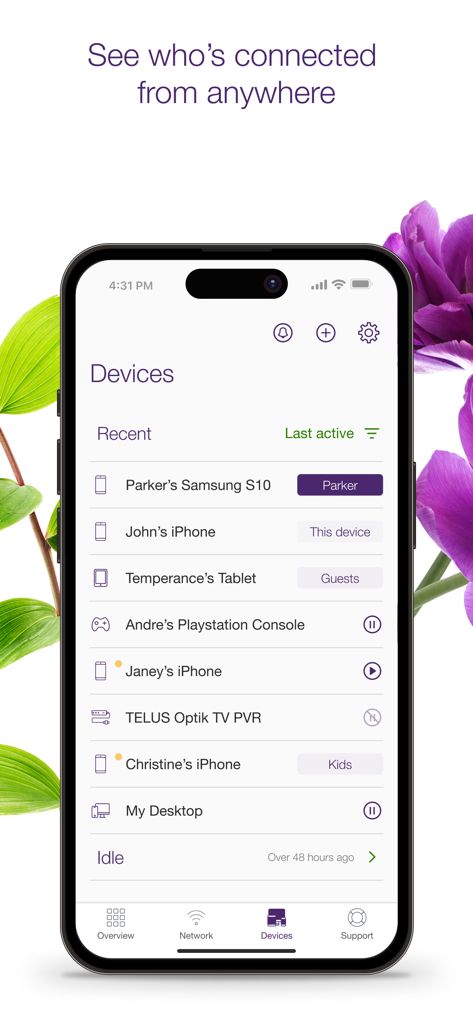
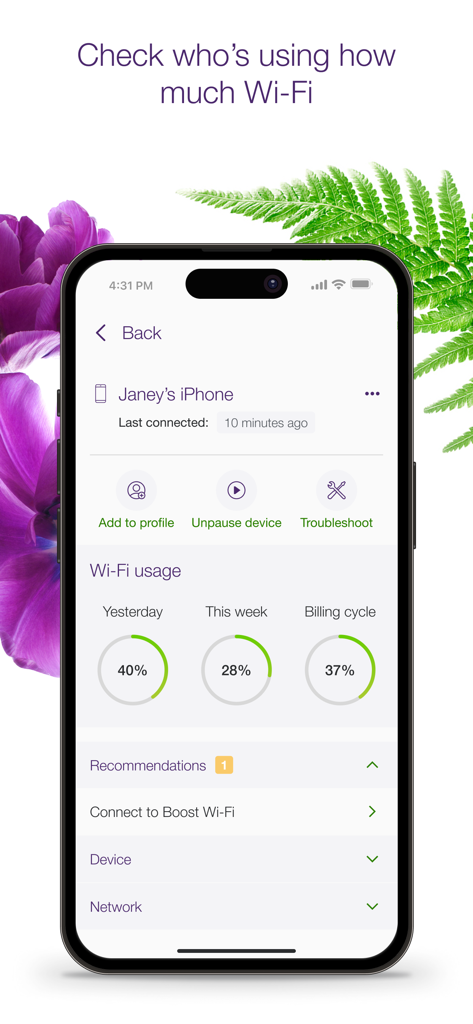
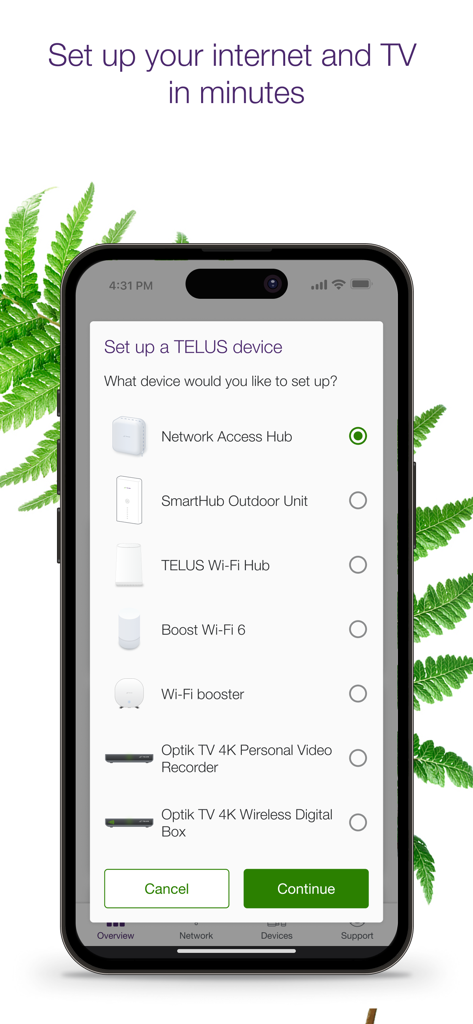
The tools that make this app stand out, trusted by 1M+ users.
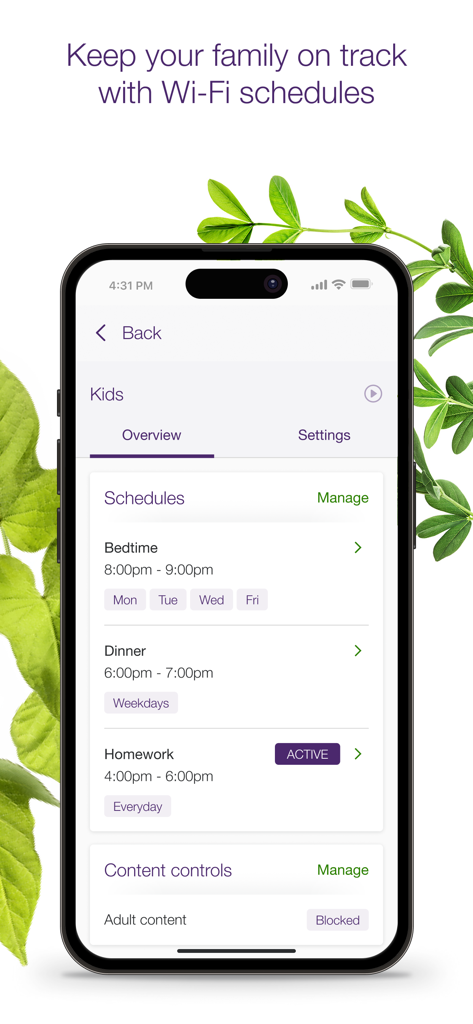
Set Wi-Fi schedules or pause access instantly to prioritize what matters most—without the digital distractions.
Keep your family safe with built-in adult content filters and real-time monitoring of every connection to your network.
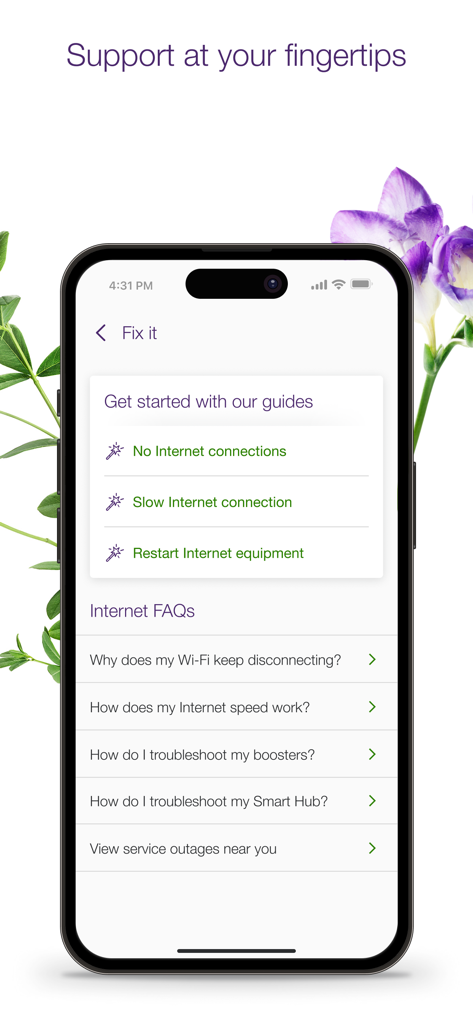
Self-install hardware and run instant diagnostics to keep your home running smoothly without ever waiting for a technician.
Insights from user reviews.
Sentiment Score
Summary
This mobile app receives overwhelmingly negative feedback, with users frequently describing it as unreliable, glitchy, and "garbage." A predominant issue is persistent login problems, characterized by "Oops" messages and inability to access accounts or remain signed in. Users are also severely frustrated by the app's failure to effectively manage Wi-Fi devices, including pausing internet access for kids' devices, detecting Wi-Fi boosters, and displaying connected devices accurately. Furthermore, some users have reported critical security flaws, such as displaying other people's network information, while performance issues like frequent crashes and lag contribute to a poor user experience.
Common Themes
Everything you need to know about TELUS Connect (My Wi-Fi).
Description
Latest Version
5.33
Size
171.3 MB
First Released
Nov 1, 2018
Download TELUS Connect today to simplify your setup, secure your family’s devices, and take back control of your Wi-Fi from the palm of your hand.
Everything you need to know about TELUS Connect (My Wi-Fi)
The TELUS Connect app allows you to manage home services, self-install products, set parental controls, personalize services, troubleshoot issues, monitor network devices, and view billing information.
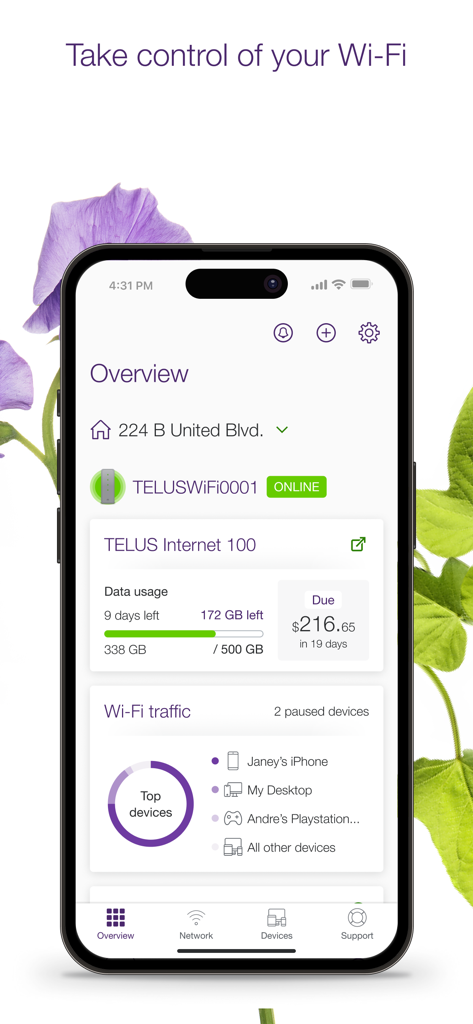
Yes, the TELUS Connect app allows you to monitor your internet data usage and view your billing information directly from your mobile device.
The TELUS Connect app allows you to view and change your Wi-Fi name and password, including managing your guest Wi-Fi network settings.
Yes, the TELUS Connect app enables you to pause Wi-Fi device access and set up schedules for family time, such as bedtime or homework. It also includes adult content controls.
The TELUS Connect app supports self-installation for various TELUS products, including Boost Wi-Fi, modems, TV boxes, Network Access Hub, SmartHub Outdoor Unit, and Wi-Fi boosters.
Yes, the TELUS Connect app provides access to personalized troubleshooting guides and recommendations to maintain smooth service, including solutions for slow internet or no connection.
To use the TELUS Connect app, you need a TELUS Internet subscription in Alberta, British Columbia, or Quebec, a My TELUS // Espace client account, and an iOS device running iOS 13 or later.
Yes, the TELUS Connect app allows you to monitor devices connected to your network, view their activity, and even pause their Wi-Fi access.
The TELUS Connect app displays your current billing information on the overview screen, showing the amount due and the payment deadline.
Apps with similar features and user experience

TP-Link Systems Inc.

AT&T Services, Inc.

TP-Link Systems Inc.

eero LLC

MERCUSYS Technologies Co., Ltd.

TP-Link Systems Inc.

eero LLC

NETGEAR, Inc.

Ubiquiti Inc.
App information, icons, screenshots, and descriptions displayed on this page are sourced from the Apple App Store and are the property of their respective developers. Download estimates and rankings are based on MWM's proprietary models and may not reflect actual figures. This page is provided for informational and analytical purposes only.
Believe this page infringes your intellectual property? File a dispute