
This page is not an official page of the app or its developer, but an independent editorial publication created for informational and commentary purposes. Unless expressly stated otherwise, neither the app nor its developer is affiliated with, endorsed by, sponsored by, authorized by, or otherwise officially connected with MWM, Apple, Google Play, the app publisher, or the app's developer, and nothing on this page implies that the app was developed using MWM's services. Any trademarks, logos, screenshots, and other content remain the property of their respective owners.


This: Easy Photo Labels
Add elegant pointers and informative commentary to your photos with the award-winning app designed for creators who value minimalist style and professional clarity.
Downloads
279K+User Rating
Total Ratings
900Publisher
Category
Photo & VideoLocales
1Latest Version
1.3.5Size
44.7 MBFirst Released
Apr 7, 2016Tell the Whole Story
Elevate your visual communication with elegant labels and pointers. Designed for those who value clarity and a clean aesthetic, This transforms photo annotations into a creative act.
Designer Pointer Styles
Choose from seven minimalist and expressive pointer designs that complement your photography rather than cluttering it.
Effortless Interaction
Skip the complex menus. Add, resize, or reposition your labels with simple, intuitive gestures designed for a seamless mobile experience.
Frequently Asked Questions
Everything you need to know about This: Easy Photo Labels
What is This: Easy Photo Labels?
This: Easy Photo Labels is an app that enables users to add pointers, labels, descriptions, and commentary directly onto their photos to tell a complete story.
Can I customize the pointers in This: Easy Photo Labels?
Yes, This app allows users to easily add, delete, re-size, and re-position pointers. It offers 7 expressive pointer designs to suit various moods and needs.
How can I share photos created with This app?
This app integrates sharing capabilities, allowing users to save their labeled photos directly to their phone or share them via Instagram, Facebook, Bluesky, Mastodon, Message, and Email.
Is This: Easy Photo Labels a recognized app?
Yes, This: Easy Photo Labels was awarded "App Store Best of 2016" by Apple. It is developed by Tinrocket, also known for Waterlogue and Olli, which received similar accolades.
Does This app optimize text legibility on photos?
Yes, This app automatically optimizes text legibility. This feature ensures that all labels and descriptions added to photos remain clear and easy to read for the viewer.
The following screenshots and description are sourced directly from the app's official store listing and are the property of the app developer.
App Store
Screenshots
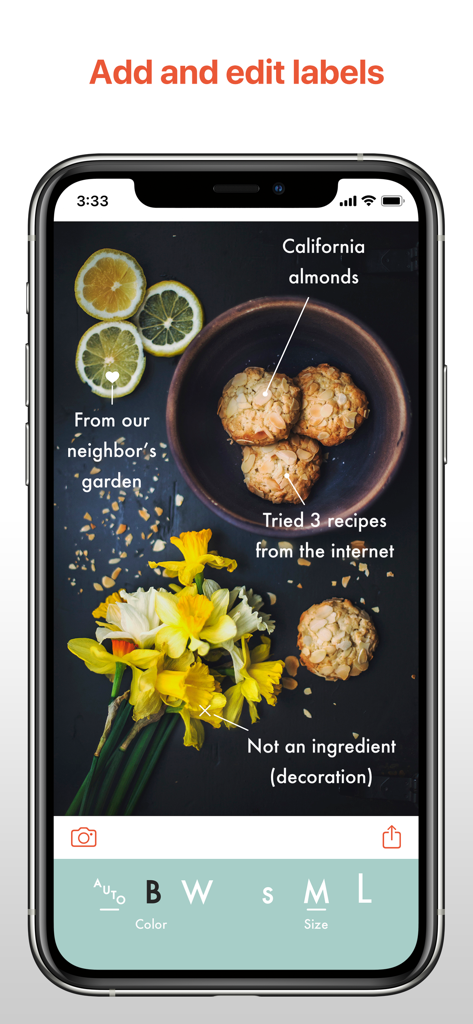
Smartphone screen showing the This app interface with text labels and pointers on a photo of cookies and flowers
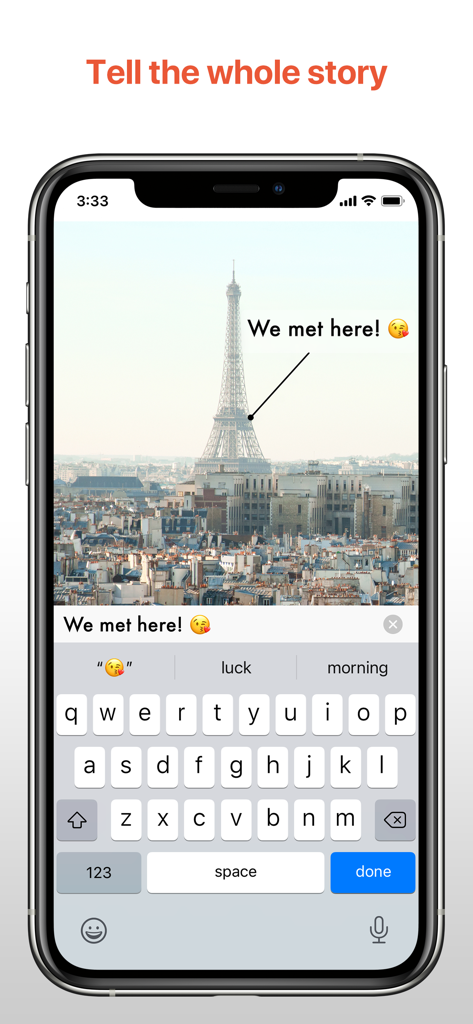
A screenshot of the This app on an iPhone showing a pointer and text label on a photo of the Eiffel Tower.
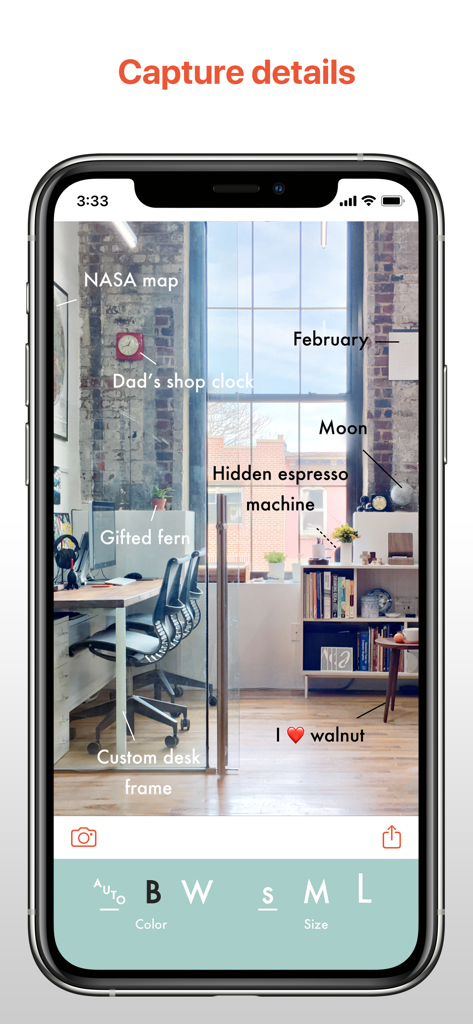
iPhone interface of This app showing minimalist text labels and pointers on an office photo
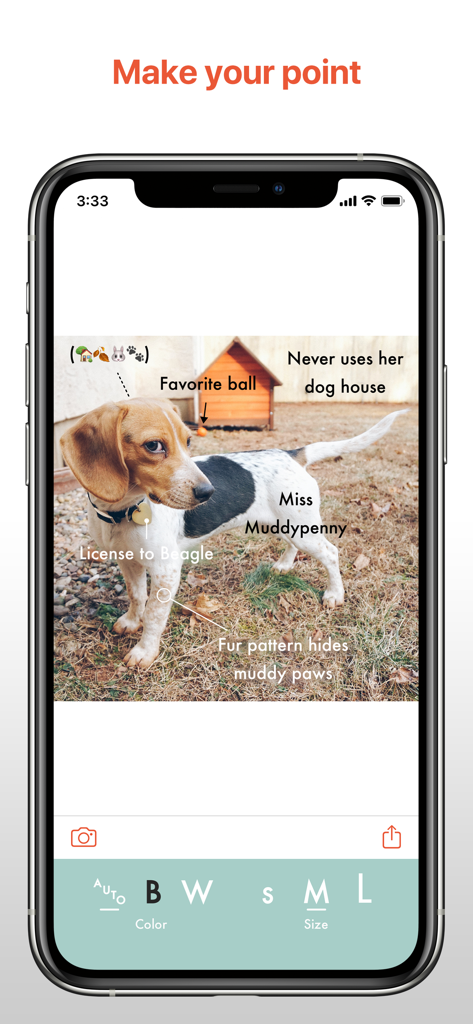
A smartphone screenshot of the This app showing a photo of a beagle dog with several elegant text labels and pointers highlighting different features.
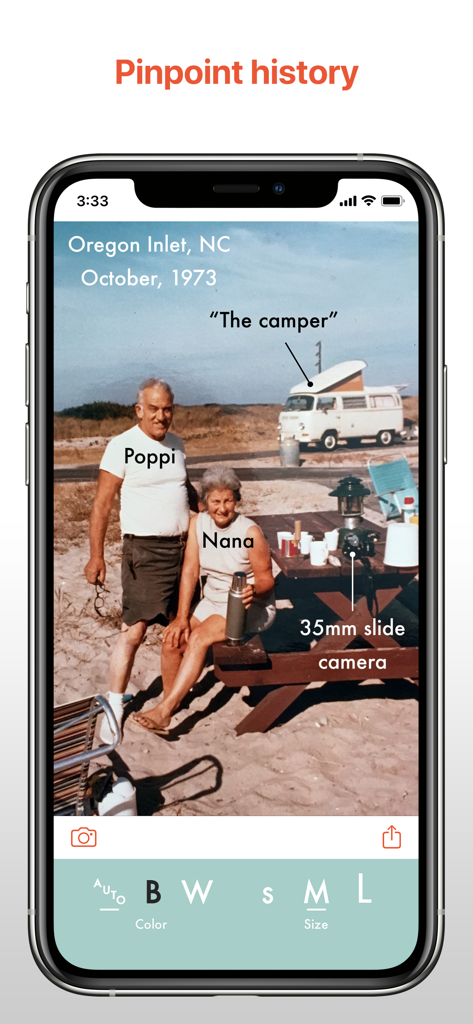
A vintage family photo annotated with clean text labels and pointers using the This Easy Photo Labels app interface.
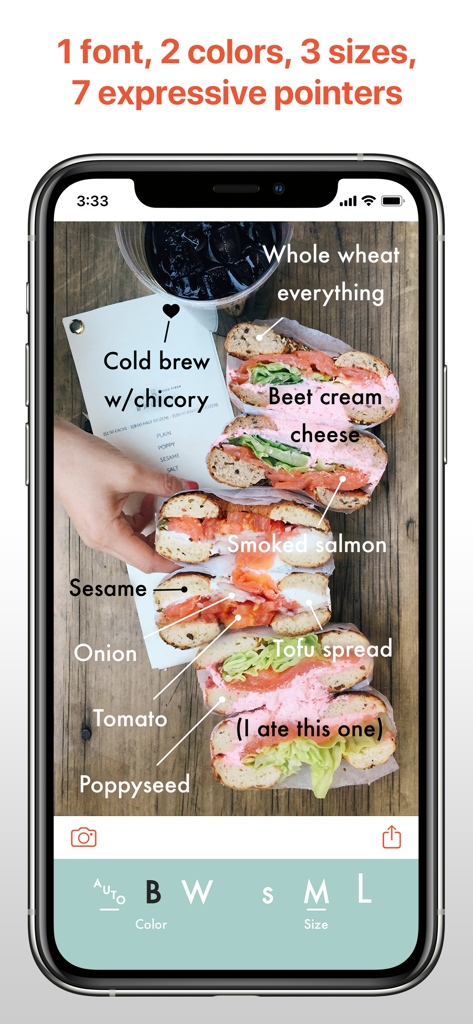
An iPhone screenshot of the This app showing minimalist text labels and pointers used to annotate a photo of bagels and coffee.
Description
Download
More Like This
Top-ranked apps in the same category

CapCut: Photo & Video Editor
BYTEDANCE PTE. LTD.

Instagram, Inc.

YouTube
Google LLC

Canva: AI Photo & Video Editor
Canva Pty Ltd

Snapchat
Snap, Inc.

快手
Beijing Kwai Technology Co., Ltd.

Edits: Video Editor
Instagram, Inc.

Meitu- AI Photo & Video Editor
Xiamen Meitu Technology Co., Ltd.

Google Photos: Backup & Edit
Google LLC
This page is not an official page of the app or its developer, but an independent editorial publication created for informational and commentary purposes. Unless expressly stated otherwise, neither the app nor its developer is affiliated with, endorsed by, sponsored by, authorized by, or otherwise officially connected with MWM, Apple, Google Play, the app publisher, or the app's developer, and nothing on this page implies that the app was developed using MWM's services. Any trademarks, logos, screenshots, and other content remain the property of their respective owners.