
This page is not an official page of the app or its developer, but an independent editorial publication created for informational and commentary purposes. Unless expressly stated otherwise, neither the app nor its developer is affiliated with, endorsed by, sponsored by, authorized by, or otherwise officially connected with MWM, Apple, Google Play, the app publisher, or the app's developer, and nothing on this page implies that the app was developed using MWM's services. Any trademarks, logos, screenshots, and other content remain the property of their respective owners.

Timecode Marker
Capture key moments and identify mistakes in real-time. Sync with your camcorder’s Free Run timecode and generate professional reports across the entire Apple ecosystem.
Downloads
1000User Rating
Total Ratings
0Publisher
Category
Photo & VideoLocales
27Latest Version
27Size
2.8 MBFirst Released
Mar 15, 2022Streamline Your Post-Production Workflow
Bridge the gap between the film set and the edit suite with professional-grade timecode markers synced across all your Apple devices.
One-Tap Professional Logging
Mark key moments or mistakes instantly from your Apple Watch or iPhone without taking your eyes off the action.
Seamless Apple Ecosystem
Your markers sync instantly across iPhone, iPad, and Mac, featuring full macOS keyboard shortcut support for your desk setup.
The following screenshots and description are sourced directly from the app's official store listing and are the property of the app developer.
App Store
Screenshots
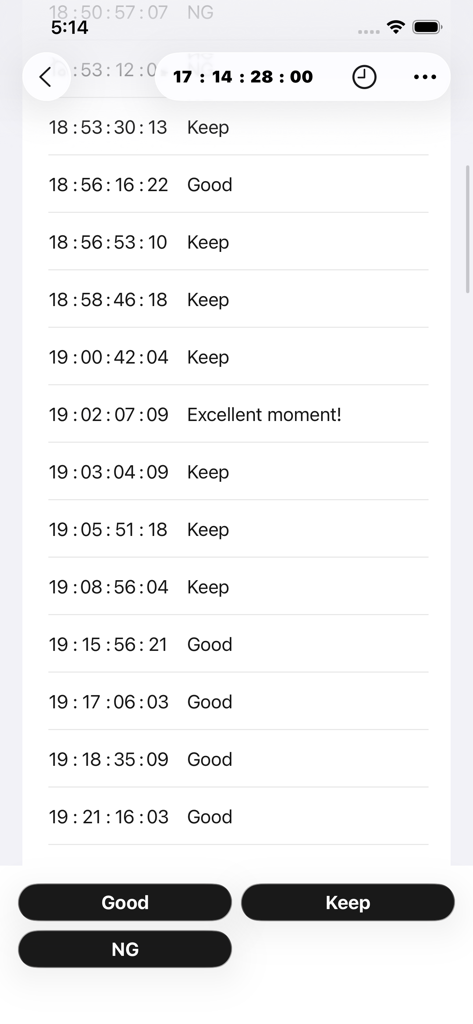
A list of timecode markers with labels like Keep and Good on an iPhone screen.
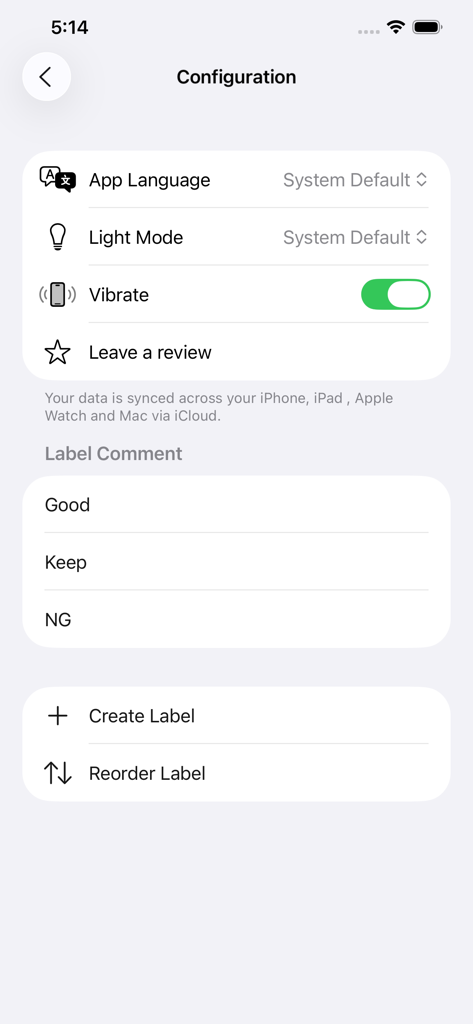
Timecode Marker app configuration screen showing customizable labels and iCloud sync settings
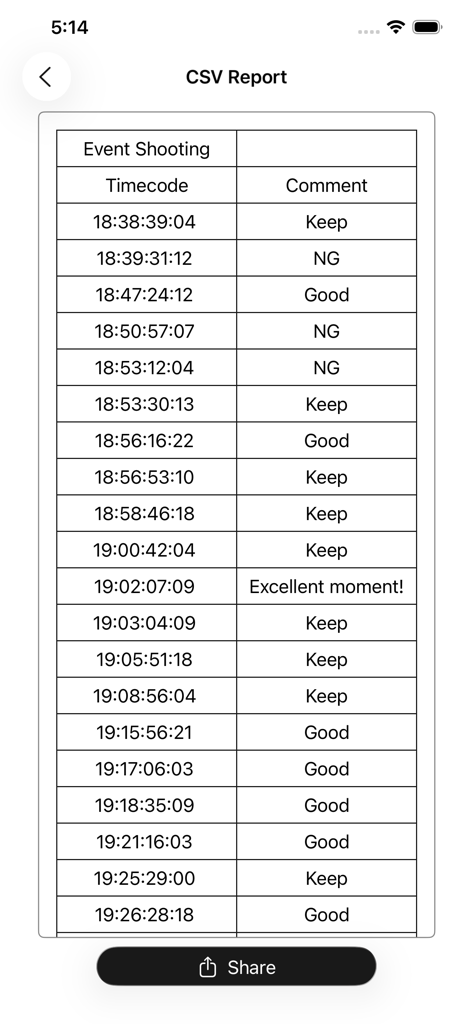
Table of video timecode markers with comments such as Keep Good and NG for film editing workflows
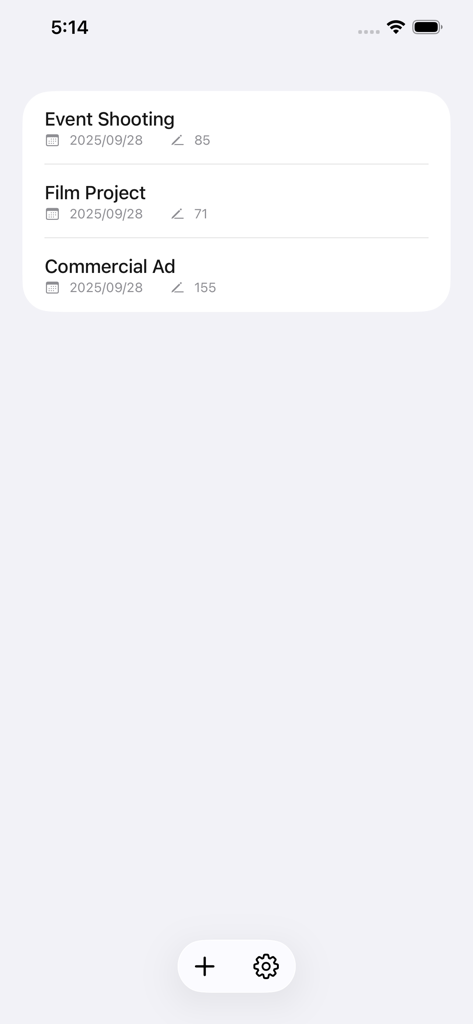
A list of film and video projects in the Timecode Marker app interface
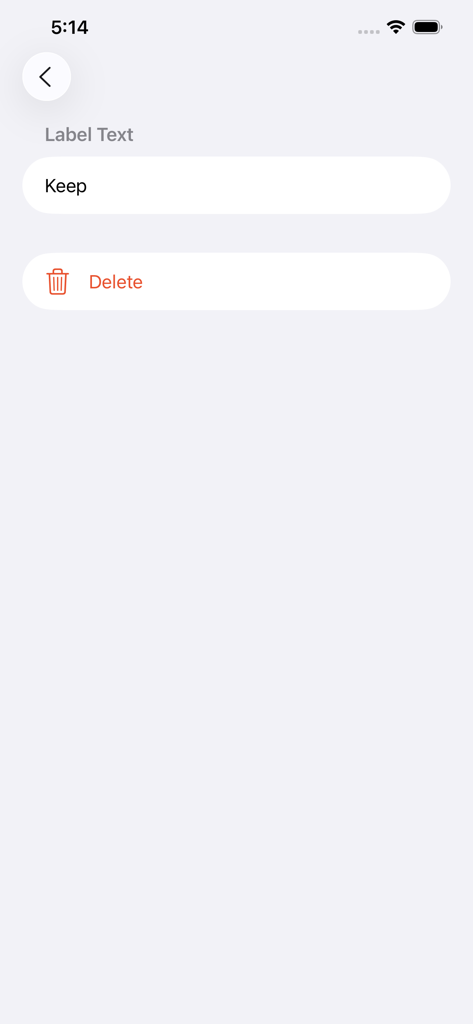
Interface for customizing label text such as Keep or Delete in the Timecode Marker app
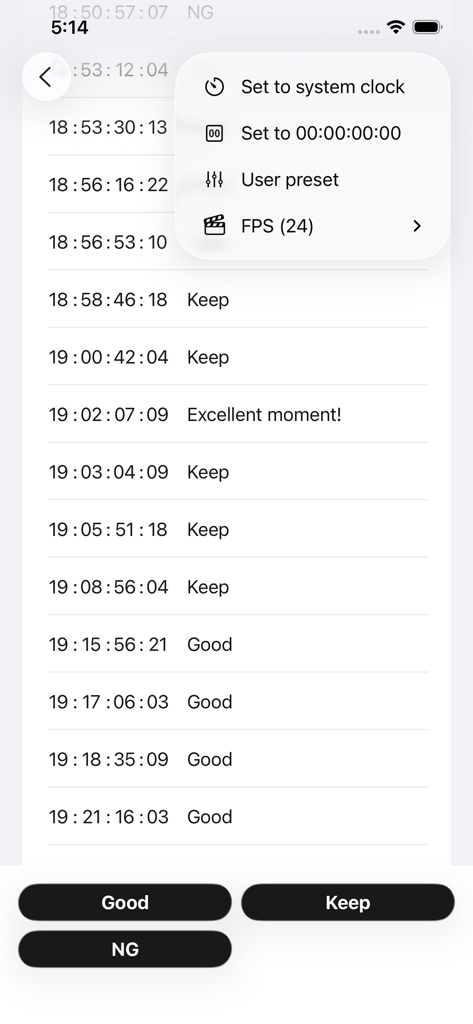
Timecode Marker app interface showing a list of recorded timecodes with custom labels and a settings menu.
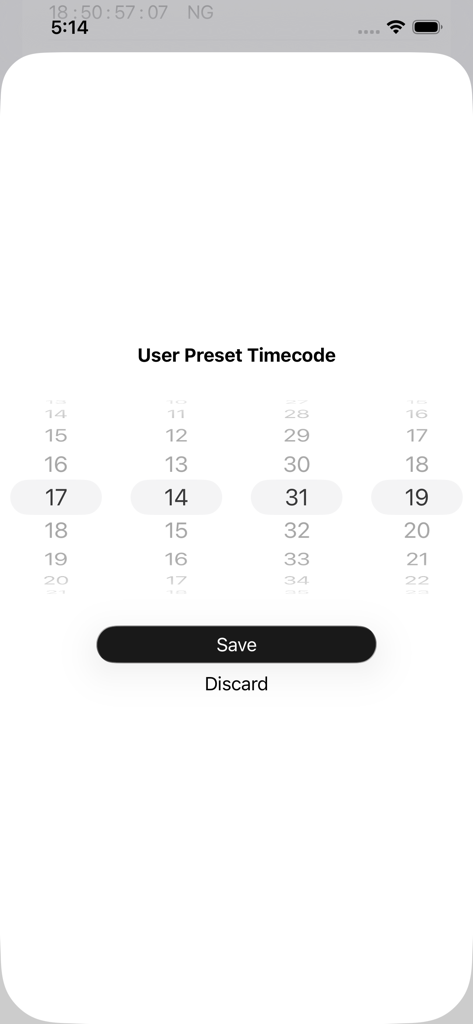
Interface for setting a custom user preset timecode using a numerical wheel picker within the Timecode Marker app.
Description
Download
More Like This
Top-ranked apps in the same category

CapCut: Photo & Video Editor
BYTEDANCE PTE. LTD.

Instagram, Inc.

YouTube
Google LLC

Canva: AI Photo & Video Editor
Canva Pty Ltd

Snapchat
Snap, Inc.

快手
Beijing Kwai Technology Co., Ltd.

Edits: Video Editor
Instagram, Inc.

Meitu- AI Photo & Video Editor
Xiamen Meitu Technology Co., Ltd.

Google Photos: Backup & Edit
Google LLC
This page is not an official page of the app or its developer, but an independent editorial publication created for informational and commentary purposes. Unless expressly stated otherwise, neither the app nor its developer is affiliated with, endorsed by, sponsored by, authorized by, or otherwise officially connected with MWM, Apple, Google Play, the app publisher, or the app's developer, and nothing on this page implies that the app was developed using MWM's services. Any trademarks, logos, screenshots, and other content remain the property of their respective owners.