
This page is not an official page of the app or its developer, but an independent editorial publication created for informational and commentary purposes. Unless expressly stated otherwise, neither the app nor its developer is affiliated with, endorsed by, sponsored by, authorized by, or otherwise officially connected with MWM, Apple, Google Play, the app publisher, or the app's developer, and nothing on this page implies that the app was developed using MWM's services. Any trademarks, logos, screenshots, and other content remain the property of their respective owners.

Timer+ Timers and Stopwatches
Join 9 million users who simplify their daily routines with simultaneous timers, custom intervals, and seamless Apple Watch integration. One tap to start, zero stress to manage.
Downloads
1M+User Rating
Total Ratings
51K+Publisher
Category
UtilitiesLocales
19Latest Version
3.6.3Size
173.8 MBFirst Released
Sep 21, 2010Master Your Time, Simplify Your Busy Life
Go beyond basic clocks with a power-user timer designed for multitaskers. Organize your routines, track multiple tasks, and reclaim your productivity with ease.
Run Multiple Timers Simultaneously
Stop choosing between the oven and the laundry. Create, label, and track unlimited timers at once for effortless household and task management.
Pro-Level Interval & Multi-Step Routines
Perfect for HIIT, yoga, or study sessions. Build custom sequences that automatically transition between steps to keep you focused on your progress.
The following screenshots and description are sourced directly from the app's official store listing and are the property of the app developer.
App Store
Screenshots
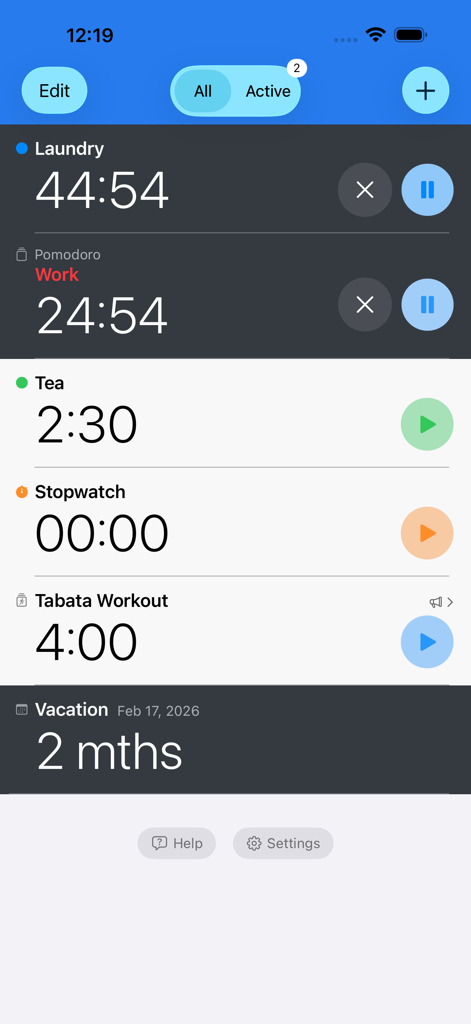
Interface of the Timer plus app showing multiple active timers for laundry, work, tea, and a tabata workout running simultaneously.
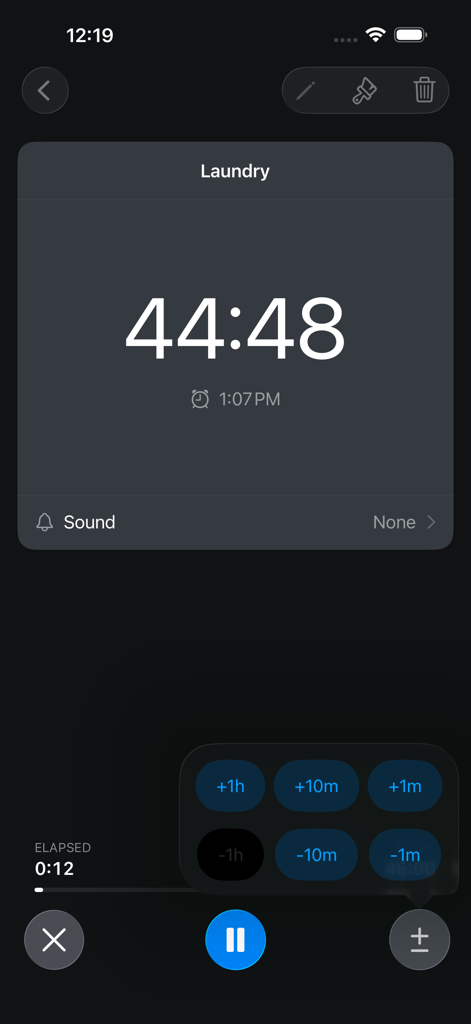
Timer plus app screen displaying a countdown for a laundry timer with quick time adjustment buttons
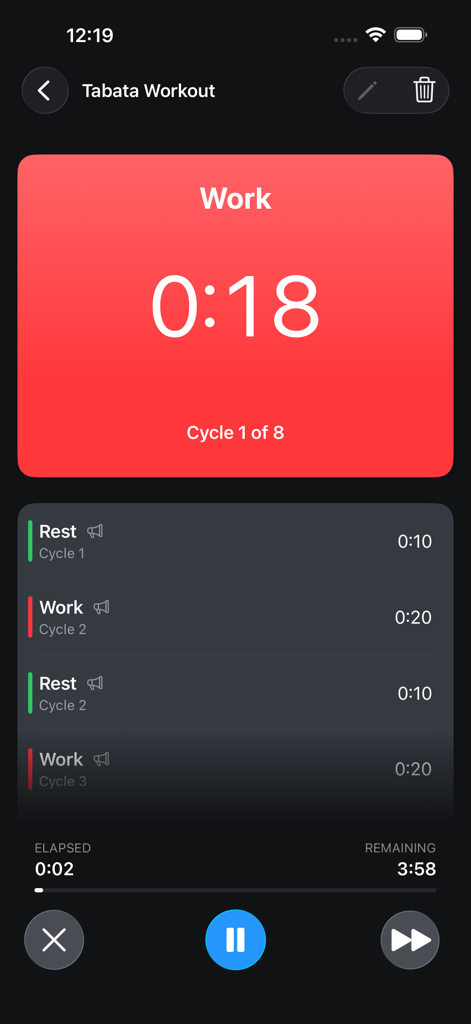
Timer+ app interface showing a multi-step Tabata workout timer with interval work and rest cycles.
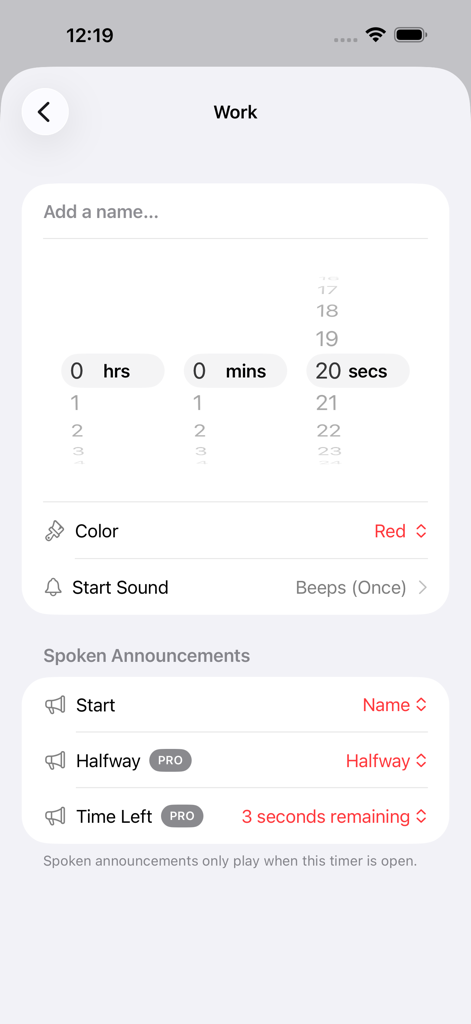
Settings screen in Timer+ showing a custom work timer with a 20 second duration and spoken announcement options.
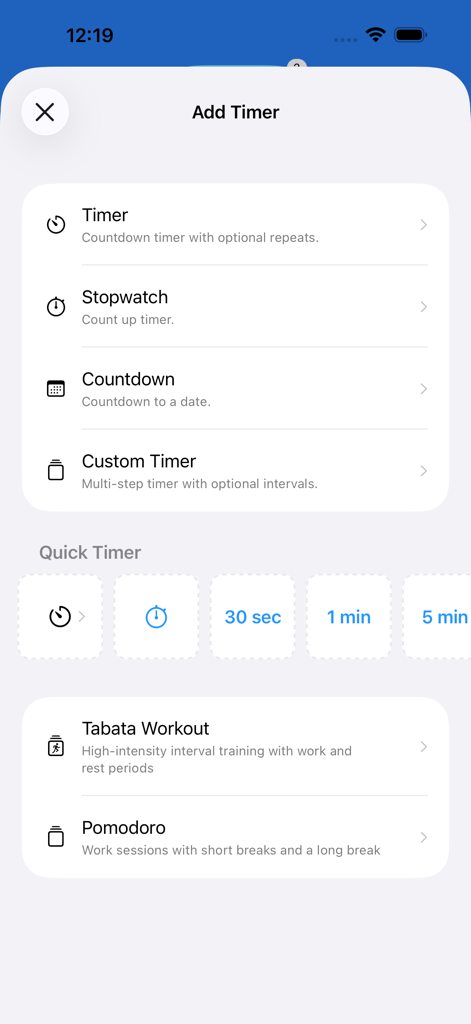
Add Timer menu in Timer plus app showing options for stopwatch custom timers and workout presets
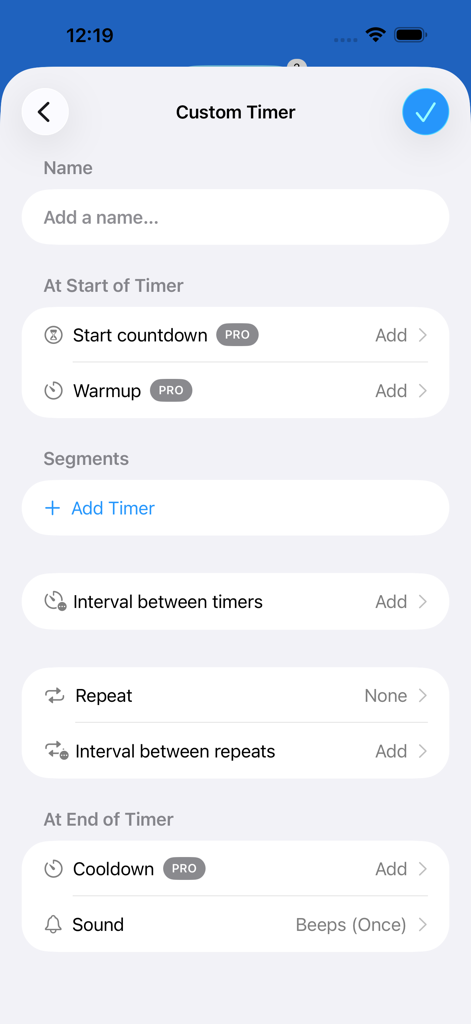
A custom timer setup screen with options for segments intervals and repeats
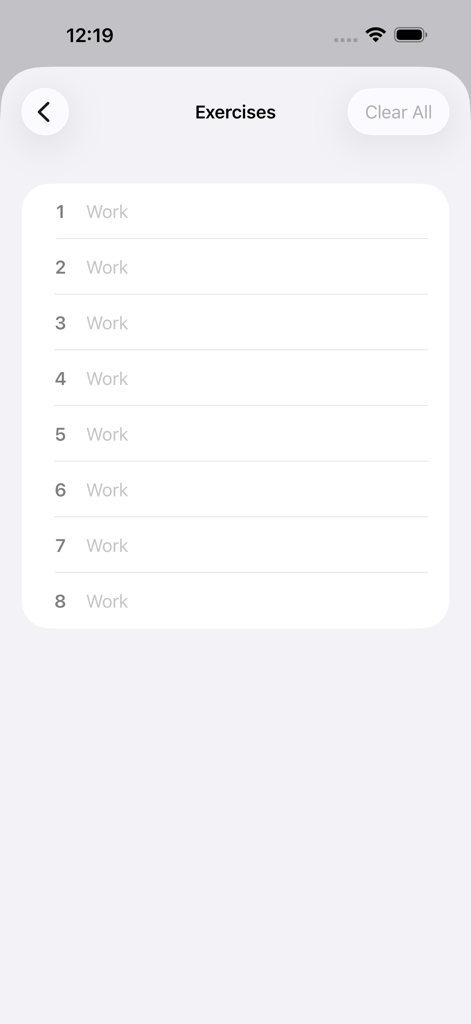
Interface of the Timer plus app showing a list of timed workout intervals under an Exercises heading
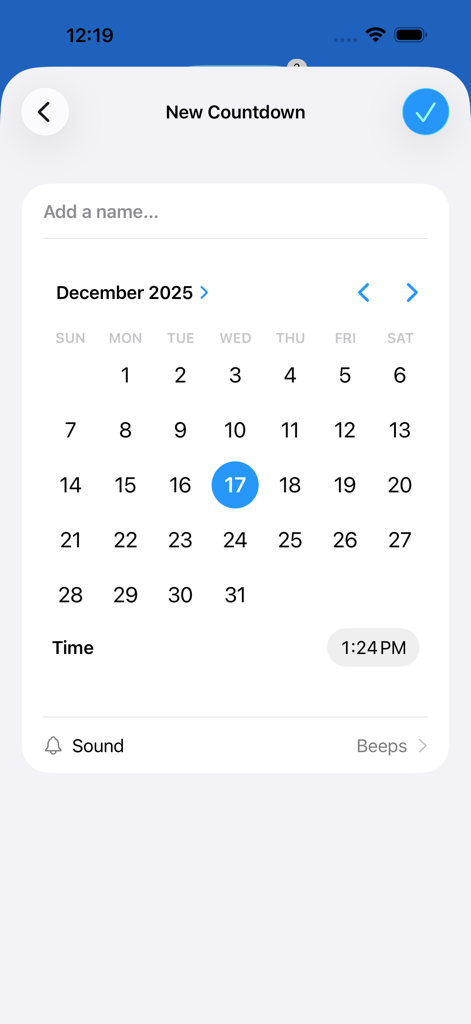
Interface for setting up a new countdown timer with calendar and time selection in the Timer+ app
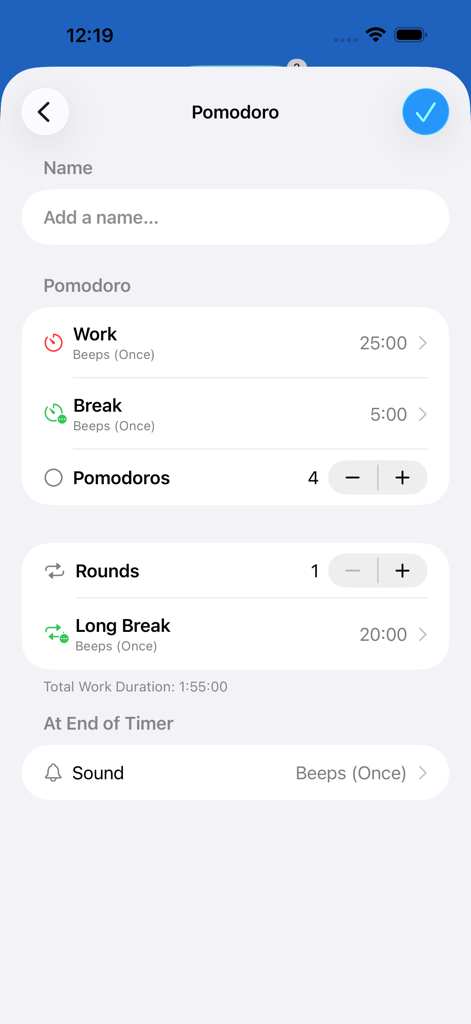
Pomodoro timer configuration screen with work and break intervals
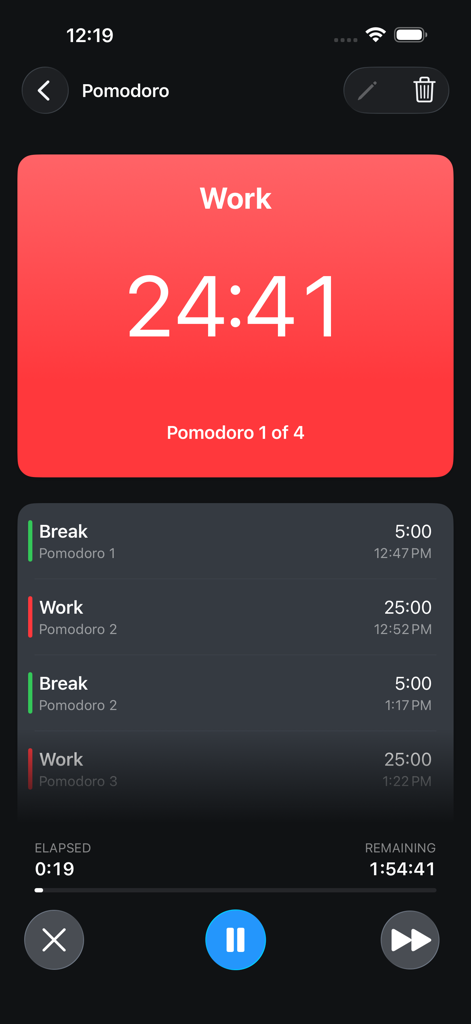
The Timer+ app interface showing a Pomodoro multi-step timer with a work session countdown and a list of upcoming break intervals.
Description
Download
More Like This
Top-ranked apps in the same category

Google LLC

Google Chrome
Google LLC

中国移动(手机营业厅)
China Mobile Online Services Co., Ltd.

Google Authenticator
Google LLC

CNH do Brasil
Servicos e Informacoes do Brasil

Cleanup: Phone Storage Cleaner
DEEP FLOW SOFTWARE SERVICES - FZCO

gov.br
Servicos e Informacoes do Brasil

中国电信-全国统一官方服务平台
CHINA TELECOM Corporation Ltd.

Microsoft Edge: AI Browser
Microsoft Corporation
This page is not an official page of the app or its developer, but an independent editorial publication created for informational and commentary purposes. Unless expressly stated otherwise, neither the app nor its developer is affiliated with, endorsed by, sponsored by, authorized by, or otherwise officially connected with MWM, Apple, Google Play, the app publisher, or the app's developer, and nothing on this page implies that the app was developed using MWM's services. Any trademarks, logos, screenshots, and other content remain the property of their respective owners.