
This page is not an official page of the app or its developer, but an independent editorial publication created for informational and commentary purposes. Unless expressly stated otherwise, neither the app nor its developer is affiliated with, endorsed by, sponsored by, authorized by, or otherwise officially connected with MWM, Apple, Google Play, the app publisher, or the app's developer, and nothing on this page implies that the app was developed using MWM's services. Any trademarks, logos, screenshots, and other content remain the property of their respective owners.


Tin Can - Companion App
Give your child the freedom of a phone without the 'Pandora's Box' of the internet. Reclaim the simplicity of a landline with modern parental controls to approve contacts, set call schedules, and keep communication safe.
Downloads
77K+User Rating
Total Ratings
0Publisher
Category
UtilitiesLocales
1Latest Version
1.1.9Size
57.3 MBFirst Released
May 7, 2025Modern Safety for an Old-School Childhood
The Tin Can app is your personal command center. Manage your child's connections and set healthy boundaries in seconds, giving them independence without the risks of a smartphone.
The Ultimate Gatekeeper
You have total control over the contact list. Approve every person your child can call or receive calls from—zero strangers, zero spam, zero worry.
No-Phone Zones
Set custom call hours to ensure bedtime stays restful and dinner stays social. You decide when the line is open and when it is time to unplug.
The following screenshots and description are sourced directly from the app's official store listing and are the property of the app developer.
App Store
Screenshots

A young child talking on a pink retro-style handset phone inside a blanket fort.
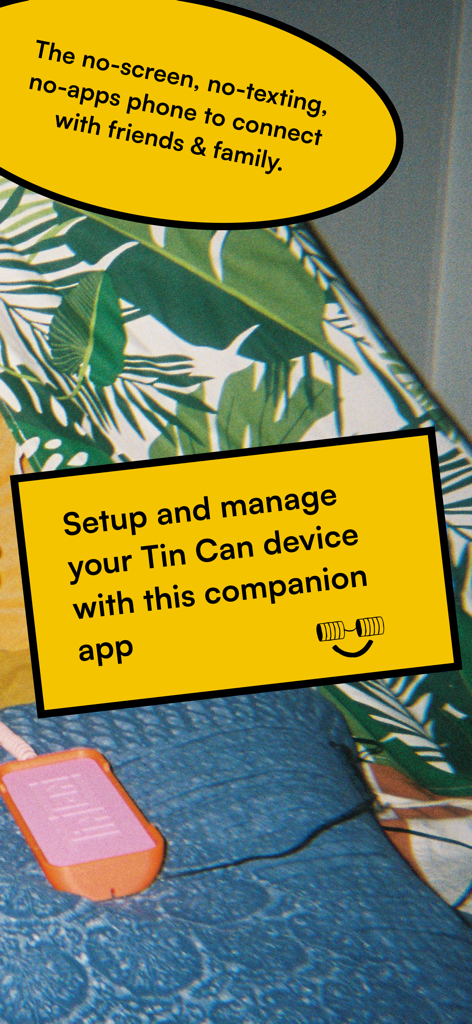
Intro screen for the Tin Can companion app explaining how to setup and manage a no-screen kids phone
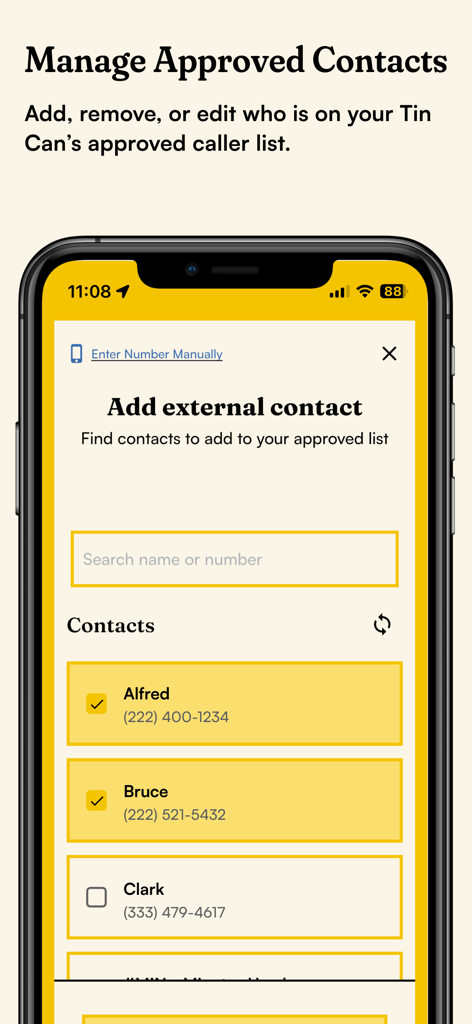
Screen interface of the Tin Can companion app for managing a childs approved contact list.
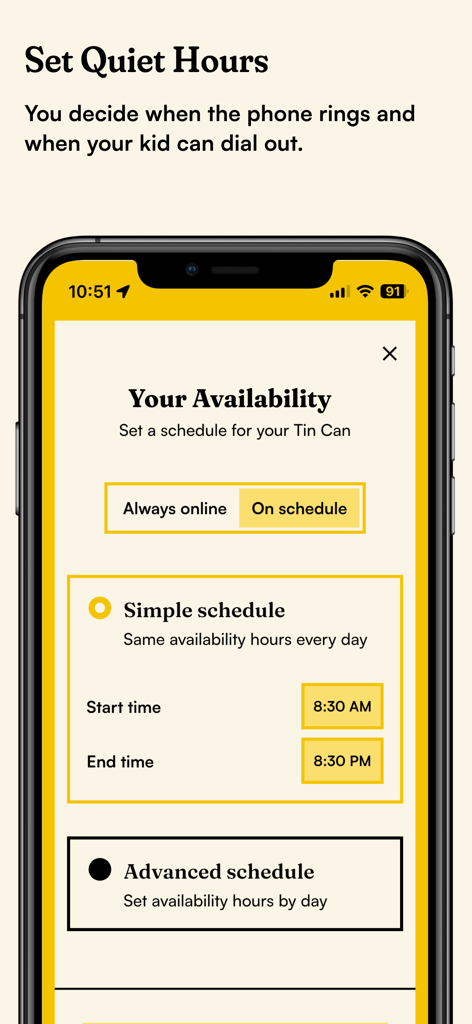
Tin Can app interface showing settings to schedule phone availability and quiet hours for kids.
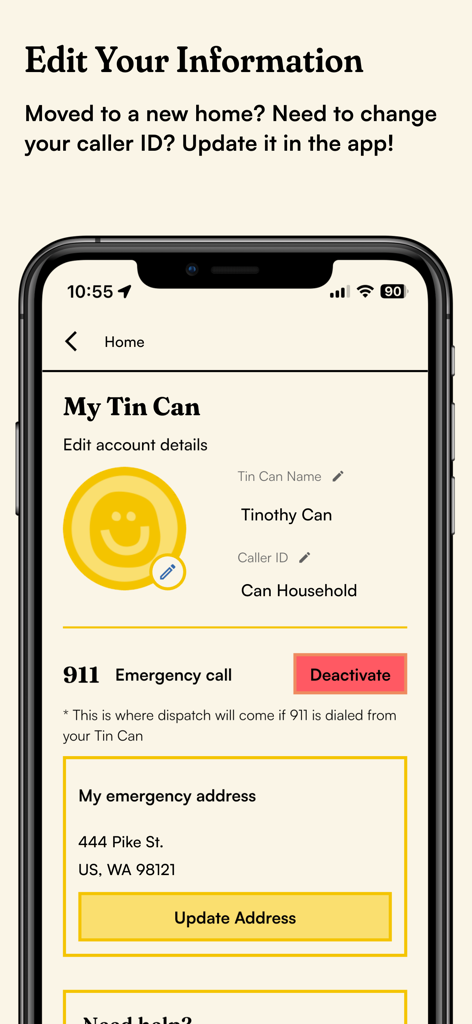
Interface of the Tin Can companion app showing options to edit caller ID and update the emergency emergency 911 address
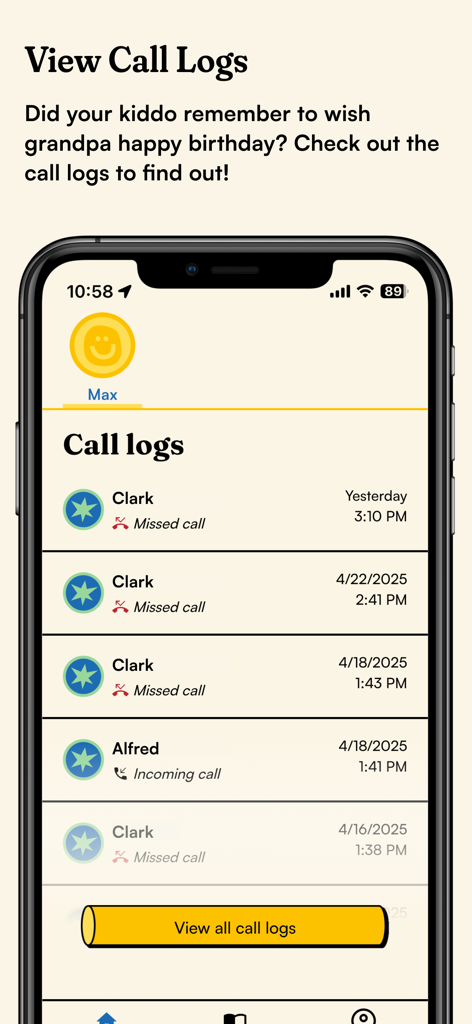
Parental dashboard in the Tin Can app showing a history of incoming and missed calls for a child device.
Description
Download
More Like This
Top-ranked apps in the same category

Google LLC

Google Chrome
Google LLC

中国移动(手机营业厅)
China Mobile Online Services Co., Ltd.

Google Authenticator
Google LLC

CNH do Brasil
Servicos e Informacoes do Brasil

Cleanup: Phone Storage Cleaner
DEEP FLOW SOFTWARE SERVICES - FZCO

gov.br
Servicos e Informacoes do Brasil

中国电信-全国统一官方服务平台
CHINA TELECOM Corporation Ltd.

Microsoft Edge: AI Browser
Microsoft Corporation
This page is not an official page of the app or its developer, but an independent editorial publication created for informational and commentary purposes. Unless expressly stated otherwise, neither the app nor its developer is affiliated with, endorsed by, sponsored by, authorized by, or otherwise officially connected with MWM, Apple, Google Play, the app publisher, or the app's developer, and nothing on this page implies that the app was developed using MWM's services. Any trademarks, logos, screenshots, and other content remain the property of their respective owners.