
This page is not an official page of the app or its developer, but an independent editorial publication created for informational and commentary purposes. Unless expressly stated otherwise, neither the app nor its developer is affiliated with, endorsed by, sponsored by, authorized by, or otherwise officially connected with MWM, Apple, Google Play, the app publisher, or the app's developer, and nothing on this page implies that the app was developed using MWM's services. Any trademarks, logos, screenshots, and other content remain the property of their respective owners.

Tiny Calendar Pro
Unify your Google Calendar, iCloud, and Tasks into one minimalist interface. Experience the speed of natural language input and the power of 9 customizable views designed for professional efficiency.
Downloads
421K+User Rating
Total Ratings
20K+Publisher
Category
ProductivityLocales
9Latest Version
7.9.9Size
41.6 MBFirst Released
Aug 12, 2011Master Your Schedule, Effortlessly
Tiny Calendar Pro brings your Google, iCloud, and Exchange events into one clean, high-performance interface designed for the modern professional.
One Unified View
Sync all your calendars in real-time. Stop switching between work and personal apps and see your whole day in a single, beautiful place.
Smart & Fast Creation
Use natural language input to create events instantly. Type "Coffee with Sarah at 10am" and let the app handle the rest while you're on the go.
The following screenshots and description are sourced directly from the app's official store listing and are the property of the app developer.
App Store
Screenshots
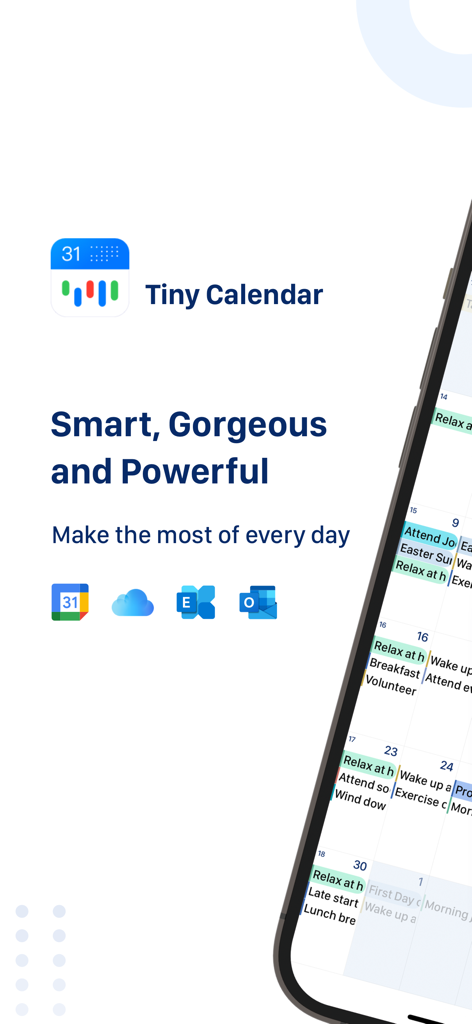
Tiny Calendar Pro app interface on iPhone featuring calendar sync with Google iCloud and Outlook
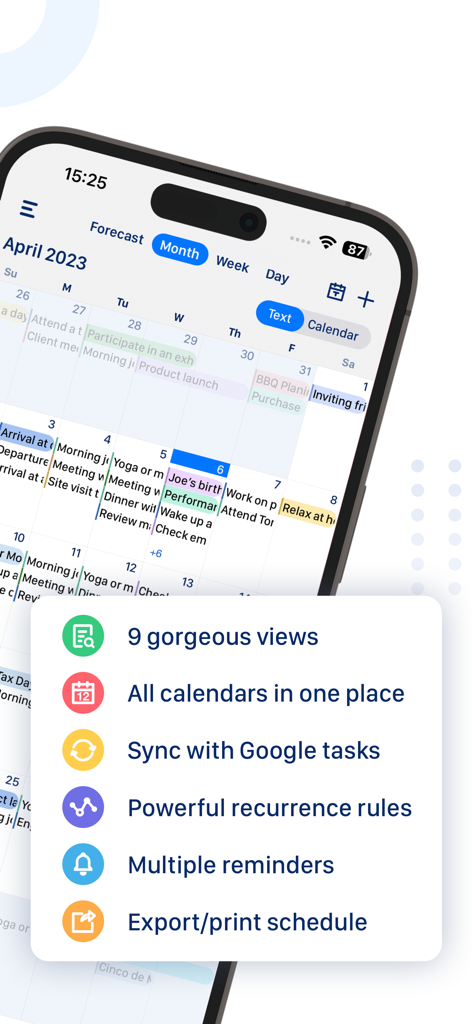
Tiny Calendar Pro app screenshot displaying a monthly schedule and a list of key productivity features
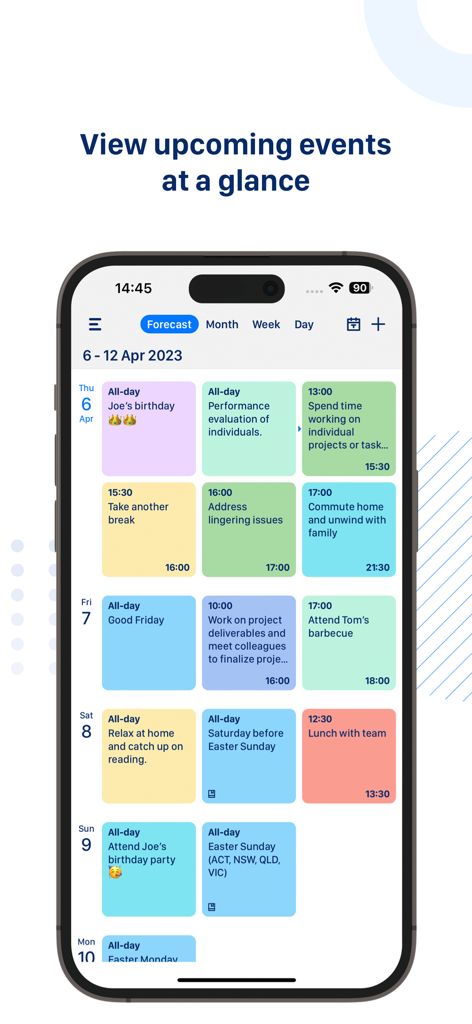
Tiny Calendar Pro app forecast view displaying a clean overview of color coded upcoming events and tasks
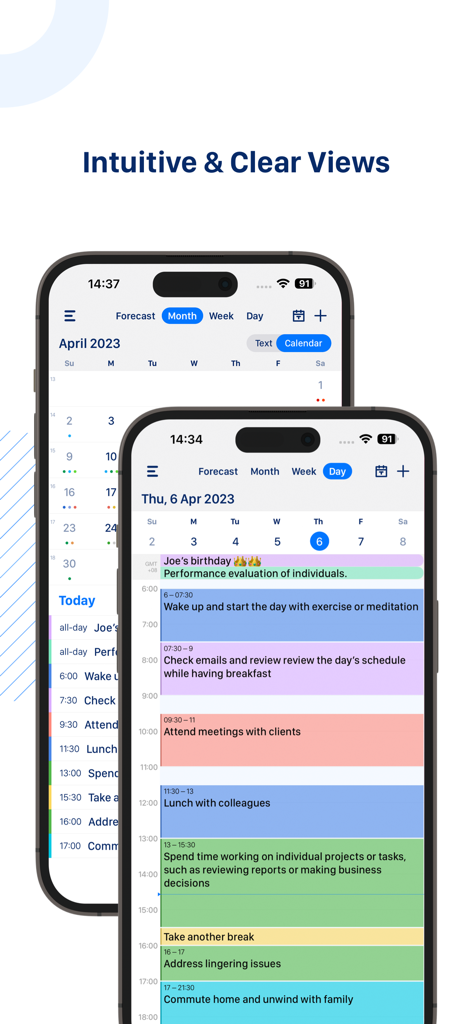
Tiny Calendar Pro app interface showing monthly and daily calendar views on iPhone.
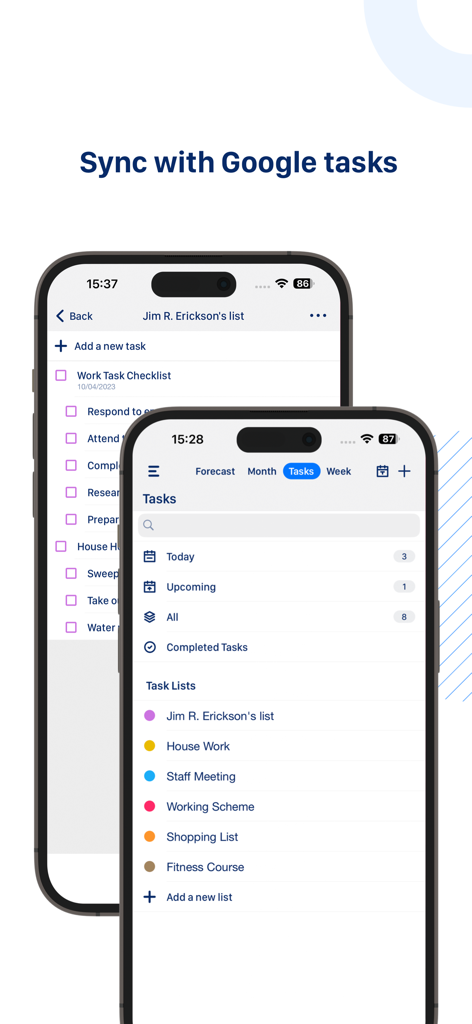
Tiny Calendar Pro interface on iPhone showing Google Tasks integration and organized task lists.
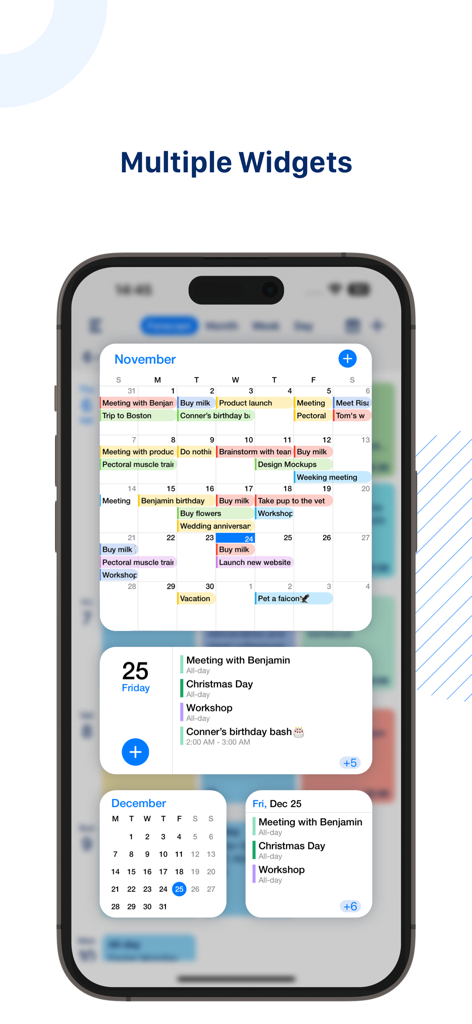
Multiple Tiny Calendar Pro widgets on an iPhone home screen displaying monthly and daily schedules
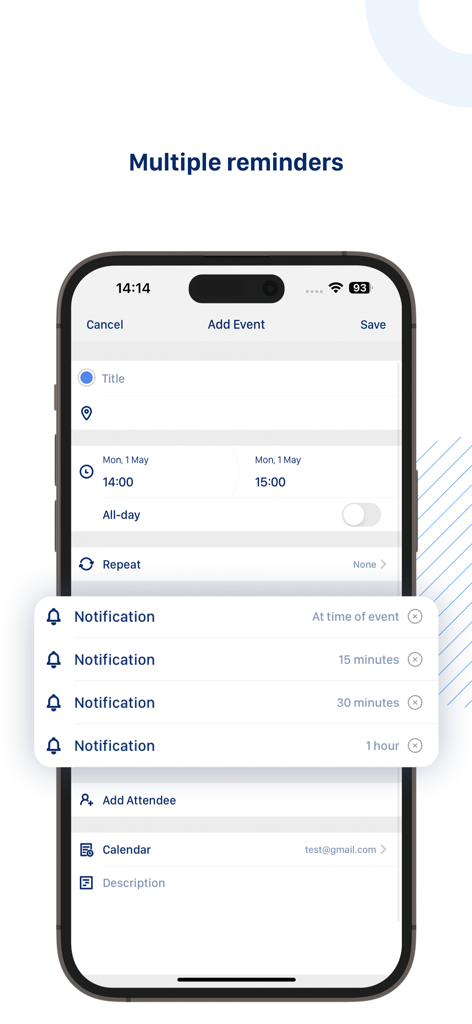
iPhone screenshot of the Tiny Calendar Pro app showing an event creation screen with multiple notification reminders set for a single event
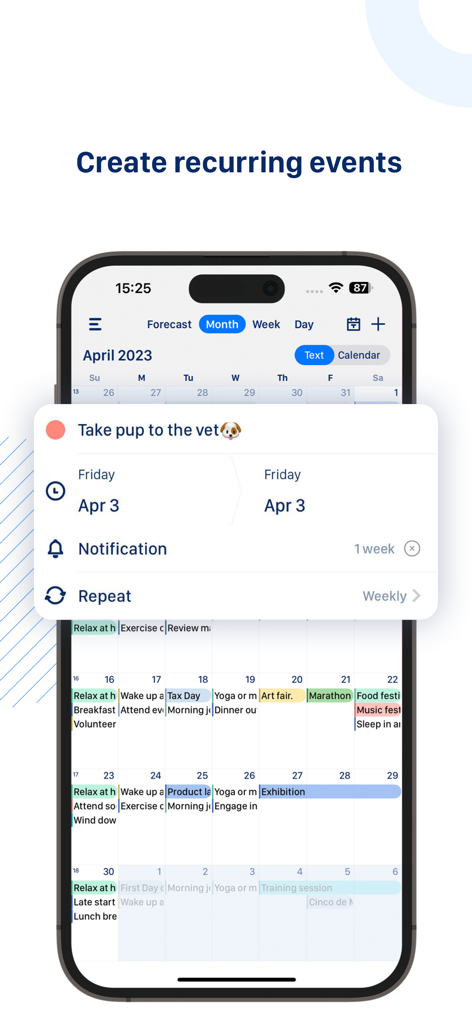
Screenshot of Tiny Calendar Pro app interface showing the setup for a weekly recurring event on an iPhone.
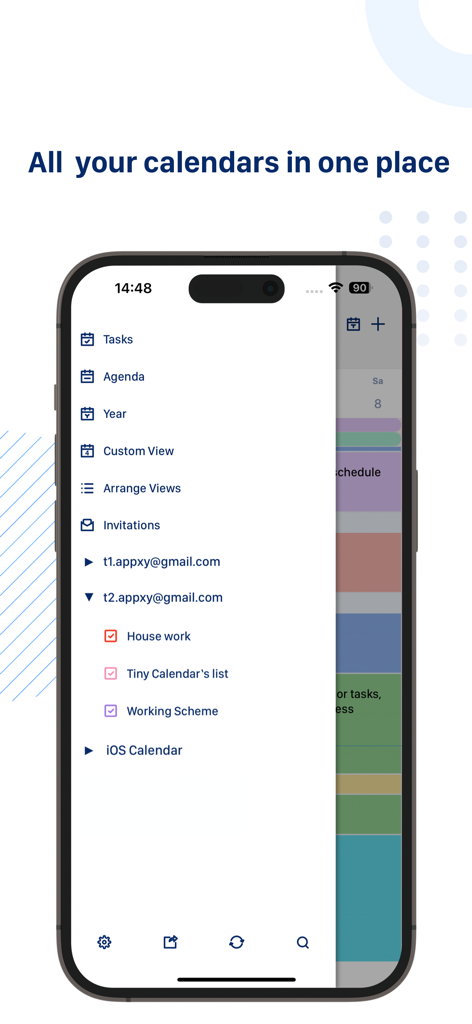
Tiny Calendar Pro app on iPhone showing synchronized Google and iCloud calendars in a unified menu
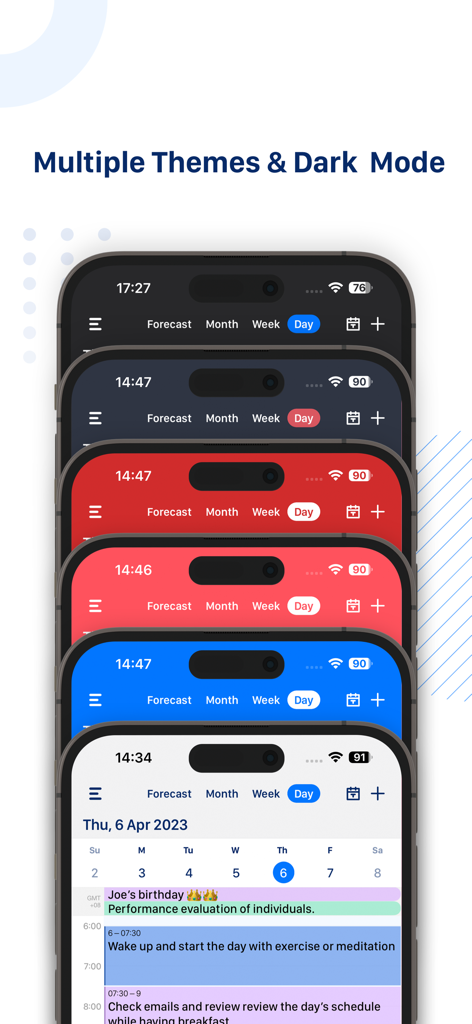
Tiny Calendar Pro app interface showing various color themes and dark mode on stacked iPhones
Description
Download
More Like This
Apps with similar features and user experience

Notion: Notes, Tasks, AI
Notion Labs, Incorporated

Freenotes®: AI Notes Taking
Hangzhou Free Notes Technology Co., Ltd

Structured - Daily Planner
unorderly GmbH

Google Tasks: Get Things Done
Google LLC

TickTick:To-Do List & Calendar
Appest Limited

Noteful: Notes & PDF Markup
Noteful Technologies Ltd

Todoist: To Do List & Calendar
Doist Inc.

To do list MinimaList & Widget
Inner Grow Limited

monday.com - Work Platform
monday.com Ltd.
This page is not an official page of the app or its developer, but an independent editorial publication created for informational and commentary purposes. Unless expressly stated otherwise, neither the app nor its developer is affiliated with, endorsed by, sponsored by, authorized by, or otherwise officially connected with MWM, Apple, Google Play, the app publisher, or the app's developer, and nothing on this page implies that the app was developed using MWM's services. Any trademarks, logos, screenshots, and other content remain the property of their respective owners.