
This page is not an official page of the app or its developer, but an independent editorial publication created for informational and commentary purposes. Unless expressly stated otherwise, neither the app nor its developer is affiliated with, endorsed by, sponsored by, authorized by, or otherwise officially connected with MWM, Apple, Google Play, the app publisher, or the app's developer, and nothing on this page implies that the app was developed using MWM's services. Any trademarks, logos, screenshots, and other content remain the property of their respective owners.
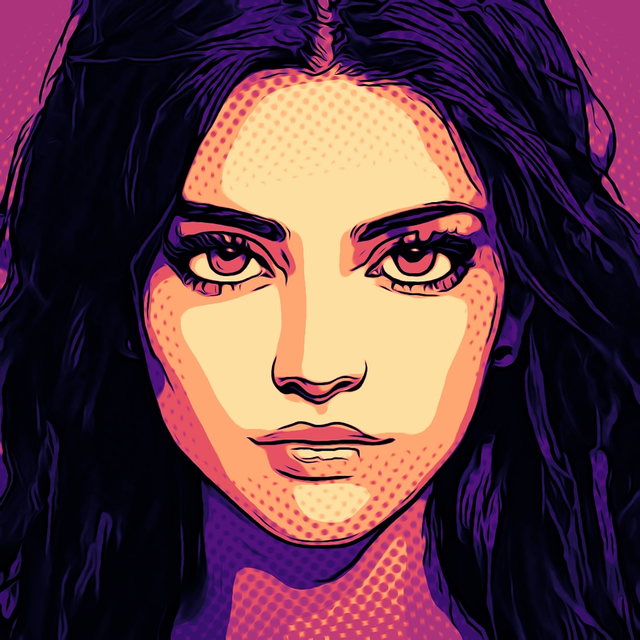

Toonita: Cartoon & Comic Maker
Elevate your visual storytelling with a pro-grade 5-stage pipeline. Transform any photo into high-resolution masterpieces—from gritty noir comics to vibrant pop-art and technical sketches.
Downloads
12K+User Rating
Total Ratings
700Publisher
Category
Photo & VideoLocales
1Latest Version
14.1Size
197.0 MBFirst Released
Sep 9, 2021Unlock Your Inner Artist
Go beyond basic filters with a professional-grade creative suite designed for stunning, high-resolution comic and pop-art transformations.
AI-Enhanced Editing
Perfect your base with AI object removal and automatic background swaps before you even start styling.
Legendary Comic Aesthetics
Apply authentic styles like Sin City, Pop Art, and Manga to tell your story with professional visual flair.
The following screenshots and description are sourced directly from the app's official store listing and are the property of the app developer.
App Store
Screenshots
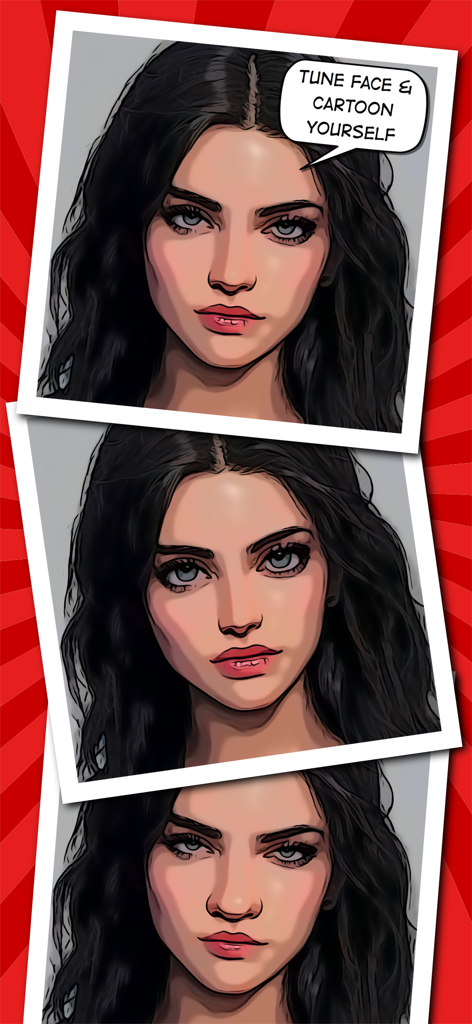
Cartoonized portraits of a woman showcasing the face tune and comic maker features
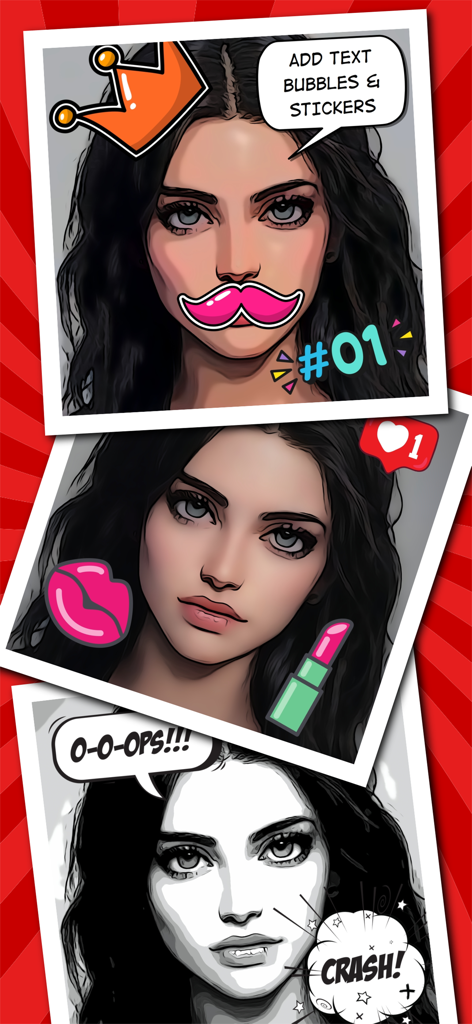
Portrait photos transformed into comic book art with speech bubbles and stickers
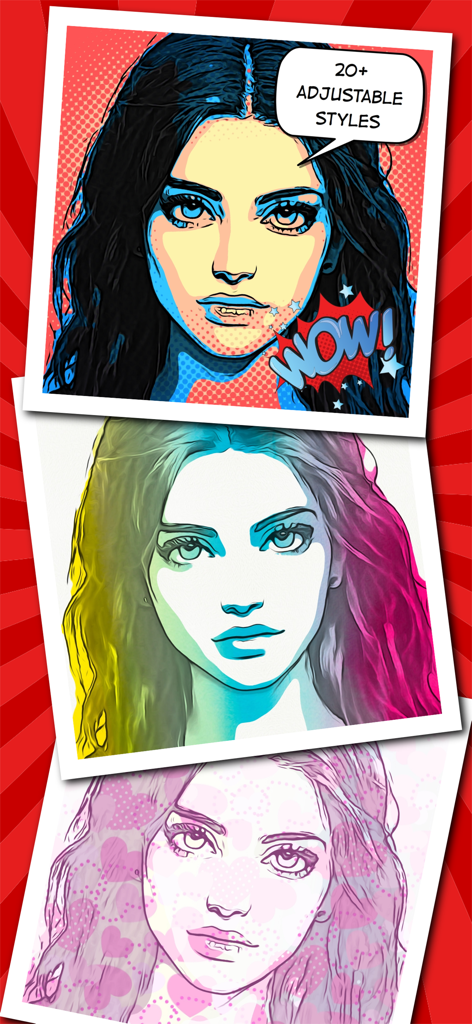
Examples of comic and pop art portrait filters from the Toonita app showing three different artistic styles applied to the same woman's face.
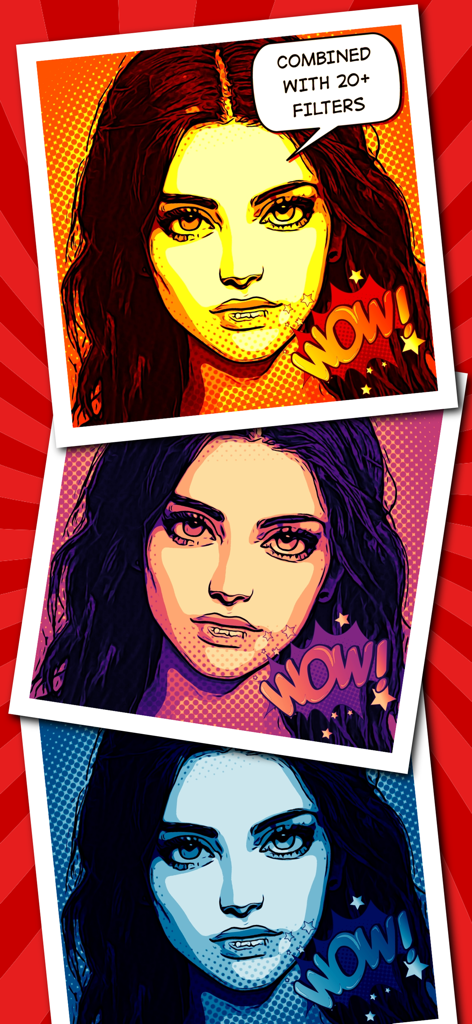
Three portraits of a woman showcasing different colorful comic book and pop art filters with halftone patterns
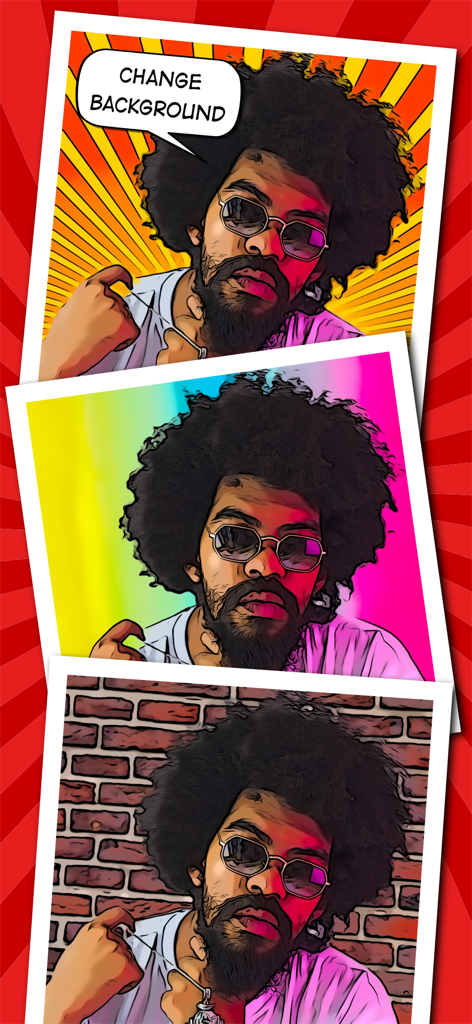
Portrait with three different cartoon background styles
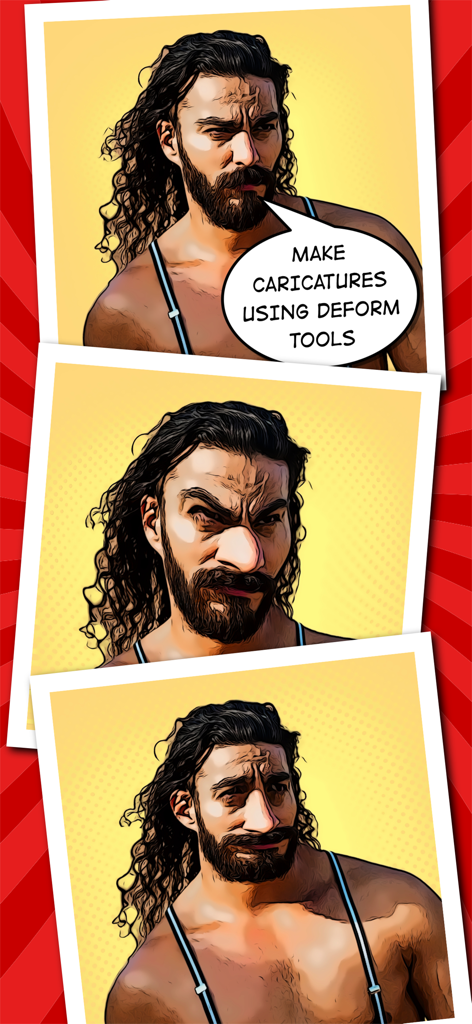
A visual demonstration of a man being transformed into a comic style caricature using deform tools in the Toonita app
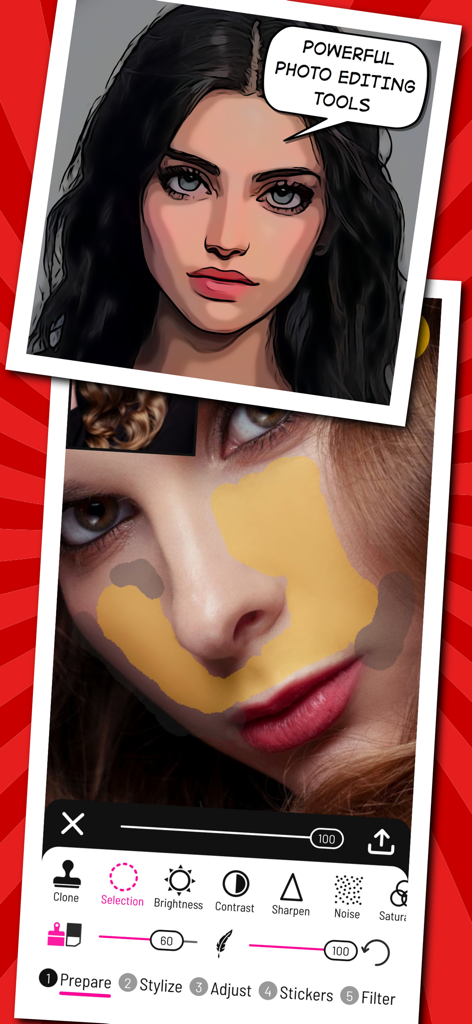
Toonita app interface showing professional photo editing and retouching tools
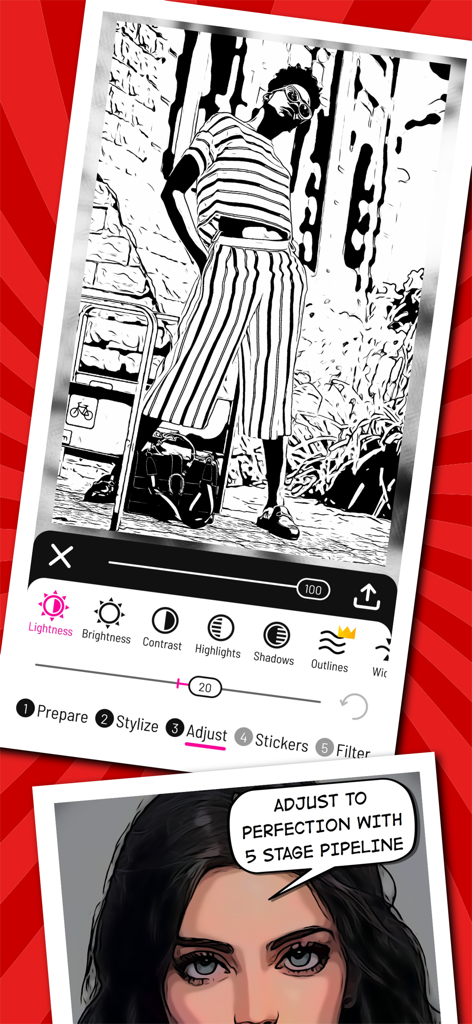
A mobile interface for the Toonita app showing a black and white comic-style photo edit and adjustment controls like brightness and contrast.
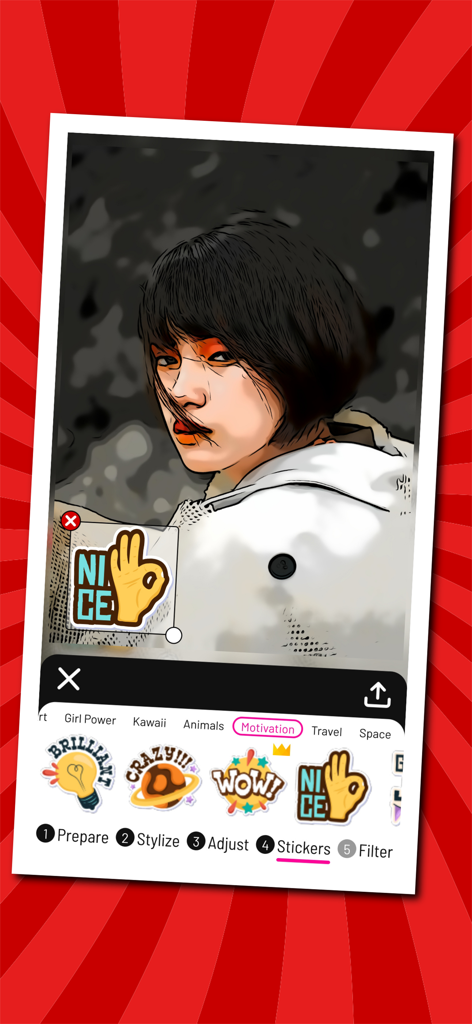
Adding a motivational sticker to a cartoon portrait in the Toonita app editor
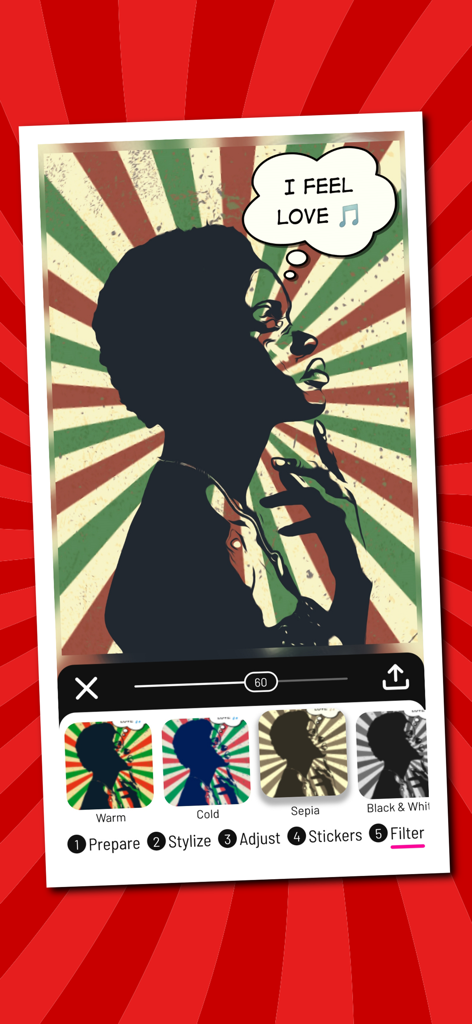
Toonita app interface showing a pop art silhouette edit with a speech bubble and color filter options
Description
Download
More Like This
Top-ranked apps in the same category

CapCut: Photo & Video Editor
BYTEDANCE PTE. LTD.

Instagram, Inc.

YouTube
Google LLC

Canva: AI Photo & Video Editor
Canva Pty Ltd

Snapchat
Snap, Inc.

快手
Beijing Kwai Technology Co., Ltd.

Edits: Video Editor
Instagram, Inc.

Meitu- AI Photo & Video Editor
Xiamen Meitu Technology Co., Ltd.

Google Photos: Backup & Edit
Google LLC
This page is not an official page of the app or its developer, but an independent editorial publication created for informational and commentary purposes. Unless expressly stated otherwise, neither the app nor its developer is affiliated with, endorsed by, sponsored by, authorized by, or otherwise officially connected with MWM, Apple, Google Play, the app publisher, or the app's developer, and nothing on this page implies that the app was developed using MWM's services. Any trademarks, logos, screenshots, and other content remain the property of their respective owners.