
This page is not an official page of the app or its developer, but an independent editorial publication created for informational and commentary purposes. Unless expressly stated otherwise, neither the app nor its developer is affiliated with, endorsed by, sponsored by, authorized by, or otherwise officially connected with MWM, Apple, Google Play, the app publisher, or the app's developer, and nothing on this page implies that the app was developed using MWM's services. Any trademarks, logos, screenshots, and other content remain the property of their respective owners.


Touch GIS
The most intuitive mobile tool for capturing precise data in any environment, online or offline. Replace your bulky hardware with a customizable, professional-grade field notebook that syncs seamlessly with your desktop GIS workflow.
Downloads
35K+User Rating
Total Ratings
0Publisher
Category
ProductivityLocales
1Latest Version
1.17.0Size
75.6 MBFirst Released
Nov 4, 2019Engineered for Professional Fieldwork
Touch GIS replaces your paper notebook, camera, and clinometer with a single, high-precision mapping tool that works wherever you go, with or without a connection.
Fully Customizable Attributes
Build bespoke data collection forms for any project, from forestry surveys to mineral exploration, ensuring your field data is captured exactly as needed.
Reliable Offline Performance
Download high-resolution map tiles and collect precision data in remote environments where cell service doesn’t exist.
The following screenshots and description are sourced directly from the app's official store listing and are the property of the app developer.
App Store
Screenshots
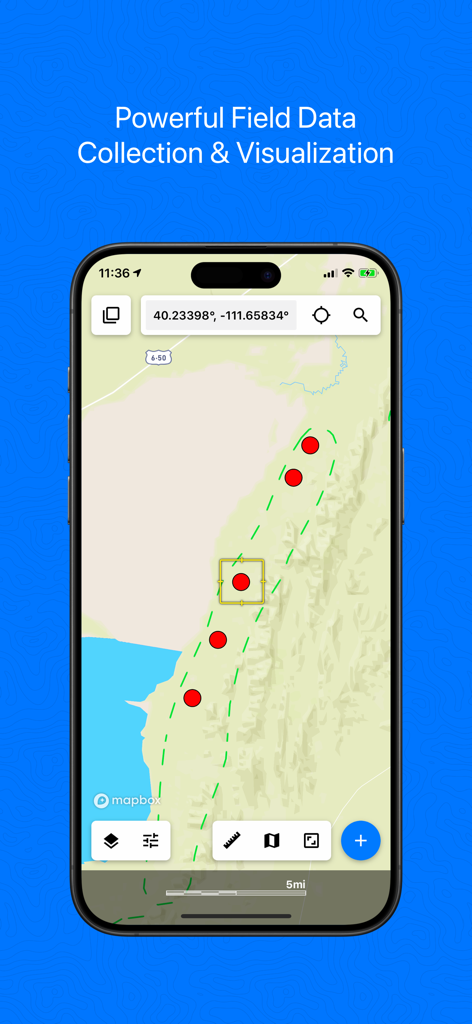
Touch GIS mobile app interface showing professional field data collection and mapping points
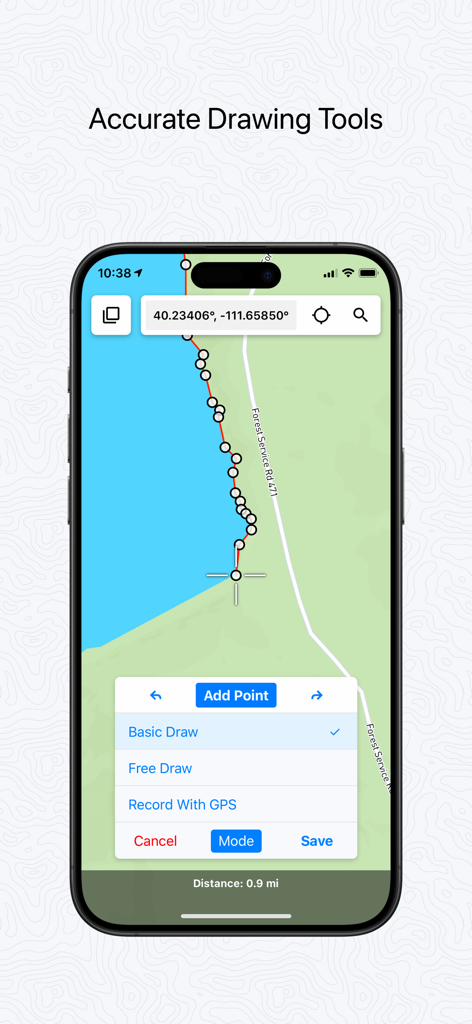
Touch GIS app interface showing accurate drawing tools and GPS data collection on a mobile map
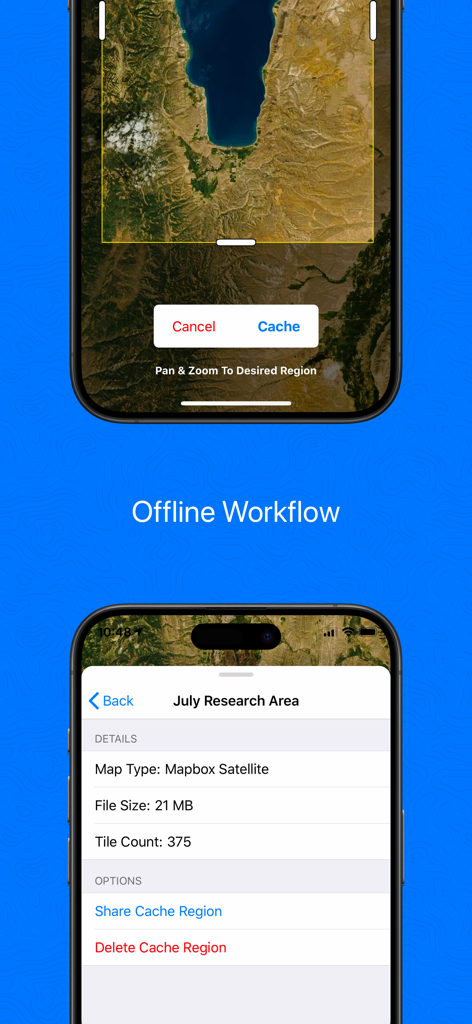
Touch GIS mobile app screens showing the offline map caching process and satellite region data for field professionals
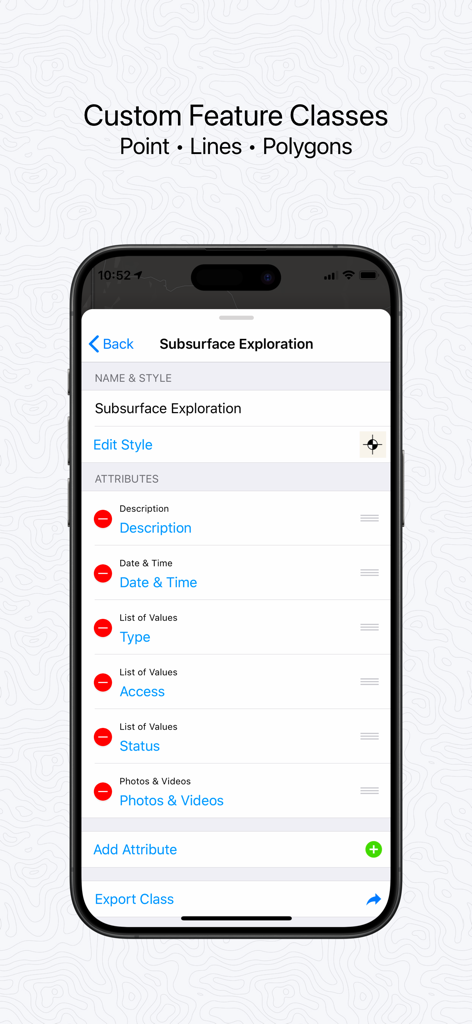
Touch GIS mobile app interface for customizing professional data collection attributes
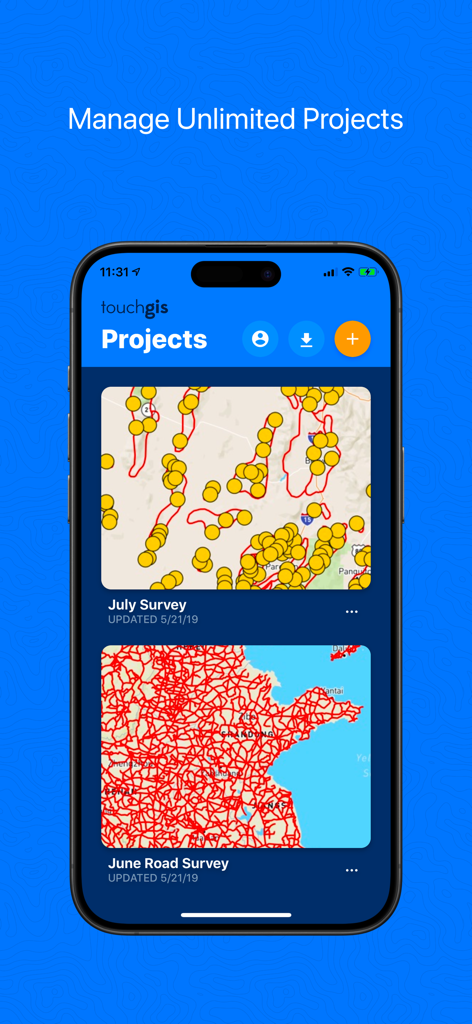
Touch GIS mobile app screen showing a list of geospatial mapping projects with map previews
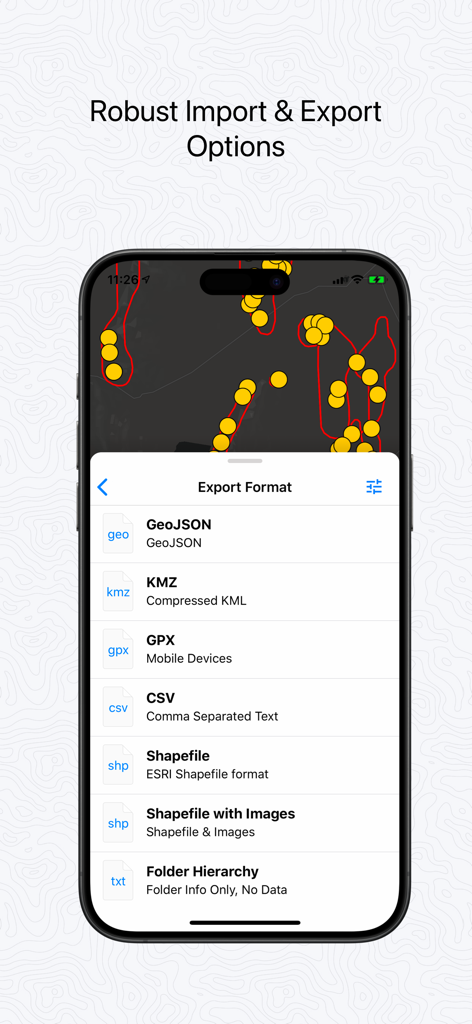
Touch GIS mobile app interface displaying professional data export options including Shapefile, GeoJSON, and GPX
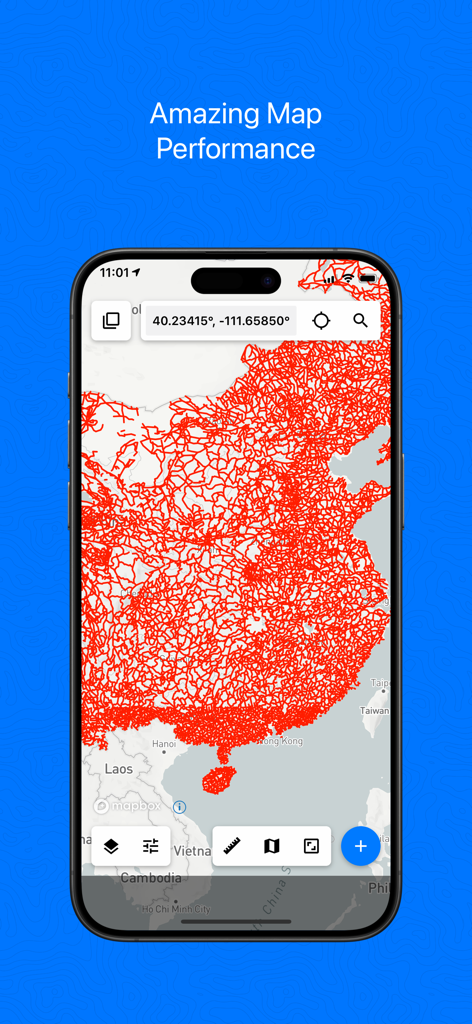
Touch GIS app displaying a dense red geospatial data overlay on a map on an iPhone screen.
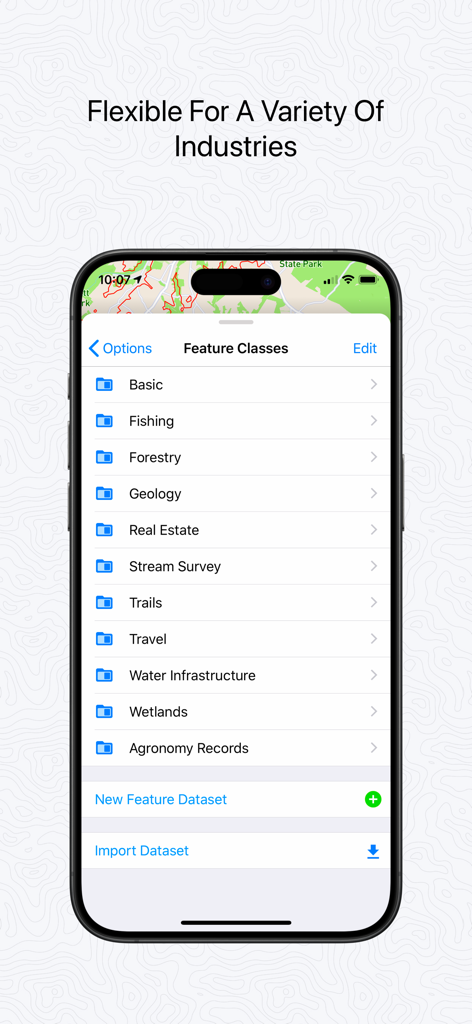
Touch GIS app interface showing a list of customizable feature classes for industries including Forestry Geology and Wetlands
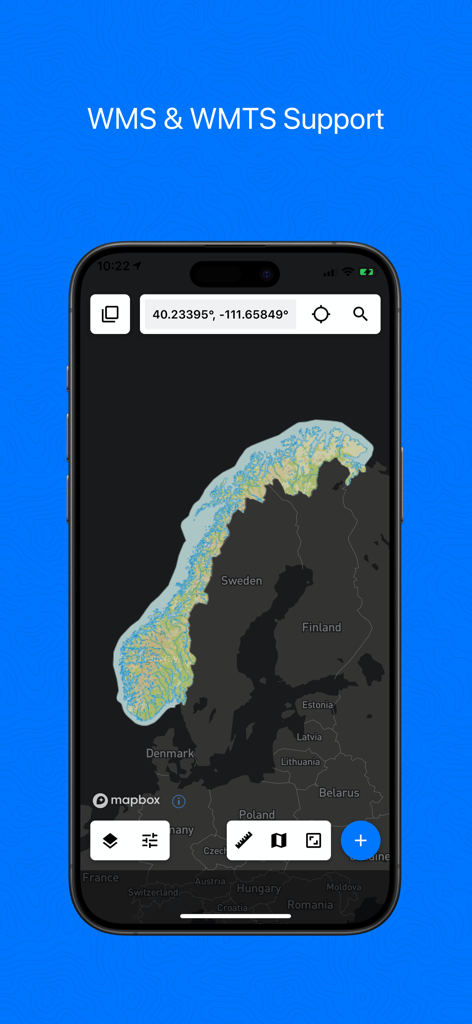
Touch GIS app interface on a smartphone showing WMS and WMTS map support with a view of Norway and Sweden
Description
Download
More Like This
Apps with similar features and user experience

MilGPS
Cascode Labs Pty Ltd

SEAiq Pilot VPP
Sakhalin, LLC
Cartograph Maps 3
Harald Meyer

新知卫星地图-路线规划,高清地图导航
Chongqing Xinzhi Space Technology Co., Ltd.

Coordinates – GPS Converter
Mapnitude Company Limited

Mgrs & Utm Map
Vahid Cataltas

DeepStateMap
Heorhii Karpenko

Map Plus
Miocool Inc.

Compass 55. Map & GPS kit.
Kalimex-Consulting s.r.o.
This page is not an official page of the app or its developer, but an independent editorial publication created for informational and commentary purposes. Unless expressly stated otherwise, neither the app nor its developer is affiliated with, endorsed by, sponsored by, authorized by, or otherwise officially connected with MWM, Apple, Google Play, the app publisher, or the app's developer, and nothing on this page implies that the app was developed using MWM's services. Any trademarks, logos, screenshots, and other content remain the property of their respective owners.