
This page is not an official page of the app or its developer, but an independent editorial publication created for informational and commentary purposes. Unless expressly stated otherwise, neither the app nor its developer is affiliated with, endorsed by, sponsored by, authorized by, or otherwise officially connected with MWM, Apple, Google Play, the app publisher, or the app's developer, and nothing on this page implies that the app was developed using MWM's services. Any trademarks, logos, screenshots, and other content remain the property of their respective owners.


TV Cast & Screen Mirroring App
No more squinting at a tiny screen. This app grants users the power to project their digital life onto the biggest display in the room, instantly.
Downloads
7.5M+User Rating
Total Ratings
76.8KPublisher
Category
UtilitiesLocales
6Latest Version
9.9Size
202.0 MBFirst Released
Aug 31, 2019An evaluation of core functionalities and user benefits for seamless home entertainment.
TV Cast & Screen Mirroring App: Key Features Analysis
Real-Time Screen Mirroring
It allows users to display their iPhone screen content directly onto a Smart TV, enabling presentations, app demonstrations, or general browsing on a larger display.
Effortless Media Casting
The app provides the ability to stream photos, videos, and music from the user's iPhone library directly to their Smart TV for a shared viewing experience.
Extensive Smart TV Compatibility
This tool features wide compatibility with various Smart TV brands supporting DLNA/UPNP, including Roku, Samsung, LG, Sony, Philips, Toshiba, and Panasonic, ensuring broad accessibility.
Quick & Intuitive Setup
It allows users to quickly set up and connect their iPhone to a Smart TV with minimal effort, prioritizing convenience and a hassle-free experience.
Seamless Wireless Connection
The app provides a reliable connection between the iPhone and Smart TV over a shared Wi-Fi network, aiming for smooth and uninterrupted casting and mirroring.
Ad-Free Premium Experience
It offers premium subscribers an uninterrupted and ad-free experience, enhancing focus on content without distractions.
Unlimited Feature Access
This tool provides subscribed users with unlimited access to all premium features, ensuring full utilization of the app's capabilities without daily limits.
Limited Free Trial Option
The app allows non-subscribed users to utilize each premium feature once a day, offering a trial period to experience the app's full potential before committing to a subscription.
Frequently Asked Questions
Everything you need to know about TV Cast & Screen Mirroring App
What is TV Cast & Screen Mirroring App?
TV Cast & Screen Mirroring App allows users to mirror their iPhone screen and cast media like photos and videos to Smart TVs without delay. It pairs with DLNA/UPNP-compatible devices.
What Smart TVs are compatible with TV Cast & Screen Mirroring App?
Yes, TV Cast & Screen Mirroring App works with devices supporting DLNA/UPNP, including Roku, Samsung, Sony, LG, Philips, Toshiba, and Panasonic Smart TVs. It also supports Android TV and Fire TV.
Does TV Cast & Screen Mirroring App support screen mirroring?
Yes, TV Cast & Screen Mirroring App enables screen mirroring from your iPhone to your Smart TV. It supports this function without any delay for a smooth viewing experience.
Can I cast photos and videos with TV Cast & Screen Mirroring App?
Yes, users can cast their favorite library media, including photos and videos, directly from their iPhone to a Smart TV using the TV Cast & Screen Mirroring App.
How do I connect TV Cast & Screen Mirroring App to my TV?
To pair your device, ensure both your iPhone and Smart TV are connected to the same WiFi network. The setup and connection process with TV Cast & Screen Mirroring App is fast and simple.
What are the subscription plans for TV Cast & Screen Mirroring App Premium?
TV Cast Premium offers weekly ($4.99 USD), monthly ($9.99 USD) auto-renewing subscriptions, and a lifetime one-time payment ($19.99 USD). Subscribed users receive unlimited features and no ads.
How is payment handled for TV Cast & Screen Mirroring App subscriptions?
Payment for TV Cast & Screen Mirroring App subscriptions is charged to your iTunes account upon purchase confirmation. The subscription automatically renews unless disabled 24 hours before the current period ends.
How can I manage my TV Cast & Screen Mirroring App subscription?
Users can manage their subscriptions and turn off auto-renewal by accessing their Account Settings after purchase. This allows control over recurring payments for TV Cast & Screen Mirroring App Premium.
Does TV Cast & Screen Mirroring App support casting YouTube videos?
Yes, TV Cast & Screen Mirroring App allows users to cast YouTube videos. This feature enables viewing YouTube content directly on a connected Smart TV.
Can I cast music using TV Cast & Screen Mirroring App?
Yes, TV Cast & Screen Mirroring App supports casting music. Users can send their music library directly to their Smart TV for playback.
The following screenshots and description are sourced directly from the app's official store listing and are the property of the app developer.
App Store
Screenshots
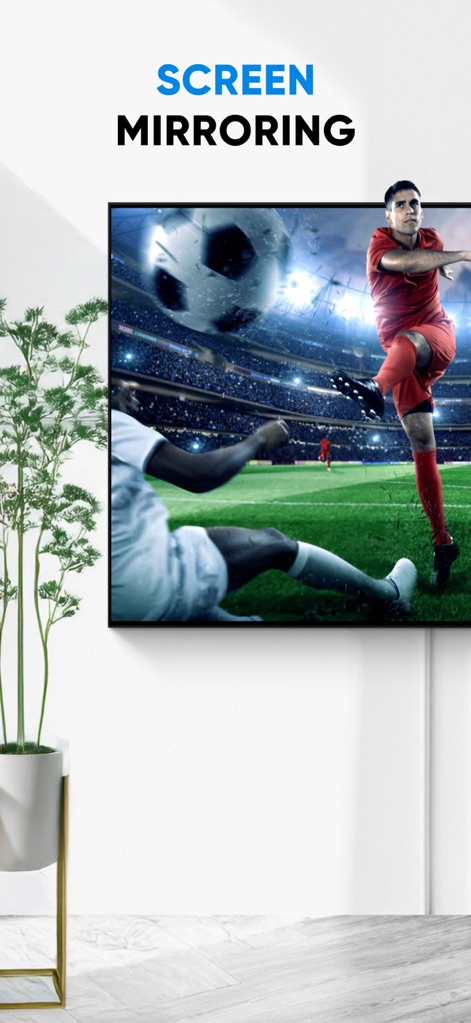
See how the app offers instant screen sharing, transforming mobile content into a vibrant, large-screen viewing experience for dynamic visuals like live sports.
Seamless Screen Mirroring
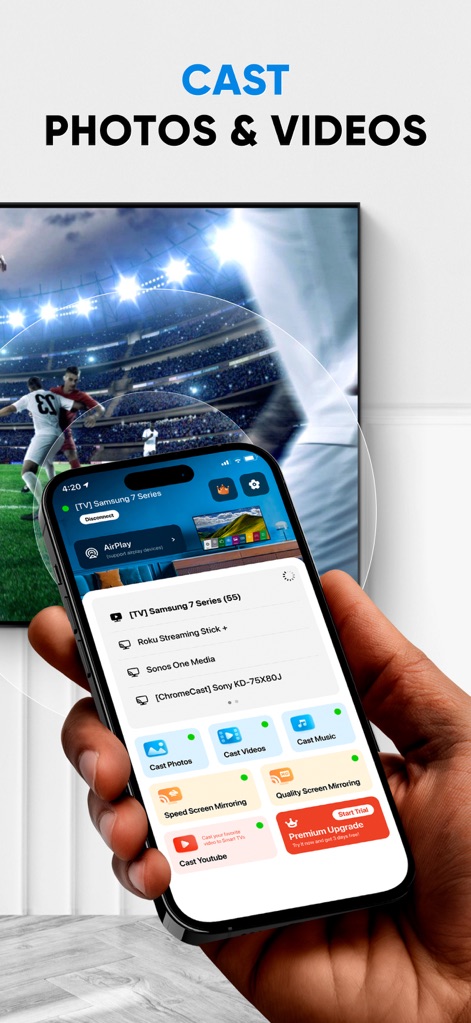
Explore the app's intuitive casting interface, displaying clear buttons for 'Cast Photos' and 'Cast Videos', alongside a list of compatible smart devices.
Effortless Content Casting
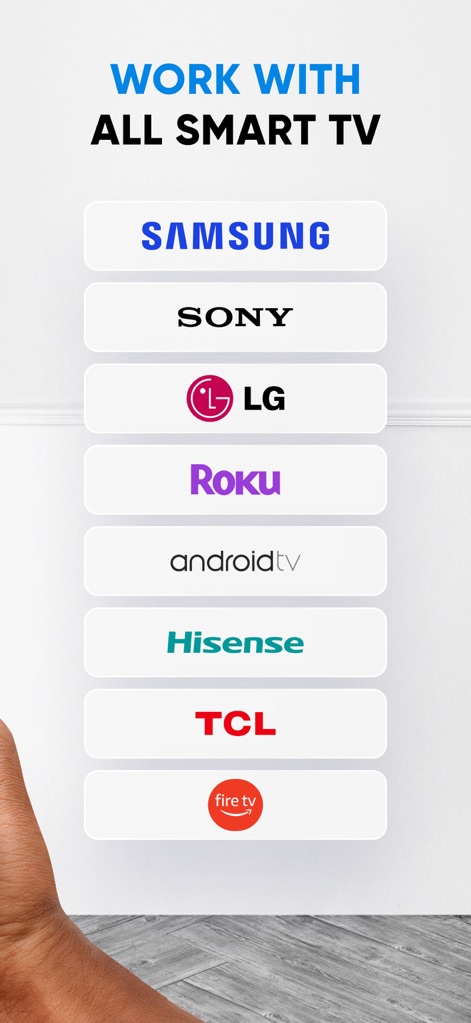
Discover this tool's extensive compatibility, explicitly listing major smart TV brands like SAMSUNG and LG, ensuring broad device support for users.
Universal TV Compatibility
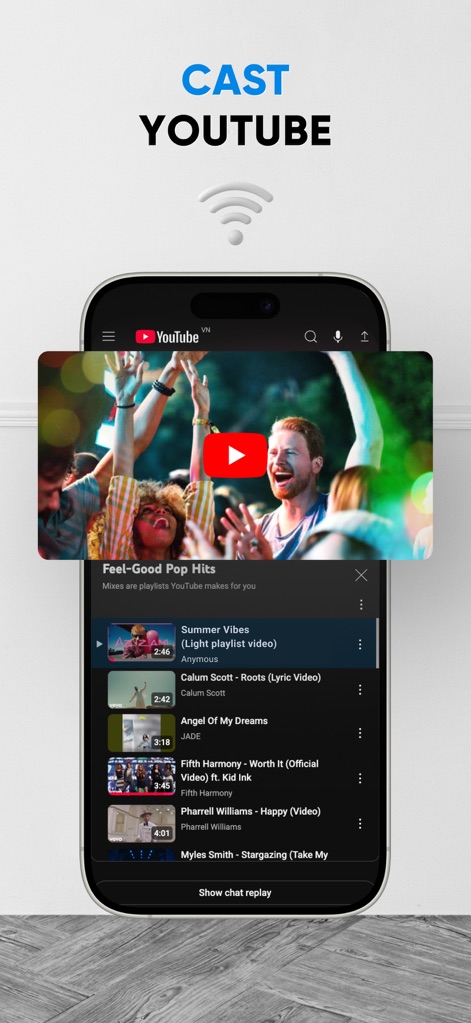
Witness the app's dedicated feature for streaming online content, allowing users to seamlessly cast YouTube videos from their mobile interface to a larger display.
Stream YouTube Directly
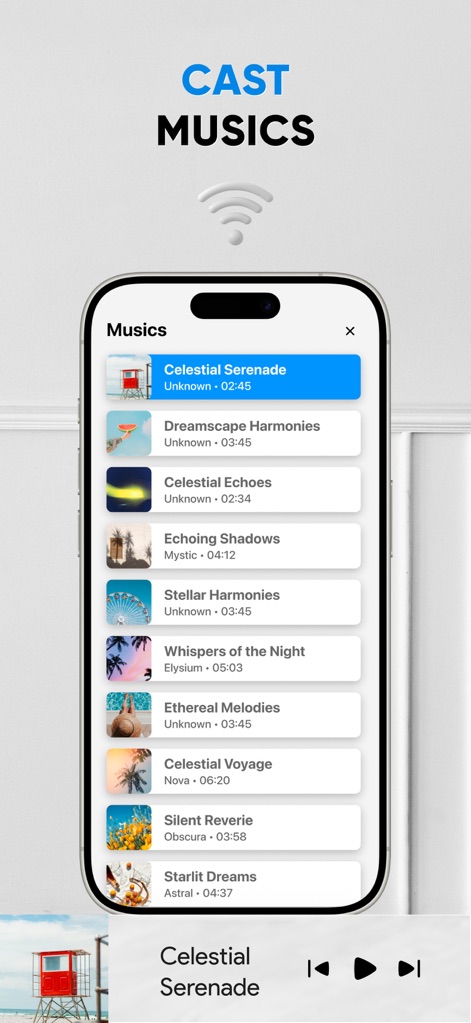
Experience the app's integrated audio streaming capabilities, presenting an organized playlist display with track titles and intuitive playback controls.
Personalized Music Playback
Description
Download
More Like This
Apps with similar features and user experience

Web Video Cast | Browser to TV
InstantBits Inc

PigeonCast:Send by Google Cast
Sichuan FalconAI Technology Co., Ltd.

Screen Mirroring • Smart TV
Mihkel Pikk

Screen Mirroring | Cast to TV
Ozuna Limited

Screen Mirroring・Smart View TV
TOGGLE APPS SP Z O O

UbeCast: Music Streamer & PiP
AER SOFTWARE COMPANY LIMITED

AirDroid Cast-screen mirroring
SAND STUDIO CORPORATION LIMITED

Miracast: Screen Mirroring TV
Hainan Delta Software Co., Ltd

Screen Mirroring・Air Cast TV
Dalma Innovation Solutions d.o.o.
This page is not an official page of the app or its developer, but an independent editorial publication created for informational and commentary purposes. Unless expressly stated otherwise, neither the app nor its developer is affiliated with, endorsed by, sponsored by, authorized by, or otherwise officially connected with MWM, Apple, Google Play, the app publisher, or the app's developer, and nothing on this page implies that the app was developed using MWM's services. Any trademarks, logos, screenshots, and other content remain the property of their respective owners.