TV Remote Control Mirror Cast

TV Remote Control Mirror Cast

Download on App Store
Logo of TV Remote Control Mirror Cast

TV Remote Control Mirror Cast: The All-in-One Universal Remote for Every Smart TV in Your Home

Stop searching for lost remotes. Effortlessly control your TV, mirror your screen, and type with speed using your iPhone—perfectly compatible with all major brands.

Download on App Store

Publisher

Shenzhen Xinmeihutong TechnologyCo .,Ltd

Category

Utilities

Downloads

0

User Rating

4.6/5

Total Ratings

0

Locales

5

Control at Your Fingertips

Discover the interface used by 0 users.

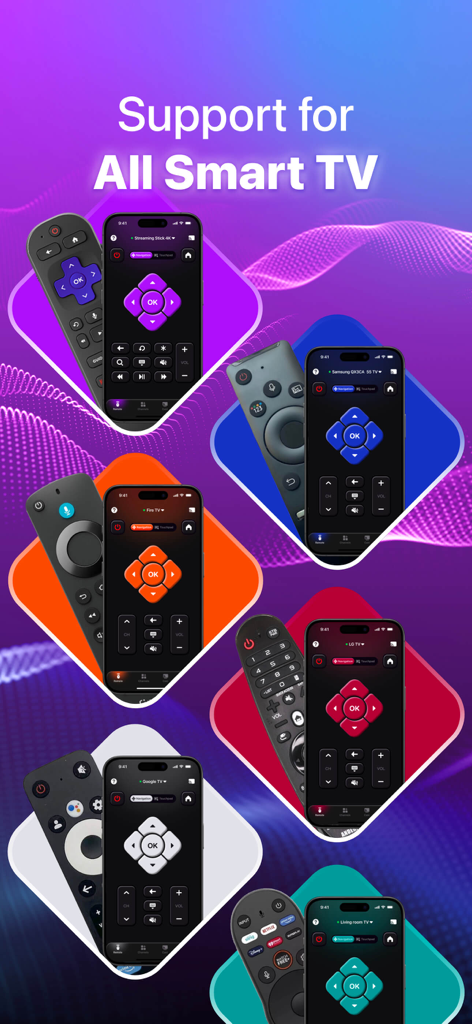
Mobile app interface showing universal TV remote control compatibility with various smart TV brands
Mobile app interface showing universal TV remote control compatibility with various smart TV brands

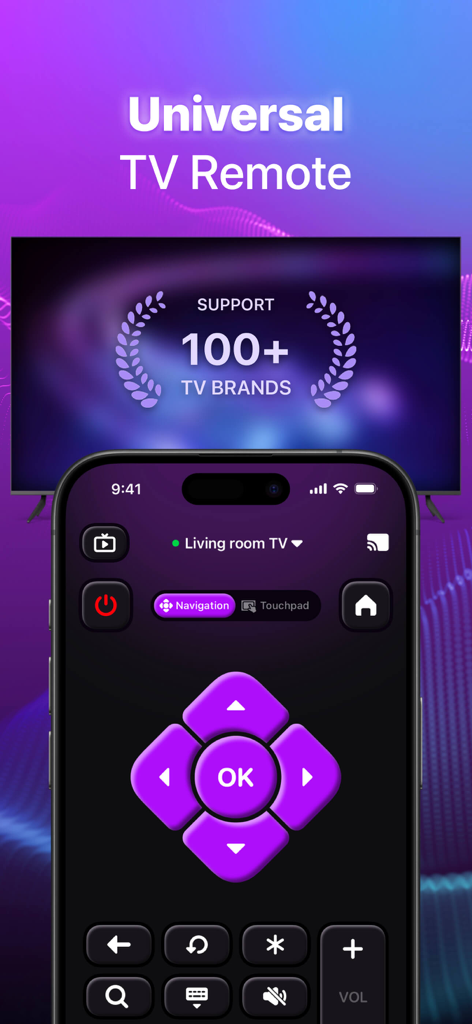
Digital TV remote control interface on an iPhone screen with a universal brand support message
Digital TV remote control interface on an iPhone screen with a universal brand support message

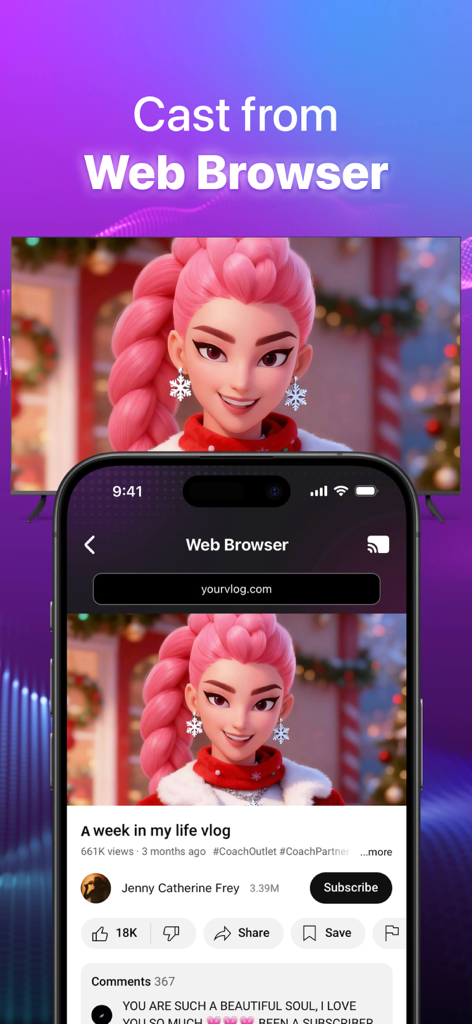
An iPhone casting a video from a web browser to a large smart TV screen
An iPhone casting a video from a web browser to a large smart TV screen

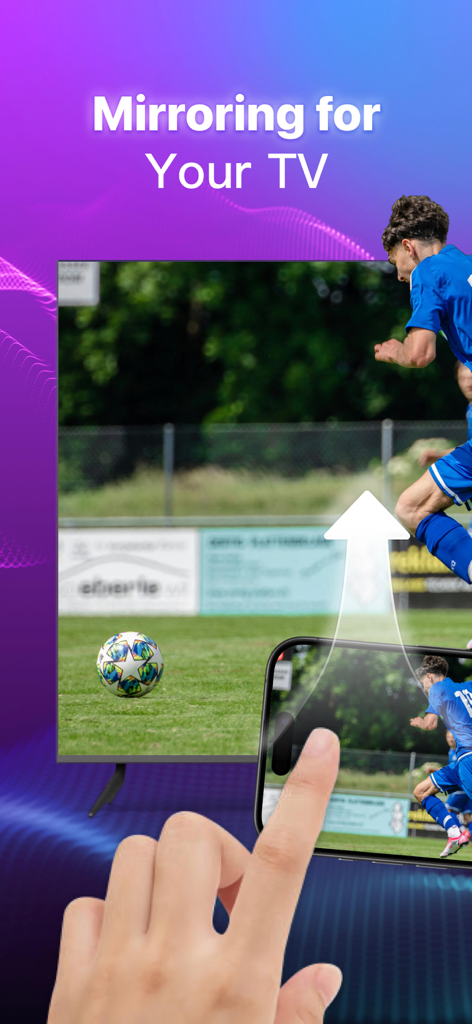
Screen mirroring feature showing a soccer match from an iPhone to a smart TV
Screen mirroring feature showing a soccer match from an iPhone to a smart TV

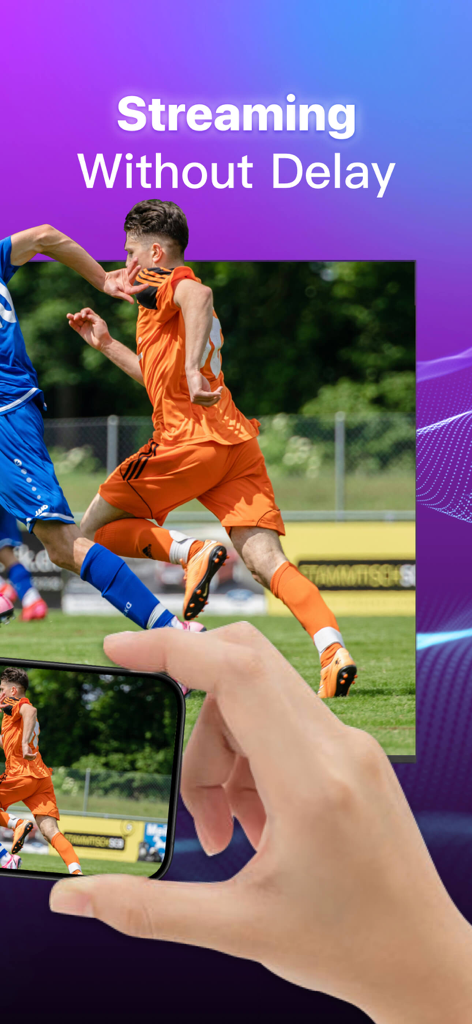
A smartphone screen mirroring a live soccer match to a smart TV for seamless streaming.
A smartphone screen mirroring a live soccer match to a smart TV for seamless streaming.

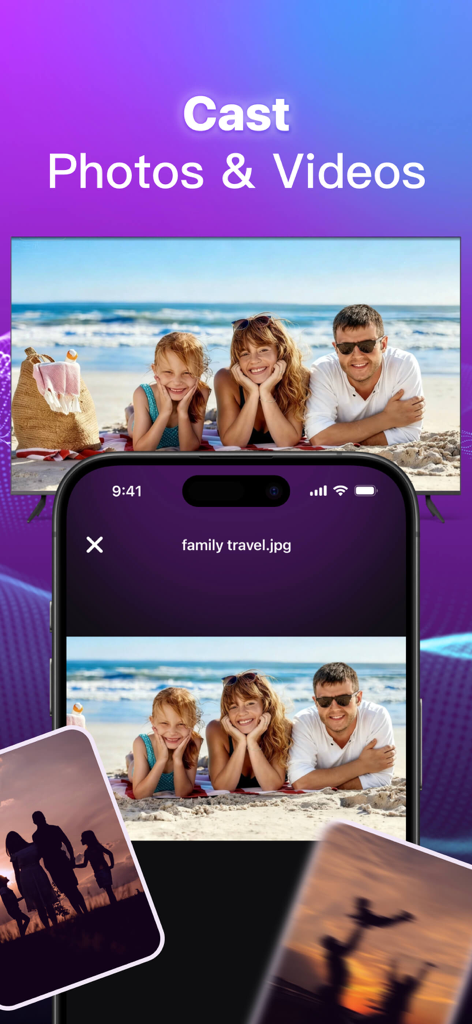
Smartphone screen casting family beach photos to a large smart TV
Smartphone screen casting family beach photos to a large smart TV

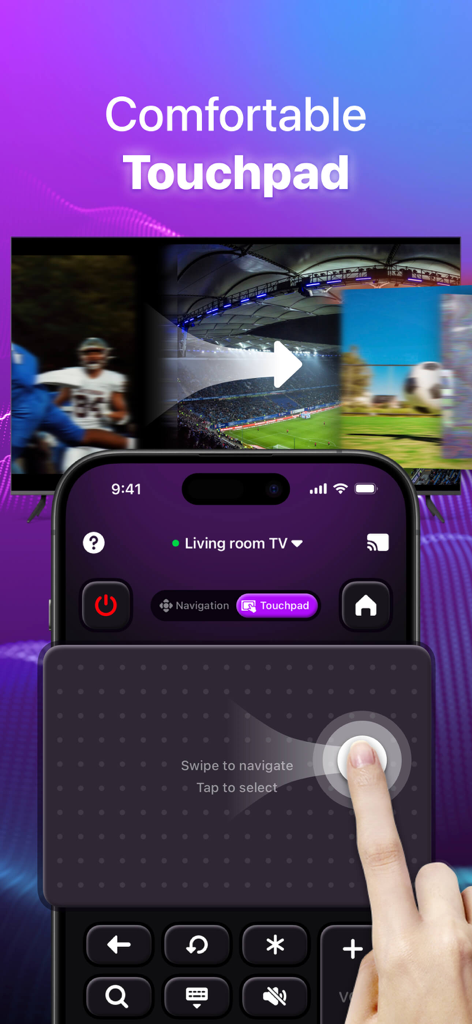
Smartphone screen showing a digital touchpad interface to navigate a smart TV with a hand swiping
Smartphone screen showing a digital touchpad interface to navigate a smart TV with a hand swiping

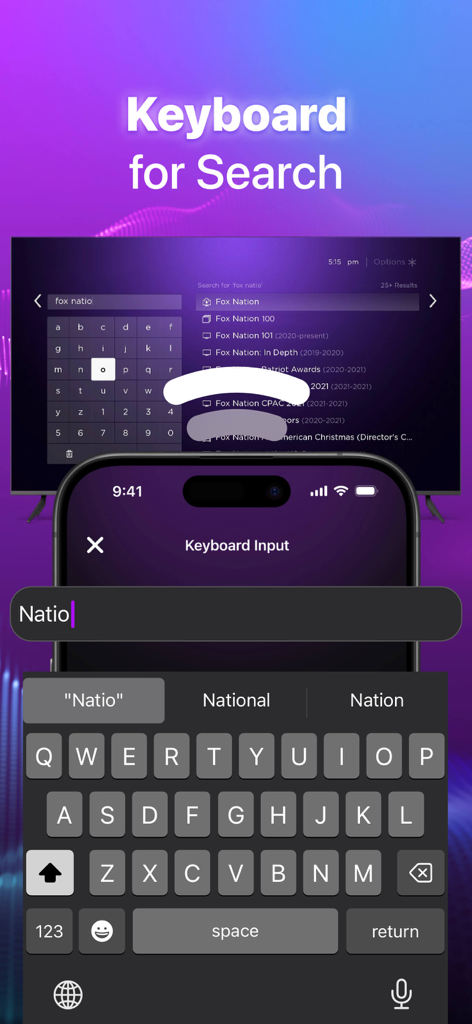
iPhone keyboard interface for searching content on a Smart TV
iPhone keyboard interface for searching content on a Smart TV

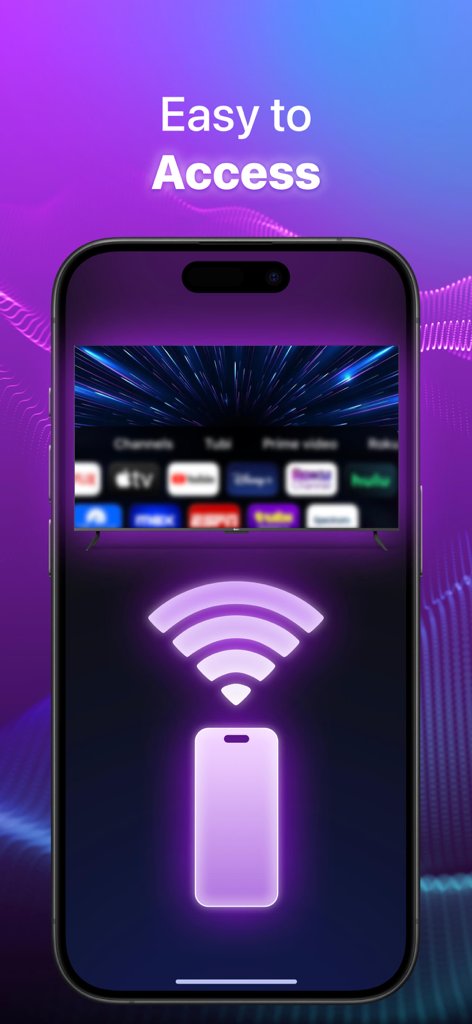
Smartphone connecting to a smart TV via Wi-Fi with the text Easy to Access

Smartphone connecting to a smart TV via Wi-Fi with the text Easy to Access

One App to Rule Every Screen

The tools that make this app stand out, trusted by 0 users.

⌨️

Universal Remote & Keyboard

Control any Smart TV in your home and use your iPhone’s keyboard for lightning-fast searches—no more clicking through clunky on-screen menus.

🖼️

Instant Screen Mirroring

Wirelessly beam your photos, videos, and mobile games to the big screen with zero hassle. Turn your living room into a shared cinematic experience.

🌍

Smart Web Video Caster

Found a video online? Cast it directly to your TV. Stream sports, news, and niche content from any website straight to your television in high quality.

About the app

Everything you need to know about TV Remote Control Mirror Cast.

Description

Take command of your Smart TV effortlessly with our TV Remote app, right on your smartphone. Designed with a user-friendly interface, it’s compatible with a wide range of TV brands. Seamlessly connect your device to your TV over WIFI and gain comprehensive control over TV functions like volume, channels, input sources, and more, all from your mobile device. Whether you're streaming movies, gaming, or just chilling out, this app simplifies managing your TV from any location. Experience a new way to control your TV. Effortlessly enhance your viewing experience by wirelessly linking your phone to TV: cast photos and videos from your phone to smart TV, transforming your compact screen into a vibrant, larger-than-life display; mirror your entire screen seamlessly for gaming, presentations, or enhanced browsing on a larger display; stream web videos directly via advanced web casting tools, enjoying high-quality playback for a cinematic experience in your living room—perfect for sharing personal media or web content. Key Features ● Universal Remote for Smart TVs: Use your iPhone or iPad to operate nearly any Smart TV. This app is compatible with numerous Smart TV models. ● Screen Mirroring for Smart TVs: Directly stream all the content from your phone to your TV. Enjoy your content on the big screen with seamless screen mirroring. ●Web Browser: Stream online content from the web effortlessly using web casting tools, supporting open and casting multiple browser tabs. Enjoy high-quality playback straight on TV. ● Channel Management for Smart TVs: Flexibly manage your channels. Easily add new ones, toggle between channels, and access favorites with a single click. ● Effortless Search: Swiftly locate your favorite shows and movies with a virtual keyboard. Just type to explore channels. ● Automatic Device Recognition: The Smart TV remote app identifies compatible devices on your WiFi network automatically, ensuring a quick and easy setup. ● 24/7 Support: Offer timely and professional help and support. Compatible with the remote functions of major TV systems. If your TV system is one of the above systems but the brand is other, don't worry, we can also adapt it. At the same time, it is compatible with the Casting function of many TVs. Disclaimer: This app is not affiliated with or endorsed by any specific TV brands. How to use: ● Step 1: Make sure your phone and powered-on Smart TV are on the same Wi-Fi network. ● Step 2: Enable local network access permission. iOS system must allow this permission to discover your TV. ● Step 3:Tap the Connect icon at the top right. ● Step 4: Select and pair your Smart TV from the list displayed on your phone screen. ● Step 5: You are ready to use. Try out every feature of our app! For complete access to all Cast to TV Universal TV Remote features, you will need to subscribe to Premium. For Smart TVs / Devices, the only setting required is to connect your phone as well as your Smart TV / Device to the same Wifi network. Unlimited Access Membership Subscription Weekly Premium Membership offers $4.99. Weekly Premium Membership with 3-day free trial offers $6.99 Monthly Premium Membership offers $14.99. Yearly Premium Membership offers $59.99 Upgrade to Premium to remove ads and unlock all features: ● iTunes account will be charged upon purchase confirmation (or at the end of the free trial period offered). ● Subscriptions will be automatically renewed until turned off at least 24 hours before the end of the current cycle. ● Accounts will be charged for renewals up to 24 hours before the end of the current period, with the renewal price determined. ● Users can modify subscriptions and turn off auto-renewal by heading to the user's account settings after purchasing. Privacy Policy: https://ultra-tvremote.web.app/PrivacyPolicy.html Terms of Use: https://ultra-tvremote.web.app/Termsofuse.html

Latest Version

1.6.9

Size

140.2 MB

First Released

Jun 27, 2024

Say goodbye to lost remotes and clunky typing.

Download the all-in-one TV Remote & Mirror Cast app today to control every screen in your home effortlessly from your iPhone.

Download on App Store

App information, icons, screenshots, and descriptions displayed on this page are sourced from the Apple App Store and are the property of their respective developers. Download estimates and rankings are based on MWM's proprietary models and may not reflect actual figures. This page is provided for informational and analytical purposes only.

Believe this page infringes your intellectual property? File a dispute