TV Remote Universal Control

This page is not an official page of the app or its developer, but an independent editorial publication created for informational and commentary purposes. Unless expressly stated otherwise, neither the app nor its developer is affiliated with, endorsed by, sponsored by, authorized by, or otherwise officially connected with MWM, Apple, Google Play, the app publisher, or the app's developer, and nothing on this page implies that the app was developed using MWM's services. Any trademarks, logos, screenshots, and other content remain the property of their respective owners.
Logo of TV Remote Universal Control

TV Remote Universal Control

Say goodbye to lost remotes and dead batteries. Effortlessly control Samsung, Roku, Fire TV, and more with an intuitive touchpad and a mobile keyboard designed for seamless searching and streaming.

Key Figures

Downloads

100+

User Rating

1.0/5

Total Ratings

0

Publisher

Valery Sihai

Category

Utilities

Locales

1

Latest Version

2.4

Size

59.4 MB

First Released

Dec 12, 2024
Features

Control Every Screen with Precision

Stop searching for lost remotes and dead batteries. Turn your iPhone into the ultimate universal controller for Samsung, Roku, Fire TV, and more.

One Remote for Every TV

Clear the clutter from your coffee table. Connect instantly to all your Smart TVs over Wi-Fi for a unified, seamless home entertainment experience.

Effortless Keyboard Typing

Skip the frustration of on-screen hunting and pecking. Use your iPhone keyboard to search for movies and enter passwords in a flash.

The following screenshots and description are sourced directly from the app's official store listing and are the property of the app developer.

App Store

Screenshots
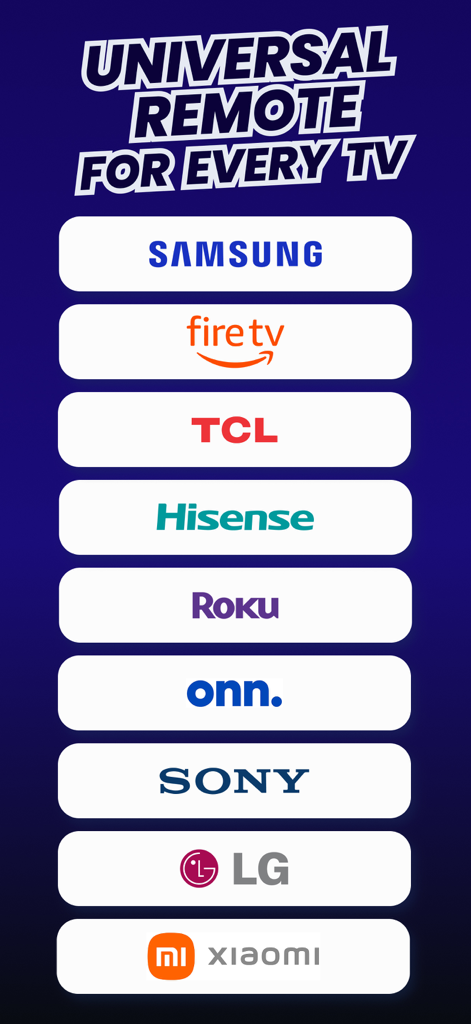
TV Remote Universal Control - List of compatible smart TV brands including Samsung Fire TV TCL Roku and Sony for the universal remote app
List of compatible smart TV brands including Samsung Fire TV TCL Roku and Sony for the universal remote app

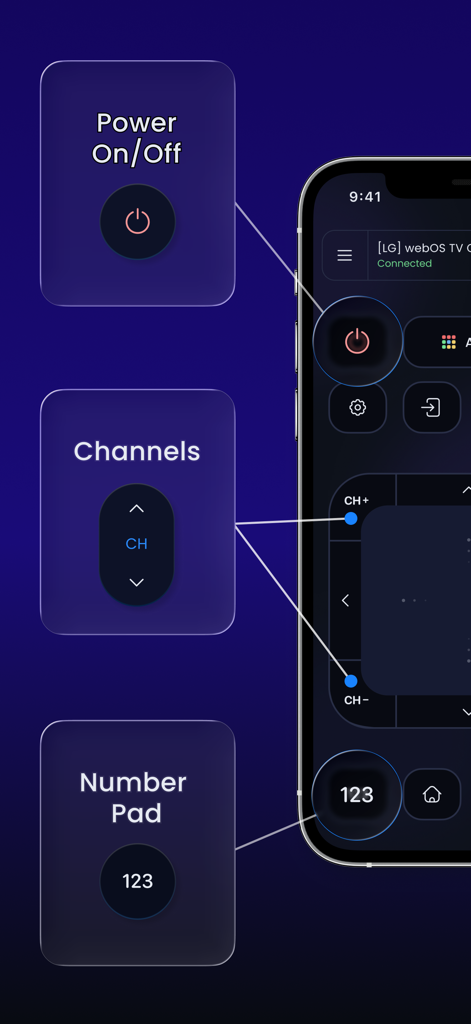
TV Remote Universal Control - Smartphone screen displaying the TV Remote Universal Control app with power, channels, and number pad features.
Smartphone screen displaying the TV Remote Universal Control app with power, channels, and number pad features.

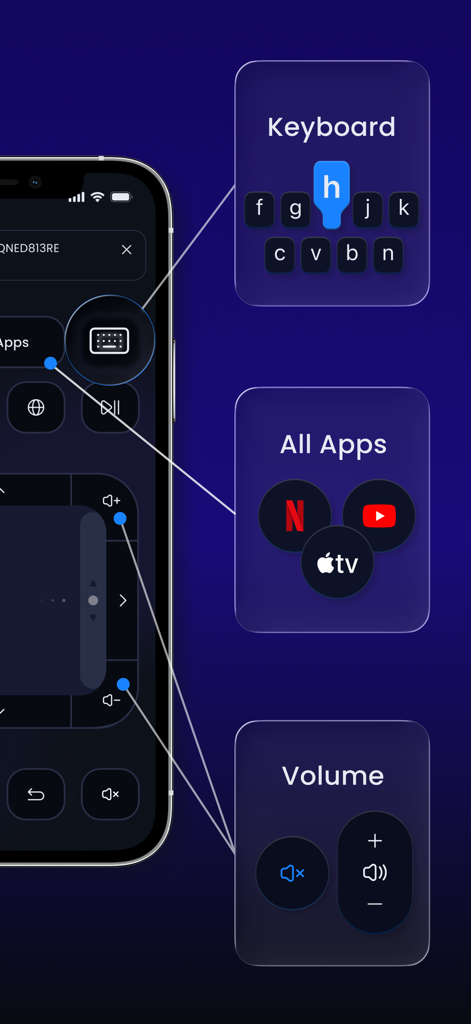
TV Remote Universal Control - Universal TV remote app interface with keyboard navigation and streaming app shortcuts
Universal TV remote app interface with keyboard navigation and streaming app shortcuts

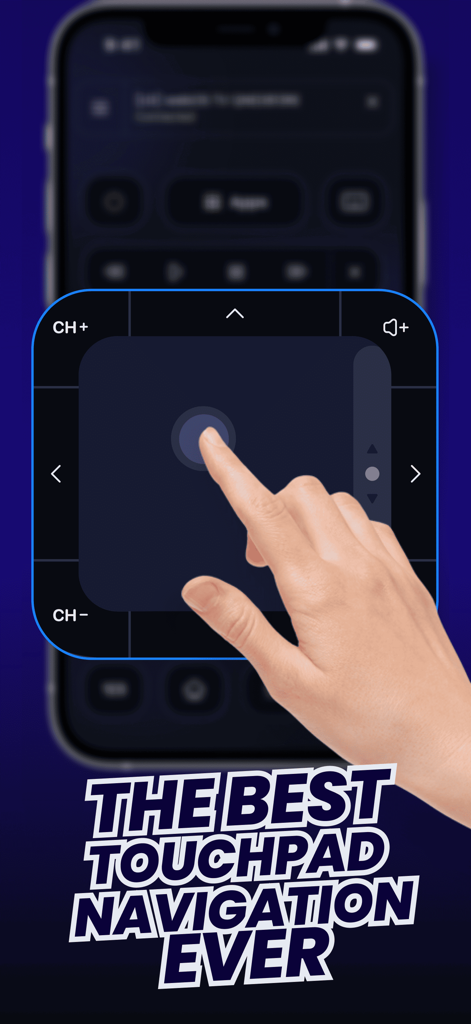
TV Remote Universal Control - A hand using the digital touchpad navigation on an iPhone for the TV Remote Universal Control app

A hand using the digital touchpad navigation on an iPhone for the TV Remote Universal Control app
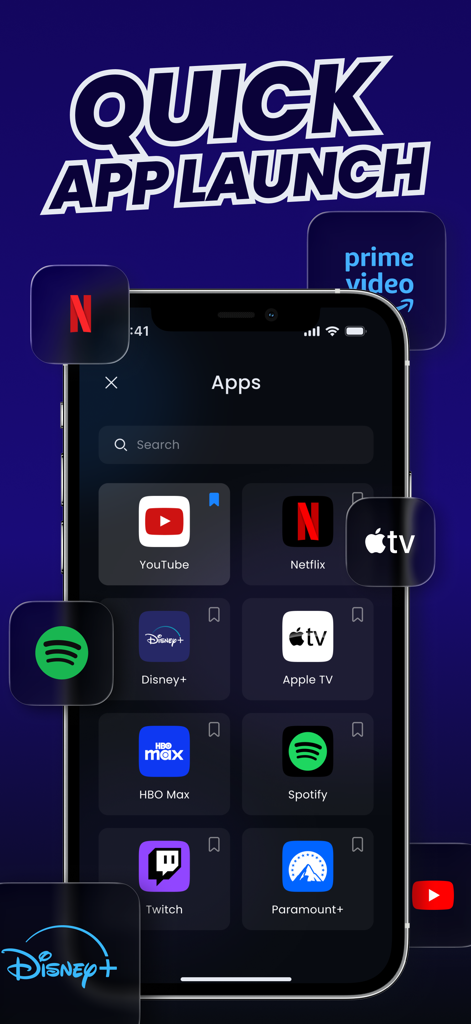
TV Remote Universal Control - Smartphone screen showing the quick app launch interface for a universal TV remote with icons for Netflix YouTube and Disney Plus
Smartphone screen showing the quick app launch interface for a universal TV remote with icons for Netflix YouTube and Disney Plus

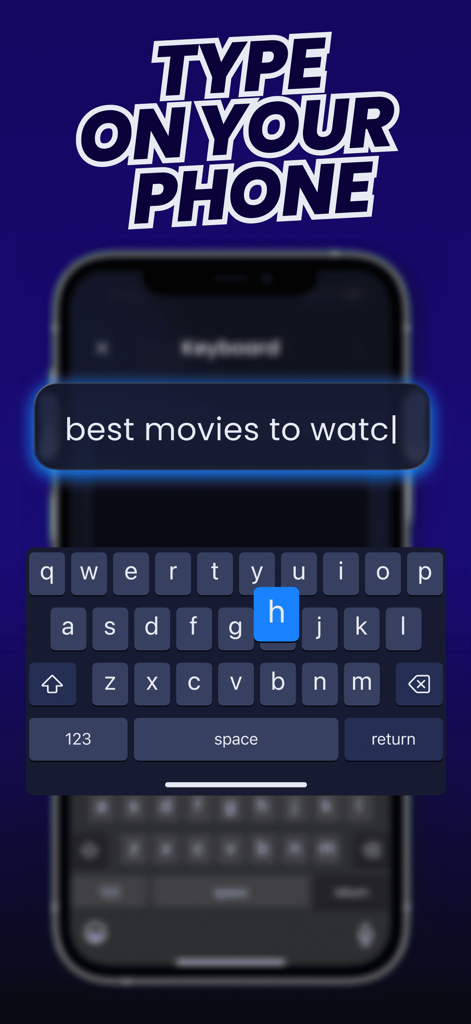
TV Remote Universal Control - Interface showing a mobile keyboard on an iPhone to type search queries for a Smart TV remote application
Interface showing a mobile keyboard on an iPhone to type search queries for a Smart TV remote application

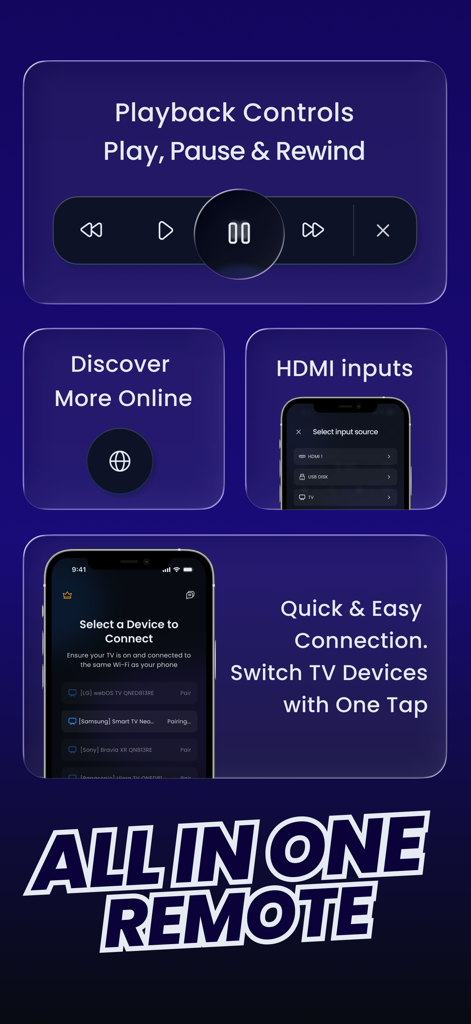
TV Remote Universal Control - Interface of the TV Remote Universal Control app showing playback buttons HDMI input selection and device pairing list
Interface of the TV Remote Universal Control app showing playback buttons HDMI input selection and device pairing list

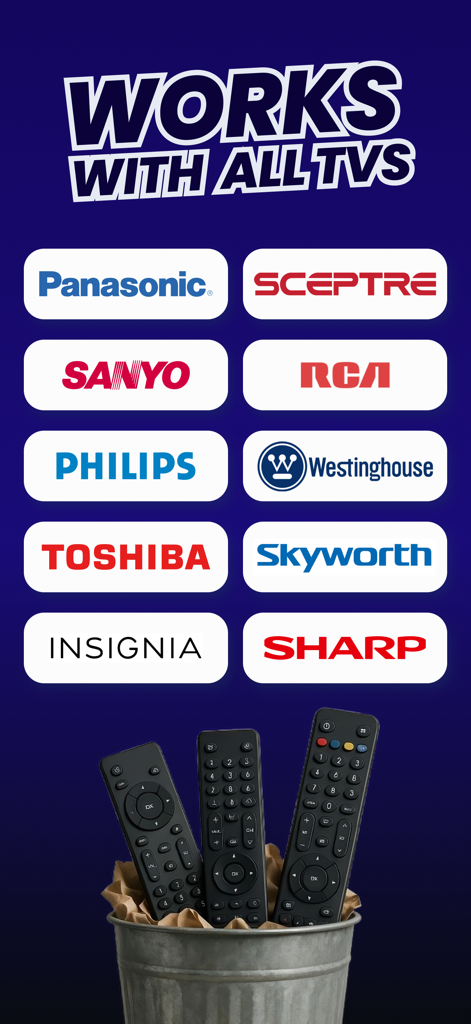
TV Remote Universal Control - A graphic showing TV brands like Panasonic and Philips supported by the app with physical remotes in a trash can.

A graphic showing TV brands like Panasonic and Philips supported by the app with physical remotes in a trash can.

Description

One remote for all your TVs - right on your iPhone. Forget about juggling remotes, changing batteries, or using outdated controls. Compatible with a wide range of Smart TVs and devices, including: • Samsung • FireTV (Amazon) • Android TV • Google TV • Roku TV & Devices • TCL (Roku TV / Google TV) • Hisense (Roku TV / Android TV) • Sony (Android TV / Google TV) • Xiaomi Mi TV (Android TV) • Onn. (Walmart brand, Roku / Android) • Panasonic • Philips (Android TV) • Toshiba (Fire TV / Android TV) • Insignia (Fire TV) • Sharp (Roku TV / Android TV) • Skyworth • Sceptre • Westinghouse • Sanyo • RCA • Any TV-connected Projector supporting network control • Other major Smart TV brands supporting standard local network control Effortlessly connect via Wi-Fi and enjoy seamless control of your Smart TV from anywhere in your home. KEY FEATURES: 1. Quick & Easy Setup – Instantly connect to your Smart TV over Wi-Fi. No complicated pairing — just open the app, and you’re ready to go. 2. Full Control Access – Adjust volume, change channels, open apps, and more with intuitive controls designed to make your TV experience smoother and more enjoyable. 3. Universal Compatibility – Works with most popular Smart TV brands, including Samsung, LG, Sony, and others. 4. Streaming Apps Access – Quickly open any app installed on your TV, such as Netflix, YouTube, Apple TV, Spotify, and more — all from your iPhone. 5. Touchpad Navigation – Control your TV smoothly with finger swipes, just like a laptop touchpad, for effortless navigation. 6. Mobile Keyboard – Type and search directly from your iPhone instead of struggling with your TV’s on-screen keyboard. 7. HDMI Inputs – Easily switch between connected devices without leaving the app. 8. Playback Controls – Pause, play, rewind, and fast-forward while watching movies or shows for ultimate convenience. 9. User-Friendly Interface – Navigate effortlessly with a clean, responsive interface designed for ease of use. 10. Stable & Reliable Connection – Enjoy a stable Wi-Fi connection that keeps your remote accessible and responsive whenever you need it. 11. Exclusive PRO Features – Unlock the full power of TV Remote Universal Control with PRO Access, offering all features and customization options to enhance your experience. DISCLAIMER: This application is not affiliated with nor endorsed by any aforementioned brand, and is not an official product of it or of its affiliates. Some minor buttons or functions may not respond on certain TV models due to specific limitations of those devices or their operating systems. However, ongoing development is focused on customizing remote layouts for each major TV series to improve compatibility and ensure full functionality in future updates. Available in-app purchases: • 1-week subscription • Free trial • 1-year subscription Payment will be charged to your Apple ID account at the time of purchase confirmation. Subscription renews automatically unless it is canceled at least 24 hours before the end of the current period. Your account will be charged for renewal within 24 hours prior to the end of the current period. You can manage and cancel your subscription by going to your account settings on the App Store after purchase. Download TV Remote Universal Control now and transform your TV-watching experience!

Download

This page is not an official page of the app or its developer, but an independent editorial publication created for informational and commentary purposes. Unless expressly stated otherwise, neither the app nor its developer is affiliated with, endorsed by, sponsored by, authorized by, or otherwise officially connected with MWM, Apple, Google Play, the app publisher, or the app's developer, and nothing on this page implies that the app was developed using MWM's services. Any trademarks, logos, screenshots, and other content remain the property of their respective owners.








