TwookuL - Split Screen Browser
Download on App Store

This page is not an official page of the app or its developer, but an independent editorial publication created for informational and commentary purposes. Unless expressly stated otherwise, neither the app nor its developer is affiliated with, endorsed by, sponsored by, authorized by, or otherwise officially connected with MWM, Apple, Google Play, the app publisher, or the app's developer, and nothing on this page implies that the app was developed using MWM's services. Any trademarks, logos, screenshots, and other content remain the property of their respective owners.


Logo of TwookuL - Split Screen Browser
Download on App Store

TwookuL - Split Screen Browser

Experience desktop-class multitasking on your iPhone. Browse two sites at once, take notes without switching apps, and master your workflow with effortless one-handed gestures.

Key Figures

Downloads

0

User Rating

4.3/5

Total Ratings

0

Publisher

kota endo

Category

Utilities

Locales

4

Latest Version

1.24.2

Size

19.5 MB

First Released

Aug 21, 2020
Features

Master Your Mobile Multitasking

Stop switching between apps. TwookuL transforms your iPhone into a productivity powerhouse, letting you browse, research, and note-take faster than ever before.

Double Your Productivity

Browse two websites simultaneously with a seamless split-screen view. No more toggling between tabs or losing your place while researching.

Built-in Research Notes

Capture ideas and save snippets instantly without leaving your browser. Perfect for students and power users who need to document on the go.

The following screenshots and description are sourced directly from the app's official store listing and are the property of the app developer.

App Store

Screenshots
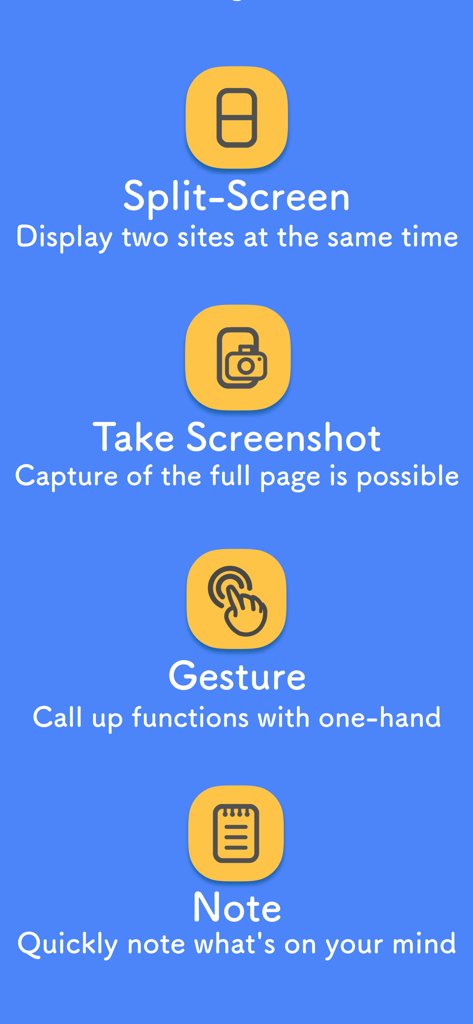
TwookuL - Split Screen Browser - A list of TwookuL browser features including split screen, screenshot capture, hand gestures, and note taking
A list of TwookuL browser features including split screen, screenshot capture, hand gestures, and note taking

TwookuL - Split Screen Browser - TwookuL split screen browser interface on an iPhone with social media icons
TwookuL split screen browser interface on an iPhone with social media icons

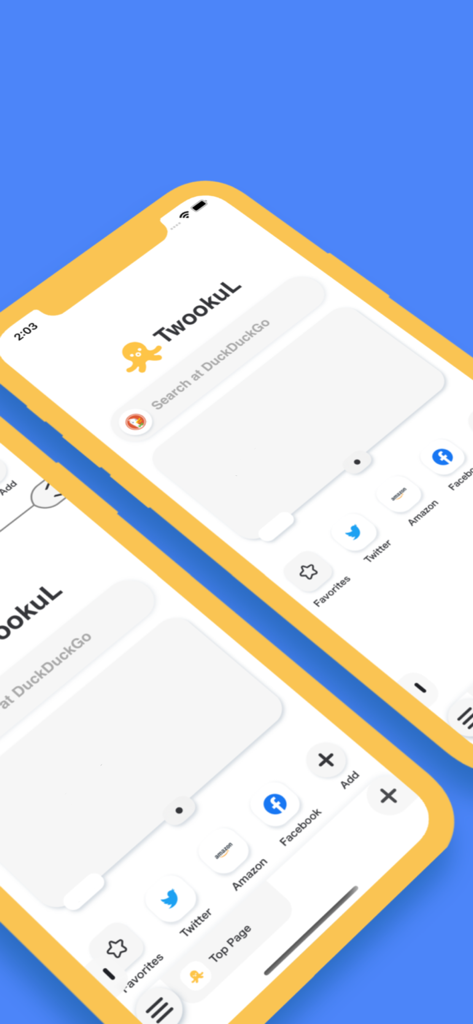
TwookuL - Split Screen Browser - Home screen of the TwookuL split screen browser app showing search and shortcuts
Home screen of the TwookuL split screen browser app showing search and shortcuts

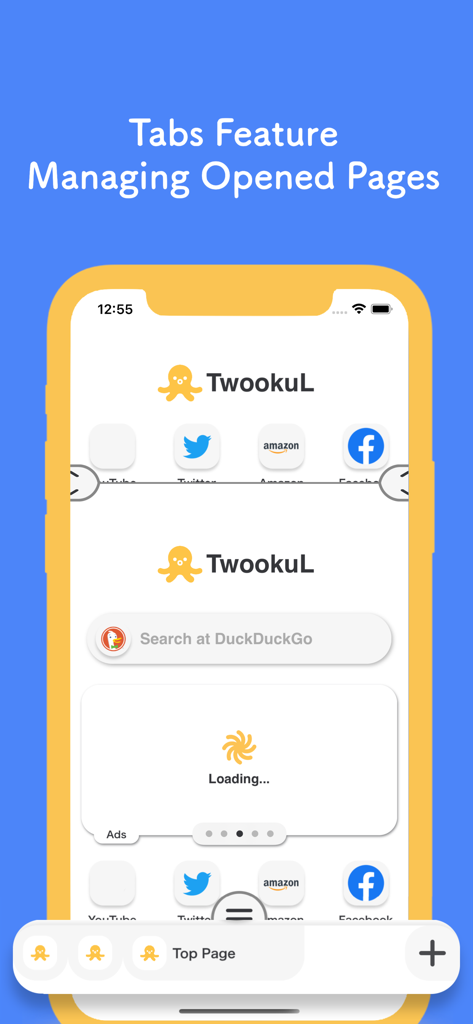
TwookuL - Split Screen Browser - TwookuL mobile browser interface showing split screen view and tab management features
TwookuL mobile browser interface showing split screen view and tab management features

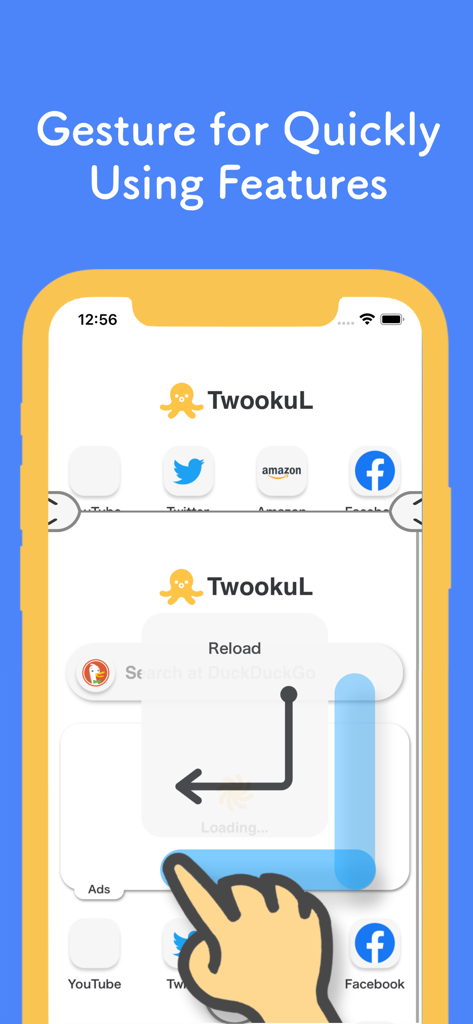
TwookuL - Split Screen Browser - A hand using a swipe gesture to reload a page in the TwookuL split screen browser app
A hand using a swipe gesture to reload a page in the TwookuL split screen browser app

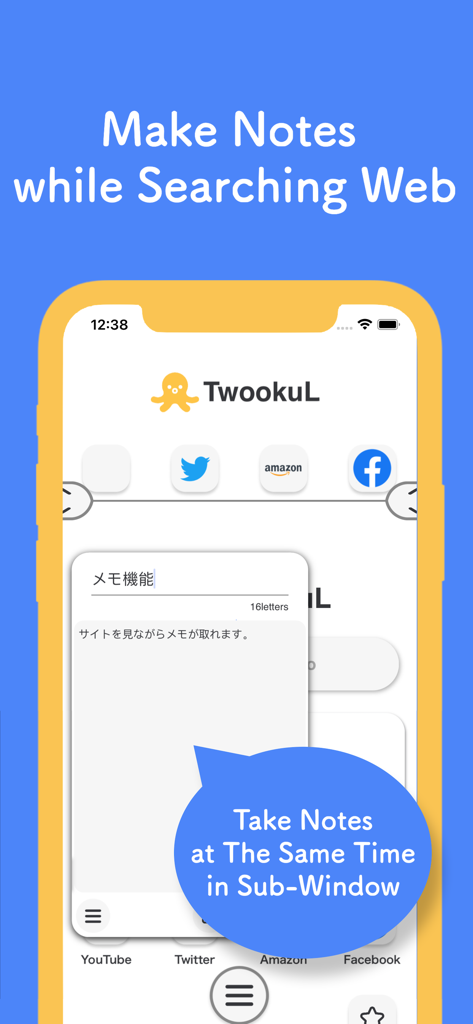
TwookuL - Split Screen Browser - Screenshot of TwookuL app demonstrating the ability to take notes in a sub-window while browsing the web.

Screenshot of TwookuL app demonstrating the ability to take notes in a sub-window while browsing the web.

Description

TwookuL is The Browser App can simultaneously display dual screen by horizontally splitting screen. By Using TwookuL, browsing web can improve more than ever. The App easily handle by the one hand, so smooth operation can be handle anytime. And, the all of features in TwookuL can be use for free. ○○○○○○○○○○○ Main Features ○○○○○○○○○○○ ・The Simple Design ・Change to Dual Screen or Single Screen ・Easily Operation by the Feature of Gesture ・Managing the Opened Multiple Tabs ・Quickly Search the Things by the Feature of Quick Search ・Take the Note without Open Note apps ・Customizable Theme Settings ・Directly Calling each Features from Widget(iOS14.0~) ○○○ The Simple Design ○○○ In order to make the app more convenient, I have tried to create the app as simple as possible to navigate each features. ○○○ Change to Dual Screen or Single Screen ○○○ TwookuL can be split into dual screen, and the upper screen can be displayed as a pop-up screen in the lower screen, it can also switch the single screen(only displayed lower screen). And can also exchange the both screens upper and lower. ○○○ Easily Operation by the Feature of Gesture ○○○ The Features can quickly be called by one hand anytime, previously set the each features in gesture. ○○○ Managing the Opened Multiple Tabs ○○○ It can keep several pages open on the lower screen, and manage each page as a tab. ○○○ Quickly Search the Things by the Feature of Quick Search ○○○ "I want to know the meaning of the words..." etc, when you want to search something on the internet, [Quick Search] can quickly do it without using tab. And, it can change the search engine. ○○○ Take the Note without Open Note apps ○○○ The sentence on displayed page can be taken the note without switching screen. In addition, the noted things can output to other Note apps. ○○○ Customizable Theme Settings ○○○ It can change the look and feel of TwookuL from the set of themes at once, or individually change the background color, button color etc. these colors can be changed on details, so please try to change the look and feel of TwookuL to your liking. ○○○ Directly Calling each Features from Widget(iOS14.0~) ○○○ When set the TwookuL's Widget on the home screen, TwookuL can directly use the part of feature, or show the pinned tab by one operation. In addition, it can customize the displayed items in the widget in the app. 【Other Features】 - Ads Block(Require iOS11~) - Bluelight Cut - Full Screenshot - Search in page - Rotation Lock - Hold Link to Open New Tab - Private Browsing - Request Desktop Site - Pinned tabs - Customize the Ratio of Dual Screens to Be Displayed - Swapoing the Display positions of Dual Screens === 【Notes】 You need to login to SNS and web services again in this application. Also, it is not possible to display other apps on the same screen, so we ask for your understanding and approval. The "Twitter" trademark and logo are trademarks or registered trademarks of Twitter, Inc. "YouTube", "Google" and all Google trademarks and logos are trademarks or registered trademarks of Google LLC in the United States and other countries.

Download

Download on App Store

This page is not an official page of the app or its developer, but an independent editorial publication created for informational and commentary purposes. Unless expressly stated otherwise, neither the app nor its developer is affiliated with, endorsed by, sponsored by, authorized by, or otherwise officially connected with MWM, Apple, Google Play, the app publisher, or the app's developer, and nothing on this page implies that the app was developed using MWM's services. Any trademarks, logos, screenshots, and other content remain the property of their respective owners.