
This page is not an official page of the app or its developer, but an independent editorial publication created for informational and commentary purposes. Unless expressly stated otherwise, neither the app nor its developer is affiliated with, endorsed by, sponsored by, authorized by, or otherwise officially connected with MWM, Apple, Google Play, the app publisher, or the app's developer, and nothing on this page implies that the app was developed using MWM's services. Any trademarks, logos, screenshots, and other content remain the property of their respective owners.


Unblur Clear Image·Enhancer AI
Transform blurry snapshots into influencer-grade photos and bring old family memories back to life with our advanced AI restoration studio.
Downloads
296K+User Rating
Total Ratings
2K+Publisher
Category
Photo & VideoLocales
16Latest Version
1.8.9Size
30.1 MBFirst Released
Jun 15, 2023Professional Clarity in a Single Tap
Harness the power of advanced AI to restore precious memories and elevate your daily content with studio-grade enhancement tools.
Crystal Clear Portraits
Refine facial details and sharpen features automatically to turn every selfie into an influencer-grade masterpiece.
Breathe Life into History
Instantly colorize black-and-white photos and repair aged images to see your family heritage in stunning high definition.
Frequently Asked Questions
Everything you need to know about Unblur Clear Image·Enhancer AI
What is Unblur AI?
Unblur AI is an AI-powered photo restoration application that transforms blurry images into HD clarity with a single tap. It functions as a comprehensive photo editor in your pocket.
How do I use Unblur AI to enhance a photo?
To use Unblur AI, select a photo, choose an enhancement type like basic, colorizer, crystal, or customizable, then tap to let AI enhance it. Finally, save or share the transformed photo.
Can Unblur AI enhance multiple photos at once?
Yes, Unblur AI features multi-photo editing, allowing users to process and enhance multiple photos simultaneously. This streamlines the photo editing process efficiently.
Does Unblur AI offer specific enhancements for facial photos?
Yes, Unblur AI provides a 'CRYSTAL ENHANCEMENT' feature specifically designed for facial photos. This enhances minute details, making faces clearer and more defined.
Can Unblur AI colorize black and white photos?
Yes, Unblur AI includes a 'COLORIZER' feature. This AI-powered tool breathes new life into old black-and-white photos by infusing color into memories.
Is Unblur AI a free application?
Yes, Unblur AI is free to download. It offers upgrade options for unlimited PRO features, which are available through subscriptions.
How do users manage their Unblur AI subscriptions?
Users manage their Unblur AI subscriptions and disable auto-renewal through their account settings. A support link is provided for further assistance.
Does Unblur AI collect personal information?
No, Unblur AI prioritizes user privacy and security. It never collects any personal information without explicit user permission.
Can Unblur AI fix blurry text in images?
Yes, Unblur AI can fix blurry text in images. Its AI enhancement capabilities extend to clarifying text, as demonstrated by clear before-and-after results.
What types of enhancement models are available in Unblur AI?
Unblur AI offers BASIC, COLORIZER, CRYSTAL, and PRO CUSTOMIZABLE enhancement models. These options allow users to choose the perfect blend of transformations for their images.
The following screenshots and description are sourced directly from the app's official store listing and are the property of the app developer.
App Store
Screenshots
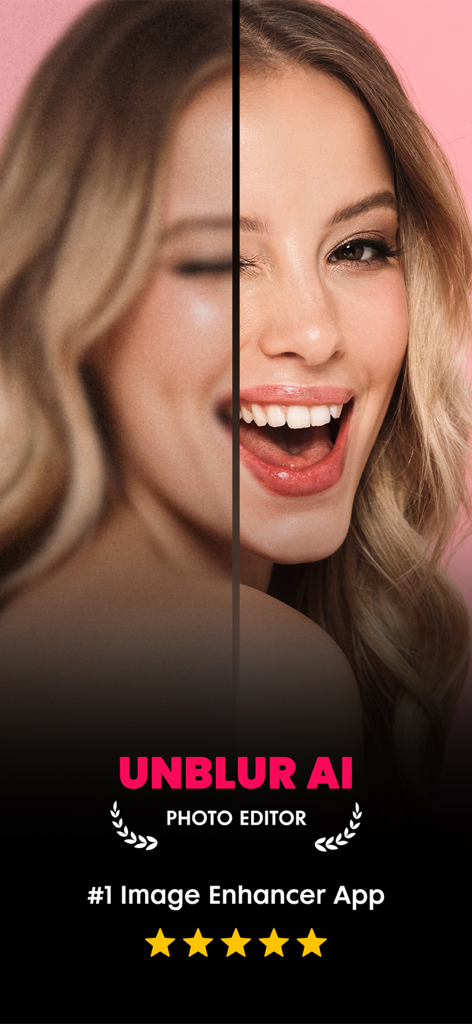
Before and after split screen showing a blurry portrait face sharpened with Unblur AI photo enhancer
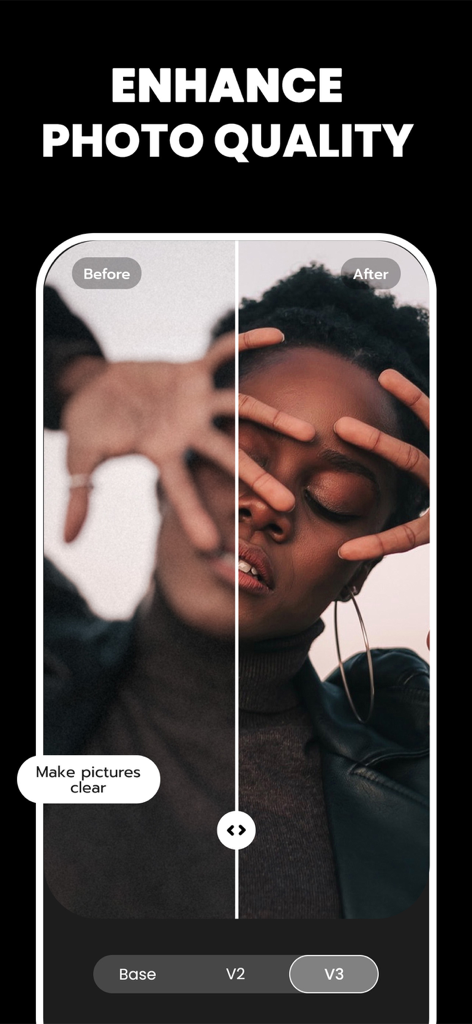
A before and after comparison showing a blurry portrait being sharpened and enhanced with Unblur AI.
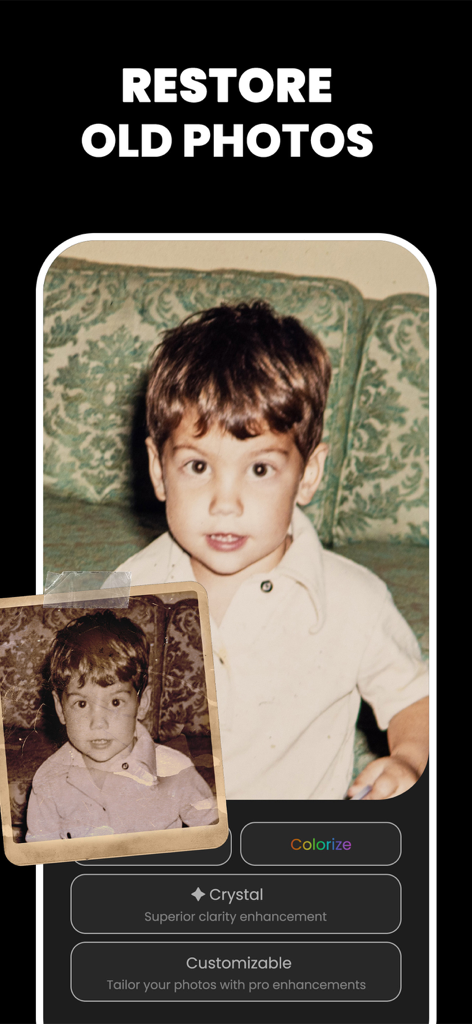
AI photo restoration feature showing a grainy old childhood picture being enhanced and colorized for better clarity
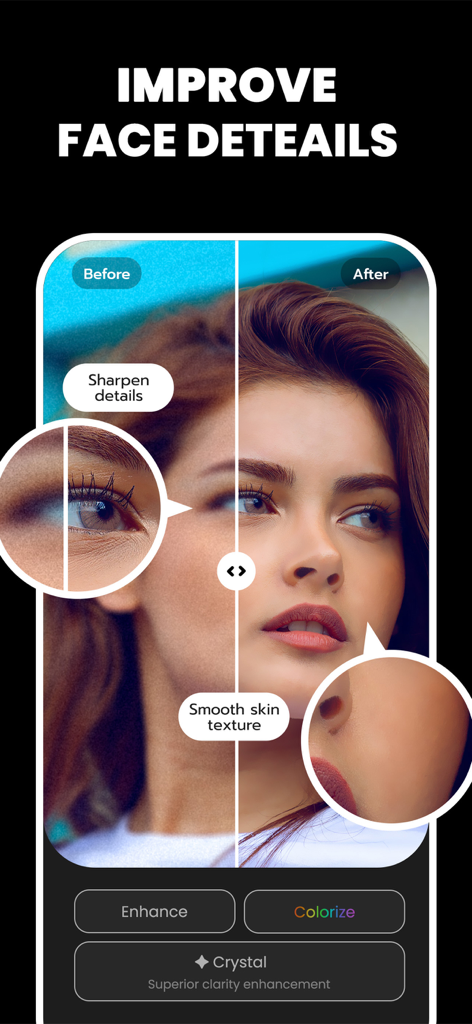
AI face detail enhancement showing before and after comparison with smooth skin and sharp features
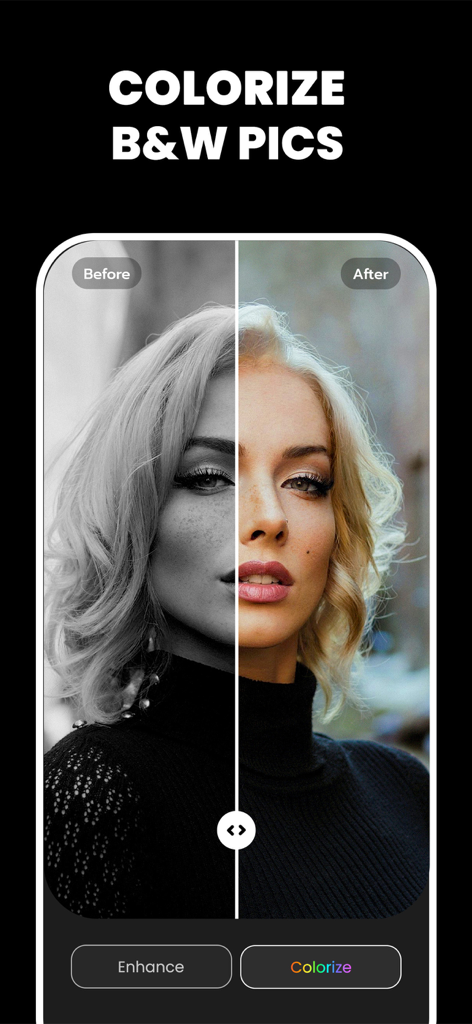
Before and after comparison of a black and white portrait colorized with Unblur AI
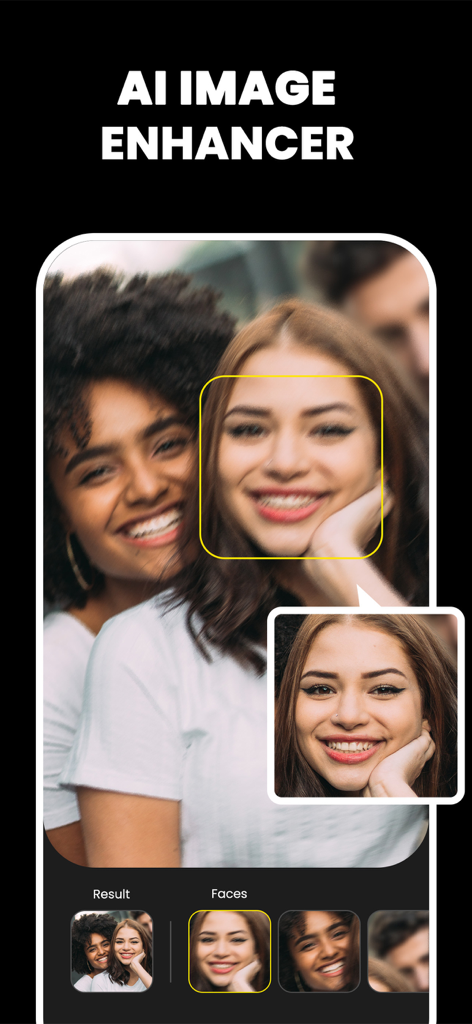
AI photo enhancer app screen showing face unblur and restoration features
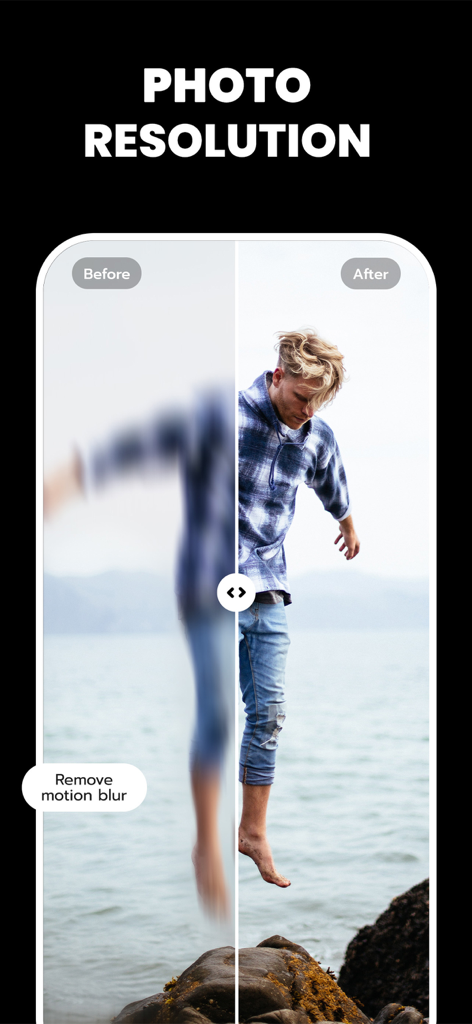
Before and after comparison showing AI removing motion blur to enhance photo resolution
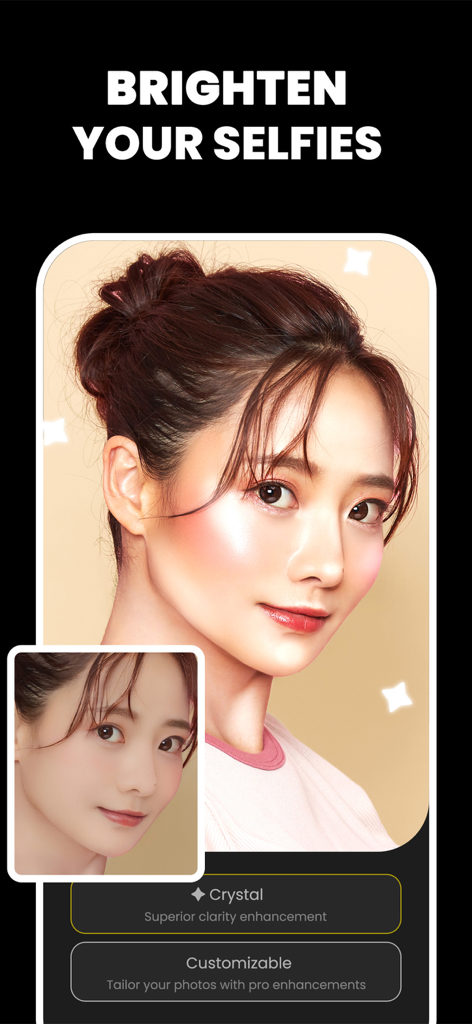
A before and after comparison of a selfie being brightened and sharpened using AI crystal enhancement
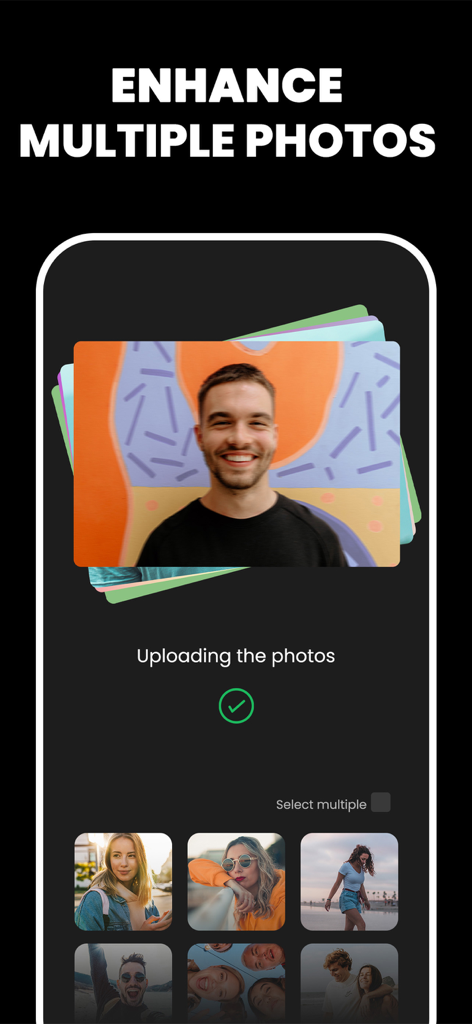
Interface showing the multi-photo enhancement feature with a stack of photos and a gallery selection for batch AI processing.
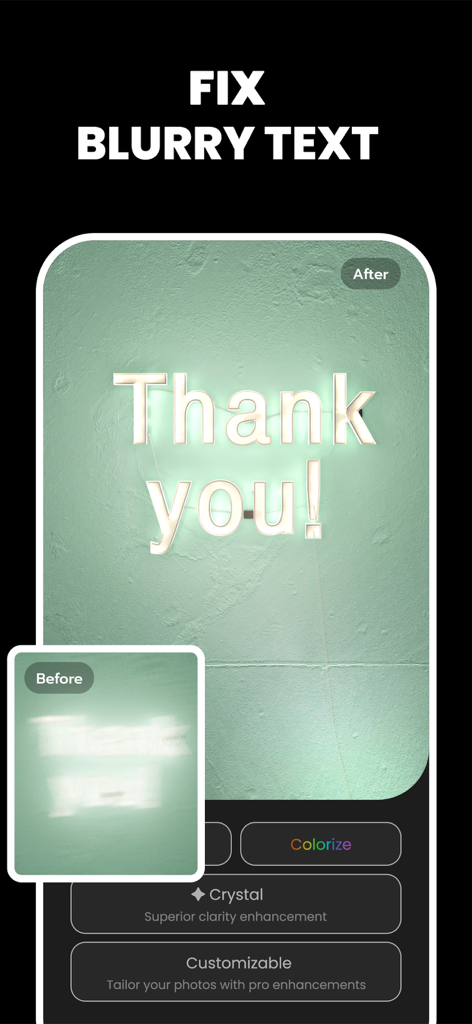
Before and after comparison of a blurry neon sign saying Thank You sharpened by AI image enhancer
Description
Download
More Like This
Apps with similar features and user experience

EPIK - AI Photo & Video Editor
SNOW Corporation

Citrus: AI 1 Tap Perfect Photo
Wemagine.ai LLP

SnapEdit: Photo Editor AI
SilverAI Joint Stock Company

Background Eraser 〜 Stickers
handyCloset Inc.

PhotoScan by Google Photos
Google LLC

Magic Eraser - Remove Object
Creatix Technology Global Limited

Magic Eraser Background Editor
Honk Honk Punch Pty Ltd

ProKnockOut-Cut Paste Photos
Shenzhen Qianhai Happy Tour Network Technology Co., Ltd.

Background Eraser - Remove BG*
SHANTANU PTE. LTD.
This page is not an official page of the app or its developer, but an independent editorial publication created for informational and commentary purposes. Unless expressly stated otherwise, neither the app nor its developer is affiliated with, endorsed by, sponsored by, authorized by, or otherwise officially connected with MWM, Apple, Google Play, the app publisher, or the app's developer, and nothing on this page implies that the app was developed using MWM's services. Any trademarks, logos, screenshots, and other content remain the property of their respective owners.