
UPDF - AI-Powered PDF Editor



Stop waiting to get to your desk. Experience desktop-class PDF editing, instant AI summarization, and secure document management designed specifically for your iPhone and iPad.
Publisher
Category
ProductivityDownloads
559K+User Rating
Total Ratings
3K+Locales
12Discover the interface used by 559K+ users.
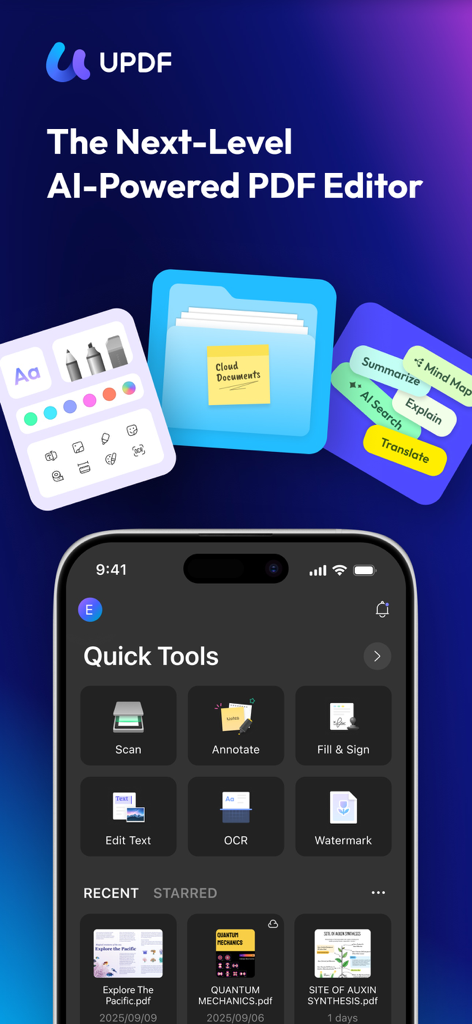
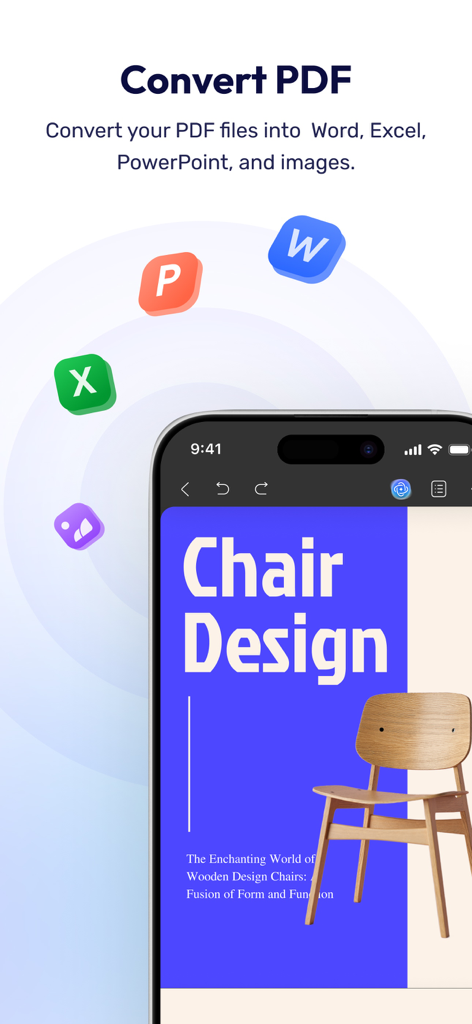
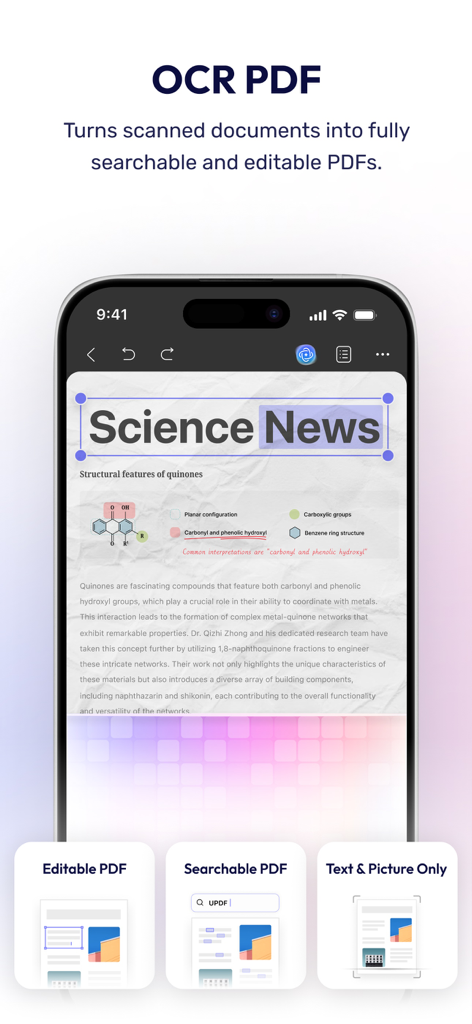
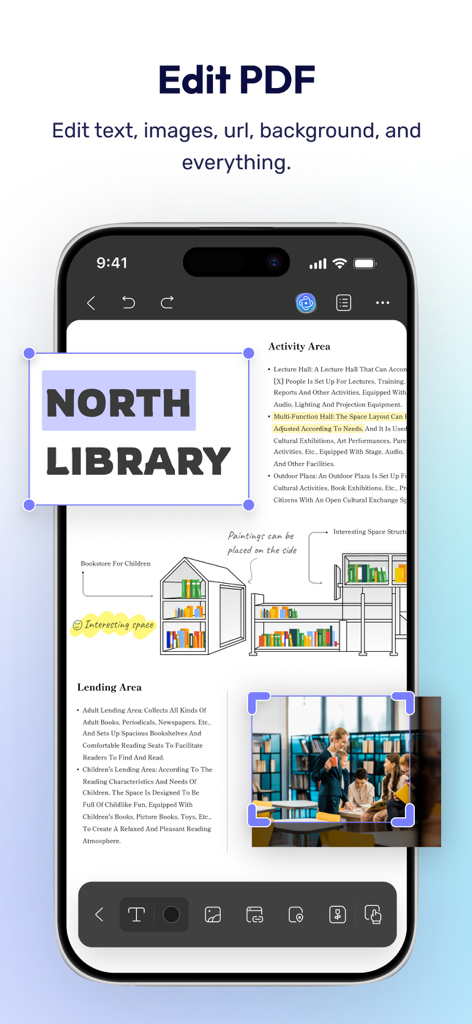
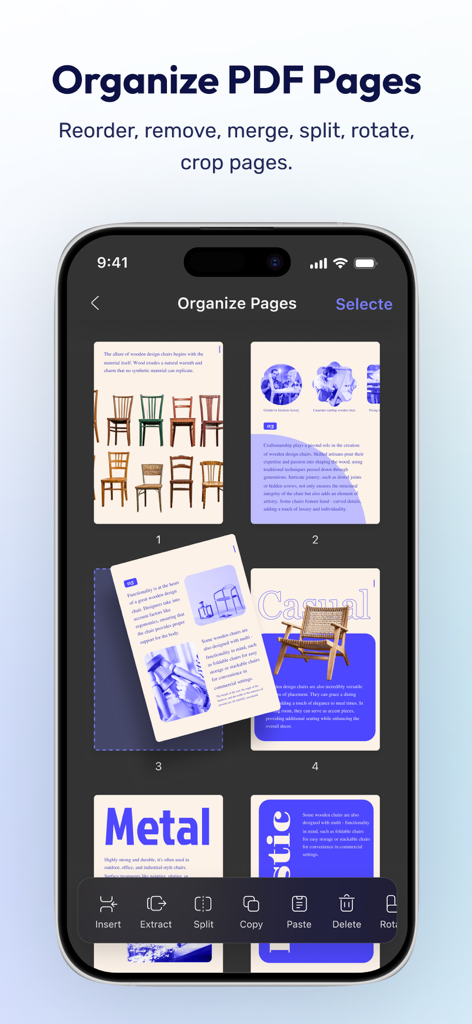
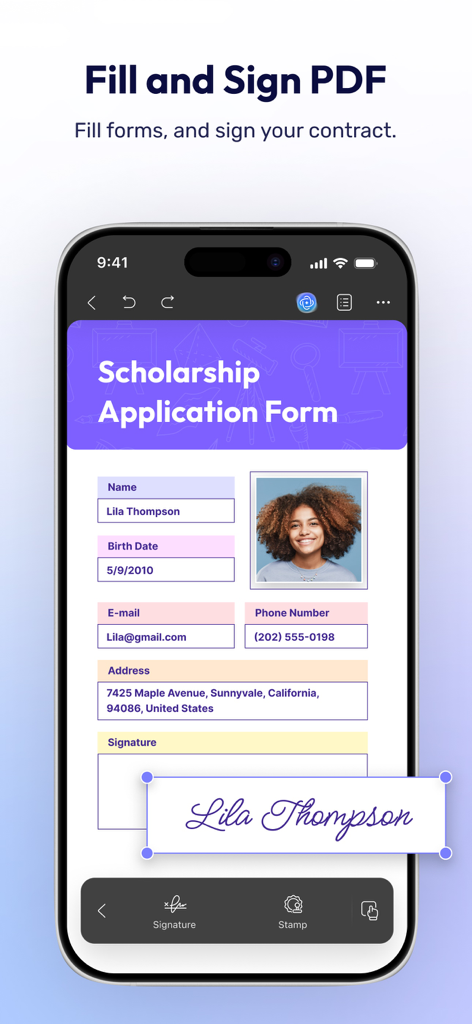
The tools that make this app stand out, trusted by 559K+ users.
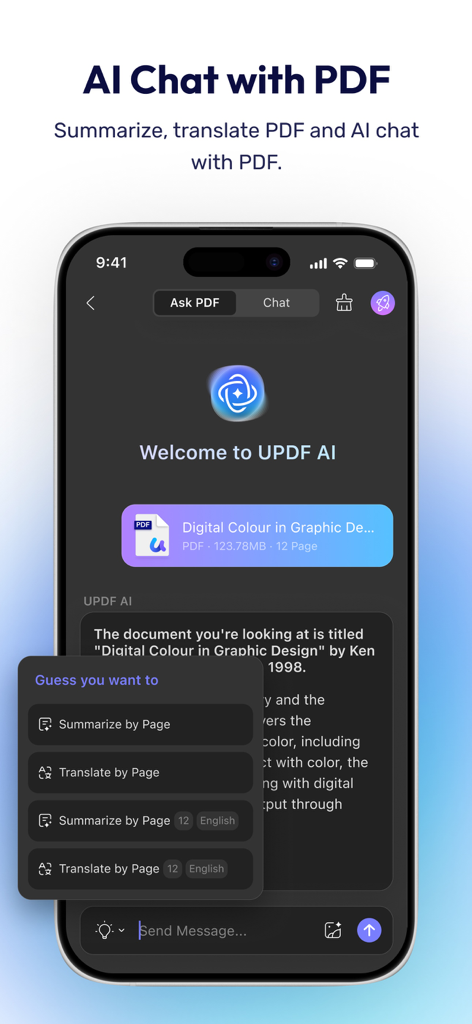
Stop skimming and start knowing. Instantly summarize, translate, and chat with complex PDFs to extract key information in seconds.
Break free from your desk. Edit text, images, and links directly within your PDF with the same precision as a professional computer suite.
Scan, sign, and organize with confidence. Protect your sensitive documents using Face ID and a dedicated private Security Space.
Everything you need to know about UPDF - AI-Powered PDF Editor.
Description
Latest Version
2.2.6
Size
182.9 MB
First Released
Dec 5, 2021
Join 550,000+ professionals and students who edit, sign, and summarize on the go. Experience the ultimate all-in-one PDF power for your iPhone and iPad today.
Everything you need to know about UPDF - AI-Powered PDF Editor
UPDF for iOS is an AI-integrated PDF editor app for iPhone and iPad. It supports extensive PDF functionalities including viewing, editing, annotating, organizing, and securing documents directly from your iOS device.
Yes, UPDF AI integrates summarization capabilities for lengthy PDFs. Users can summarize entire documents or specific pages, and also translate, explain, or rephrase content using the AI assistant.
UPDF for iOS allows users to edit text directly within PDFs, including changing color, font style, and font size. It also supports editing images, watermarks, and links within the document.
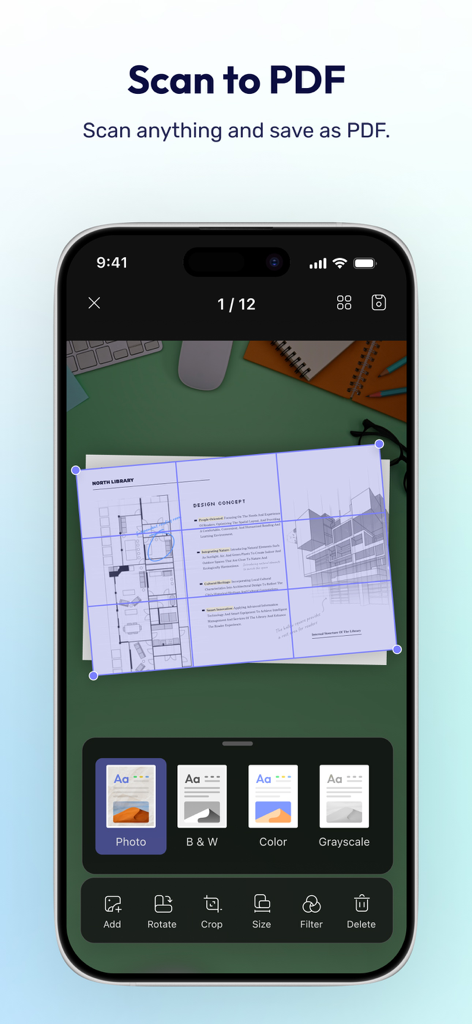
Yes, UPDF features OCR (Optical Character Recognition) technology. This function converts scanned documents into fully searchable and editable PDFs, allowing users to extract and copy text from them.
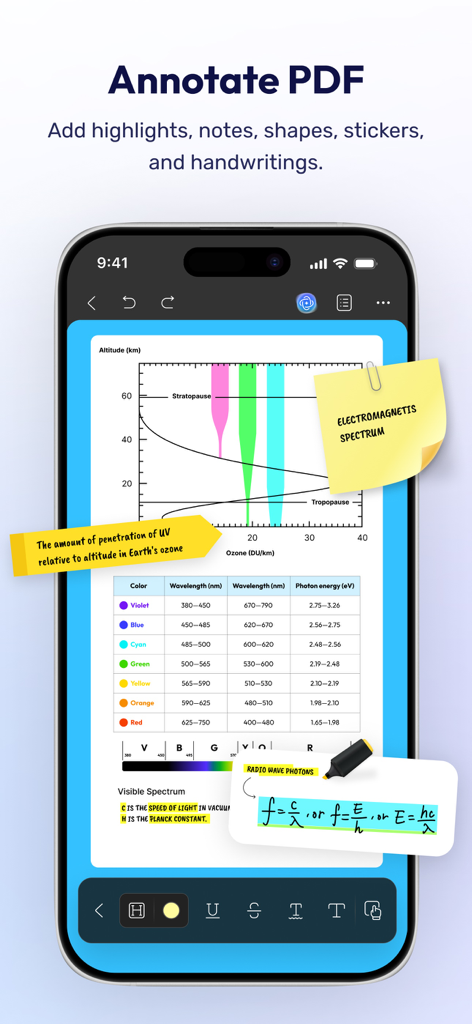
UPDF provides various annotation tools. Users can use pencils, highlighters, underlines, strikethroughs, text boxes, sticky notes, shapes, stamps, and stickers to mark up PDFs.
Yes, UPDF for iOS includes a dark reading mode as part of its flexible reading settings. This feature helps protect users' eyes and enhances the reading experience for PDFs.
UPDF allows users to scan physical documents to create PDFs. It supports scanning ID cards onto one page, with options to crop, rotate, and filter scanned images before saving.
Yes, UPDF for iOS enables users to protect PDF files with a password. This feature, along with digital signatures and watermarks, enhances the security of your PDF documents.
Free UPDF users receive 1 GB of Cloud Storage. Paid users are granted 10 GB of Cloud Storage at no additional cost, integrating seamlessly across all supported platforms.
Yes, UPDF for iOS allows users to fill out PDF forms and add signatures. It supports creating and adding image signatures, which can be saved to the cloud for convenient, cross-platform use.
Apps with similar features and user experience

Balzo srl

NEXT K.U.M. LTD

INTSIG Information Co., Ltd

Adobe Inc.

KINGSOFT OFFICE SOFTWARE CORPORATION LIMITED

ILOVEPDF S.L.

The Grizzly Labs

Microsoft Corporation

INDY MOBILE APP COMPANY LIMITED
App information, icons, screenshots, and descriptions displayed on this page are sourced from the Apple App Store and are the property of their respective developers. Download estimates and rankings are based on MWM's proprietary models and may not reflect actual figures. This page is provided for informational and analytical purposes only.
Believe this page infringes your intellectual property? File a dispute
