
This page is not an official page of the app or its developer, but an independent editorial publication created for informational and commentary purposes. Unless expressly stated otherwise, neither the app nor its developer is affiliated with, endorsed by, sponsored by, authorized by, or otherwise officially connected with MWM, Apple, Google Play, the app publisher, or the app's developer, and nothing on this page implies that the app was developed using MWM's services. Any trademarks, logos, screenshots, and other content remain the property of their respective owners.


Urmet CallMe
Transform your existing intercom into a smart home powerhouse. Answer calls, open driveway gates, and monitor CCTV directly from your smartphone—no renovation required.
Downloads
0User Rating
Total Ratings
0Publisher
Category
UtilitiesLocales
7Latest Version
4.5.1Size
98.2 MBFirst Released
Nov 18, 2016Smart Access Management at Your Fingertips
Bridge the gap between your home and your smartphone. Urmet CallMe turns your existing intercom into a high-tech security hub for a modern, mobile lifestyle.
Remote Gate & Door Control
Grant access to your driveway gate or front door from anywhere. Perfect for receiving packages or letting in guests while you are away or at the office.
Instant Video Communication
Identify visitors in real-time with crystal-clear video calls. See who is at your entrance and communicate instantly to ensure your home stays secure.
The following screenshots and description are sourced directly from the app's official store listing and are the property of the app developer.
App Store
Screenshots
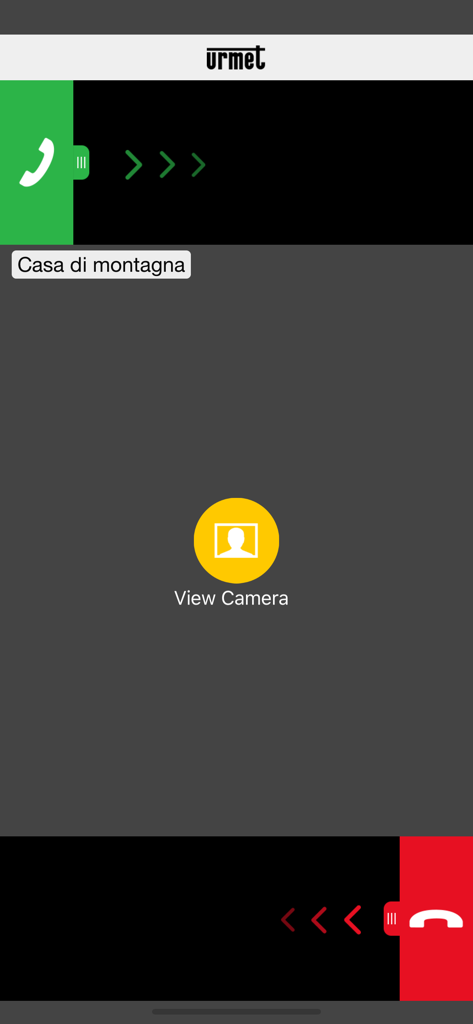
Urmet CallMe app screen showing an incoming intercom call for a mountain house with a view camera option
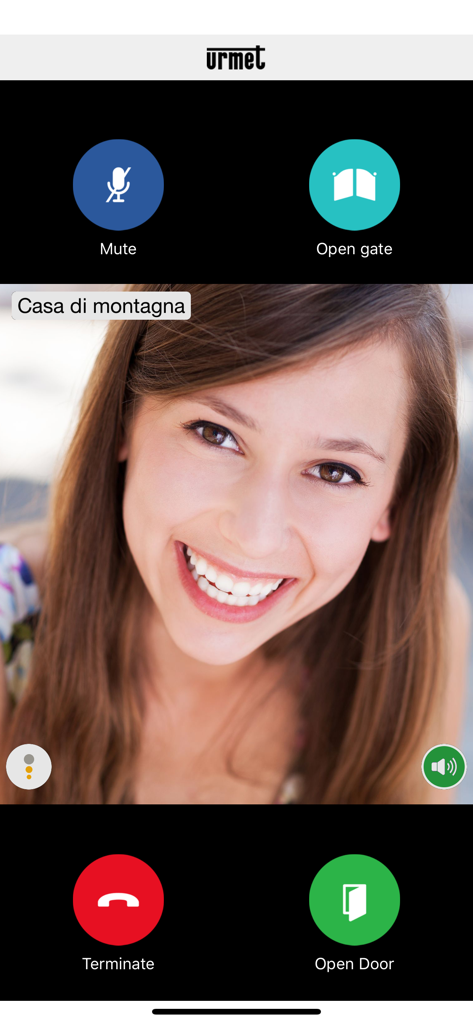
Urmet CallMe app interface showing a video intercom call with remote door and gate control buttons
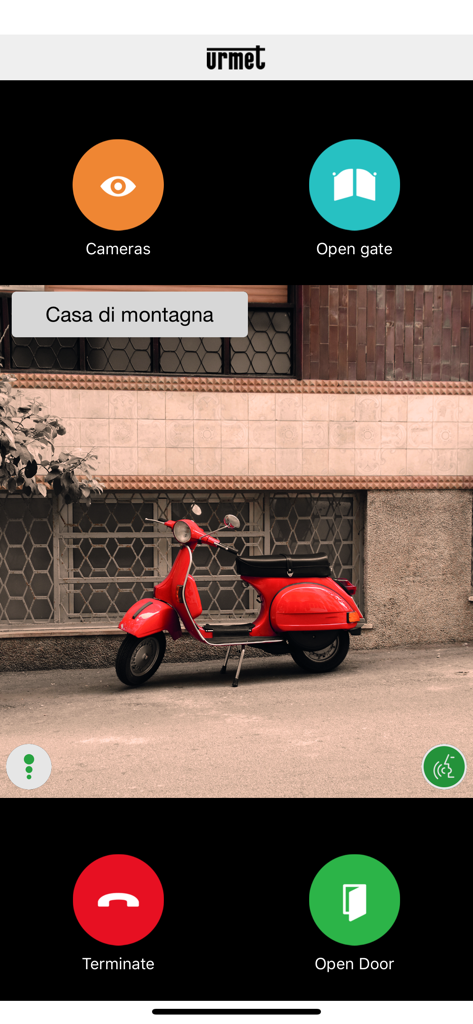
Urmet CallMe app screen showing a live video feed with gate and door controls
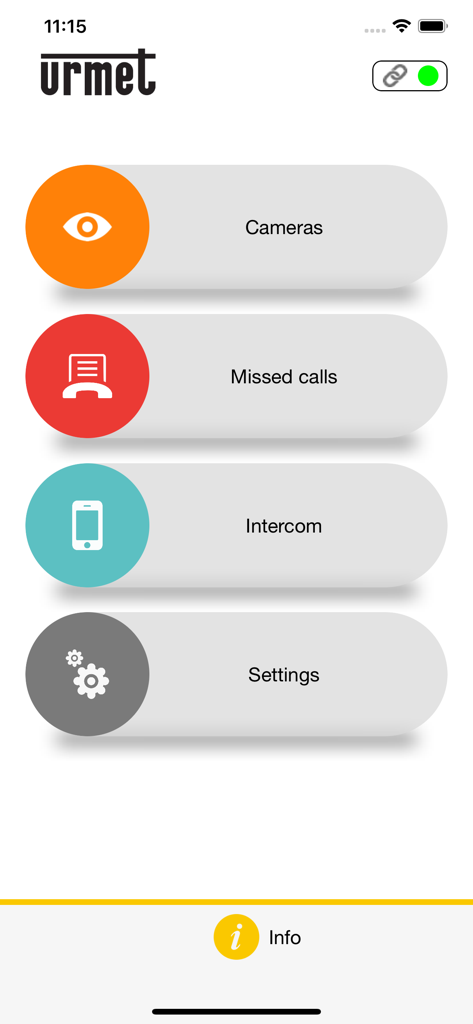
Main menu of the Urmet CallMe app showing options for cameras missed calls intercom and settings
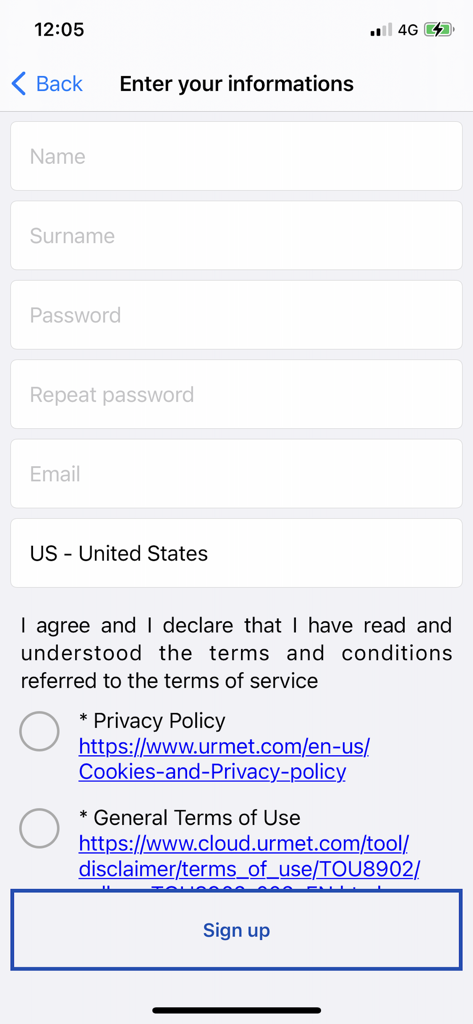
Registration screen for the Urmet CallMe mobile app showing user information fields and sign up button
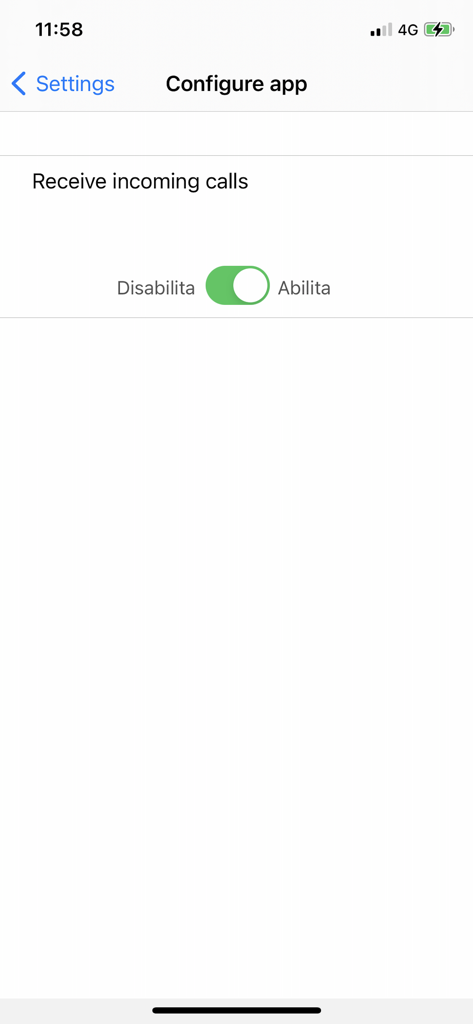
A configuration screen in the Urmet CallMe app showing a toggle switch to enable or disable incoming door calls
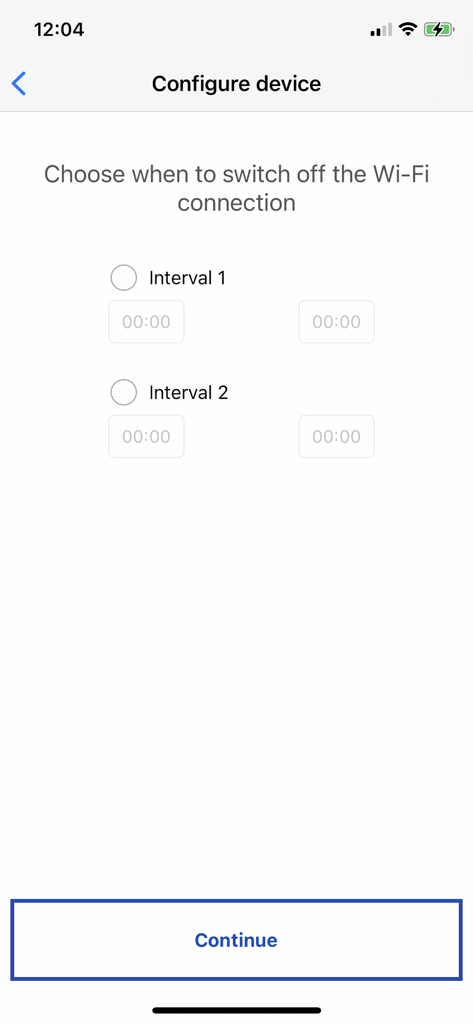
Urmet CallMe app screen to configure Wi-Fi connection off intervals
Description
Download
More Like This
Top-ranked apps in the same category

Google LLC

Google Chrome
Google LLC

中国移动(手机营业厅)
China Mobile Online Services Co., Ltd.

Google Authenticator
Google LLC

Cleanup: Phone Storage Cleaner
DEEP FLOW SOFTWARE SERVICES - FZCO

gov.br
Servicos e Informacoes do Brasil

CNH do Brasil
Servicos e Informacoes do Brasil

Super VPN Fly 2026
YUNFAN TECHNOLOGY CO., LIMITED

Microsoft Edge: AI Browser
Microsoft Corporation
This page is not an official page of the app or its developer, but an independent editorial publication created for informational and commentary purposes. Unless expressly stated otherwise, neither the app nor its developer is affiliated with, endorsed by, sponsored by, authorized by, or otherwise officially connected with MWM, Apple, Google Play, the app publisher, or the app's developer, and nothing on this page implies that the app was developed using MWM's services. Any trademarks, logos, screenshots, and other content remain the property of their respective owners.