
This page is not an official page of the app or its developer, but an independent editorial publication created for informational and commentary purposes. Unless expressly stated otherwise, neither the app nor its developer is affiliated with, endorsed by, sponsored by, authorized by, or otherwise officially connected with MWM, Apple, Google Play, the app publisher, or the app's developer, and nothing on this page implies that the app was developed using MWM's services. Any trademarks, logos, screenshots, and other content remain the property of their respective owners.


VectorView - Art Organizer
Bridge the gap between CorelDRAW and your Apple devices. Open, export, and manage .cdr files instantly on your iPhone or iPad—no Windows PC required.
Downloads
36K+User Rating
Total Ratings
0Publisher
Category
Photo & VideoLocales
1Latest Version
1.4Size
65.2 MBFirst Released
Jul 1, 2016Seamless CorelDRAW Access Anywhere
VectorView bridges the gap between your legacy CDR files and your mobile workflow, giving you the freedom to view and manage designs without a Windows PC.
Instant CDR Viewing
Open CorelDRAW files directly from AirDrop, Mail, or WhatsApp. Review high-resolution vectors instantly on your iPhone or iPad.
Export & Share Assets
Convert your designs to standard formats to save in your Photo Gallery or share with clients through your favorite communication apps.
The following screenshots and description are sourced directly from the app's official store listing and are the property of the app developer.
App Store
Screenshots
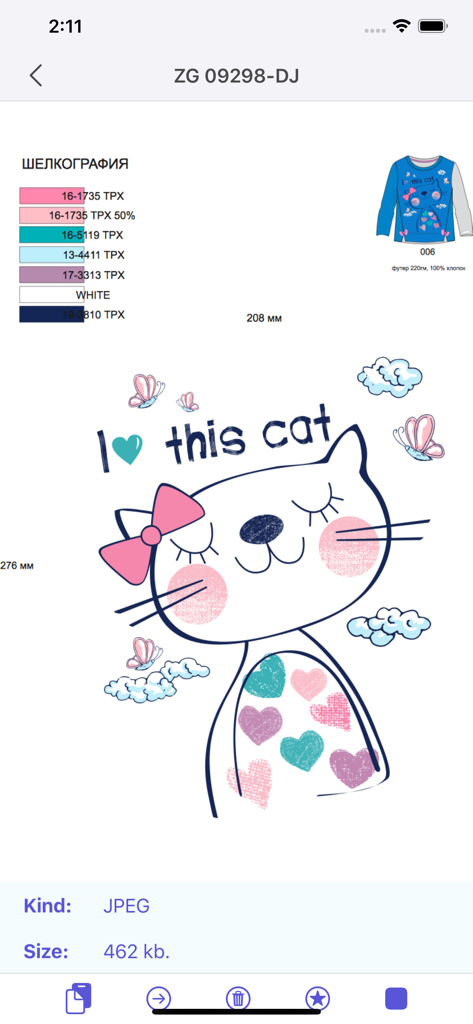
VectorView app interface displaying a cat illustration design and file specifications.
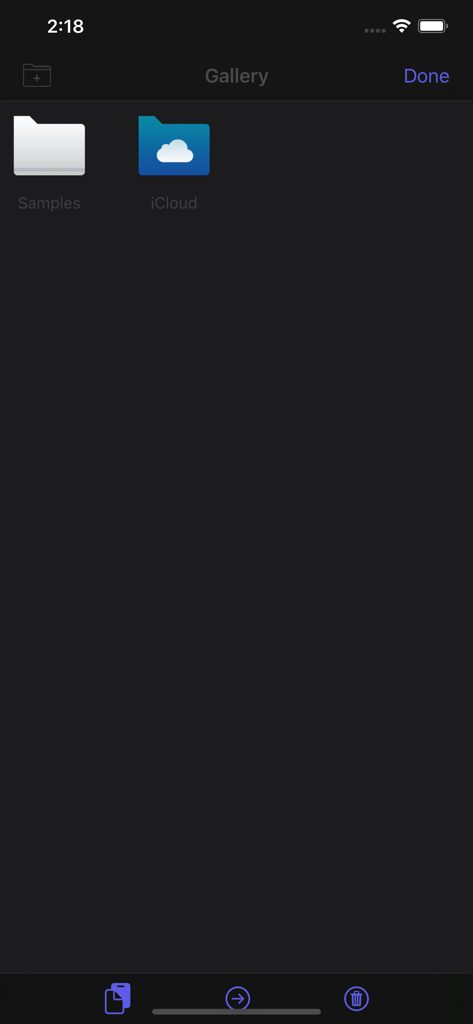
VectorView gallery interface showing Samples and iCloud folders for file organization
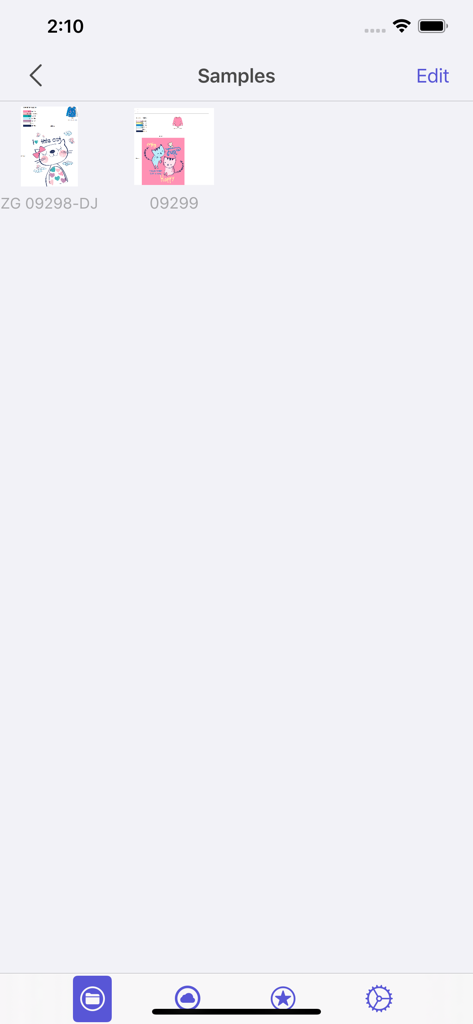
Sample gallery of CorelDRAW files in the VectorView app interface
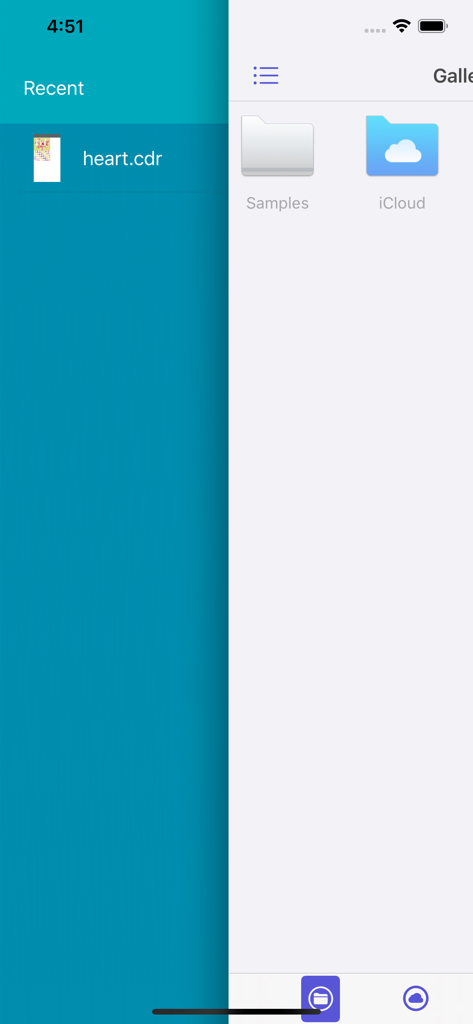
VectorView app interface showing recent CDR files and gallery folders for Samples and iCloud
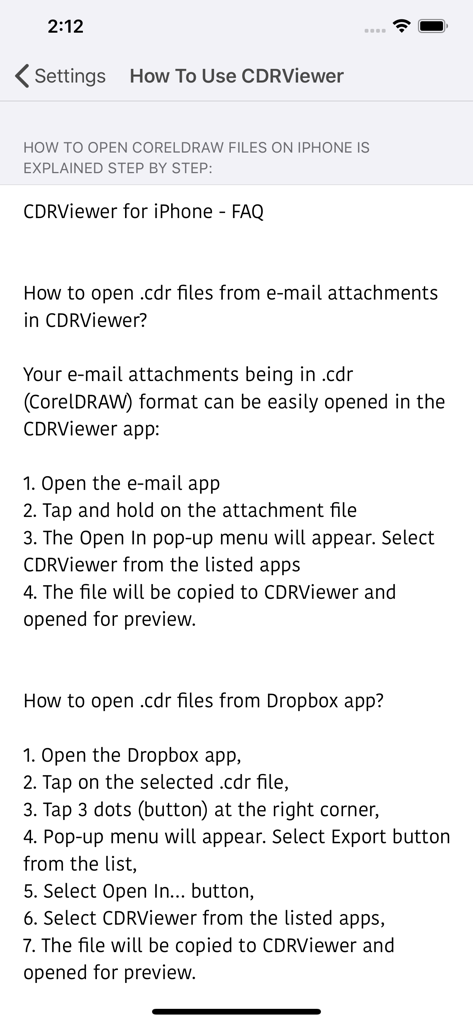
Step by step guide on how to open CorelDRAW files from email and Dropbox in VectorView
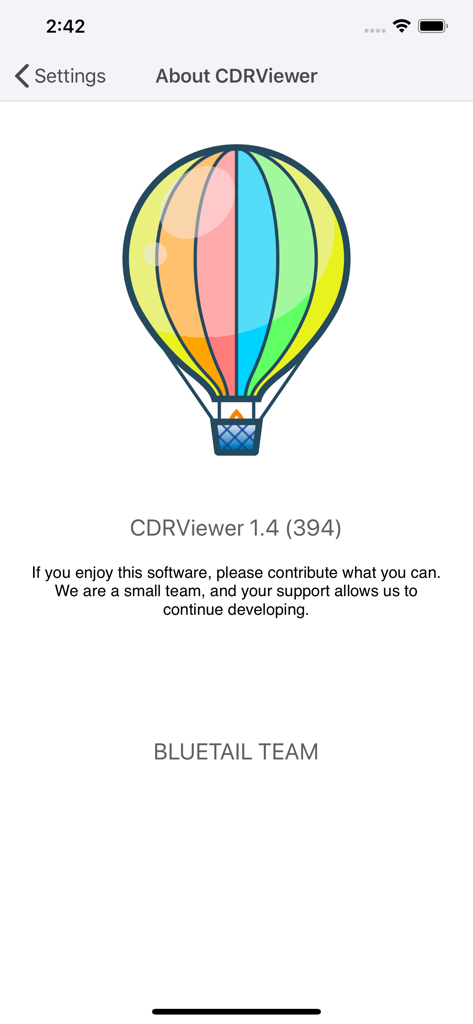
About screen for VectorView app featuring a colorful hot air balloon logo and version information
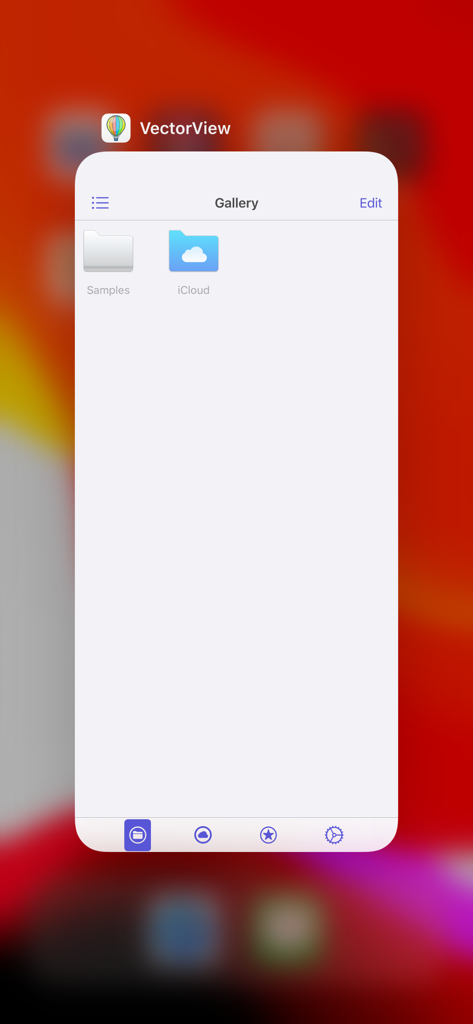
VectorView app gallery screen showing sample and iCloud folders for CorelDRAW file management
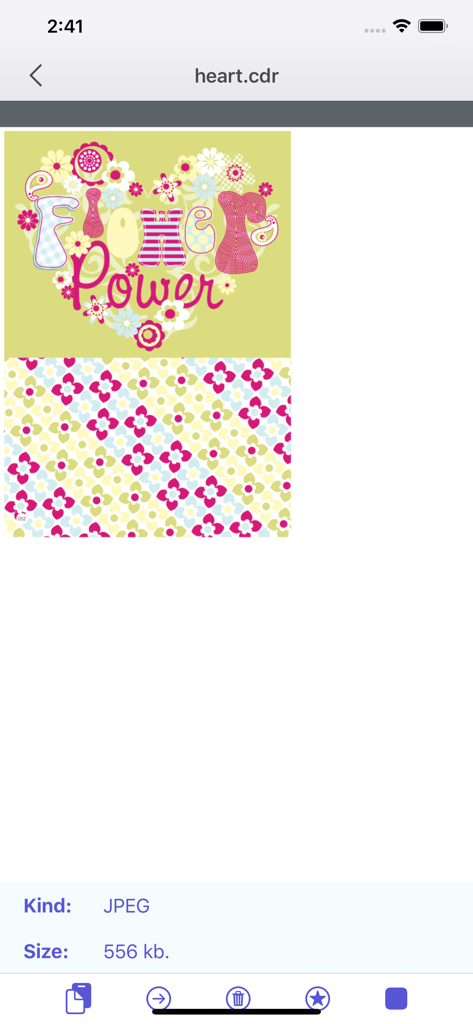
Interface of the VectorView app showing a colorful floral graphic opened from a CorelDRAW file
Description
Download
More Like This
Top-ranked apps in the same category

CapCut: Photo & Video Editor
BYTEDANCE PTE. LTD.

Instagram, Inc.

YouTube
Google LLC

Canva: AI Photo & Video Editor
Canva Pty Ltd

Snapchat
Snap, Inc.

快手
Beijing Kwai Technology Co., Ltd.

Edits: Video Editor
Instagram, Inc.

Meitu- AI Photo & Video Editor
Xiamen Meitu Technology Co., Ltd.

Google Photos: Backup & Edit
Google LLC
This page is not an official page of the app or its developer, but an independent editorial publication created for informational and commentary purposes. Unless expressly stated otherwise, neither the app nor its developer is affiliated with, endorsed by, sponsored by, authorized by, or otherwise officially connected with MWM, Apple, Google Play, the app publisher, or the app's developer, and nothing on this page implies that the app was developed using MWM's services. Any trademarks, logos, screenshots, and other content remain the property of their respective owners.