
Verizon Home

Effortlessly manage your Fios, 5G, or LTE Home network from one intuitive dashboard. Optimize your Wi-Fi, protect your family with parental controls, and troubleshoot instantly—no technical degree required.
Publisher
Category
UtilitiesDownloads
795K+User Rating
Total Ratings
11K+Locales
1Discover the interface used by 795K+ users.
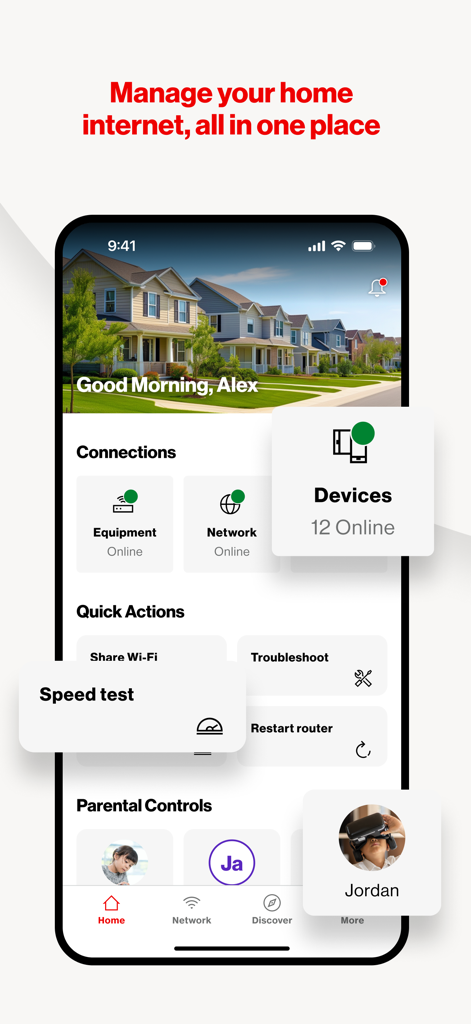
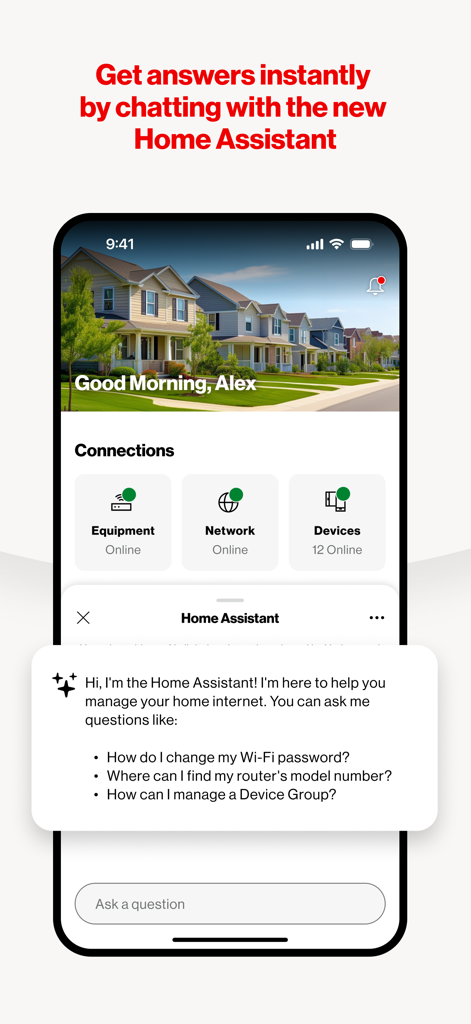
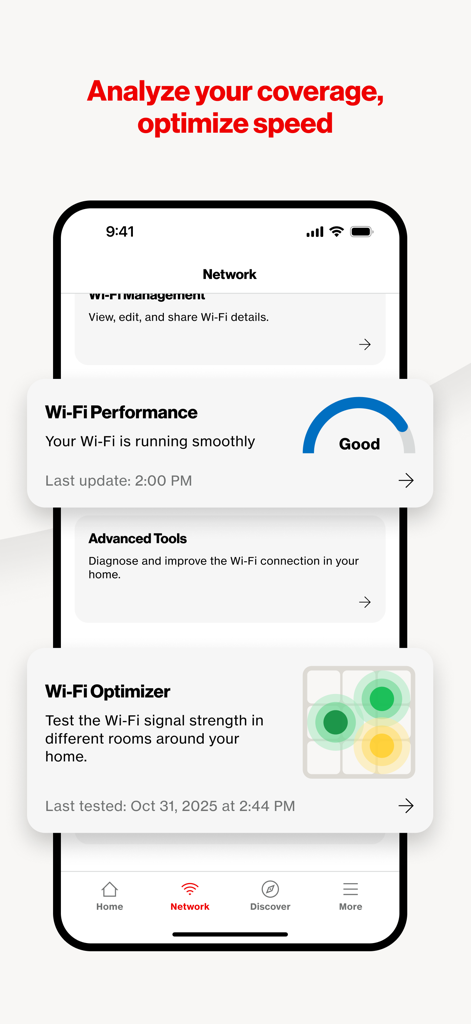
The tools that make this app stand out, trusted by 795K+ users.
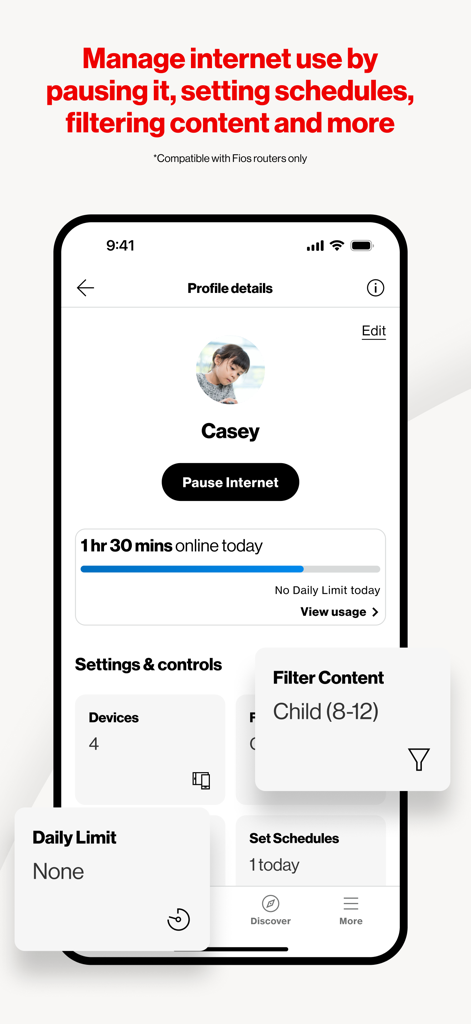
Take charge of screen time by instantly pausing internet access or scheduling downtime to keep your family's digital habits healthy.
Skip the support call. Use guided diagnostic tools to fix network issues yourself and stay connected when it matters most.
Easily share guest Wi-Fi, monitor all connected devices, and isolate IoT hardware to keep your primary home network fast and safe.
Everything you need to know about Verizon Home.
Description
Latest Version
2.1.0
Size
258.2 MB
First Released
Aug 21, 2024
Join over 795,000 Verizon customers optimizing their Fios, 5G, or LTE connections. Download now to manage your devices, secure your Wi-Fi, and master your digital household with ease.
Everything you need to know about Verizon Home
The Verizon Home app manages and optimizes your Fios, 5G Home, or LTE Home network. It controls Verizon equipment and connected devices for a seamless and secure internet experience.
The Verizon Home app is compatible with Verizon's Fios Home Internet, 5G Home Internet, or LTE Home Internet services. Users must be active subscribers to utilize the app.
Yes, the Verizon Home app allows you to view details of all devices connected to your network. This feature is part of its comprehensive network management capabilities.
The Verizon Home app allows you to view and change your network name (SSID), password, and encryption type directly from the app's network management settings.
Yes, the Verizon Home app includes parental controls. You can group devices, pause internet access, or schedule specific access times for multiple devices.
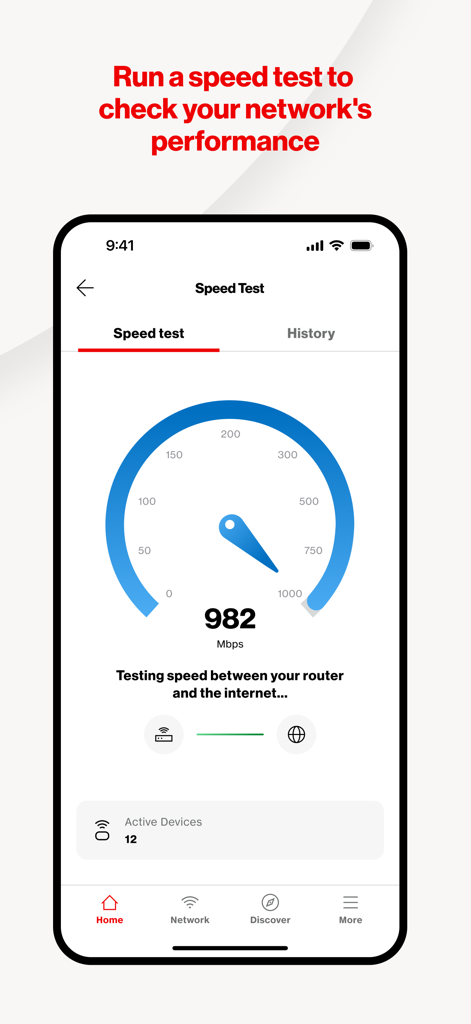
Yes, the Verizon Home app allows you to run speed tests and view your speed test history. This feature helps you monitor your network's performance directly within the application.
The Verizon Home app offers guided troubleshooting flows to diagnose and resolve network issues step-by-step. It also provides a Home Assistant chatbot for immediate support.
Yes, the Verizon Home app provides router management functions, including the ability to restart your router directly from the application's quick actions menu.
Yes, the Verizon Home app includes a Wi-Fi Sharing feature. This allows users to easily share their Wi-Fi credentials with guests or other household members.
The Verizon Home app provides advanced network settings. Users can enable or disable features like SON (Self-Organizing Network) and 6 GHz for applicable routers.
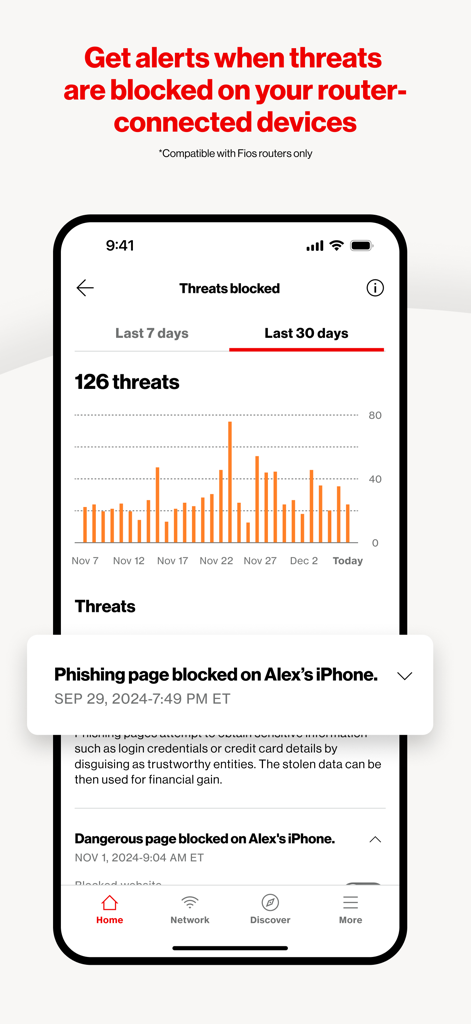
Yes, the Verizon Home app provides alerts for blocked threats like phishing pages and dangerous sites on your router-connected devices. This feature is compatible with Fios routers only.
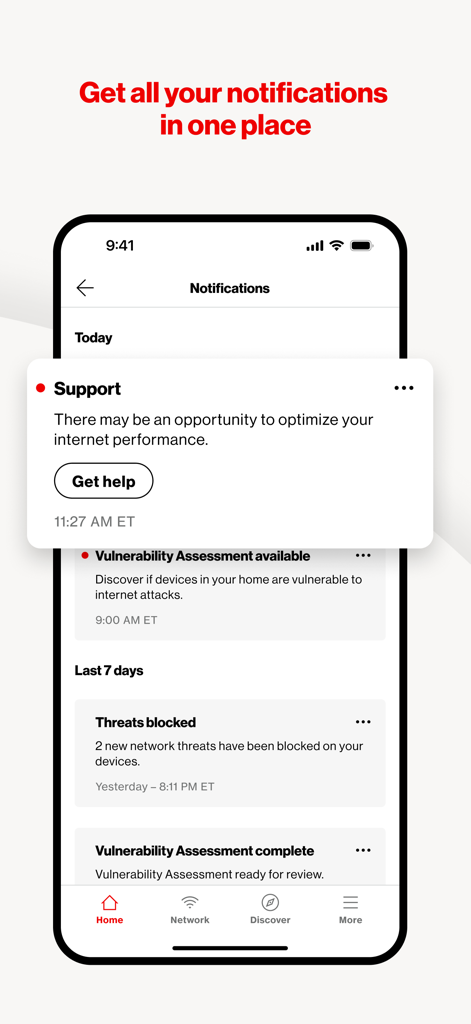
You can contact Verizon support directly through the Home app via a chatbot or phone for assistance. The app also allows reporting issues and providing feedback.
Apps with similar features and user experience

TP-Link Systems Inc.

AT&T Services, Inc.

TP-Link Systems Inc.

eero LLC

MERCUSYS Technologies Co., Ltd.

TP-Link Systems Inc.

eero LLC

NETGEAR, Inc.

Ubiquiti Inc.
App information, icons, screenshots, and descriptions displayed on this page are sourced from the Apple App Store and are the property of their respective developers. Download estimates and rankings are based on MWM's proprietary models and may not reflect actual figures. This page is provided for informational and analytical purposes only.
Believe this page infringes your intellectual property? File a dispute