Video Audio Converter

Video Audio Converter

Download on App Store
Logo of Video Audio Converter

Video Audio Converter: Your All-in-One Offline Media Powerhouse

Transform, extract, and play any video or audio file directly on your iPhone. Whether you're a creator editing for social media or a commuter needing offline entertainment, enjoy seamless format conversion and cloud integration without needing an internet connection.

Download on App Store

Publisher

Apps Places

Category

Utilities

Downloads

0

User Rating

4.4/5

Total Ratings

0

Locales

1

A Look Inside the Workflow

Discover the interface used by 0 users.

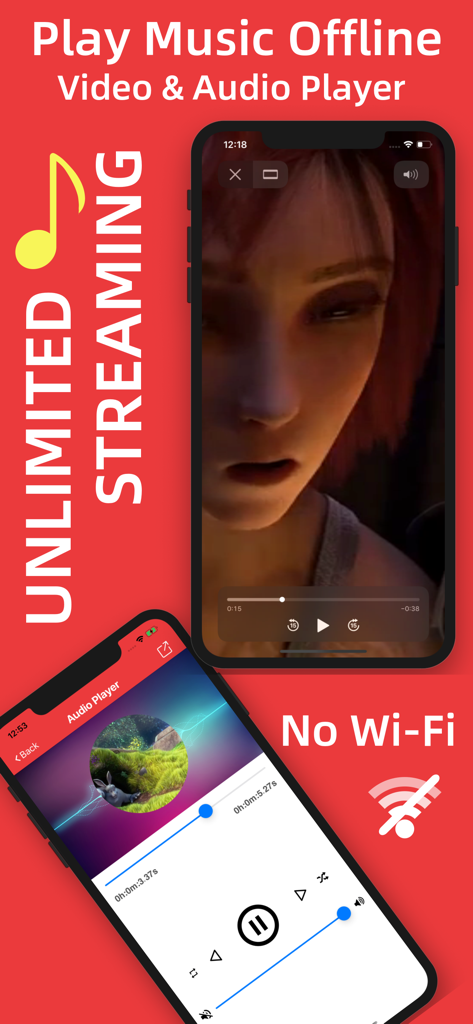
Interface of the Video Audio Converter app showing offline video and music player features with no Wi-Fi icon
Interface of the Video Audio Converter app showing offline video and music player features with no Wi-Fi icon

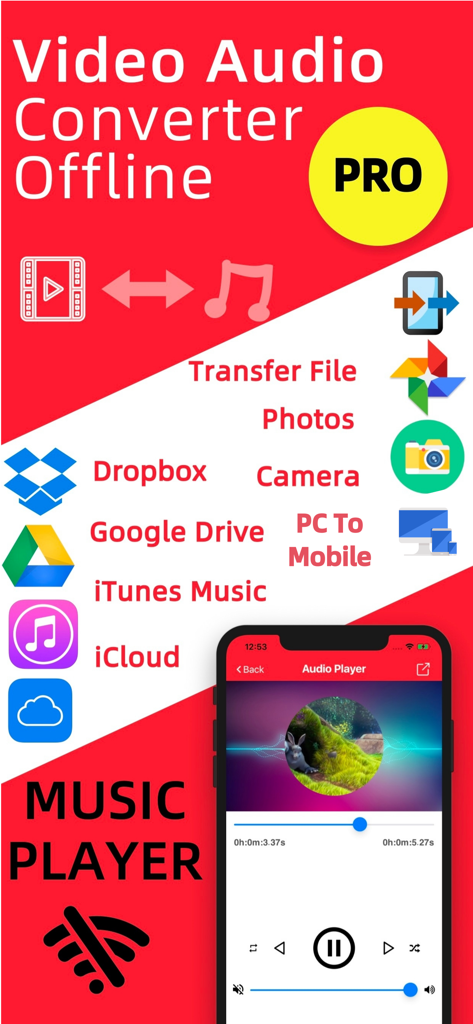
Video Audio Converter Offline PRO app interface showing cloud storage integrations and music player feature
Video Audio Converter Offline PRO app interface showing cloud storage integrations and music player feature

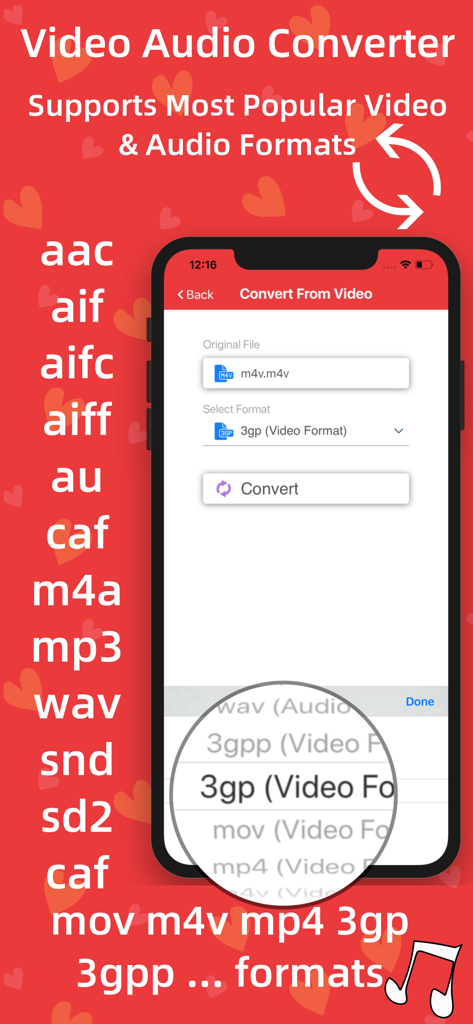
Interface of Video Audio Converter app displaying various supported video and audio formats for offline conversion on iPhone
Interface of Video Audio Converter app displaying various supported video and audio formats for offline conversion on iPhone

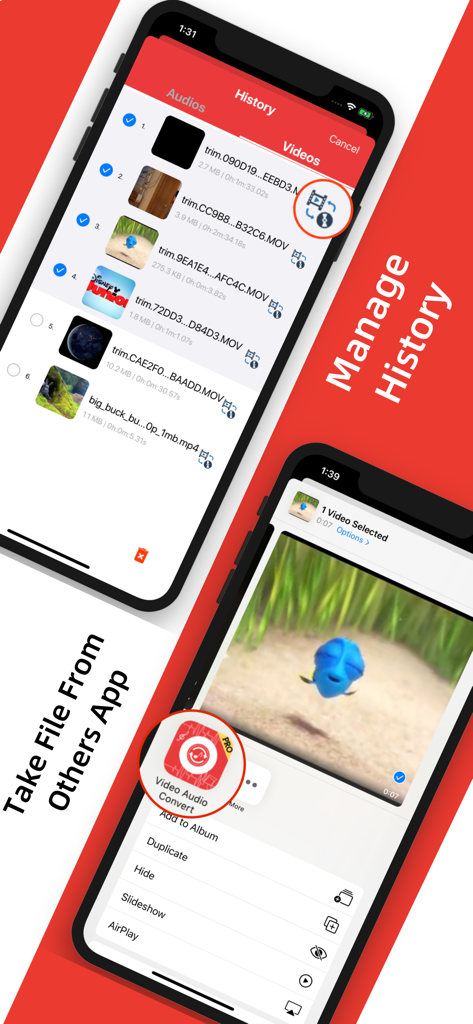
Mobile app interface of Video Audio Converter showing video history management and file importing from other apps

Mobile app interface of Video Audio Converter showing video history management and file importing from other apps

Total Control Over Your Media, Anywhere

The tools that make this app stand out, trusted by 0 users.

100% Offline Processing

Convert and play files without Wi-Fi or data. Perfect for staying productive on flights, subways, and during your daily commute.

Creator-Ready Extraction

Turn any video into high-quality audio for your TikToks, Reels, or podcasts. Supports all major formats like MP4, MOV, MP3, and WAV.

Seamless Cloud Bridge

Directly import from Google Drive, Dropbox, and iCloud. Manage all your files in one place without needing a computer.

About the app

Everything you need to know about Video Audio Converter.

Description

Video Audio Converter can convert any video or audio file in offline and this app supports any major video or audio formats. Access, import and download your MUSIC or VIDEO inside this app and listen anytime and anywhere. Play OFFLINE and No LIMITS. You don’t need any internet connection, the conversion will be done in offline. Support Google Drive, iCloud, Dropbox, Apple Music so you can easily access any files from cloud You can transfer files from your computer You can take a video or audio file from photo library or another app. You can take file from photos, by using your phone camera. Play music or video by using our media player. Play music in background. Find all the video or audio files from history and manage history files. Supported formats: Almost all video and audio formats. Video to Audio Conversion, Input Formats: mp4, m4v, mov Output Formats: aif, caf, m4a, wav Audio to Audio Conversion, Input Formats: aac, aif, aifc, aiff, au, caf, m4a, mp3, wav, snd, sd2 Output Formats: aif, caf, m4a, wav Video to Video Conversion, Input Formats: mp4, m4v, mov, 3gp, 3gpp Output Formats: mp4, m4v, mov, 3gp, 3gpp Main Features: -> Offline Video Audio Converter Don’t need any internet connection or Wi-Fi, every conversion will be done offline. -> Convert Video This app can convert any major video formats include mp4, m4v, mov, 3gp, 3gpp and many more. -> Convert Audio This app can convert any major audio formats include aac, aif, aifc, aiff, au, caf, m4a, mp3, wav, snd, sd2 and many more. -> Import Video or Audio File from Dropbox, Google Drive, iCloud and Apple Music -> Import files from PC -> Take Video or Audio File From Others App You can take any video or audio file from any app by using share option and find icon of this app to share your desired file and access quickly to convert file. -> Import Video or Audio File from Photos Album ->Create video file from Camera Roll by using this app -> Video Player (Supports HD videos) Not only conversion, It’s a media player for playing any files of appropriate formats such as mp4, m4v, mov, 3gp, 3gpp and many more. -> Audio Player Most powerful audio or music player supports almost all audio formats. Playing music in background is also supported. -> Share files anywhere and anytime -> Manageable History Convert file again & again from history and manage your history. Share files from your history. In-App purchases: - Lifetime Premium Subscriptions: - 1 Week - 1 Month What is included: - Unlimited convert videos to videos - Unlimited convert videos to audios - Unlimited convert audios to audios - Unlimited support Dropbox, Google Drive, iCloud, Music Library - Unlimited store music or video and play in offline - Unlimited share audios and videos - Unlimited use music and media player - No Ads - All new features Additional Subscription Information: - Subscription options are: 1 month, 1-week. Alternatively a lifetime payment is available. - Payment will be charged to iTunes Account at confirmation of purchase. - Your Subscription automatically renews unless auto-renew is turned off at least 24-hours before the end of the current period. - Your Account will be charged for renewal within 24-hours prior to the end of the current period with the same cost you have started your subscription. - Any unused portion of a free trial will be forfeited if you purchase a subscription. - To restore your upgrade to Video to Audio Converter on a new device, go to the Settings screen, tap the “Restore” option and your subscription or previous purchases will become active free of charge. For more information : Terms of Use - https://sites.google.com/view/appsplaces-videoaudioconverter Privacy Policy - http://appsplaces.com/policy.html Install and enjoy unlimited conversion of video audio files anytime and anywhere.

Latest Version

2.8

Size

55.9 MB

First Released

Feb 6, 2020

Convert Anything, Anywhere—No Internet Required

Extract audio, switch formats, and manage your cloud files in one powerful app. Join thousands of creators and commuters simplifying their mobile workflow today.

Download on App Store

App information, icons, screenshots, and descriptions displayed on this page are sourced from the Apple App Store and are the property of their respective developers. Download estimates and rankings are based on MWM's proprietary models and may not reflect actual figures. This page is provided for informational and analytical purposes only.

Believe this page infringes your intellectual property? File a dispute